Question

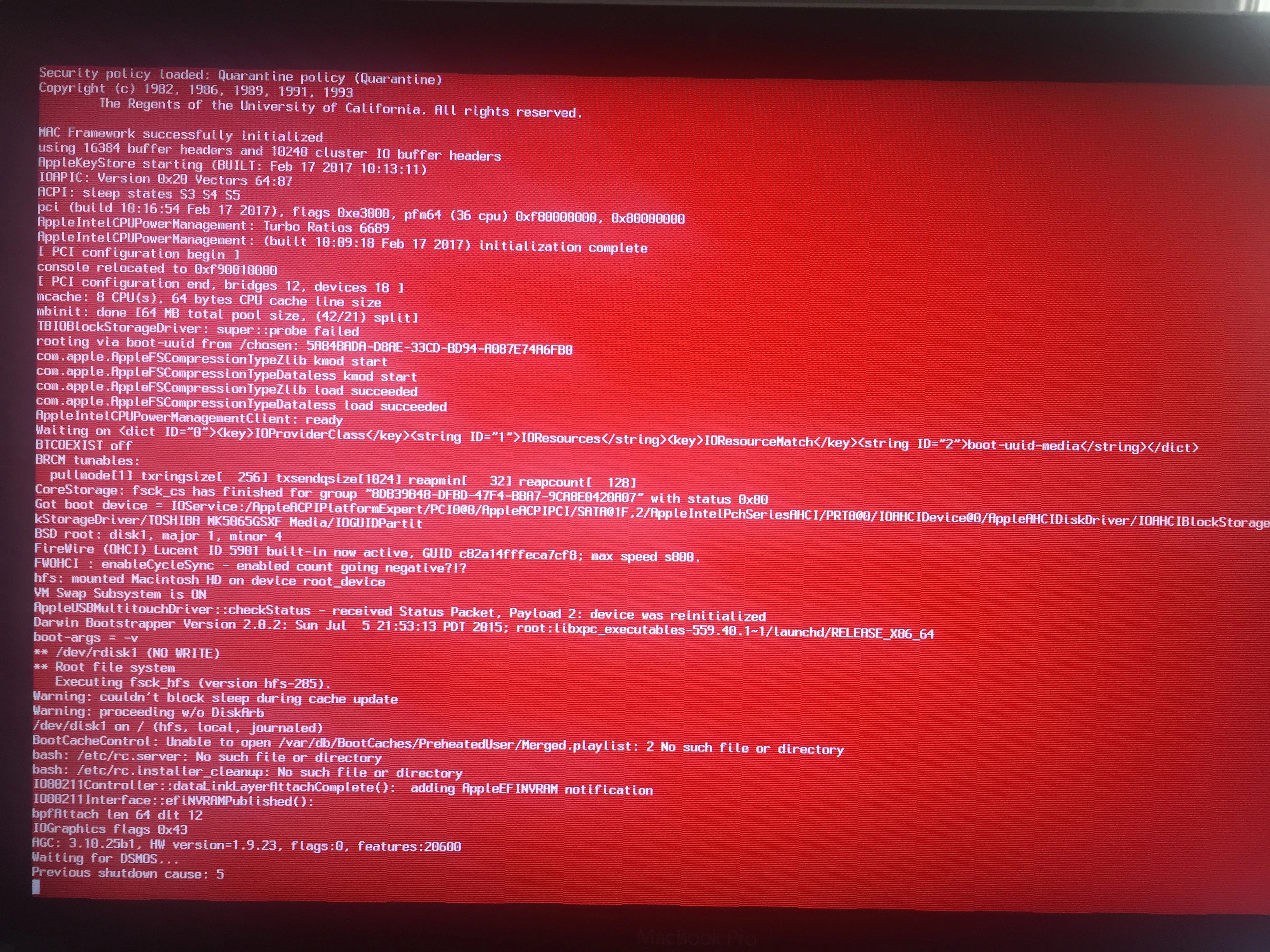
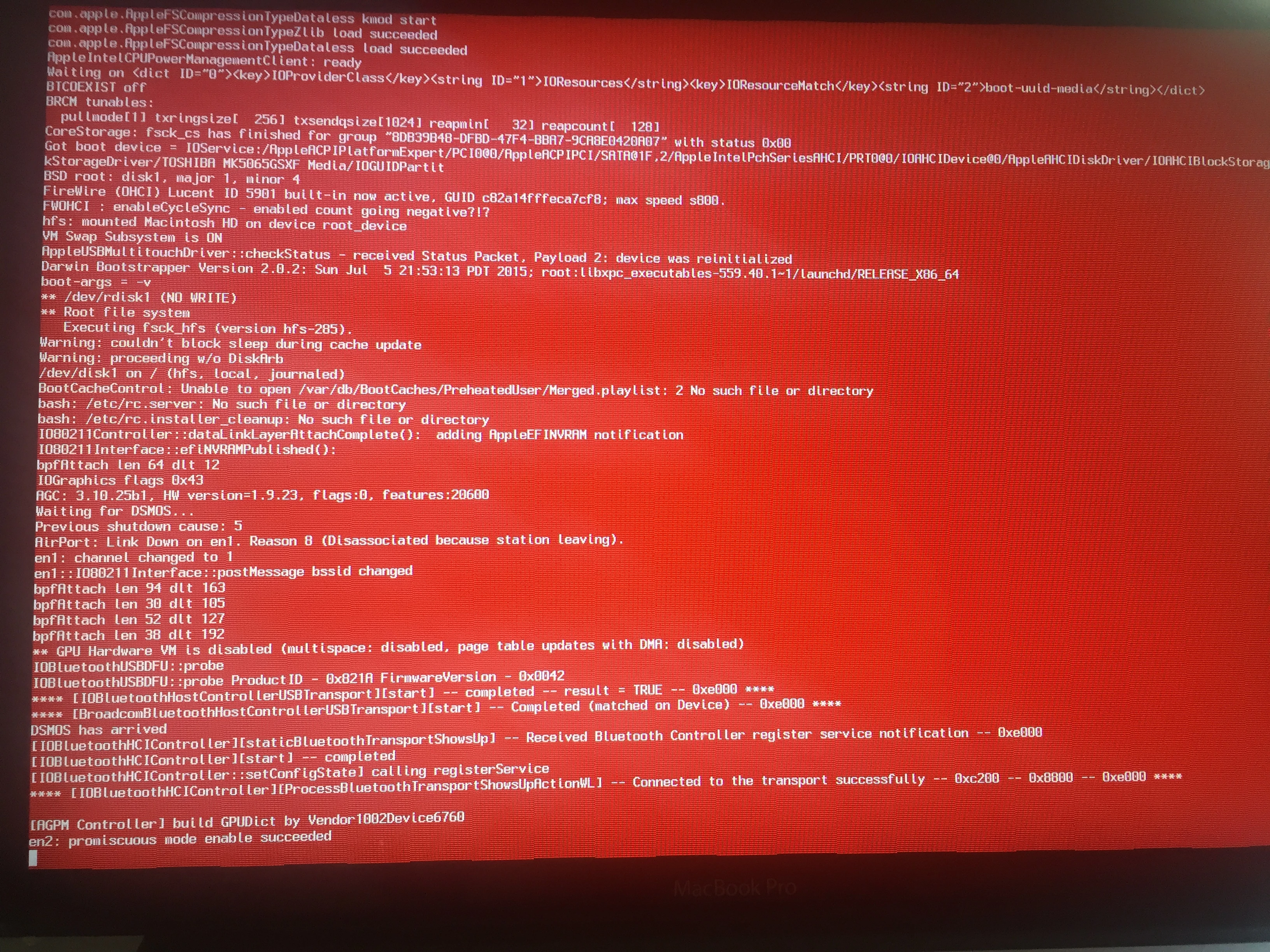
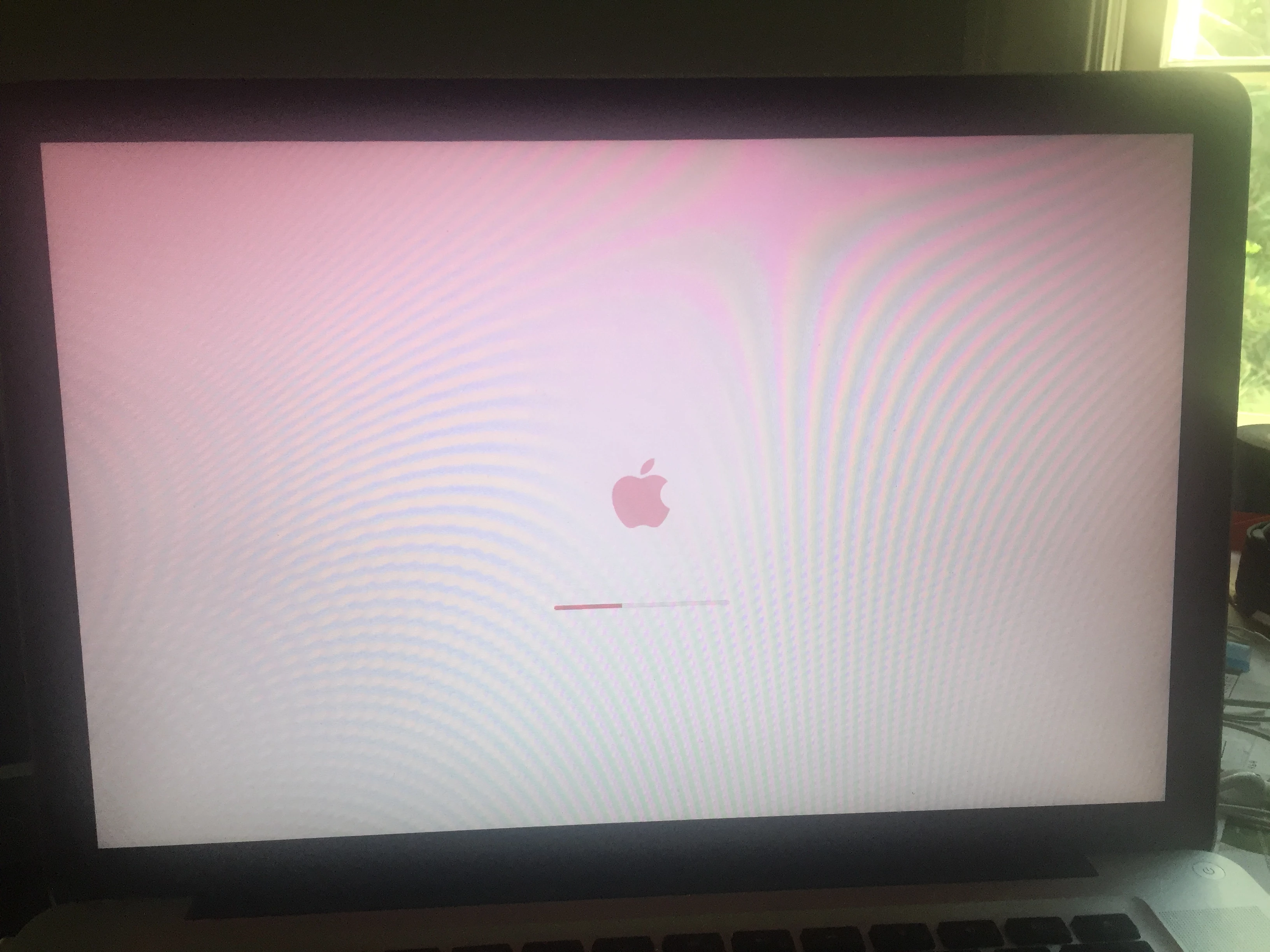
Reddish screen during that comes to a stalled status

  • May 22, 2017
  • 7 replies
  • 21 views

Forum|alt.badge.img+3

Hello,
My MacBook Pro (OS X 10.10) does not start anymore. An interesting fact is that the boot screen is reddish and after 30% of the boot process (length of the boot bar), the screen turns gray without any option to login, no mouse. In short, stalled. What may be happening? Thank you for your help.

Here below are the steps I tried:
reboot w/ CMD OPT P R keys to reset PRAM: No change
reboot w/ CMD S keys: Single user/ fsck -fy -> reports no errors mount -uw / -> mount ok, I can see the HD content
reboot w/ CMD
V keys: the boot sequence halts seen on the screen


7 replies

Forum|alt.badge.img+3
  • New Contributor
  • 4 replies
  • May 22, 2017

Does it Command+R into the recovery partition? You could try an archive + Install over top of your data, see if that fixes it? Reddish tint, dunno there. Try reseating the display cable? You tried SMC and PRAM, that's what I would have tried.


Forum|alt.badge.img+3
  • Author
  • New Contributor
  • 3 replies
  • May 22, 2017

Thank you, Oh-em-gee, for your note.
How may I archive my data considering my computer won't boot? Is there a command I can run from single user shell level (thus after running fsck and mount /?
When you suggest "install over top", do you mean re-installing the OS?
Thank you.


Forum|alt.badge.img+5
  • Contributor
  • 88 replies
  • May 23, 2017

Taking into account this is your very first post here--not to be rude, but this is a forum for Jamf, not a general tech support site.


Forum|alt.badge.img+13
  • Valued Contributor
  • 391 replies
  • May 23, 2017

Just to assist, Target boot and connect to another mac. Copy off your data, then Re-Image


Forum|alt.badge.img+3
  • Author
  • New Contributor
  • 3 replies
  • May 23, 2017

Thank you, Kerouak, for the hint. I will try.


Forum|alt.badge.img+3
  • Author
  • New Contributor
  • 3 replies
  • May 23, 2017

Hi Seann, sorry for the confusion.
Which site would you suggest to post that question?
Thank you for your response.


Forum|alt.badge.img+7
  • Contributor
  • 35 replies
  • May 23, 2017

I understood it was fine to post here, it is up to people to decide if they replay and suggest anything.

I would suggest that the reddish hue is the operating system nearing the point of the logon screen processes kicking. That in itself would suggest that the hardware is ok, although the efi updates could be out of date for the OS it is loading....

Image it off in target disk mode to get back whatever data that you can, then do an internet restore would be your best bet probably, unless you have hours to spend on the project.