Question

Setting up AUSST on Mac OS X Server

  • March 22, 2016
  • 3 replies
  • 25 views

Forum|alt.badge.img+12

I am setting up a single instance of Adobe AUS on a Mac Mini Server running OS X Server 10.9.5 and am having an issue with the Web services configuration.
1. On the Mac server, downloaded the AUSST set up tool
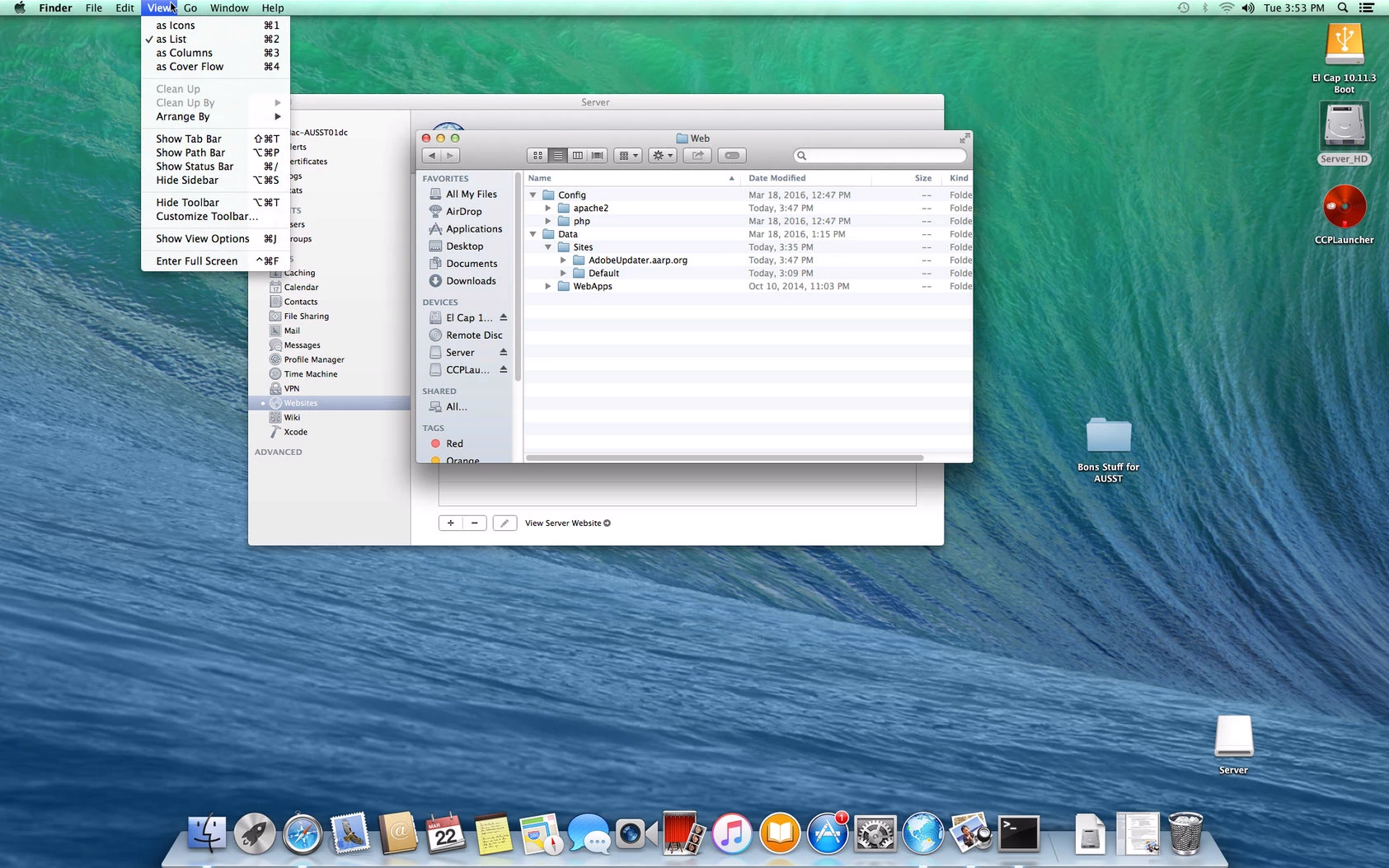
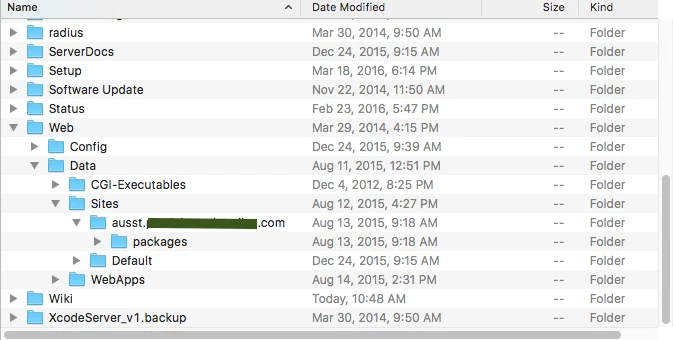
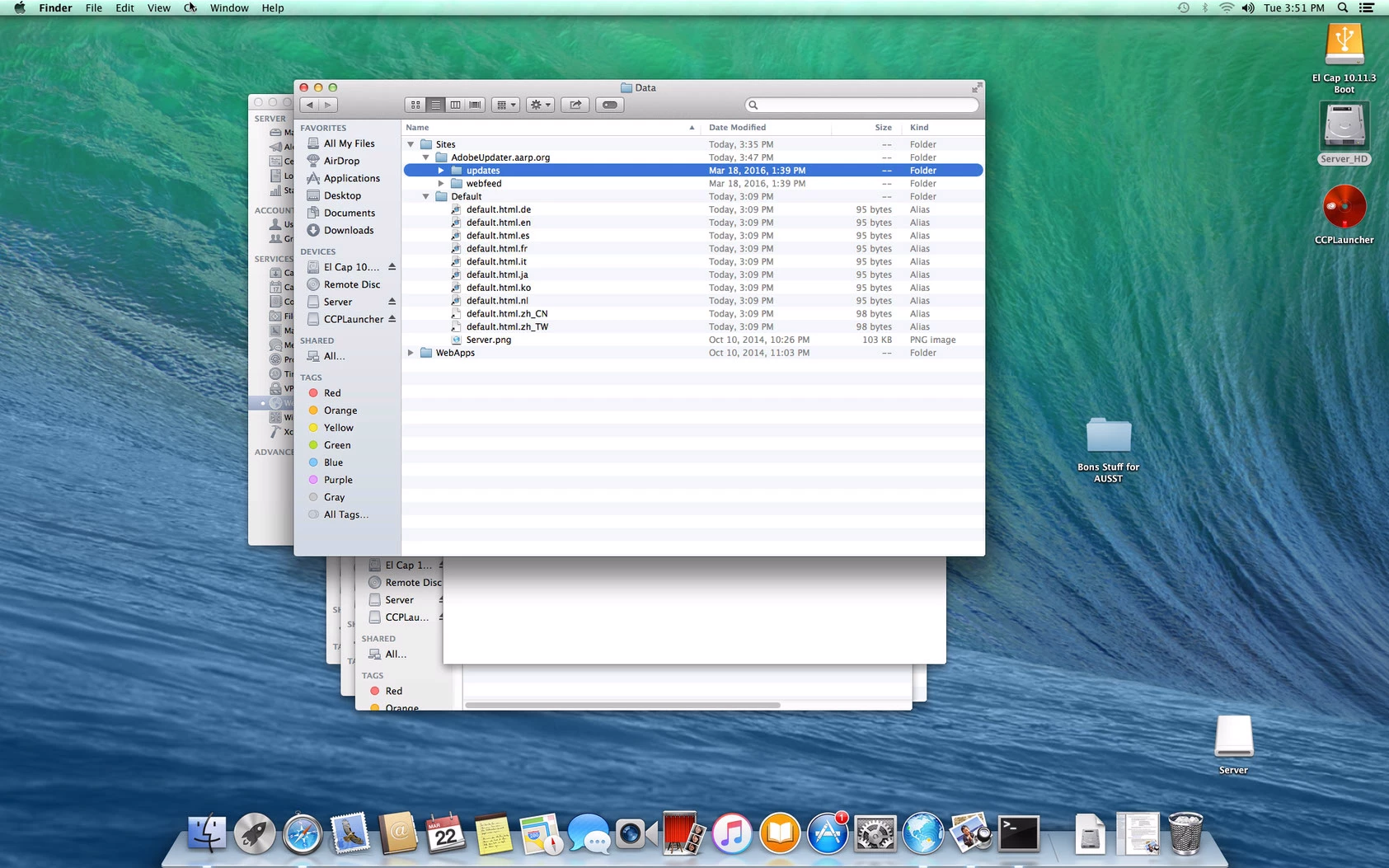
2. Navigated to Server/Web/Data/Sites and created folder AdobeUpdater.aarp.org
3. Ran the Adobe set up tool and used the above path for location of the fresh root
4. The correct folder structure was created and all proper Adobe updates were downloaded to the corresponding Mac and Win folders
5. Backtracked to configure Web Services using OS X Server utility
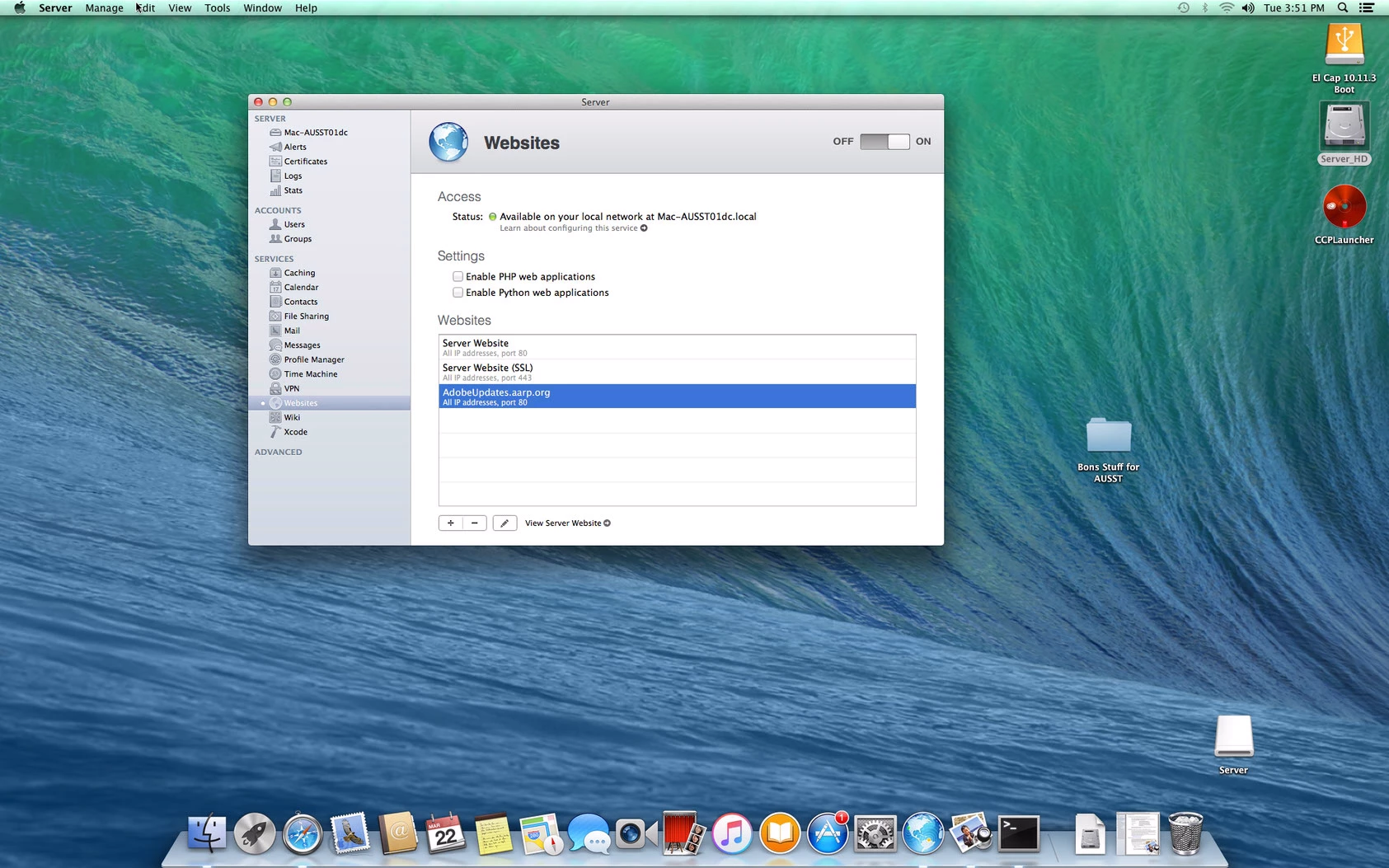
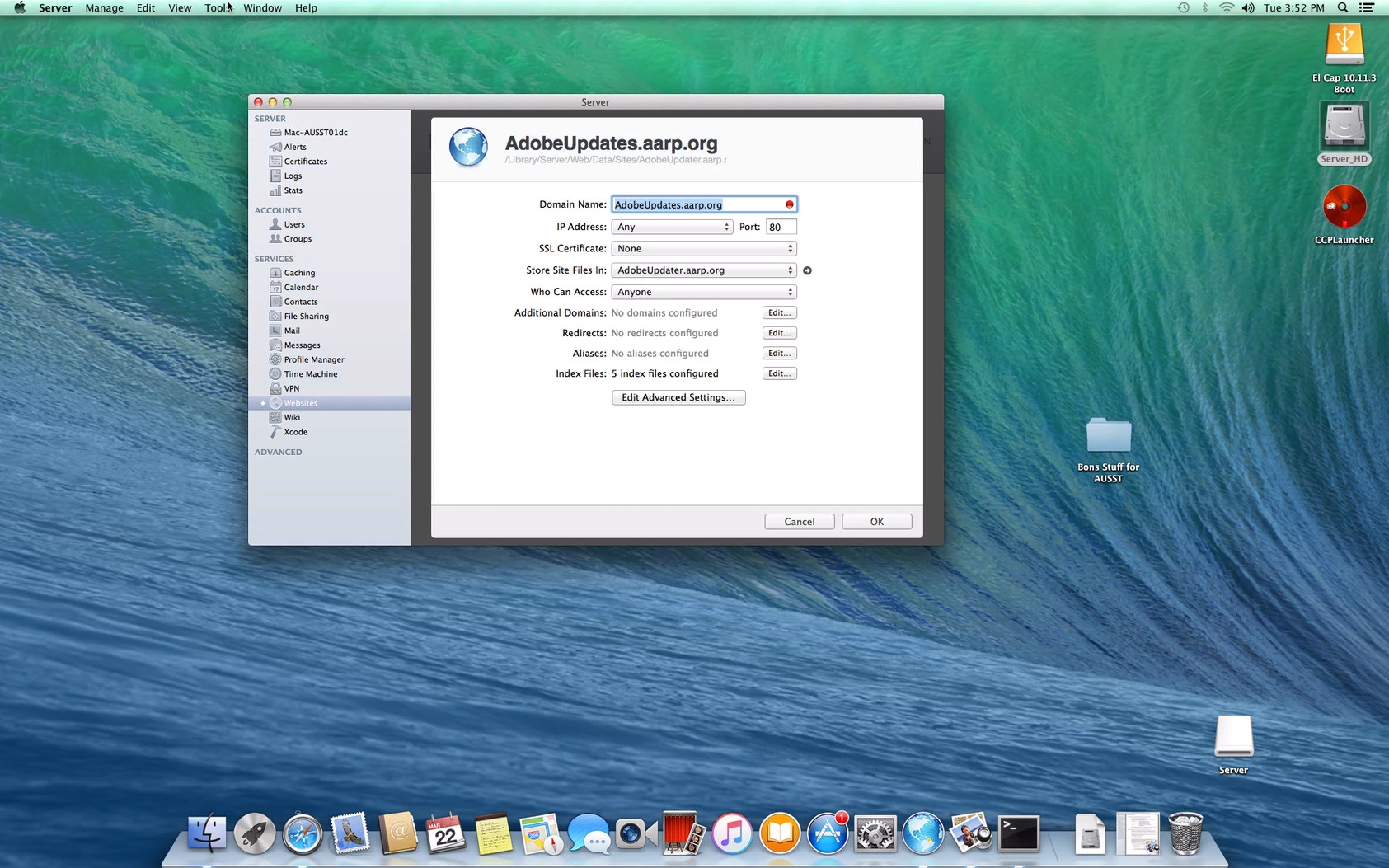
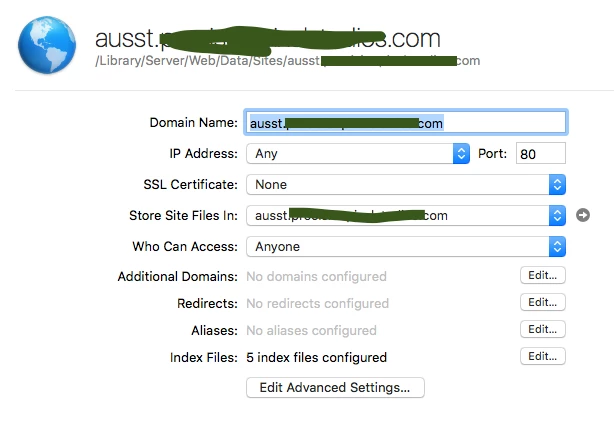
6. Added custom site on port 80, and pointed to my AUSST folder that I created in step 2
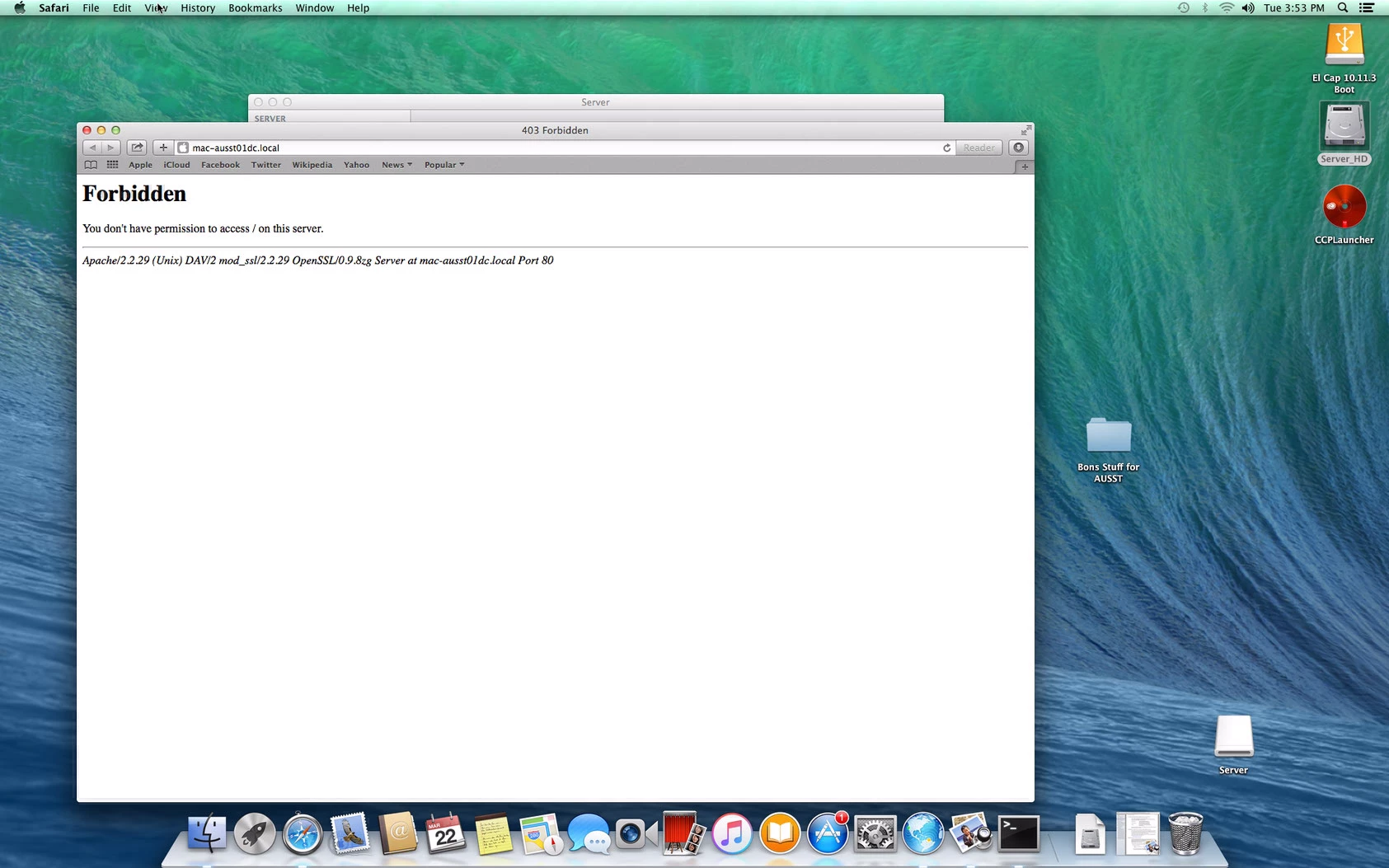
7. When i click on view this website, i get the Forbidden

I know I must be missing a basic principle here.


3 replies

Forum|alt.badge.img+15
  • Contributor
  • 589 replies
  • March 22, 2016

The web server process needs read (and execute for directories) permission to the hierarchy. Sounds like it may not have it.

I like to test a web setup by creating a ToddIsCool.html file that is world readable in the root of the webserver. Then if I can view that file via the webserver, I know it is setup right; any further issues are the result of permissions of my files.

One other unrelated tip. When taking a screenshot, press Command-Shift-4 to get the crosshairs. The tap the spacebar to get a camera icon. Then you can click on whatever window you want a shot of instead of your whole desktop. Good for clean documentation.


stevewood
Forum|alt.badge.img+35
  • Hall of Fame
  • 1799 replies
  • March 22, 2016

@brussell click on the Advanced Settings button in Server.app and make sure you have "Allow Folder Listing". That will allow you to see the folder structure. And you can do as @thoule suggested and drop a dummy html file in the directory just to make sure it works.


gskibum
Forum|alt.badge.img+13
  • Valued Contributor
  • 288 replies
  • March 23, 2016

Here's what mine looks like:

Sorry about the Helter Skelter redacts.