About the macOS High Sierra 10.13.4 Update (build 17E199)
Prepare your institution for macOS High Sierra 10.13.4
(Check out the new startosinstall flag --eraseinstall on 10.13.4 (requires APFS). Combined with --installpackage and/or --agreetolicense, this can be a really powerful combination for automating deployments or redeployments. You can now also use multiple --installpackage flags on the same command to install multiple packages after the OS install).
Use an external graphics processor with your Mac
Detecting user approved MDM using the profiles command line tool on macOS 10.13.4
New automated restart option added to macOS 10.13.4's softwareupdate command line tool
--
The three critical takeaways for everyone, are:
1) If you are not already enrolled in an MDM, trying to enroll a Mac in an MDM after 10.13.4 is deployed will require the user to approve the installation of the MDM profile with a physical mouse click (no VNC or screen sharing!), unless you are using DEP*. Macs enrolled in an MDM, then upgraded to 10.13.4 or later have the MDM profile automatically approved. This is UAMDM (User Approved MDM). Apple KB article on UAMDM
2) If you have a High Sierra Mac enrolled in an MDM prior to 10.13.4, you did not have to worry about UAKEL (User Approved Kernel Exension Loading) as you received an automatic bypass of this new feature, where High Sierra would prompt (once) for the user to "approve" non-Apple kernel extensions. Well, that auto bypass no longer exists in 10.13.4., You need to create a config profile whitelisting the Team IDs and perhaps the bundle IDs of any non-Apple kernel extensions that you wish to load (i.e. for security and A/V suites). For example, Jamf added this functionality in Jamf Pro 10.2.2, but you can also hand-craft and sign a profile and deploy it with any MDM (must be deployed via MDM, cannot be manually installed).
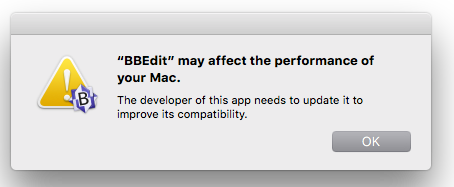
3) End users will also be notified (once per app, on the first launch of that app) if they open/use a 32-bit app, since it's assumed that macOS 10.14, like iOS 11, will not allow 32-bit apps to run. You can suppress this warning with a config profile as well.
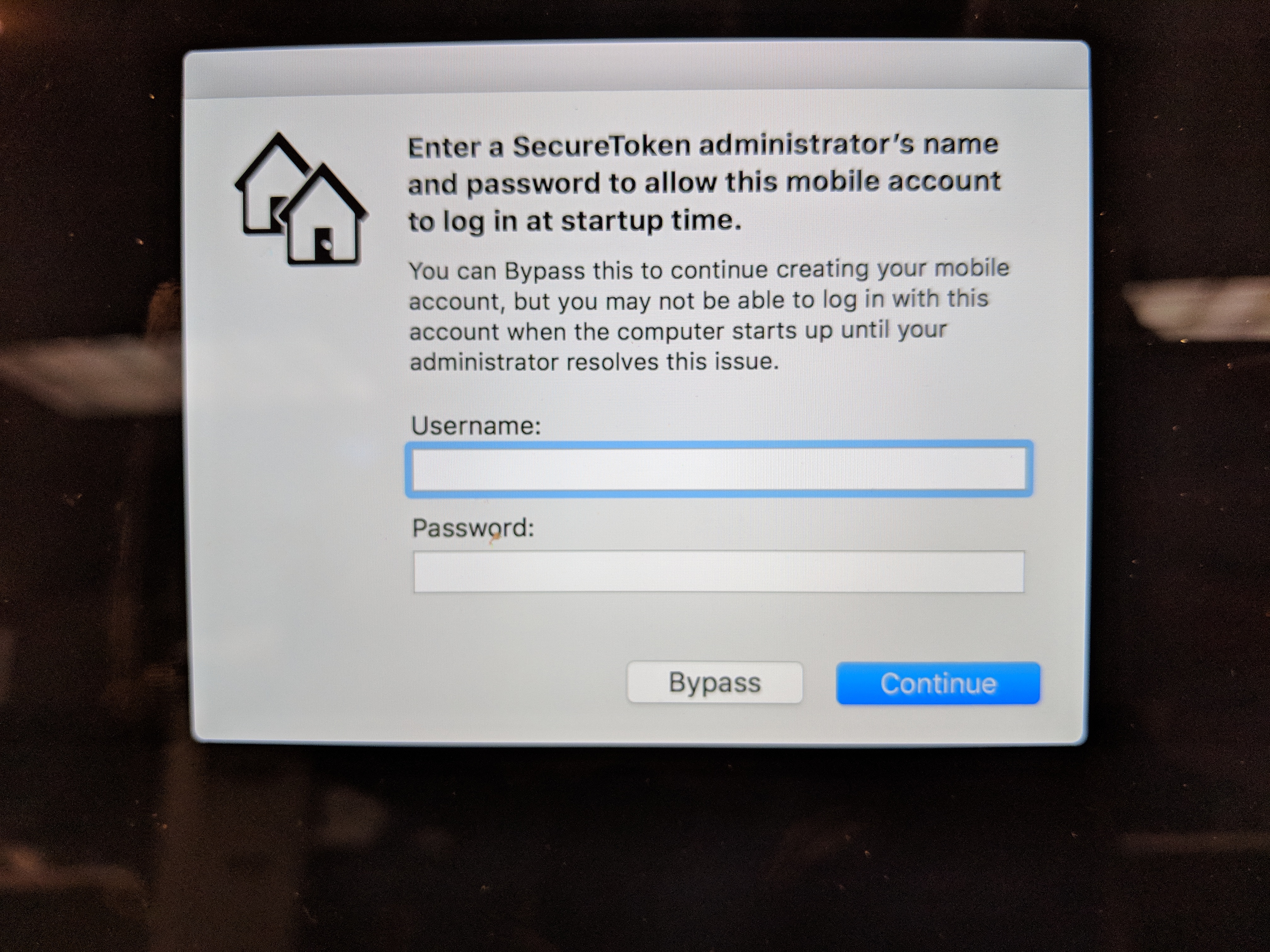
Please make sure you read and understand the above three issues before you upgrade any Macs you manage to 10.13.4. You will also want to test if an issue, discovered in the betas, where the first time a new mobile account logged into a Mac, there was a prompt for admin credentials to add a SecureToken to the mobile account (whether encryption was enabled or not) is still present in the GM release of 10.13.4. Your users can cancel out of this dialog, but many admins find this a poor user experience.
For more on SecureToken and FileVault, see: this link
macOS High Sierra 10.13.4 is also no longer "forked" for mainstream Macs and iMac Pro; one version now for all currently-shipping Macs.
*Jeremy Baker figured out a way to remotely approve UAMDM, although I don't know if this still works with 10.13.4 GM: JerBecause