
As a QWERTY user one thing that has been bothering for a long time when deploying a Mac via ADE is the following:
On a macOS device with a QWERTY keyboard I start the macOS Setup Assistant:
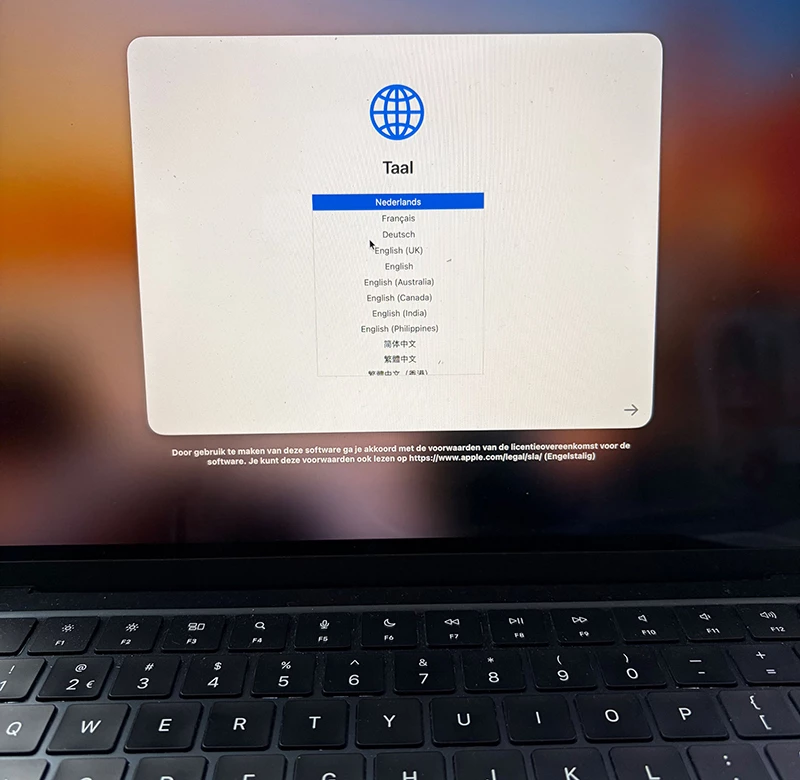
- I choose ‘Nederlands’ as the language
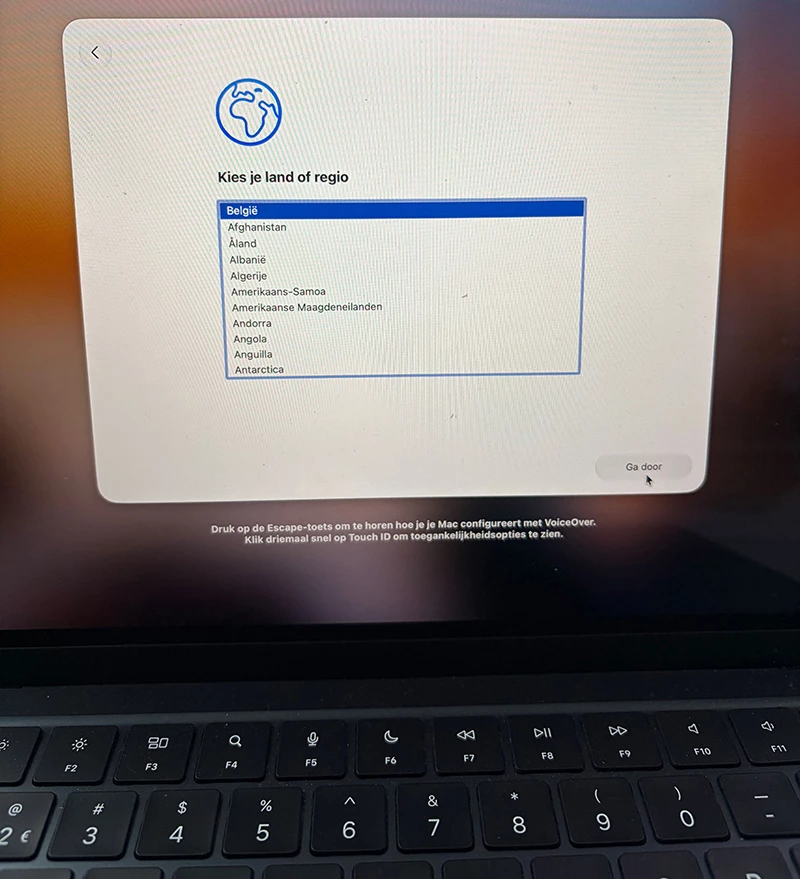
- I choose ‘België’ as the country
-
Ok, keyboard layout seems fine…
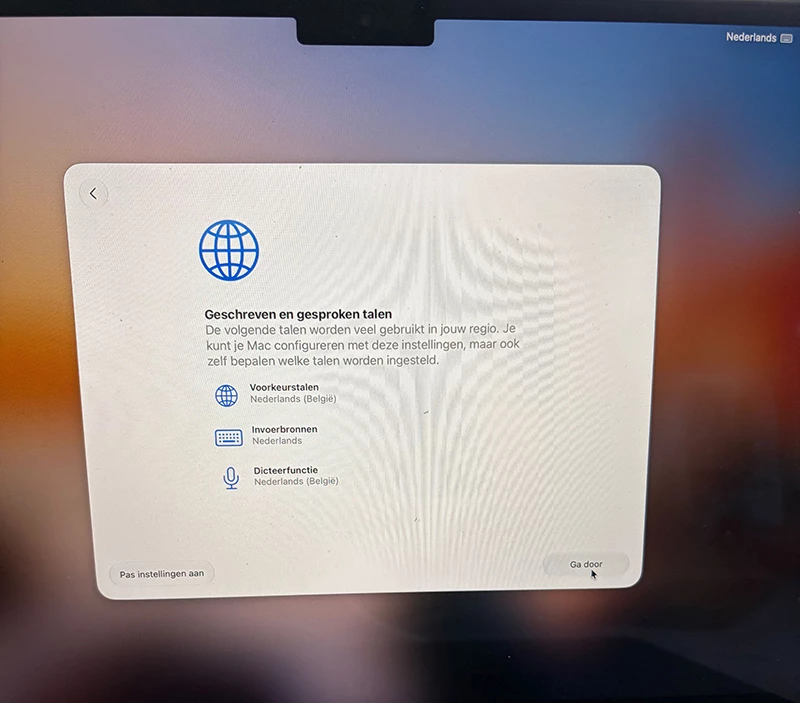
Fast forwarding to the Jamf Connect Login window:
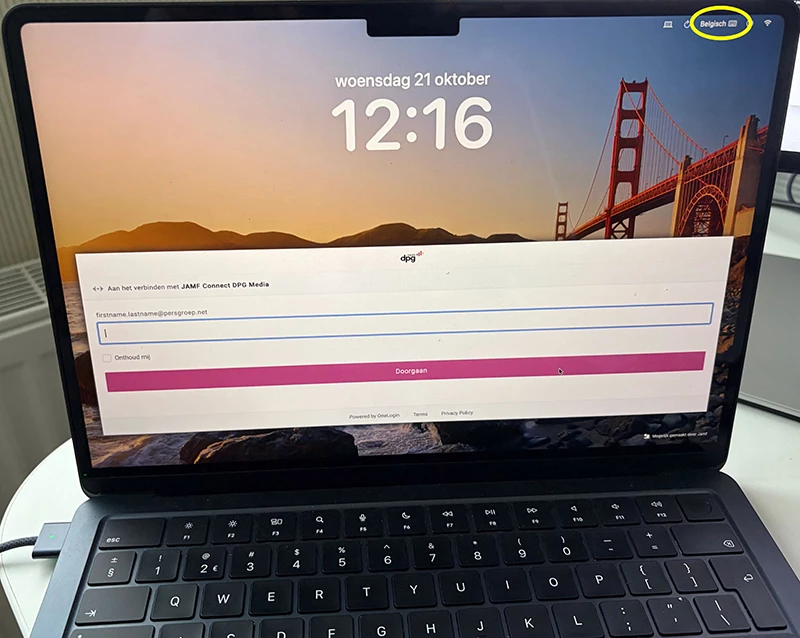
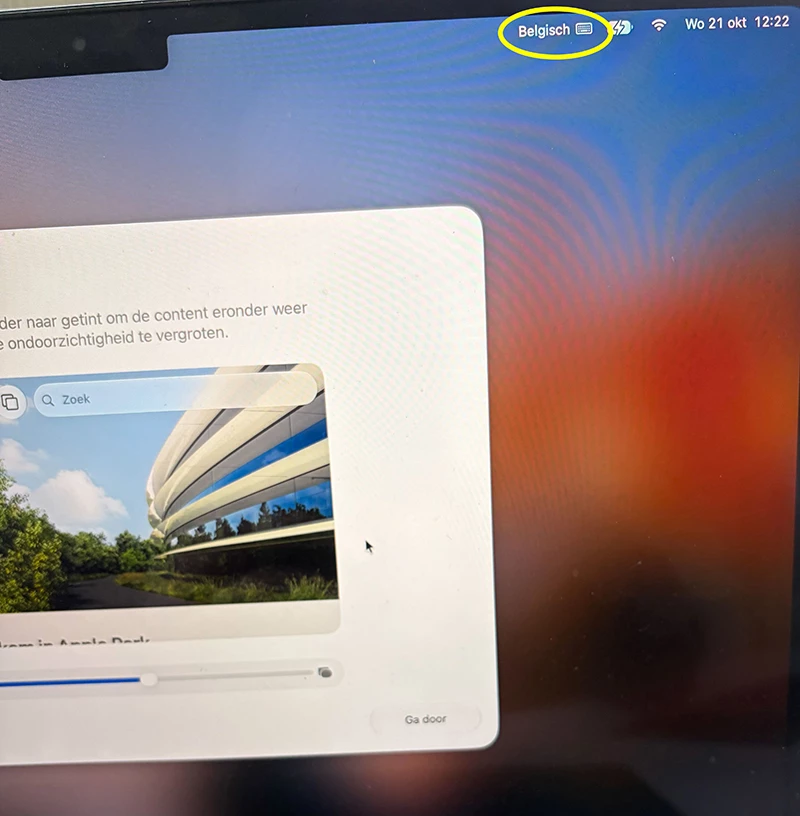
WTF? Belgian keyboard layout again? Ok, I change it to ‘Nederlands’ again. Sure this will be fine now.
After authenticating… Aaarrgh, again on Belgian keyboard layout 😠
Did you guys came across this issue? And how do you handle this?