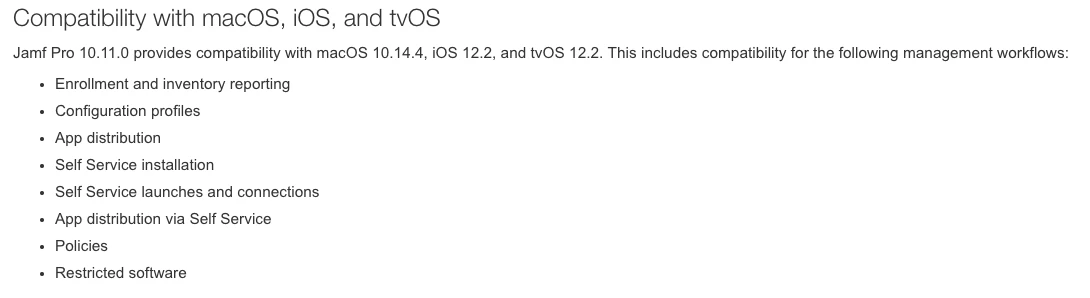
From trying run an inventory scan from Jamf Remote (10.9) to a macOS 10.14.4, we receive this error in the jamf.log
Failed to symlink JAMF The file “jamf” couldn’t be saved in the folder “bin”.
Failed to symlink JAMFAgent The file “jamfAgent” couldn’t be saved in the folder “bin”.
The computer enrolled ok, but doing an inventory scan from Jamf Remote version 10.9 we had the error above reported.