I'm reaching out to the community here because EFI has been completely unhelpful here. Although we are dealing with Canon printers, the issue isn't Canon in this case. Our Canon rep has been more than helpful in trying to get answers from EFI, but ultimately EFI isn't offering much up in terms of a solution which to me is absolutely insane considering their customers are in the enterprise.
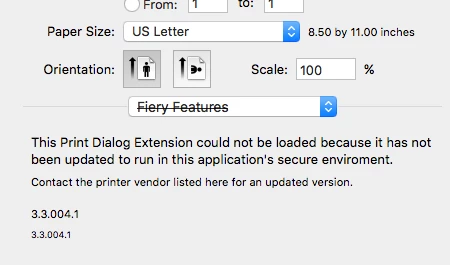
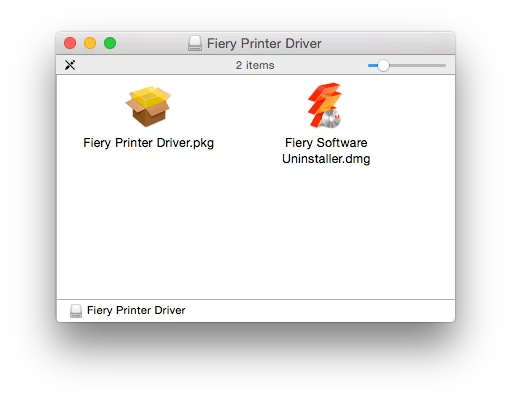
The new Fiery drivers for OS X 10.11 El Capitan state that older Fiery drivers need to be uninstalled before installing the new drivers otherwise there will be some problems which are documented in their release notes. The uninstaller is of course a part of the driver download, but it's all GUI. Release notes: http://help.efi.com/fierydrivermac/Mac_OSX_10-11_Printer_Driver_Release_Notes.pdf
Has anyone figured out a way to use their uninstaller to uninstall Fiery drivers through the command line silently? Obviously manually uninstalling software does not scale. I've thought of doing a before and after snapshot to see what is installed by drivers, but that certainly won't include any logic built into their uninstaller.
I've also made a thread about it here: http://fieryforums.efi.com/showthread.php/5583-Is-there-a-command-line-option-to-uninstall-Fiery-drivers-for-OS-X
P.S. I just need to add that I really really hate EFI. What a horrible company to deal with. Absolutely atrocious support.