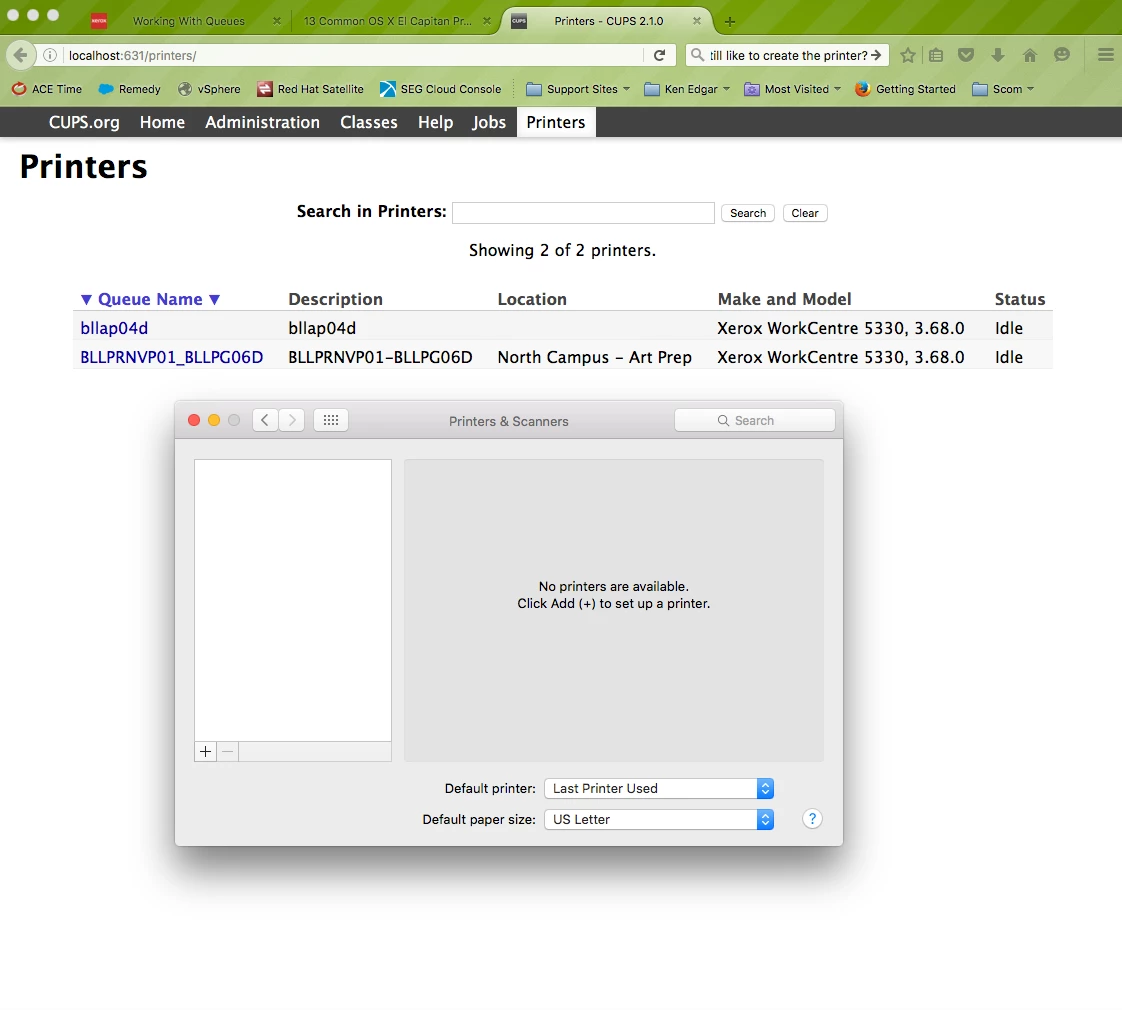
Has anyone seen this before? Trying to deploy printers for El Capitan, and even adding printers manually, they do not show up after added. I can see printers via the CUPS admin page though.

 +12
+12Has anyone seen this before? Trying to deploy printers for El Capitan, and even adding printers manually, they do not show up after added. I can see printers via the CUPS admin page though.
Best answer by millersc
Do you have a printer profile? If so, your seeing this defect:
[D-004197] Printers mapped using an OS X configuration profile are not displayed in “Print and Scan” in System Preferences unless the Allow printers that connect directly to user’s computer checkbox is selected in the configuration profile.
Enter your E-mail address. We'll send you an e-mail with instructions to reset your password.
