Question

10.13.4 Data and Privacy Prompt

  • April 6, 2018
  • 5 replies
  • 18 views

Forum|alt.badge.img+7

Hi All,

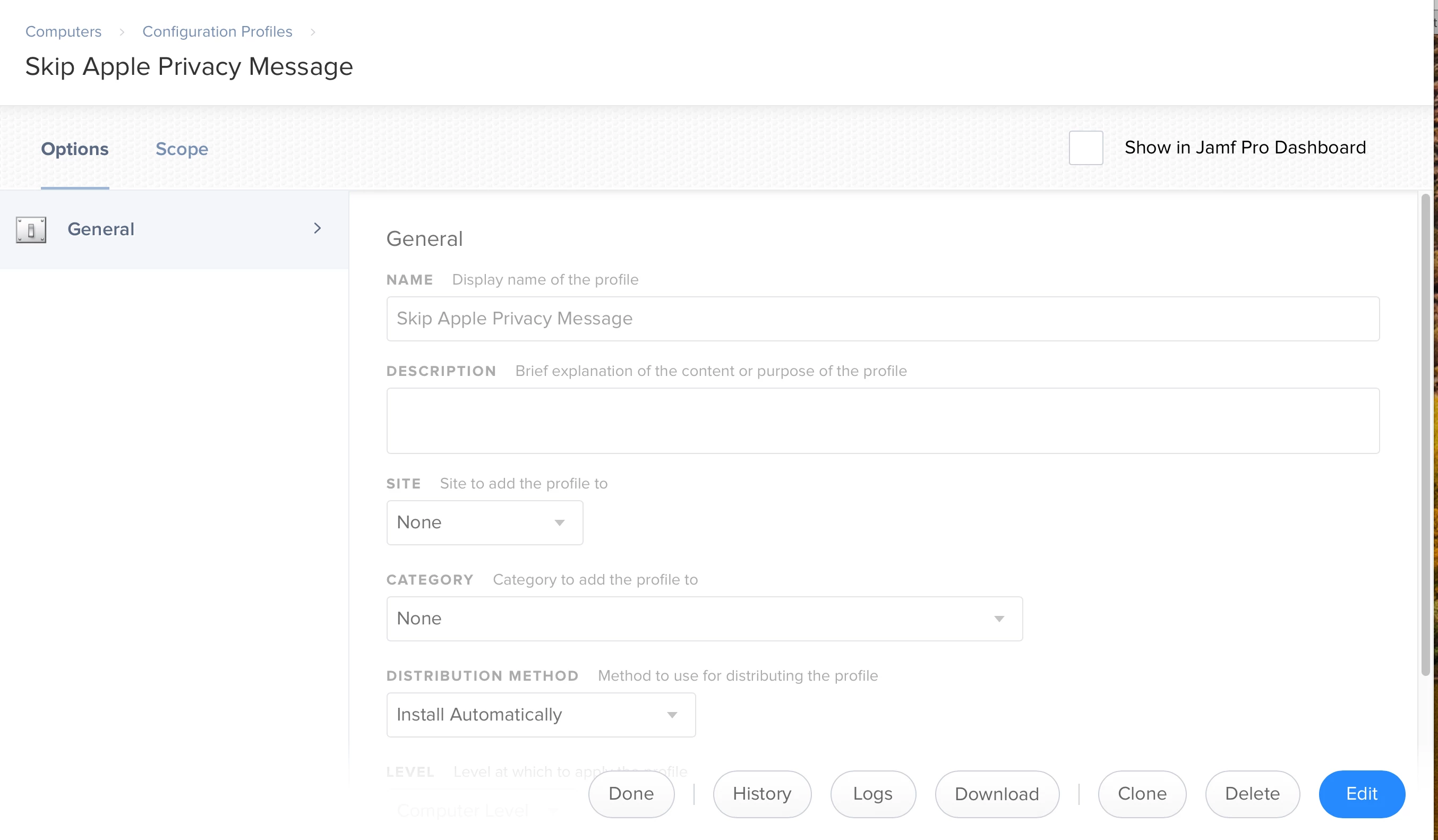
Has anyone figured out where the plist is that controls if the Data & Privacy prompt comes up for a new user? It appears everything has moved out of com.apple.SetupAssistant.plist

I'm hoping that when the patch for JSS 10.3 drops, so I can install it, there might just be an option in some profile... but I'm not holding my breath!

Its the last step, then I'm down to 3-4 clicks for DEP "enrollment" for a Computer Lab. Would be happy to share the whole process, once it is working, if people were interested.

@hayden.charter - I'd missed the kcpassword file hiding in /etc/somewhereican'tremember for the autologin... AutoLogin does still work in 10.13.4. Meltdown averted! (Thanks for putting up with my Email whinges!)

5 replies

RobertHammen
Forum|alt.badge.img+28
  • Esteemed Contributor
  • 1027 replies
  • April 6, 2018

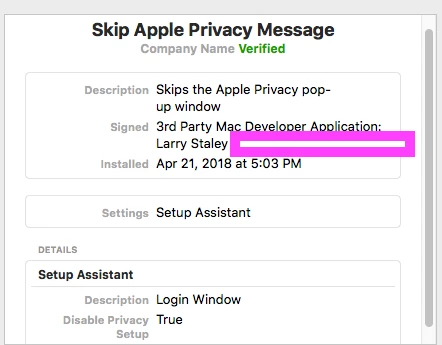
As usual, DerFlounder has the answer, and a config profile...


bpavlov
Forum|alt.badge.img+18
  • Esteemed Contributor
  • 1206 replies
  • April 6, 2018

ImAMacGuy
Forum|alt.badge.img+23
  • Esteemed Contributor
  • 1310 replies
  • April 16, 2018

@RobertHammen @rtrouton I tried DerFlounder's mobileconfig but it uploads to an empty payload and doesn't suppress.


Forum|alt.badge.img+13
  • Honored Contributor
  • 550 replies
  • April 22, 2018

@jwojda Did you download the config or roll your own? ( I used to "save link as.." but that malformed the file, now I copy paste into textmate and sign) however for this test I used Munki and the profile seems to install and work, hth


sdiver
Forum|alt.badge.img+12
  • Contributor
  • 12 replies
  • June 7, 2018

FWIW...running Jamf Pro 10.4.1, and with a macOS High Sierra 10.13.5 client...you can create a Configuration Profile in Jamf, and go into the Login Window Payload > Options, then select the following options...

  • Disable Apple ID setup during login
  • Disable Siri setup during login

...that appears to disable the Data & Privacy prompt. Not sure why...but it does.