Thanks to your reminder, I download the macOS Mojave 10.14.4 combo update from https://support.apple.com/kb/DL1996?locale=en_AU
I am trying this combo update on a test Macbook Pro 2018 running macOS Mojave 10.14.3. I am doing this locally, not via JAMF Pro or Self Service yet. This Macbook is indeed enrolled onto JAMF Pro v10.8, so it has our usual security controls.
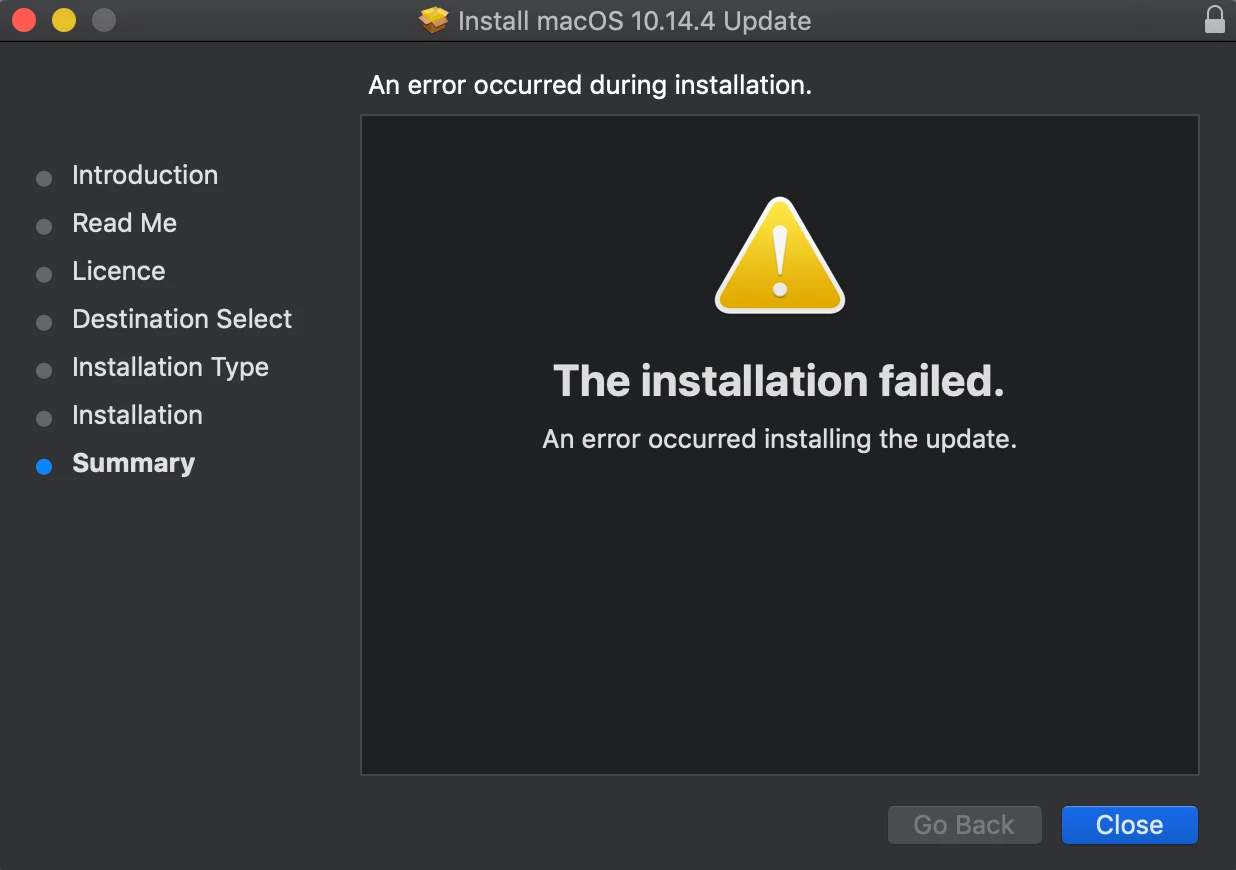
When installing locally, I get the following error: " The installation failed An error occurred installing the update "
I knew I had to try it locally first, because I had the same experience when upgrading from 10.14.2 to 10.14.3. Such as this discussion https://www.jamf.com/jamf-nation/discussions/30793/10-14-3-deployment-issue-anybody
Anyone else have problems with 10.14.4 upgrade?
Update: False alarm. Rebooted the Macbook and tried again. This time the upgrade works.



 +36
+36