I am having an issue with our laptops that need to login to AD profiles.
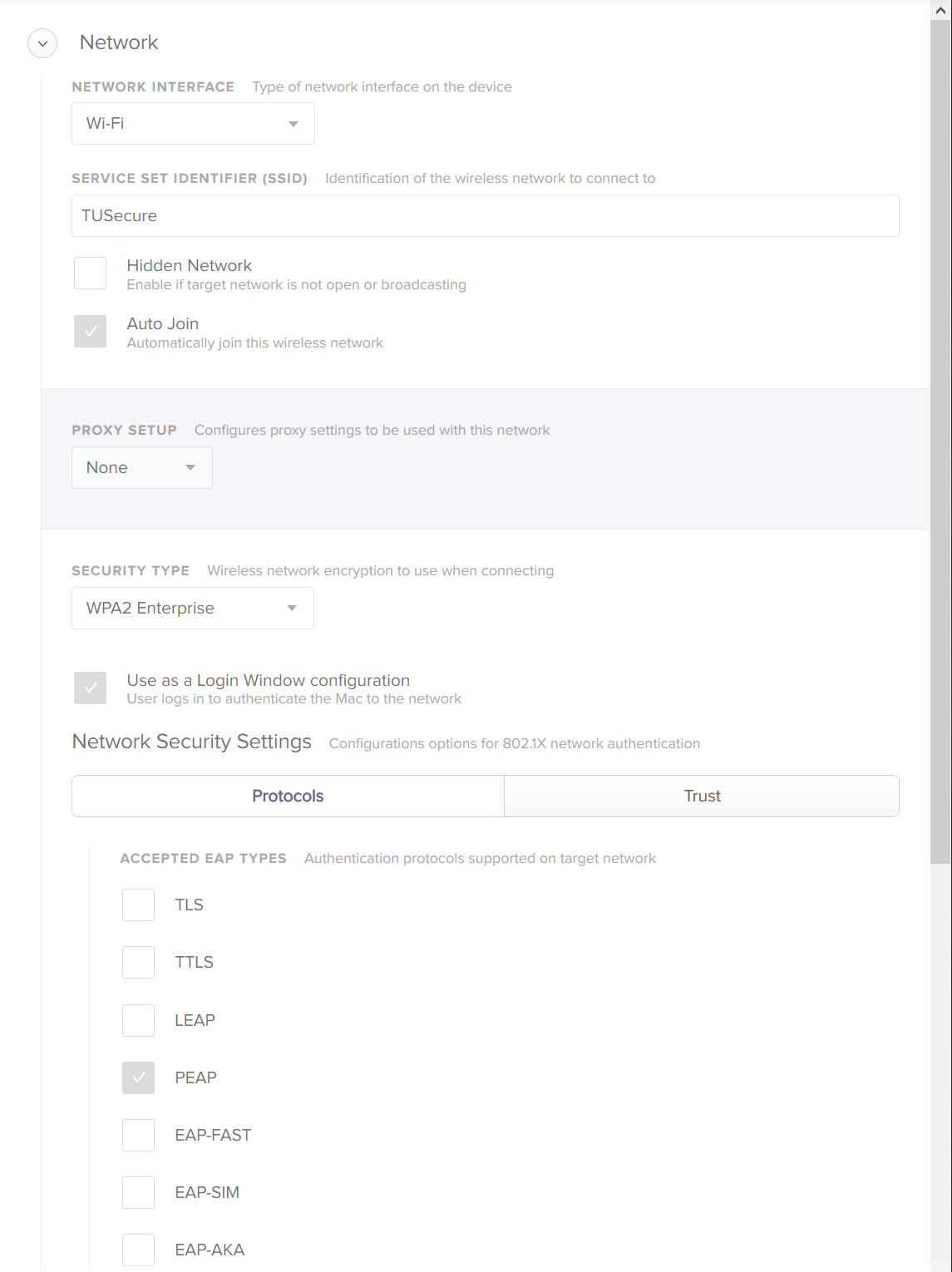
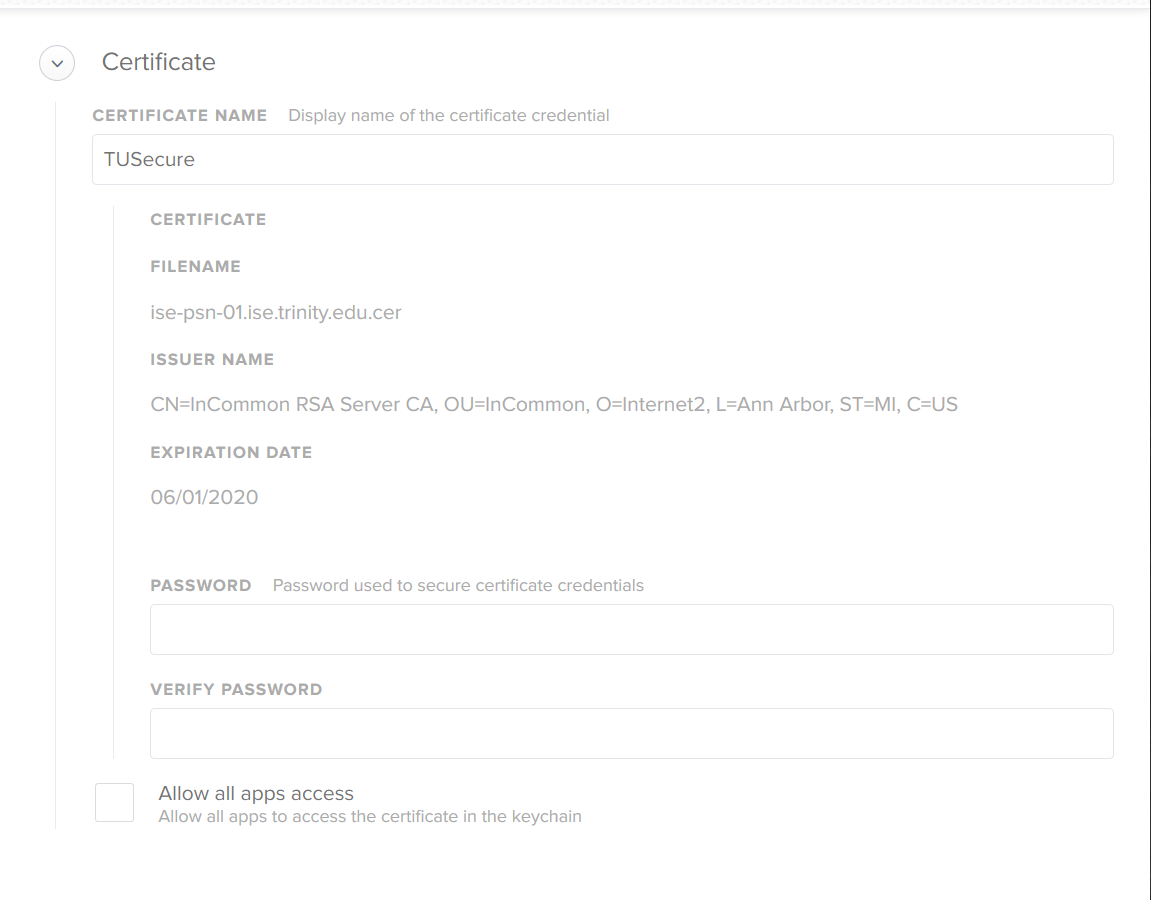
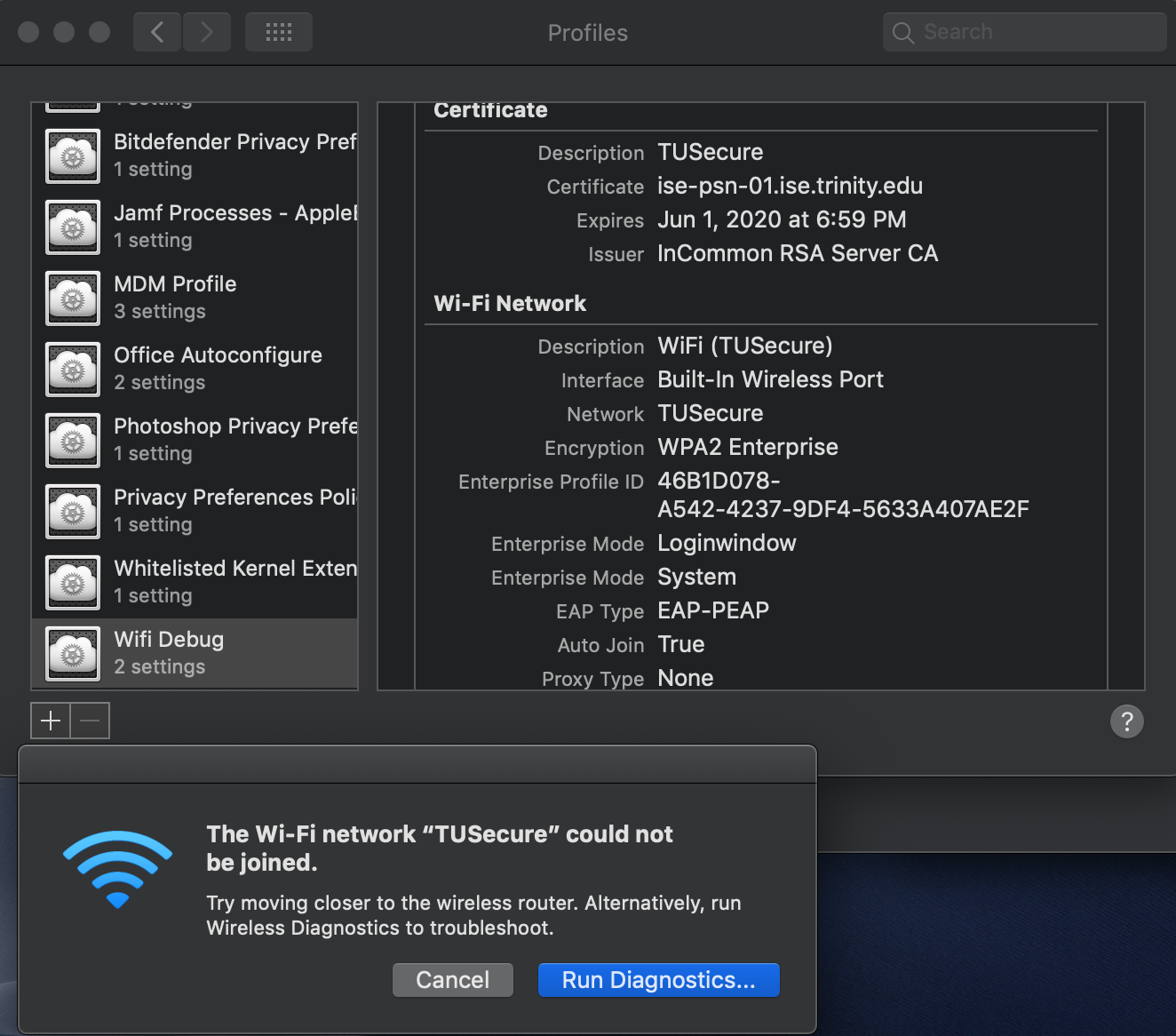
Before our network update, I had a Configuration Profile with the Network settings and the Certificate for the 802.1x network.
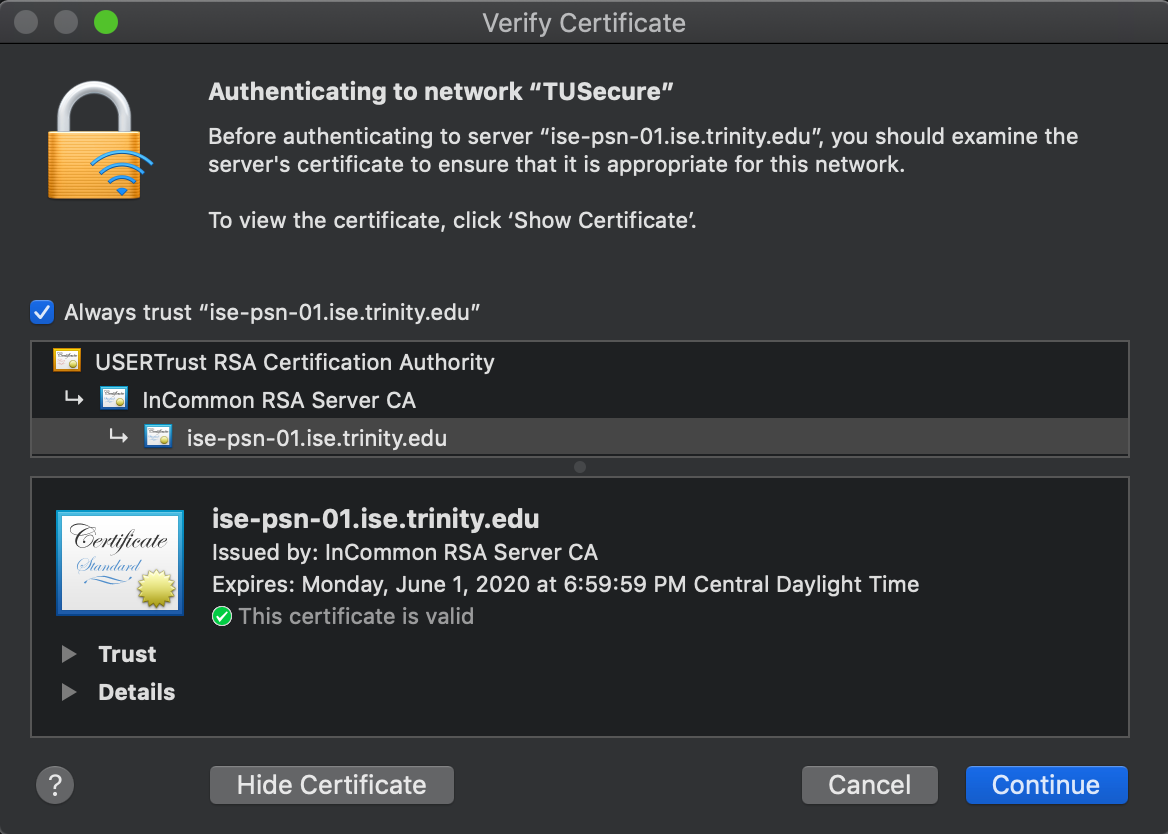
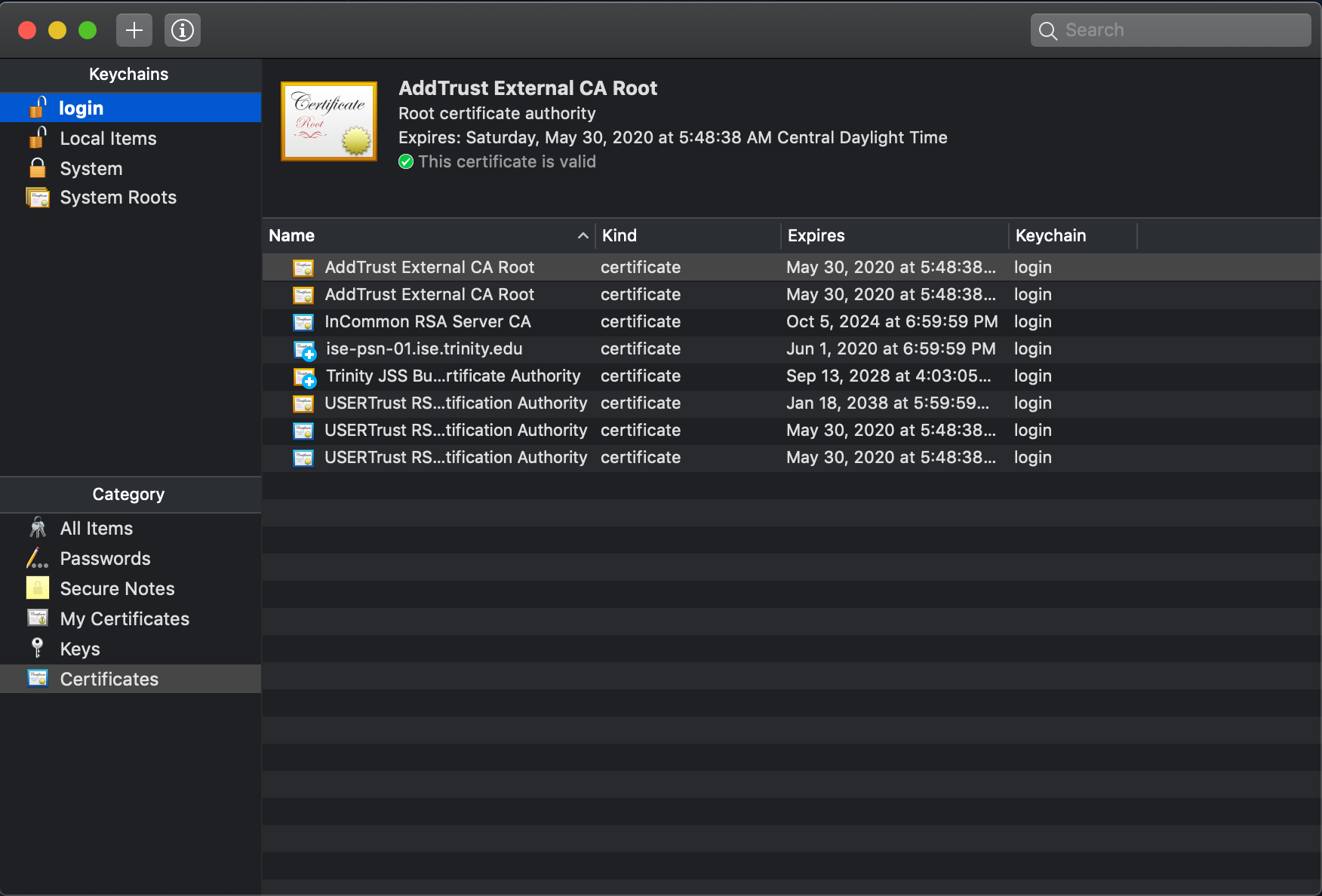
Since the renewal, our issuer has changed and AD logins no longer work. I thought it would be as simple as putting the new cert in the configuration profile and be done with it. Sadly that wasn't the case, and I believe it is because the certificate roots are from a different CA. That CA is also not included in the System Keychain by default (not sure if this is relevant?)
I have tried deleting the old certificates relating to our expired 802.1x cert and the CA certs as well as pushing all the new certs in a configuration profile. No dice.
It seems that when I get AD logins working, 802.1x WiFi doesn't, and when I get 802.1x WiFi working, AD logins don't.
If anyone has experienced a similar issue or can point me the right way, that would be appreciated.