Solved

9.65 drops...say bye bye to D-008217 :D:D:D:D:D:D:D:D:D

  • February 20, 2015
  • 18 replies
  • 39 views

donmontalvo
Forum|alt.badge.img+36

[D-008217] Fixed an issue that prevented Casper Imaging from creating multiple partitions when imaging a drive that has core storage enabled.

http://resources.jamfsoftware.com/documents/products/documentation/Casper-Suite-9.65-Release-Notes.pdf

Best answer by bentoms

Finally tested & noted https://macmule.com/2015/01/02/casper-imaging-corestorage-volumes/

@tkimpton & @donmontalvo, cheers for getting the word out.

Don, you should mark a post as the answer. :)

18 replies

davidacland
Forum|alt.badge.img+18
  • Valued Contributor
  • February 20, 2015

Whoops, happens to the best of us I guess!!


scottb
Forum|alt.badge.img+18
  • Valued Contributor
  • February 20, 2015

Thank god. I was sick of converting (reverting) CS volumes first. Thanks for pointing it out @donmontalvo.


Forum|alt.badge.img+21
  • Honored Contributor
  • February 21, 2015

Wow that's great :)


bentoms
Forum|alt.badge.img+35
  • Hall of Fame
  • Answer
  • February 28, 2015

Finally tested & noted https://macmule.com/2015/01/02/casper-imaging-corestorage-volumes/

@tkimpton & @donmontalvo, cheers for getting the word out.

Don, you should mark a post as the answer. :)


AlanSmith
Forum|alt.badge.img+8
  • Valued Contributor
  • March 1, 2015

Yay!

Just wish this had of been implemented before we manually reverted 100+ new machines for the start of our new academic year last week!!

Still, thankful for the fix!


donmontalvo
Forum|alt.badge.img+36
  • Author
  • Hall of Fame
  • March 10, 2015

Just curious, is anyone running into issues imaging an encrypted Mac using Casper Imaging 9.65?


Forum|alt.badge.img+8
  • Contributor
  • March 11, 2015

Just a note..
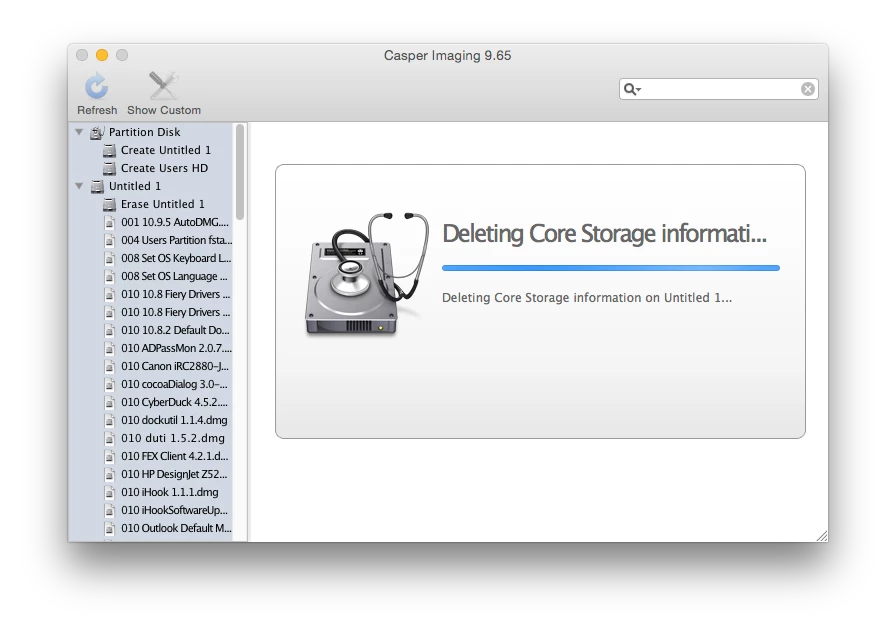
When I initially tested Casper Imaging 9.65 trying to image a volume on which I had re-enabled Core Storage manually (diskutil cs convert disk0s2), but not rebooted after the convert command.. Casper Imaging threw up an error stating it couldn't delete the Core Storage data & halted imaging. (2013 Mac Pro)

But when not messing about trying to recreate problems (or rebooting the Mac after re-enabling CS on a volume), 9.65 seems to be working well, mad props to the JAMF team! :D


bentoms
Forum|alt.badge.img+35
  • Hall of Fame
  • March 11, 2015

@Adminham Did you have Casper Imaging open when you converted the volume? It seems to cache the mountpoint.. Which will have changed when changing to CoreStorage.

@donmontalvo FV2 is coming, I asked in the other thread, have you tried removing Auto-Run data?


Forum|alt.badge.img+8
  • Contributor
  • March 13, 2015

Updated the JSS to 9.65. Created a new netboot with Casper Imaging 9.65.

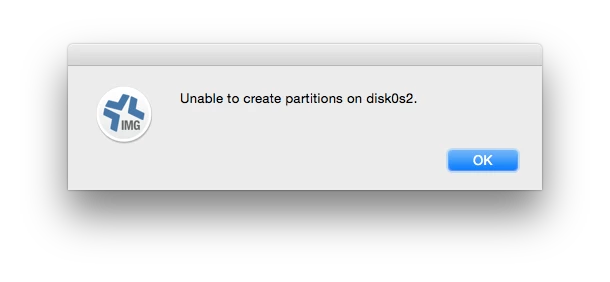
I now get the error

Nothing in the log.

Anyone else experiencing this?


donmontalvo
Forum|alt.badge.img+36
  • Author
  • Hall of Fame
  • March 13, 2015

Thanks @bentoms, I was able to get it to work by deleting auto-run/prestage.

But now another issue, actually two issues:

  1. AFP share doesn't seem to mount. Mounts fine in Finder on spare Mac. Not sure if Casper Imaging 9.65 is having problems passing casperimaging account credentials to the DP server (AFP on OS X Server).

optional image ALT text

  1. Casper Imaging 9.65 is unable to initialize FV2 enabled drives. I think you mentioned another thread/post, I'll check in a little while.

Its been busy, just getting to circle back around to this.

Don


bentoms
Forum|alt.badge.img+35
  • Hall of Fame
  • March 13, 2015

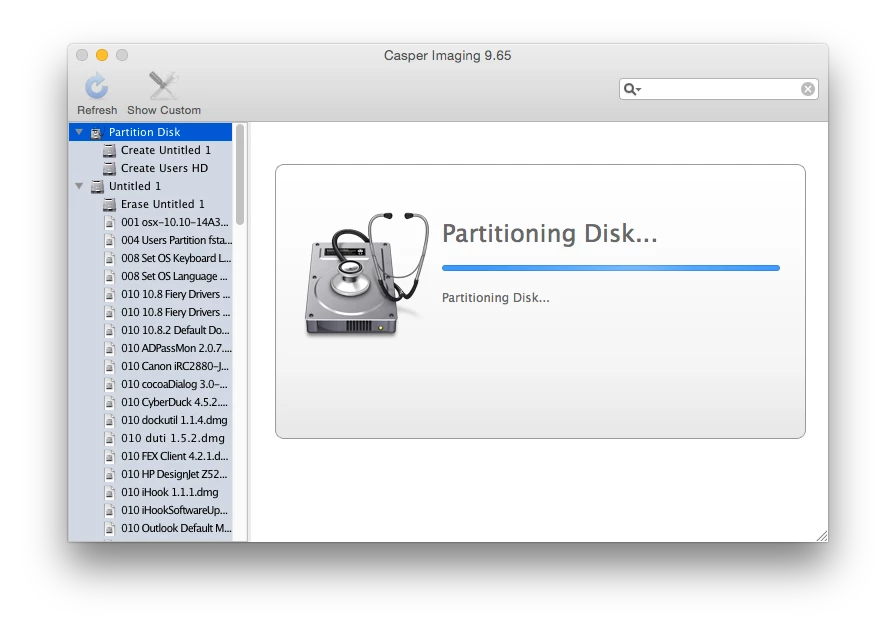
@chrisbju & @donmontalvo CS volumes are working fine for me:

@donmontalvo FV2 is "coming" I here.

As for the DP not mounting, see this thread.


donmontalvo
Forum|alt.badge.img+36
  • Author
  • Hall of Fame
  • March 13, 2015

@bentoms wrote:

@chrisbju & @donmontalvo CS volumes are working fine for me:

Here too, unless FV2 is enabled on the target drive.

@donmontalvo FV2 is "coming" I here.

I can bring this up with our rep, is there a thread about support for Casper Imaging and reimaging FV2 enabled drives? That'll be the scenario for us if/when we need to blast a computer, it'll be FV2 enabled.


Brad_G
Forum|alt.badge.img+16
  • Valued Contributor
  • March 13, 2015

Currently (before 9.65) I have a netboot set that runs a script that force unmounts the drive, then creates a new single partition. That has been my way of working around CS enabled drives or FV. After the partition the script then launches Casper Imaging. While you'd want to be careful how you set this up as mine doesn't warn, nor ask, if you want to do this so it's pretty destructive. But in my test environment it works well.


bentoms
Forum|alt.badge.img+35
  • Hall of Fame
  • March 13, 2015

@Brad_G I did similar, but now imaging does it all for me.

I just tested again & imaged 2 macs that were CS enabled, Imaging reverted & partitioned them fine.

Nice work JAMF!


donmontalvo
Forum|alt.badge.img+36
  • Author
  • Hall of Fame
  • March 13, 2015

@bentoms and I had a Twitter DM to confirm. FV2 != CoreStorage. So yea working fine with CoreStorage enabled drives, unless FV2 is enabled. Then no workie. Hopefully workie soon. Opening ticket with JAMF.


Forum|alt.badge.img+18
  • Valued Contributor
  • March 13, 2015

if its a complete re-image I have my guys open a terminal and do diskutil cs list
then diskutil cs delete UUID
and imaging works just fine. If its encrypted and you just need to add to it and want to keep it encrypted, you can unlock it then it mounts and it should be good to go for imaging as well I think.


Forum|alt.badge.img+18
  • Valued Contributor
  • March 13, 2015

of course i cannot even run 9.65 imaging tool i have to run 9.62 for some reason which means i have to image from 10.9.5 box, I suppose I need to work on that again next week...


  • March 13, 2015

@chrisbju

Had to go into Recovery Utility > Disk Utility > Wipe Disk to get that error away.