
Solved

Adding a Non-App to Jamf PPPC

  • April 23, 2020
  • 3 replies
  • 28 views

Forum|alt.badge.img+3

Hey folks,

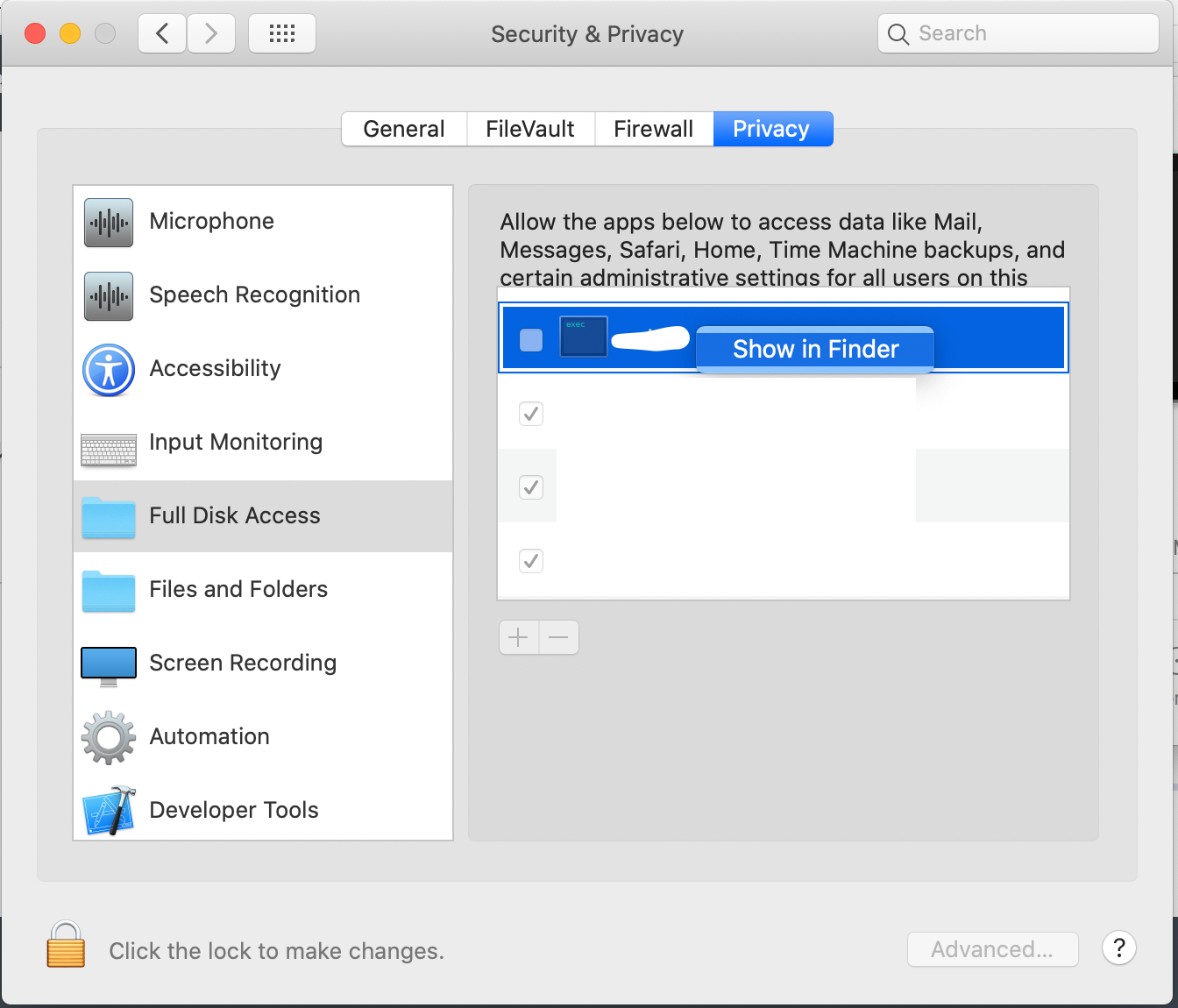
I want to add a Freshservice agent that is deployed through a PKG to several computers to be allowed file access through a Jamf PPPC payload. However, the file itself does not contain an application, and creates mostly a .plist and several files in the under-layer of the system (currently checking what exactly). Is there a way to find the Identifier the Code Requirement for a process that is not an .app file, and how?

Best answer by patgmac

Yes, you should be able to drag any process into the window, it doesn't have to be a .app. We did this with CrowdStrike. The path has to be accessible by the app however in your user-context. So if the binary existed somewhere you normally couldn't read, you would have to change permissions on that path temporarily so you can drag it in.

3 replies

Forum|alt.badge.img+9
  • New Contributor
  • Answer
  • April 23, 2020

Yes, you should be able to drag any process into the window, it doesn't have to be a .app. We did this with CrowdStrike. The path has to be accessible by the app however in your user-context. So if the binary existed somewhere you normally couldn't read, you would have to change permissions on that path temporarily so you can drag it in.


Forum|alt.badge.img+9
  • Contributor
  • April 25, 2020

Hi @igal.tovievich ,
You can right-click on the process in the Privacy tab to find it's location.

You should then be able to drag the process into PPPC as you would any other app.


Forum|alt.badge.img+3
  • Author
  • New Contributor
  • April 30, 2020

Thank you both for the help! :)