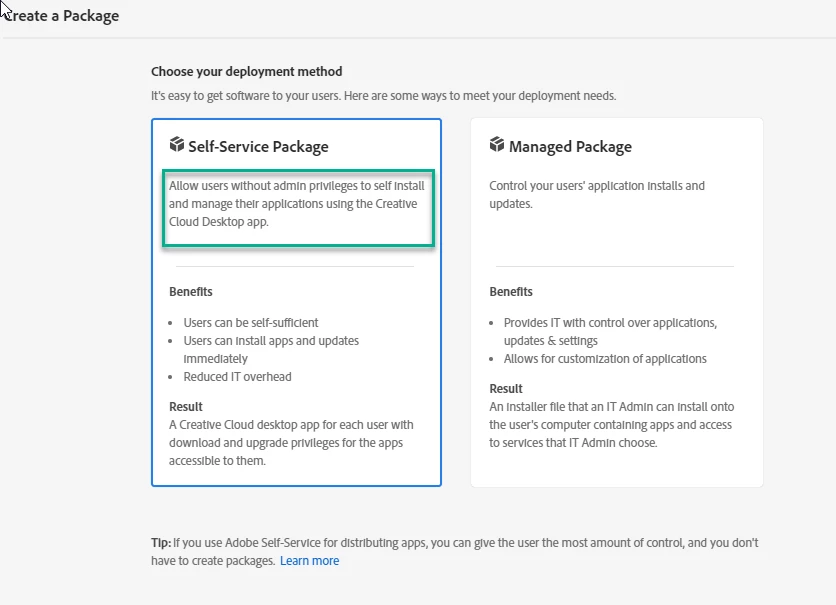
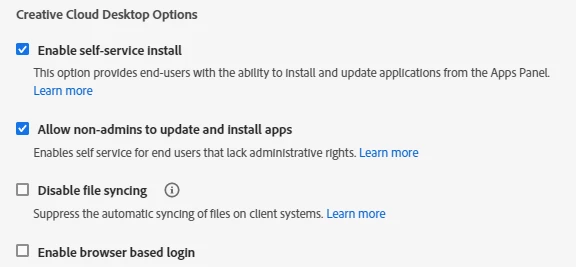
We used to be able to install Adobe Creative Cloud on student Macbooks and then they could update it or install any app they wanted without it asking for the admin password. It seems like the most recent versions of Adobe CC now require admin rights to update or install apps, even if the user successfully installed from Self Service. I was able to create a package in Composer by installing the Self Service package I created in the Adobe Manager. It installs great and works fine until a user logs in and tries to update or install a program (like Photoshop). Then it asks for an admin password. Is there a way around this? Is there a script I can add that will bypass admin rights?

Question
Adobe Creative Cloud in Self Service (Fall 2019)
 +6
+6



Enter your E-mail address. We'll send you an e-mail with instructions to reset your password.