ok so here is what i do.
you will have 3 policies for each package.
MAIN - this will have the actual installer or script for your policy. and you set the trigger to custom and name the custom trigger
main_*PolicyName*
This policy is our Master policy for all the later policies. scope it to every machine and every user.
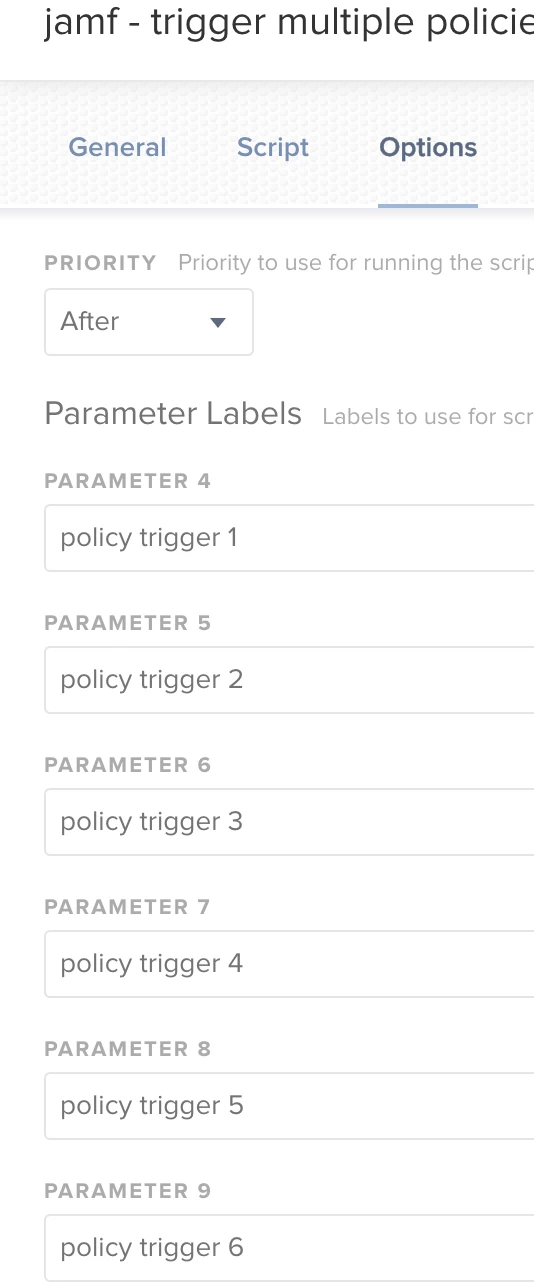
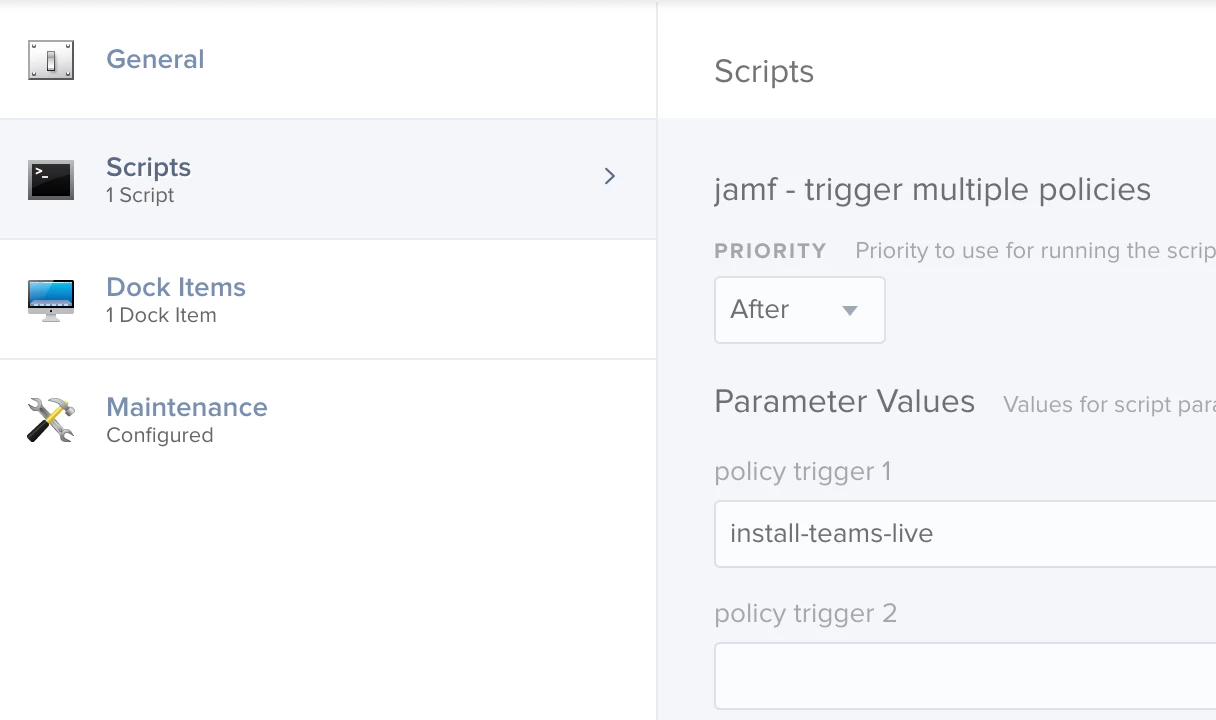
DEPLOY - this will be for all the computers you need to push the application too. you will not include any packages or scripts here instad you will reference your main policy. To make it work you go to the Files and Processes tab and then Execute Command. the command you want to enter here is .
jamf policy -trigger main_*PolicyName*
This tells this policy to refer back to the MAIN policy we created first and to run the main_PolicyName package/script
scope this policy to all the computers you want the policy to run on automatically, and set the install triggers to whatever you want
SELFSERVICE - do the same as you did for the DEPLOY policy, but this time you can add it to the category you want it to appear in in self service, and then scope it to whoever you want
I know this seems a little complicated at first, but it really pays dividends for you down the track when you need to update an application installer or script because when you have to change it, you only have to do it in one place in the MAIN policy, because all the others are just links back to it.
It also pays back in organisation, because after creating categories for MAIN and DEPLOY they are all grouped together, and everything else in there is organised as they will appear to your users in self service