

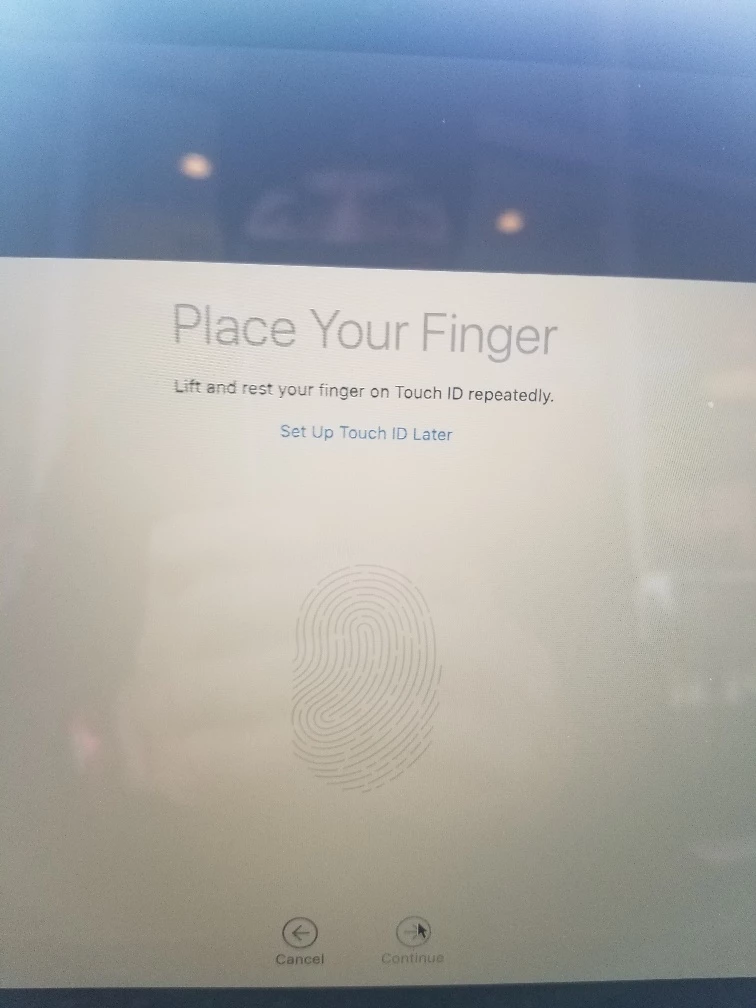
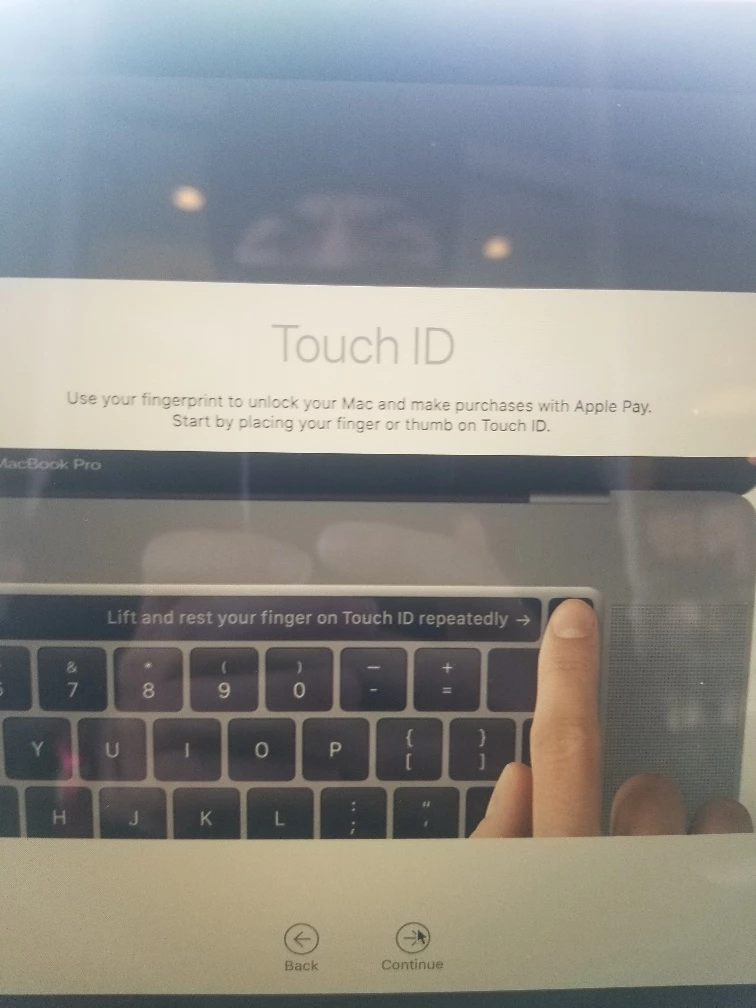
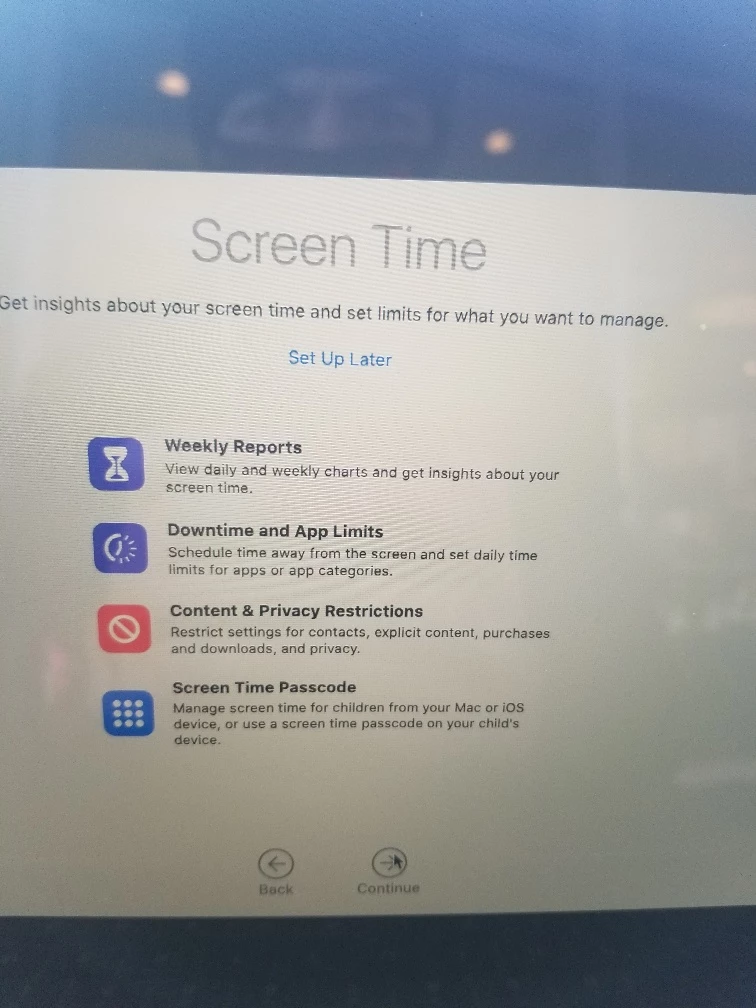
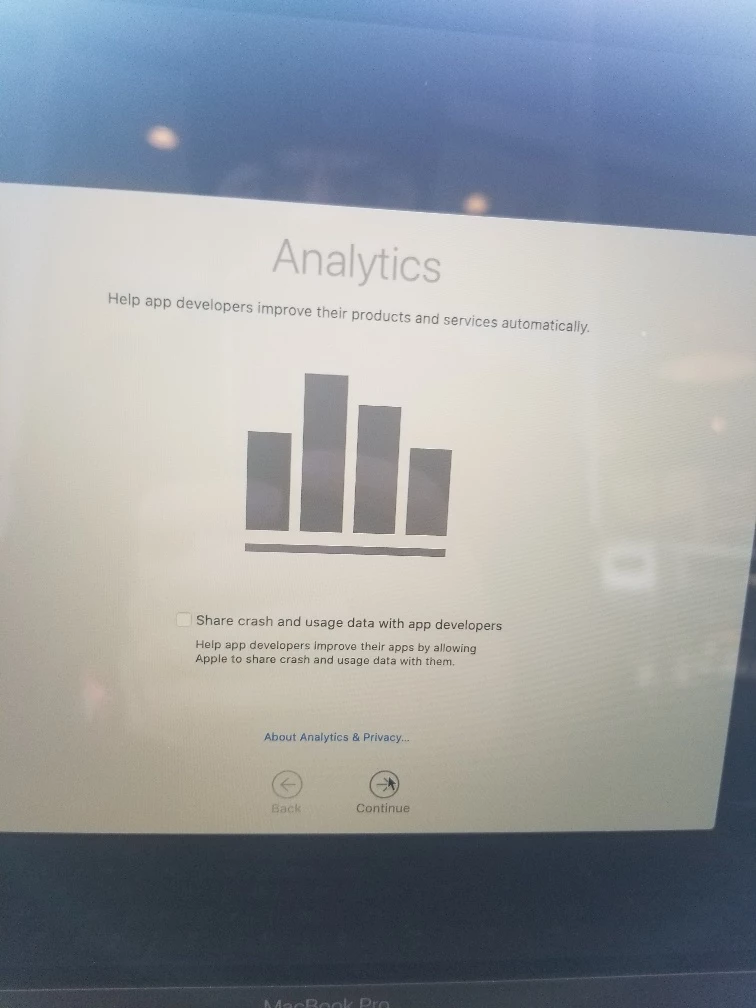
I am trying to suppress that first login popup for ANALYTICS. What is the key for this one? I use the following for configuration profile, and have just added the entries to skip the TouchIDSetup and the ScreenTime, now i'm looking to also skip the Analytics. (are the TouchIDSetup and ScreenTime keys correct? not sure if i need to add Setup at the end, so looked at a current com.apple.SetupAssistant.plist file and used what was in that, instead of saying DidSeeScreenTime, i used SkipScreenTime, and SkipTouchIDSetup). I'm assuming touchIDSetup pops up only if the laptop has fingerprint capability?
<?xml version="1.0" encoding="UTF-8"?> <!DOCTYPE plist PUBLIC "-//Apple//DTD PLIST 1.0//EN" "http://www.apple.com/DTDs/PropertyList-1.0.dtd"> <plist version="1.0"> <dict> <key>SkipAppearance</key> <true/> <key>SkipCloudSetup</key> <true/> <key>SkipPrivacySetup</key> <true/> <key>SkipSiriSetup</key> <true/> <key>SkipTrueTone</key> <true/> <key>SkipiCloudStorageSetup</key> <true/> <key>SkipScreenTime</key> <true/> <key>SkipTouchIDSetup</key> <true/> </dict> </plist>

