
Question

Antivirus with DMG installer and arguments

  • January 27, 2021
  • 2 replies
  • 30 views

Forum|alt.badge.img+2

We moved to a new antivirus named DeepInstinct and they provided a DMG file for installation. During install there is data need to be entered (for example server address and tags). Please see pic below.
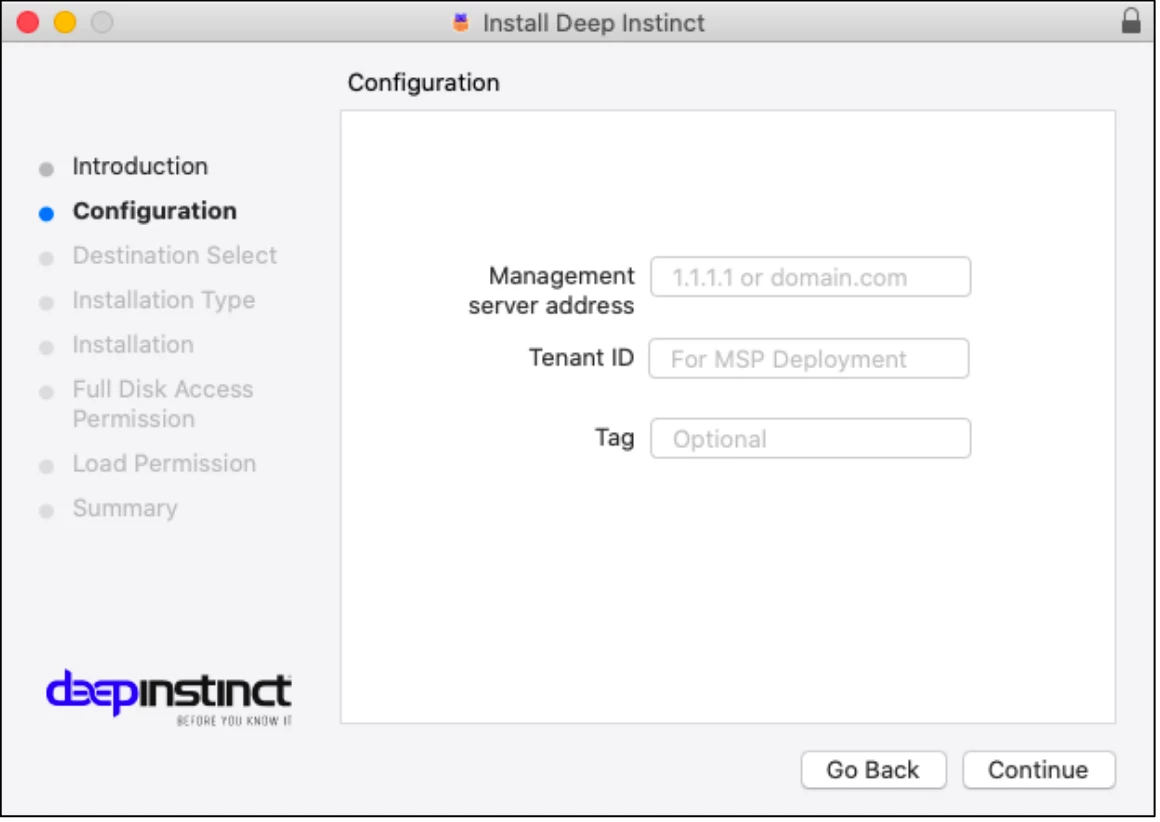
Command line install instruction from vendor is below.
1. Mount the DMG installation file :open <path><DMG_installation_file>
2. Install : sudo "/Volumes/Deep Instinct/installer.sh" <servername> [/tag <tag>]

Converting the DMG as source in Composer shows the following files inside the package.
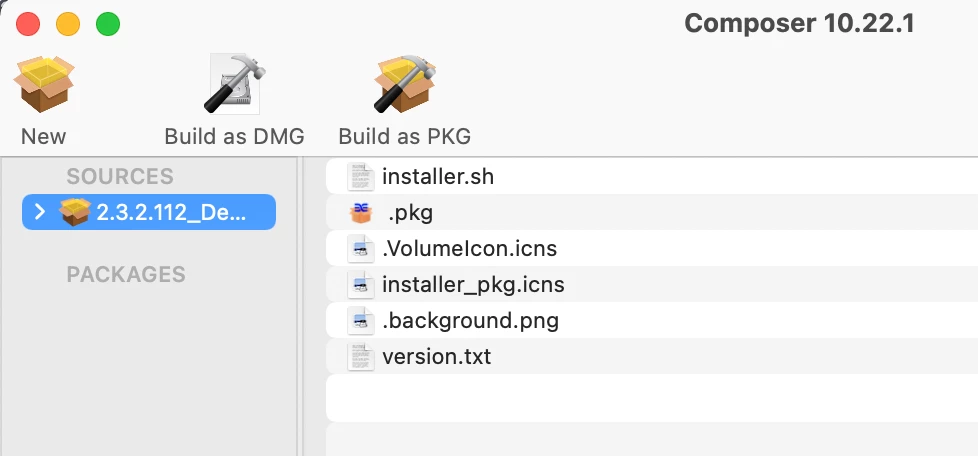
I am fairly new to packaging and this looks little complicated for me. I can't package this using snapshot method (since it is an Antivirus). Any suggestions would be greatly appreciated.


2 replies

Forum|alt.badge.img+1
  • New Contributor
  • May 14, 2021

Did you ever get this working successfully? In the same boat, with no luck. Please let me know!


geoff_widdowson
Forum|alt.badge.img+8

Not used this app, but the way I would get this working is to package the installer and the installer.sh files, not to install just to copy to a temp location such as /private/tmp. You do that by putting the files where you want them in a temp location, then in composer, drag them to the source on the left and package as a dmg. The policy you make when run will not install anything just copy to the target device. Then you can have a script that will run the command from the temp location.