
Greetings, all! I am fairly new to iOS MDM with Jamf Now so apologies in advance.
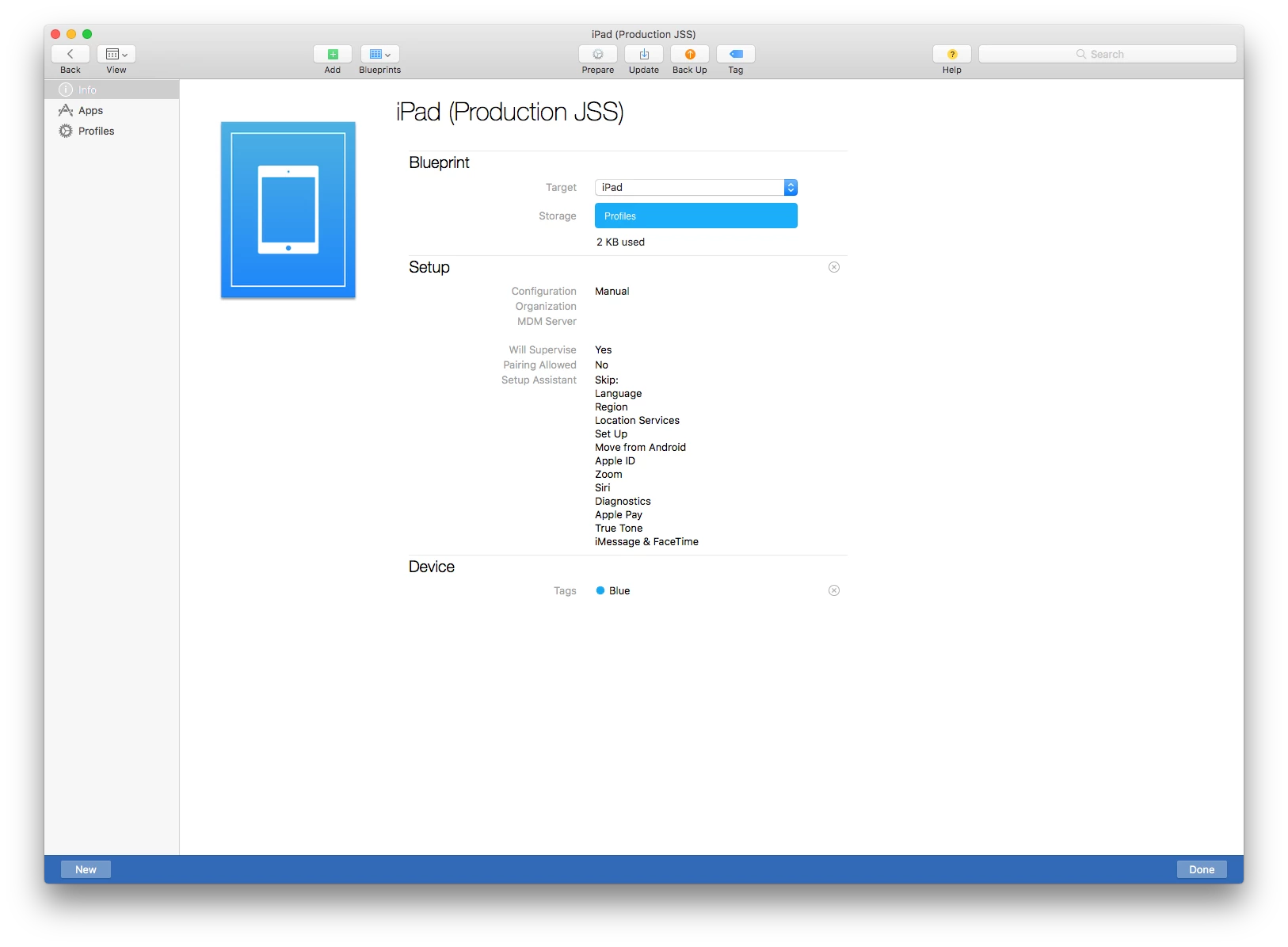
I am testing iOS deployment using Apple Configurator 2 for all non-DEP enrolled iOS devices for a future MDM rollout. I have created a blueprint for this iPad and have enabled the Apple Configurator 2 setting in my JSS (running v9.92) as well. The details of the blueprint being used are fairly simple. I have it installing a profile with the wireless network settings and being enrolled to the specified JSS as a supervised device with some modified Setup Assistant settings. Please find these details below, for reference.
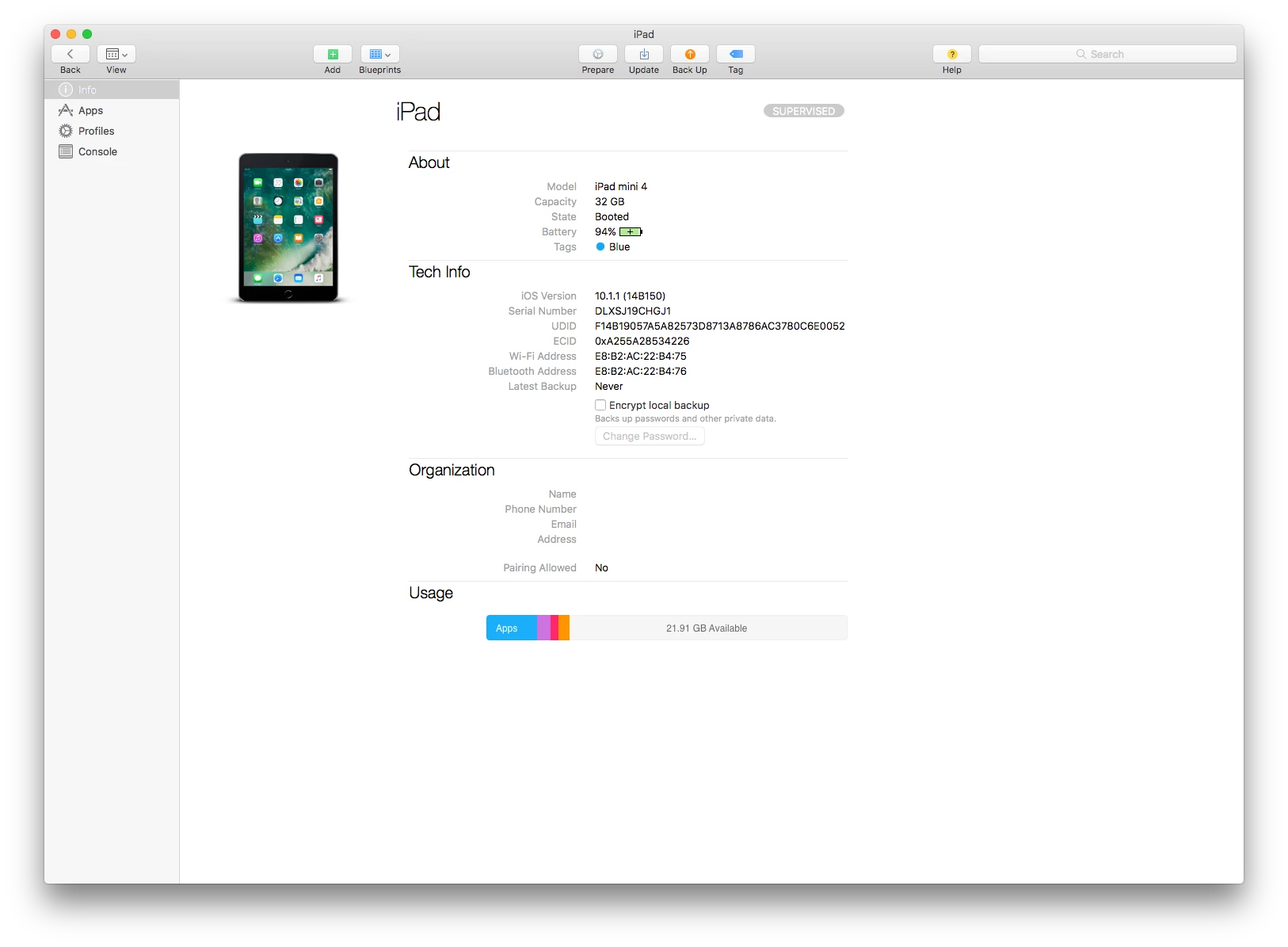
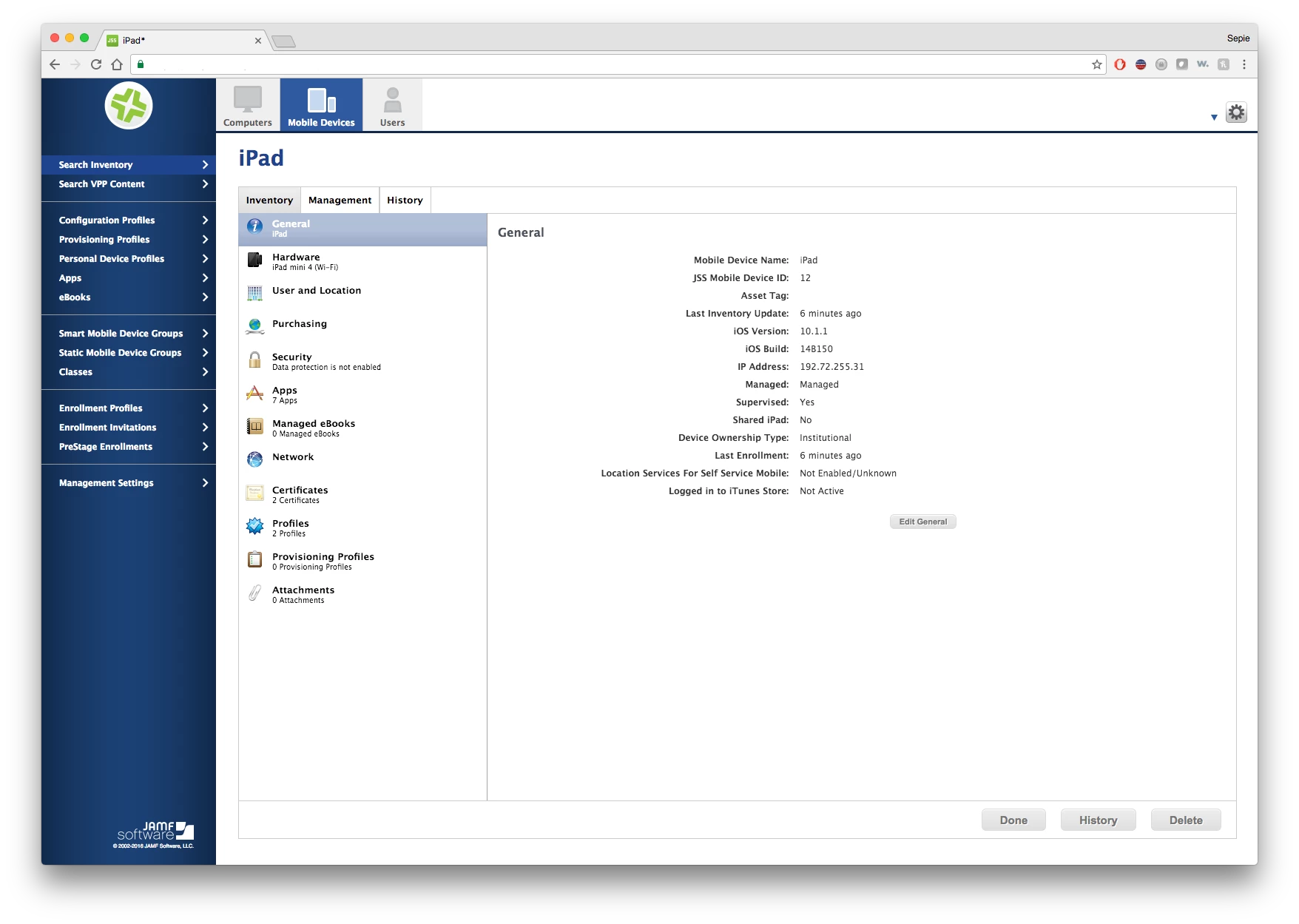
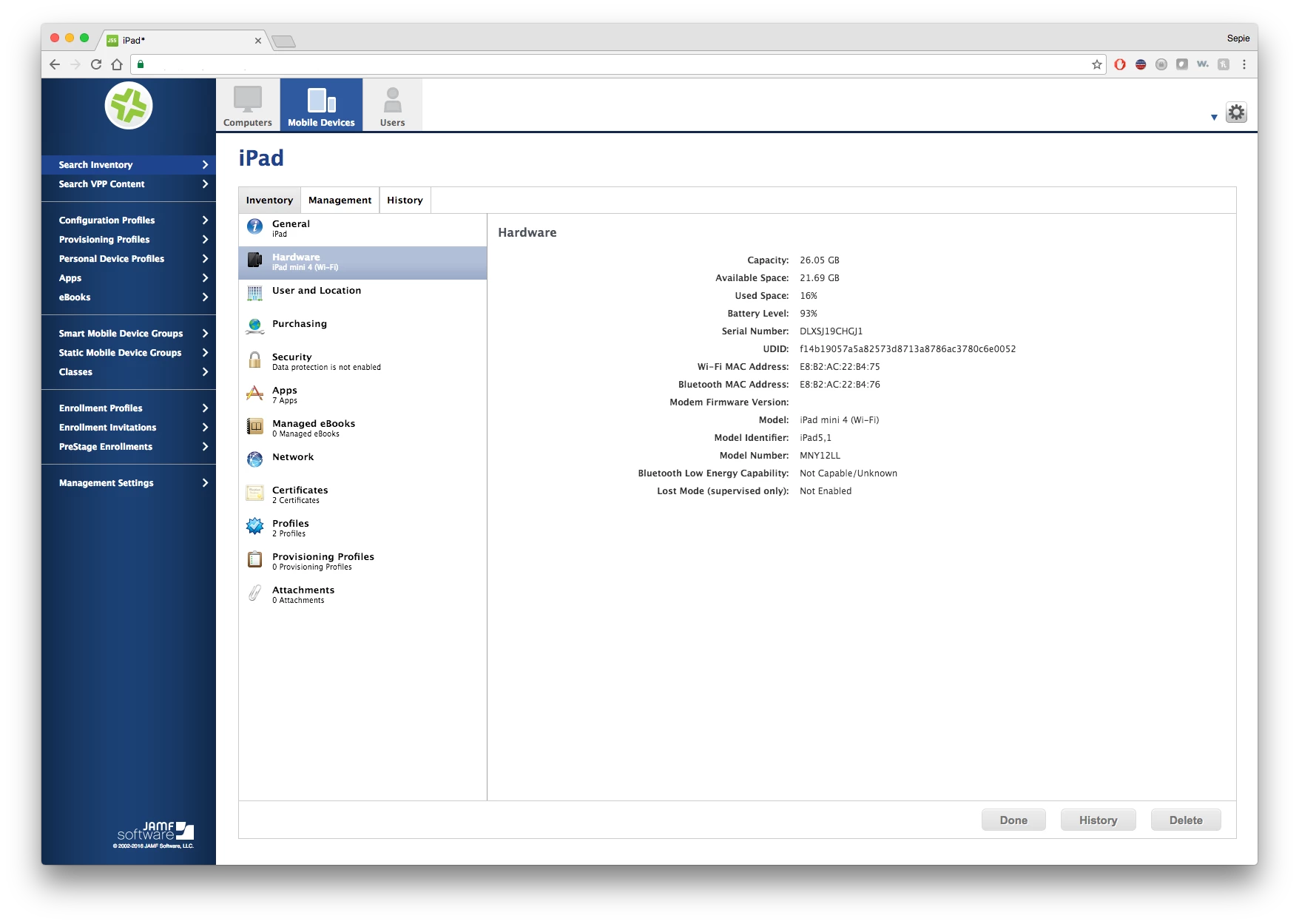
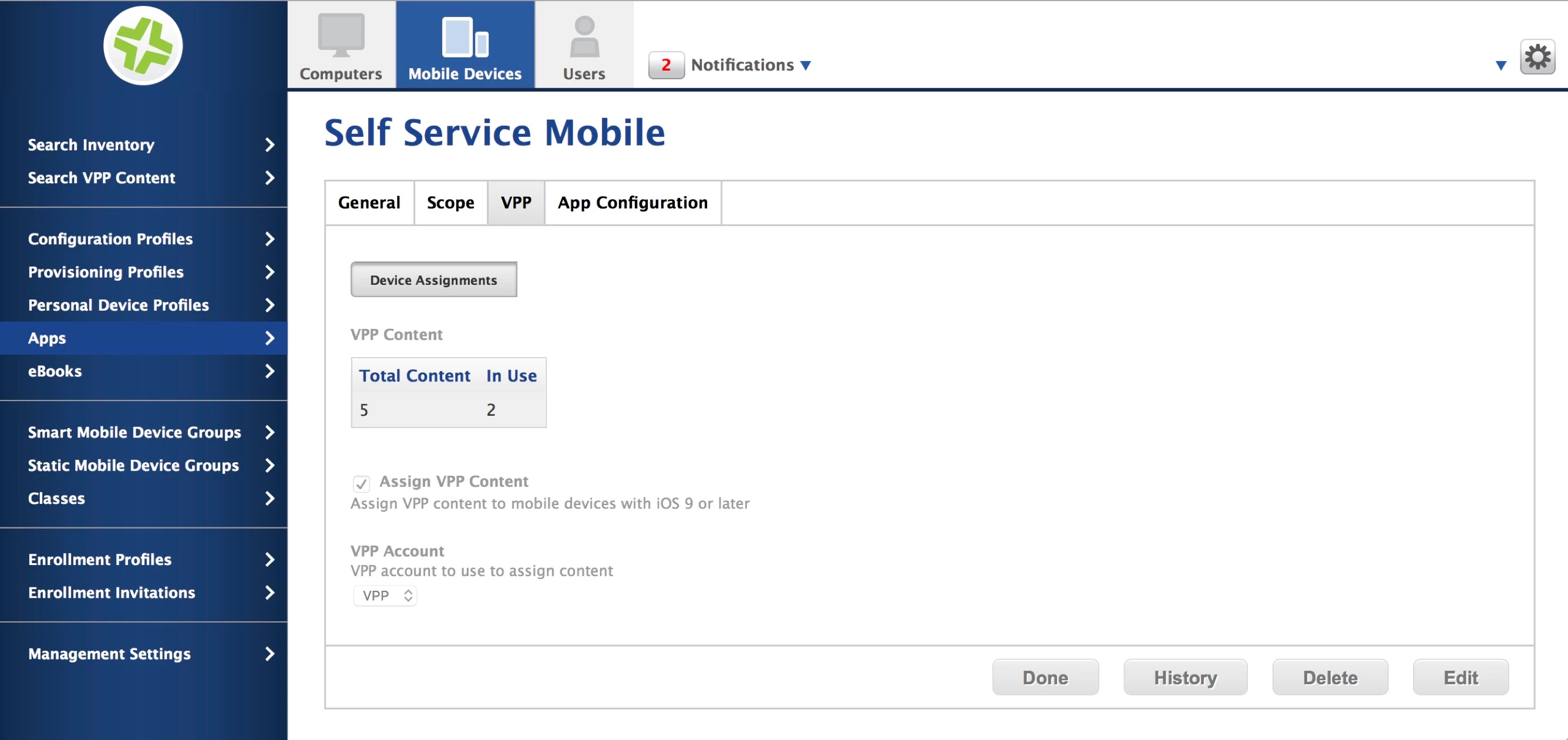
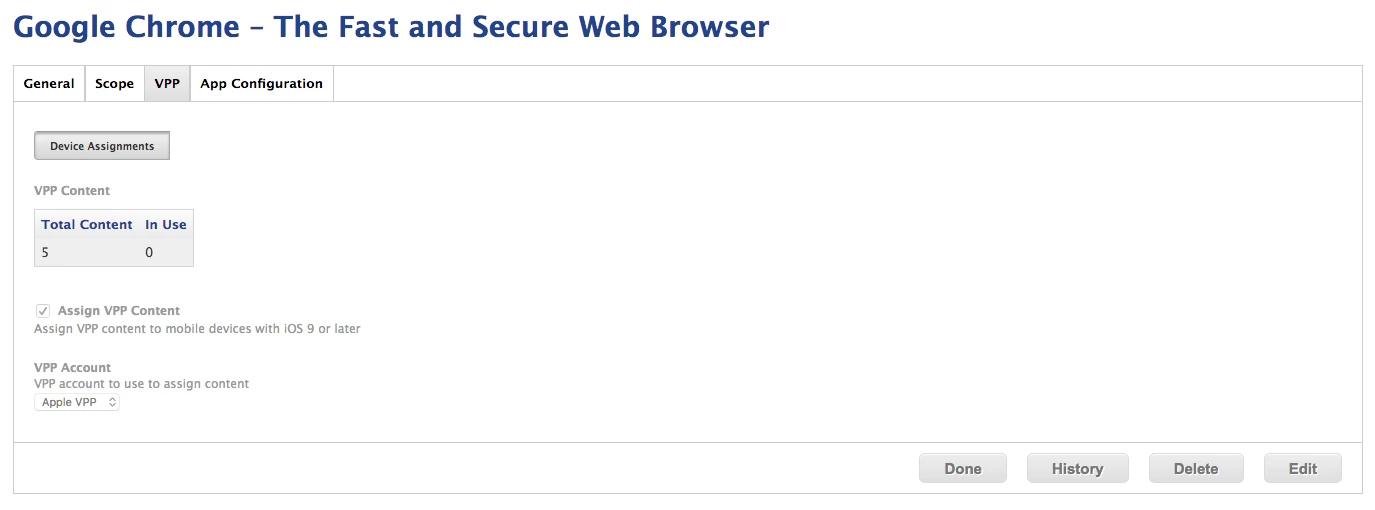
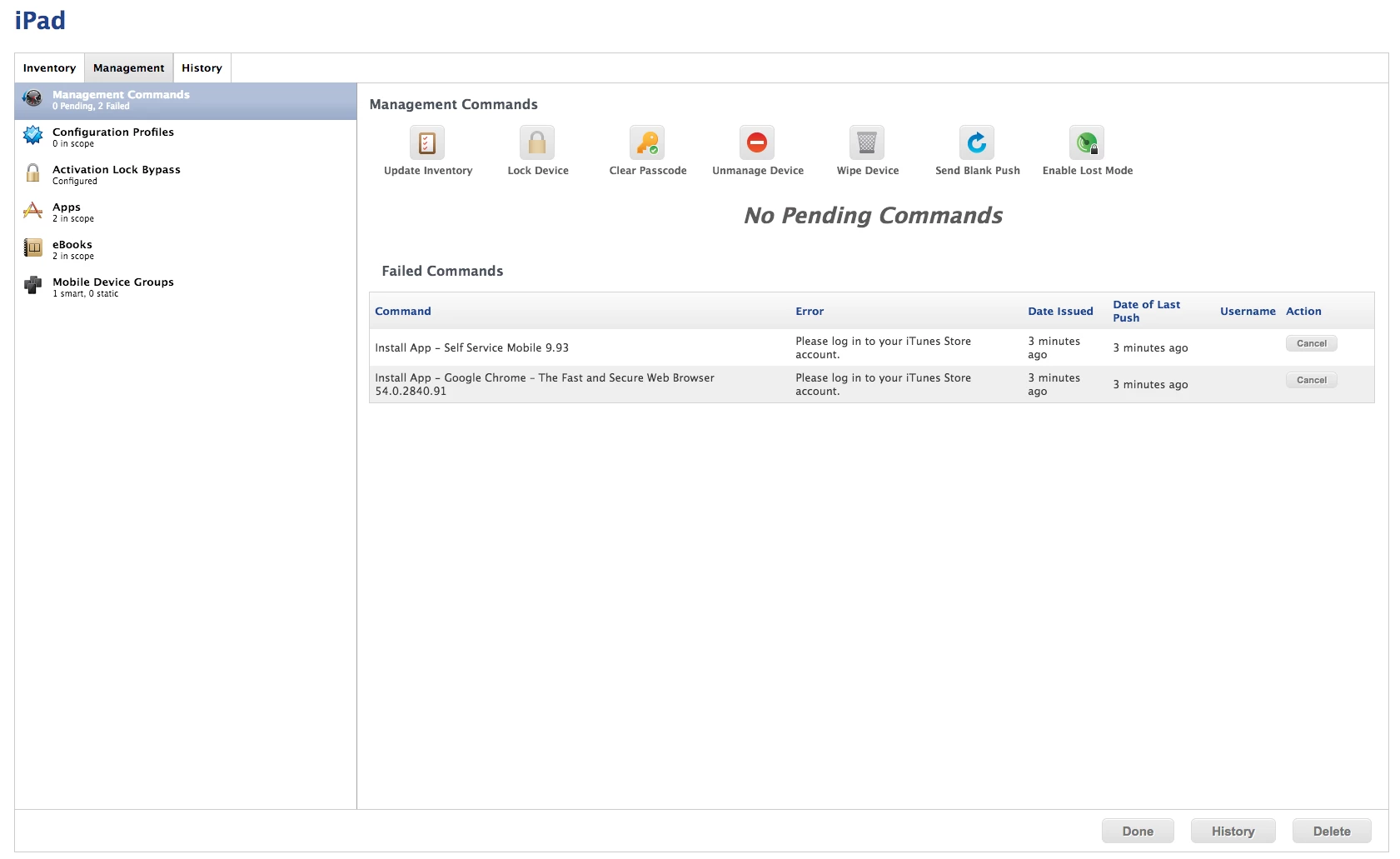
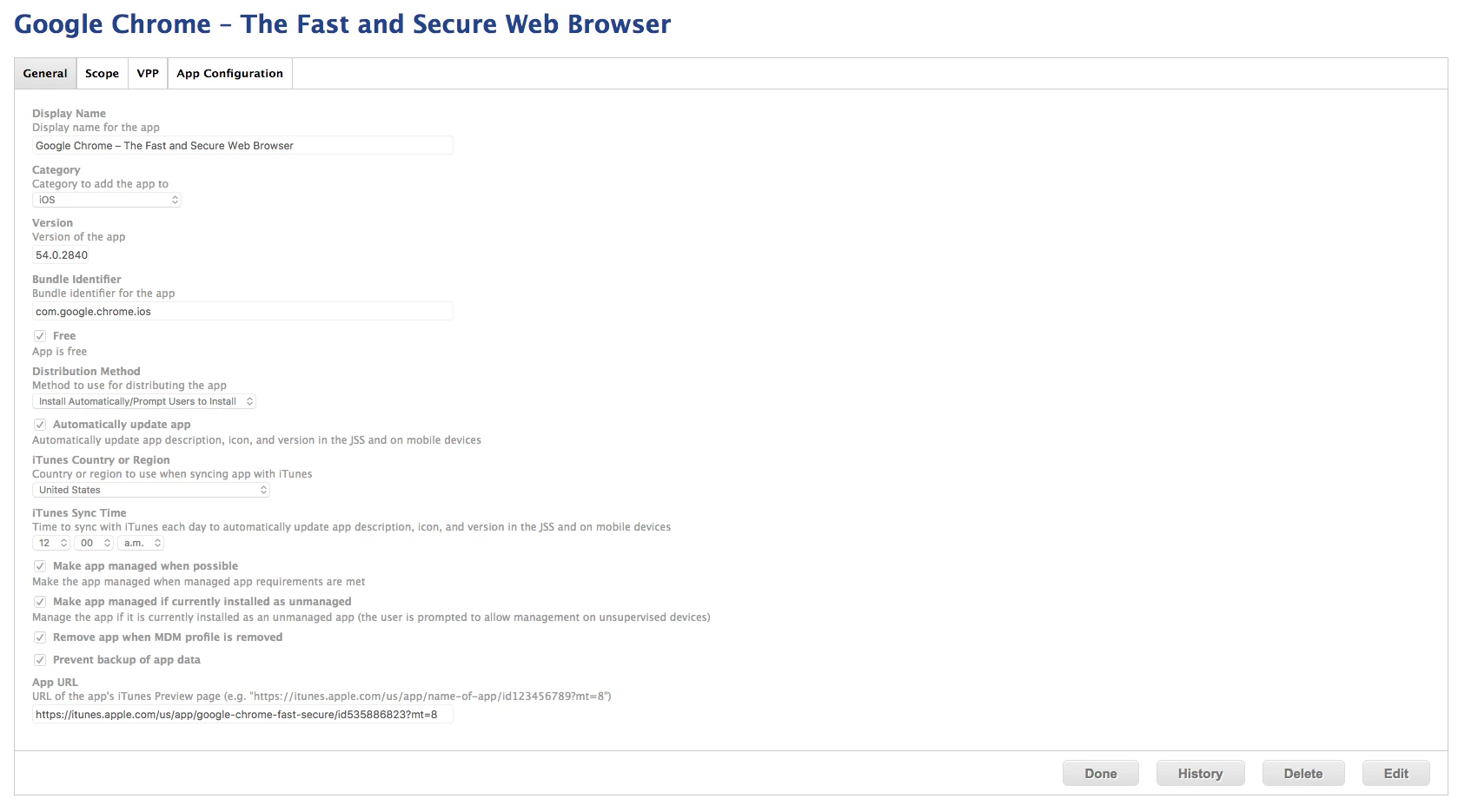
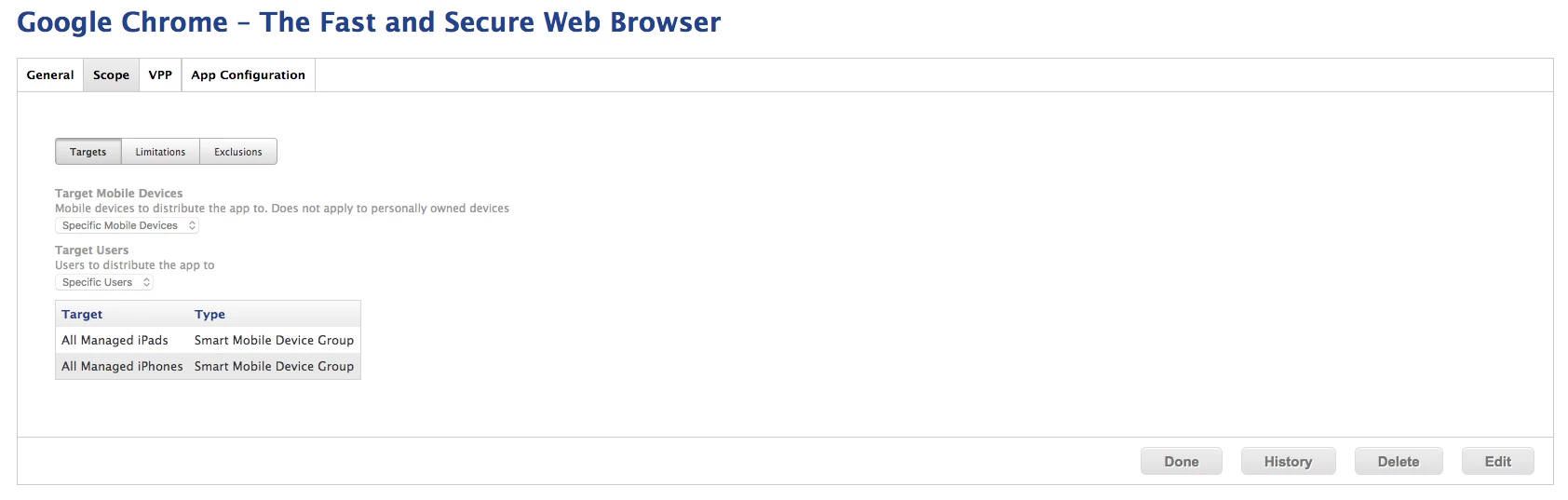
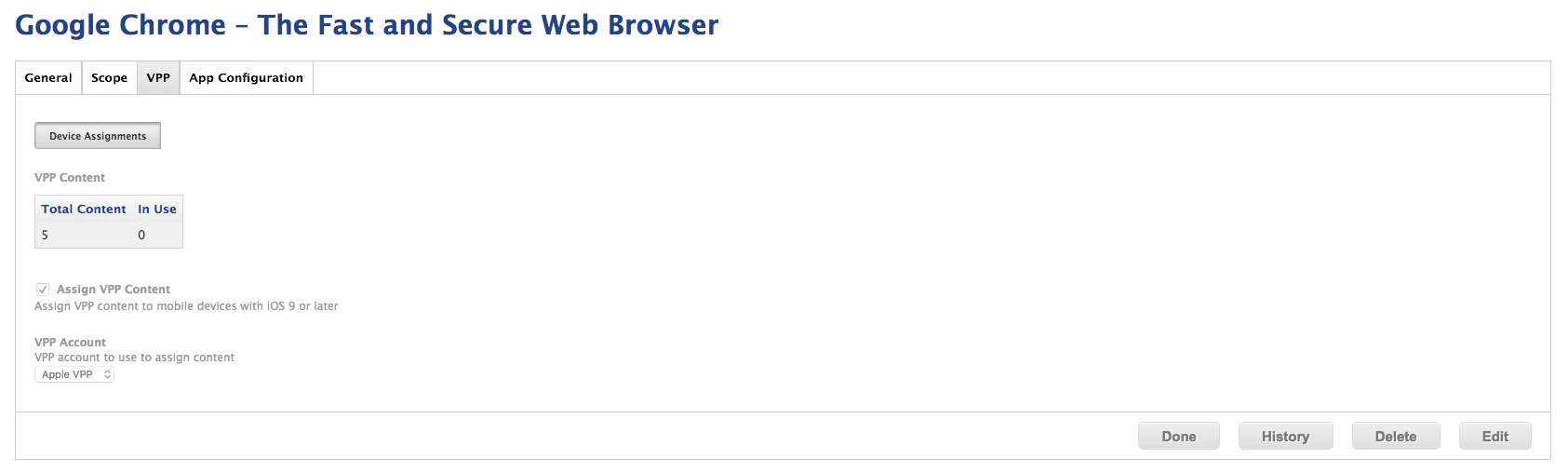
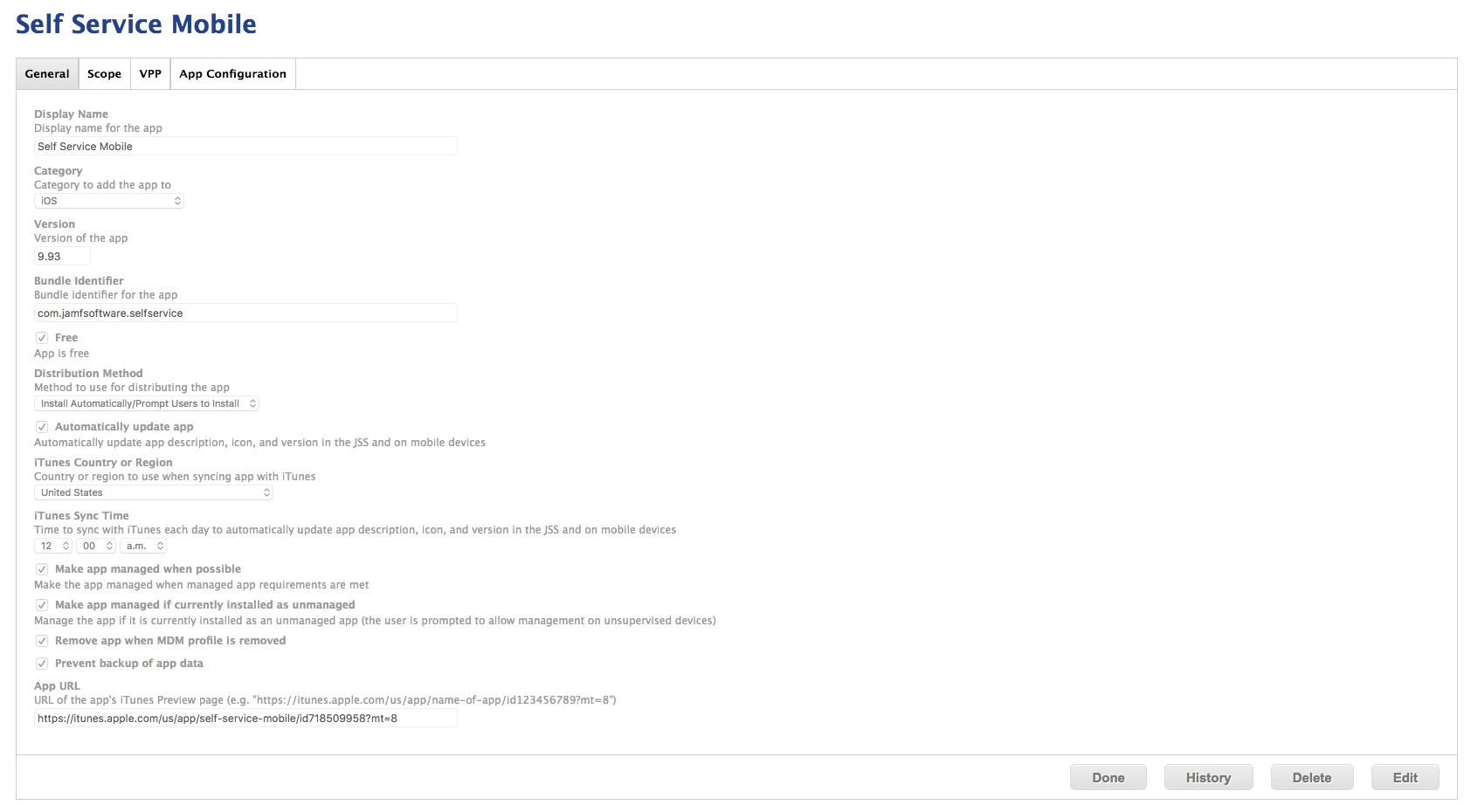
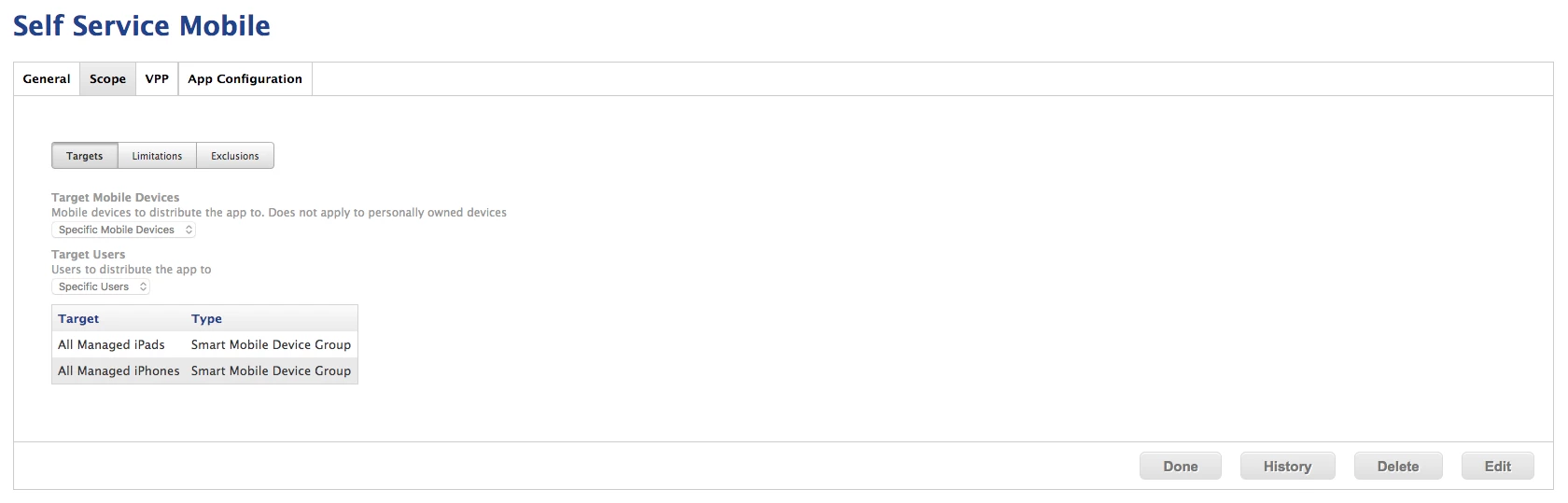
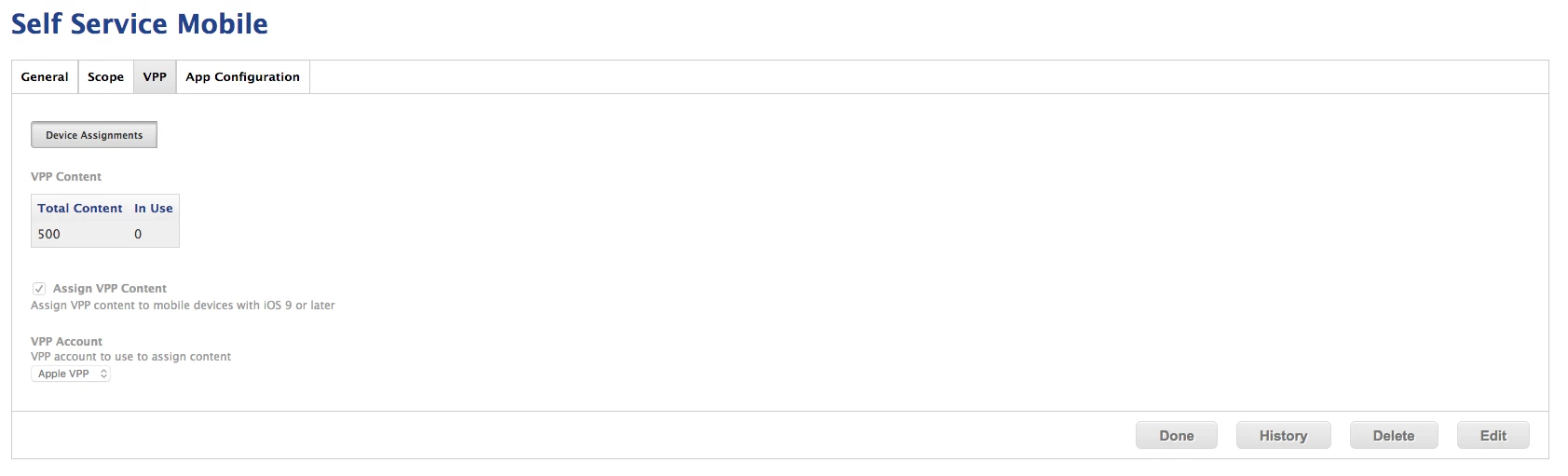
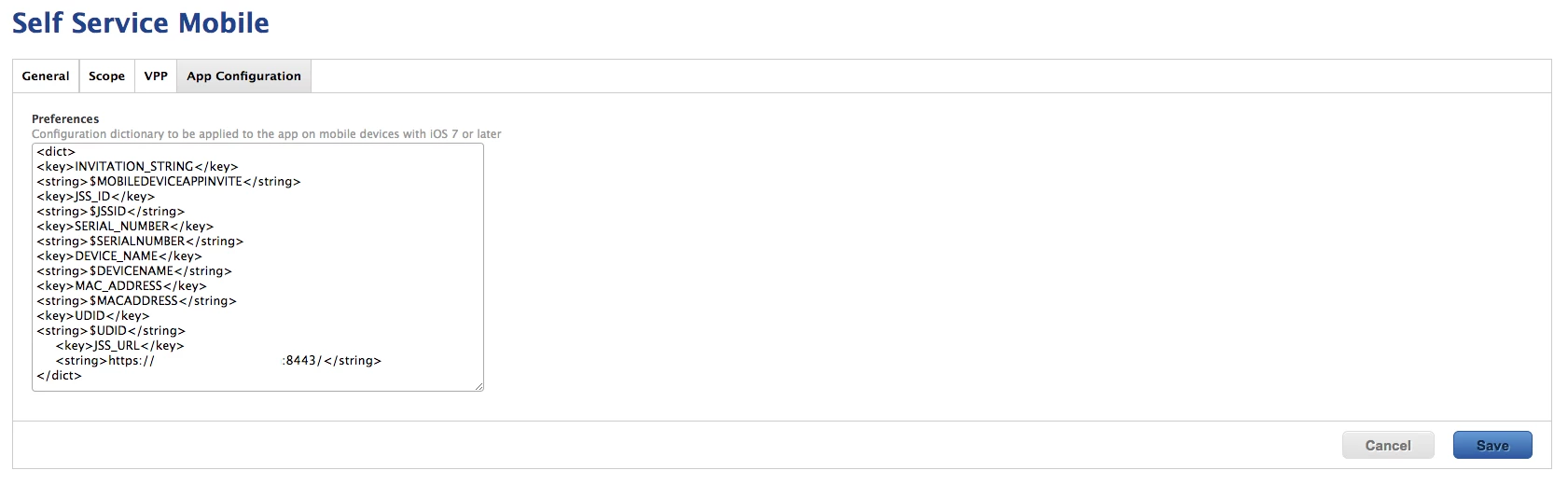
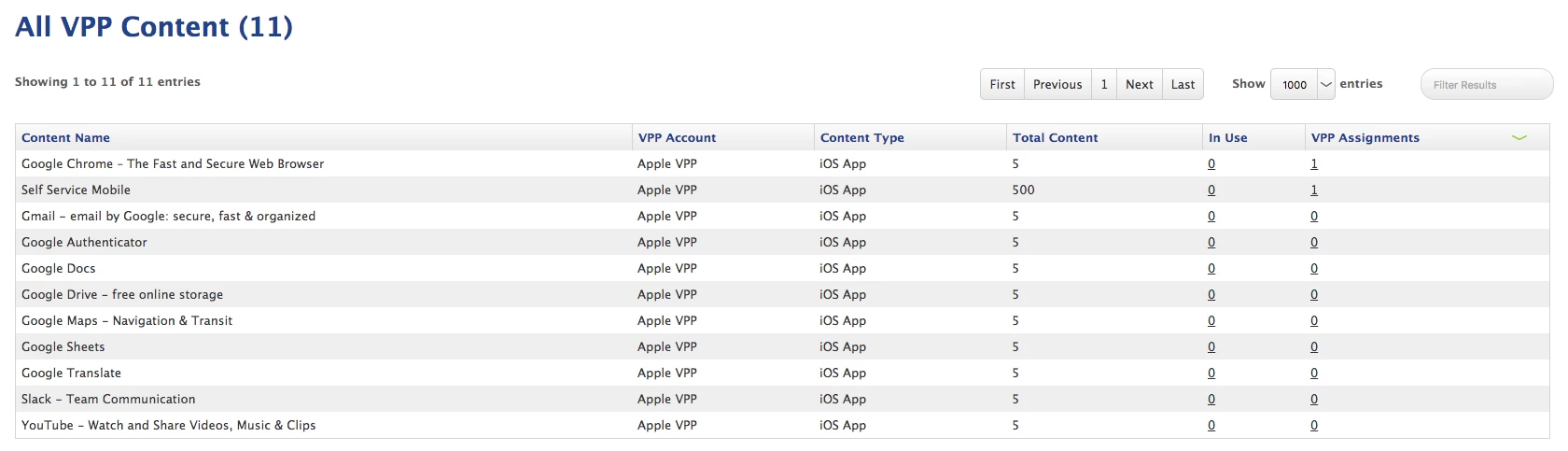
The iOS device is quickly provisioned and enrolled into my JSS as expected. Where I am having an issue is with app deployment. I have tried to deploy Self Service as an application directly from the blueprint and also tried doing this from the JSS as an automatic installation. These applications have been properly purchased (though they are both free) with our VPP account and have been added to the JSS as available VPP apps. Regardless of which deployment method is used, I am unable to install the applications on the iOS device without providing iTunes Store credentials.
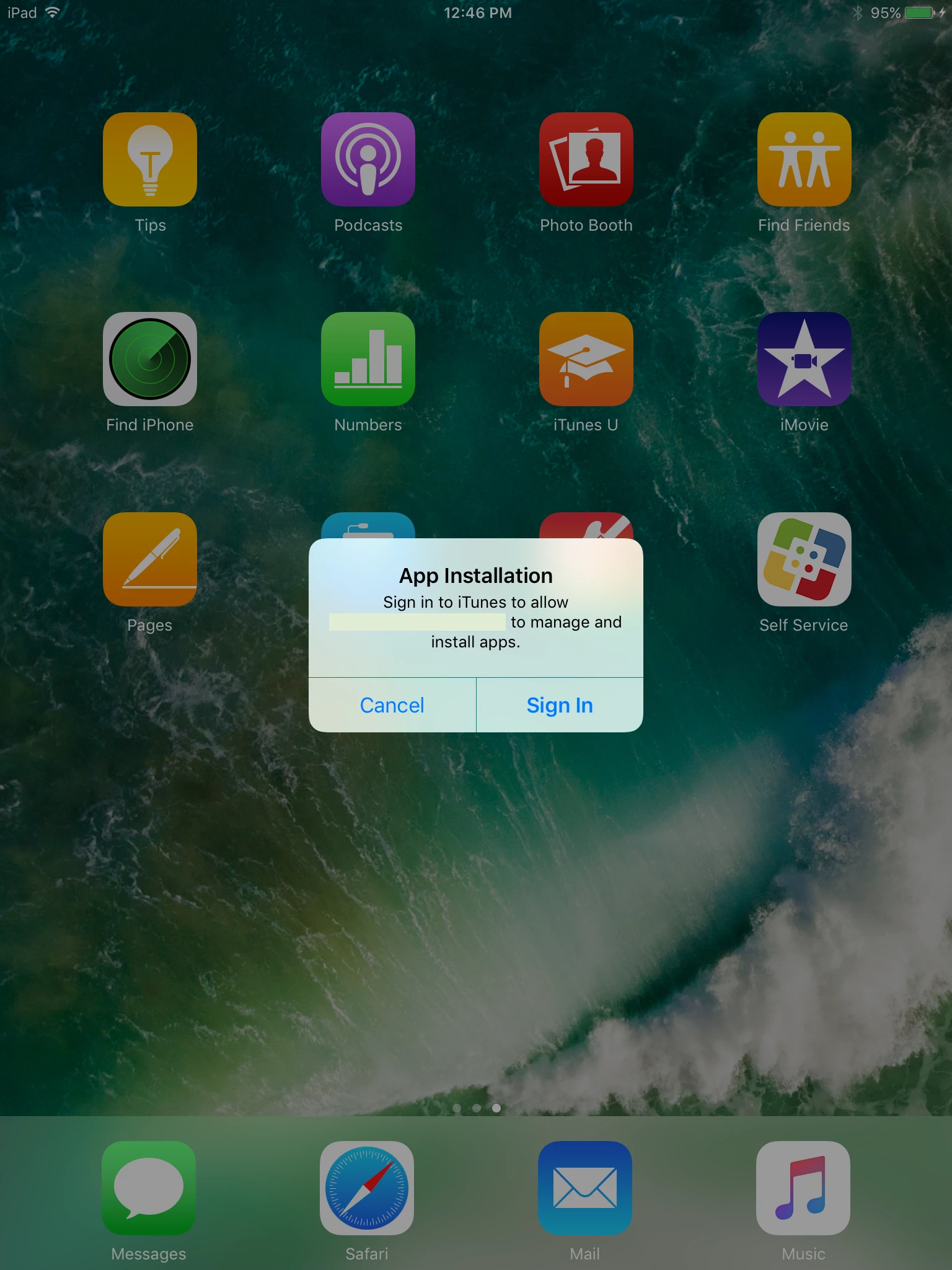
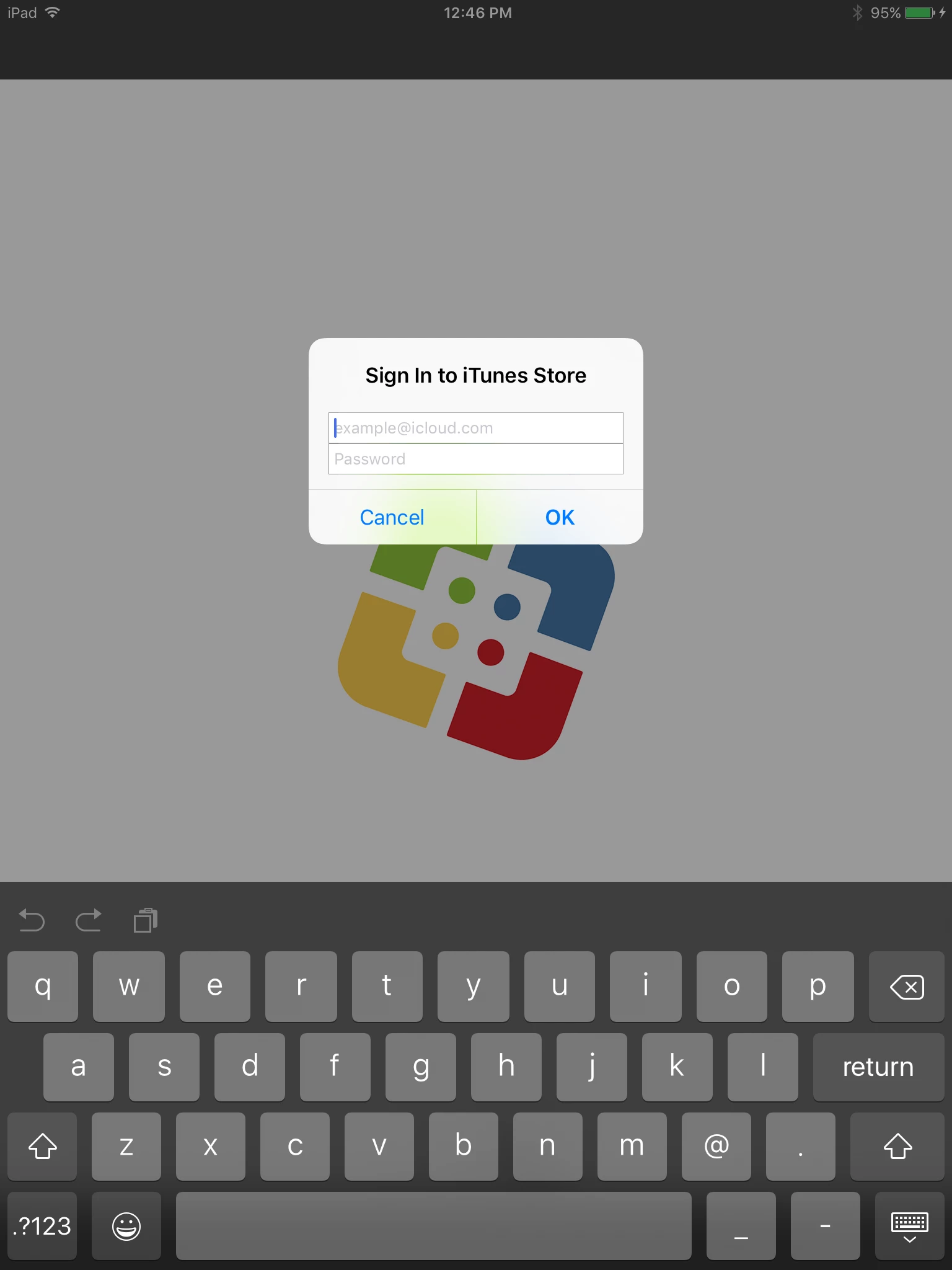
It is my understanding that the basic requirements needed for device-specific app deployment are met with my configuration. Those requirements are provided below and also listed here for reference.
• The JSS v9.82 or later • Computers with macOS v10.11 or later and/or mobile devices with iOS 9 or later • A VPP account set up in the JAMF Software Server (JSS) • App Store apps or VPP store apps (including custom B2B apps) purchased through Apple's Volume Purchase Program (VPP)
Does anyone have any insight as to why this is not working as intended?