Question

Apple Security Patches

  • July 18, 2018
  • 13 replies
  • 51 views

KyleEricson
Forum|alt.badge.img+17

I have this script, but I don't think it's working, I ran it on a 10.11 Mac that a pending patch and it didn't do anything.

#!/bin/bash


### Environment Variables ###

# For OS updates use OSXUpd
# For Security updates use SecUpd

# Get any OS updates
getosupd=$(softwareupdate -l | grep OSXUpd | awk 'NR==1 {print $2}')

# Get any security updates
getsecupd=$(softwareupdate -l | grep SecUpd | awk 'NR==1 {print $2}')


MSG1='OS Software updates have been installed and require a restart. Please save your work and restart your machine'

MSG2='Security updates have been installed and require a restart. Please save your work and restart your machine'

### DO NOT MODIFY BELOW THIS LINE ###

# Install OS updates
if 
softwareupdate -i $getosupd | grep "restart"
then 

sudo /Library/Application Support/JAMF/bin/jamfHelper.app/Contents/MacOS/jamfHelper 
-windowType utility -title "WARNING" -description "$MSG1" -icon /System/Library/CoreServices/CoreTypes.bundle/Contents/Resources/AlertCautionIcon.icns -iconSize 96 -button1 "OK" -defaultButton 1

fi

# Install Security updates
if 
softwareupdate -i $getsecupd | grep "restart"
then 

sudo /Library/Application Support/JAMF/bin/jamfHelper.app/Contents/MacOS/jamfHelper 
-windowType utility -title "WARNING" -description "$MSG2" -icon /System/Library/CoreServices/CoreTypes.bundle/Contents/Resources/AlertCautionIcon.icns -iconSize 96 -button1 "OK" -defaultButton 1
fi

exit 0


13 replies

KyleEricson
Forum|alt.badge.img+17
  • Author
  • Valued Contributor
  • July 18, 2018

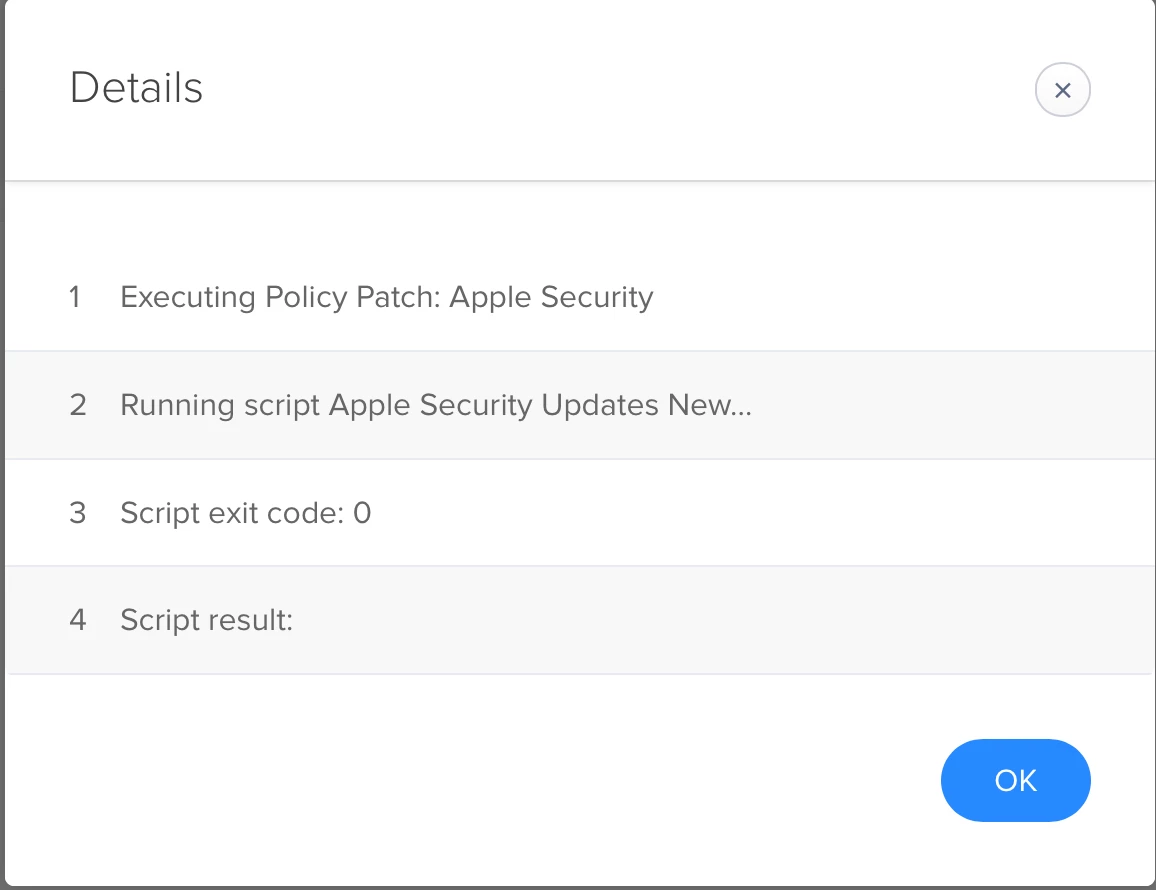
JAMF says the policy ran, look on machine and patch is still there.


therealmacjeezy
Forum|alt.badge.img+5

I'll have to take a look at your script after I'm off work, but I do have a script that accomplishes this on jamf nation if you'd wanna take a look at that and see if that helps too.

Apple Software Update Search v2


KyleEricson
Forum|alt.badge.img+17
  • Author
  • Valued Contributor
  • July 19, 2018

How are you doing the reboots for Apple Security updates?


Forum|alt.badge.img+18
  • Contributor
  • July 19, 2018

Specifically for the security update part, this will not work:

getsecupd=$(softwareupdate -l | grep SecUpd | awk 'NR==1 {print $2}')

You need the exact name of the update in order to install it with softwareupdate -i [item]. The name of the update will be something like "Security Update 2018-003010.12.6" and grepping for SecUpd will bring back zilch.


KyleEricson
Forum|alt.badge.img+17
  • Author
  • Valued Contributor
  • July 19, 2018

@therealmacjeezy How do you have your Reboot policy setup?


KyleEricson
Forum|alt.badge.img+17
  • Author
  • Valued Contributor
  • July 19, 2018

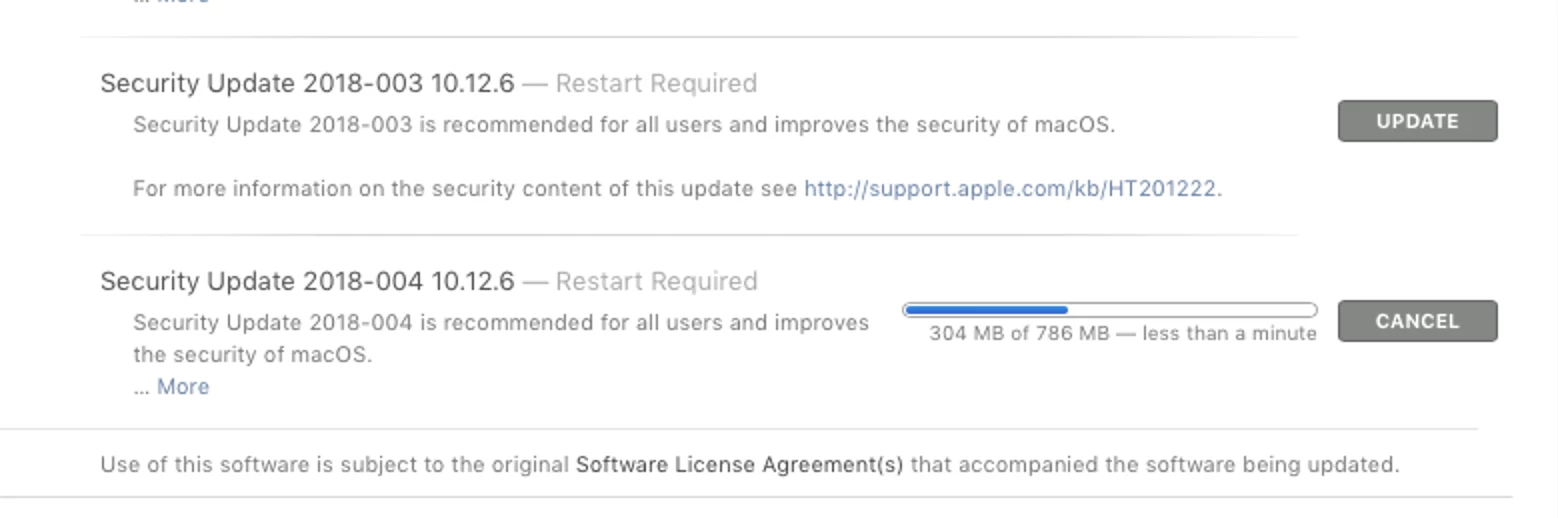
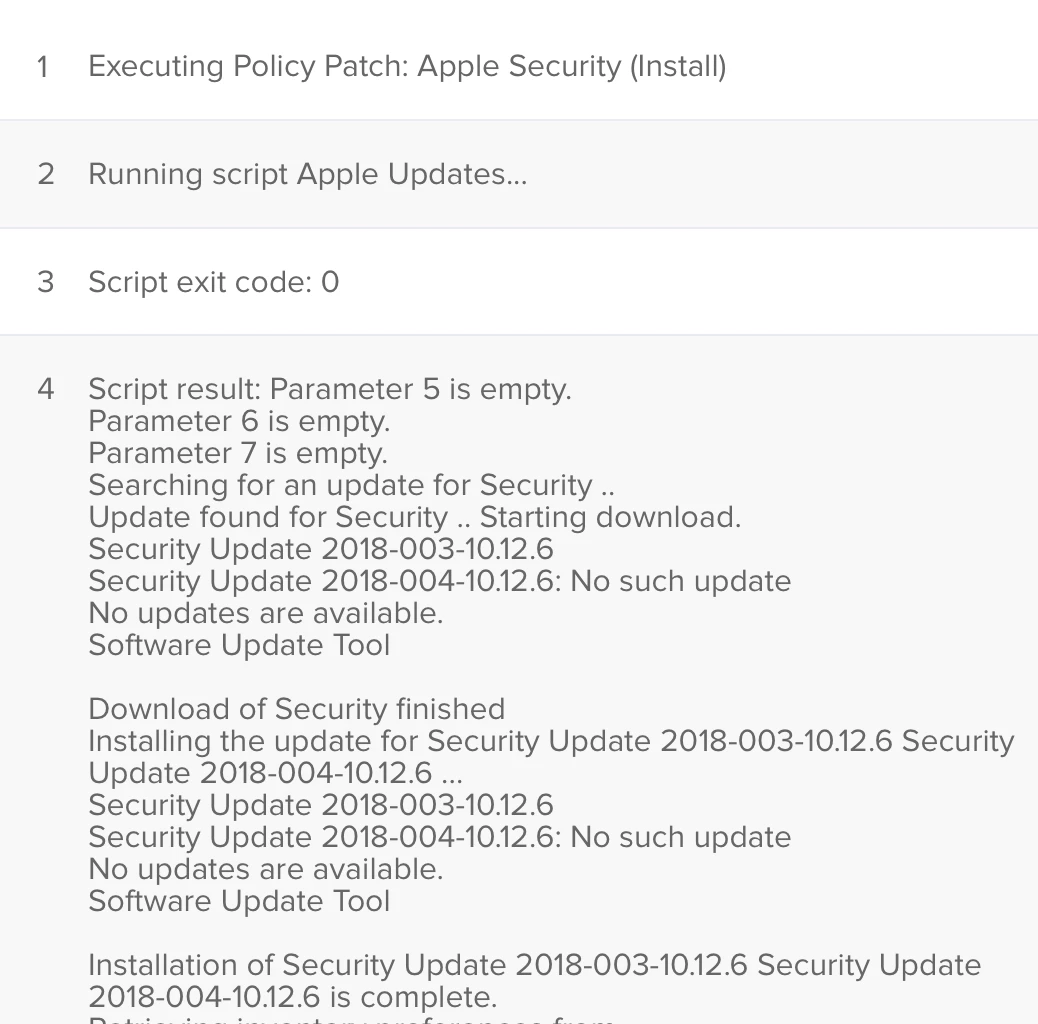
Looks like this doesn't install patches. I ran the policy
with a reboot and these still show up under updates and I click update and they install.

Forum|alt.badge.img+18
  • Contributor
  • July 19, 2018

You'd have to do something like this:

#!/bin/bash

updates=$(/usr/sbin/softwareupdate -l)
getsecupd="$(echo "$updates" | /usr/bin/grep -B1 recommended | /usr/bin/grep -v recommended | grep Security | sed -n 's/   * //p')"

/usr/sbin/softwareupdate -i "$getsecupd"

exit 0

Forum|alt.badge.img+13
  • Honored Contributor
  • July 19, 2018

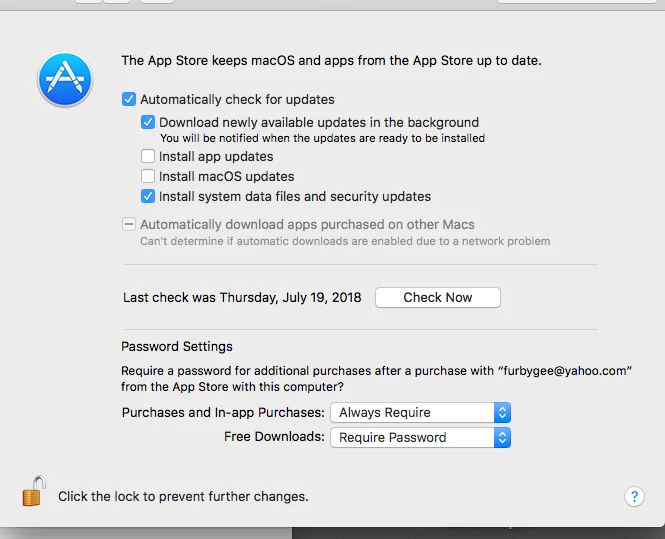
Hey Guys, just gotta ask why the script and not the built in mechanism? many use the following settings via defaults write and/or config profiles to accomplish the same thing in an Apple approved way:

Settings

which depending on your choices may look like this:

I chose to not download OS Updates in this example. JSS reporting will tell you what's patched and what's not


KyleEricson
Forum|alt.badge.img+17
  • Author
  • Valued Contributor
  • July 20, 2018

I want more control.


Forum|alt.badge.img+13
  • Honored Contributor
  • July 20, 2018

optional image ALT text


KyleEricson
Forum|alt.badge.img+17
  • Author
  • Valued Contributor
  • July 23, 2018

Does anyone have a mdm profile for the critical updates?


Forum|alt.badge.img+12
  • Valued Contributor
  • July 24, 2018

@therealmacjeezy Taking a look at utilizing your script. Is there a reason why "security" is the only detectable label when determining whether a restart is needed? Wouldn't you want macOS updates included as well?


KyleEricson
Forum|alt.badge.img+17
  • Author
  • Valued Contributor
  • July 24, 2018

More my use case on want to push security updates.