Question

Application-Restriction not working in Big Sur

  • December 7, 2020
  • 5 replies
  • 12 views

Forum|alt.badge.img+5

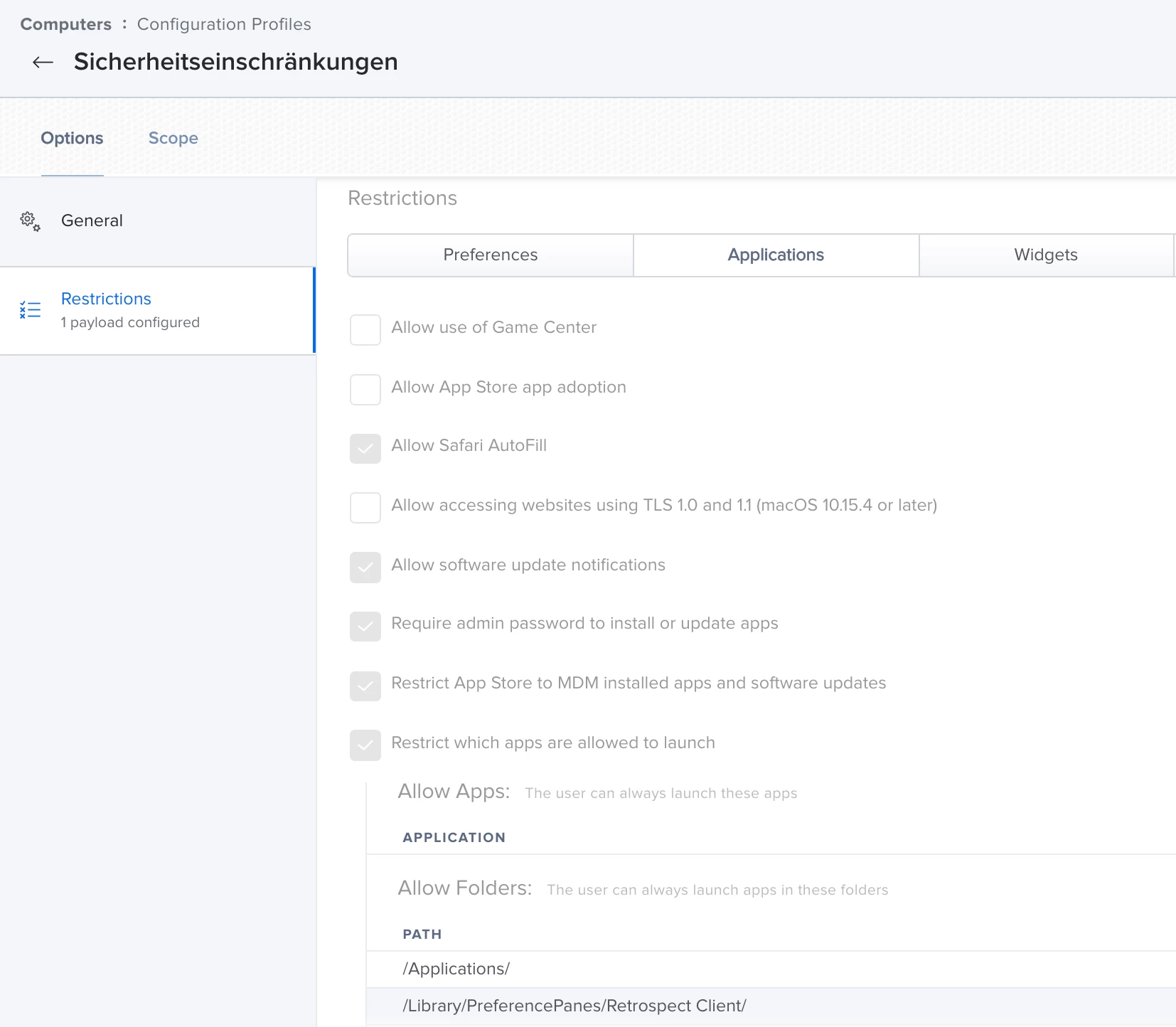
Hi, we have a pretty conservative configuration profile to only allow the user to launch apps from defined paths (for example "/Applications"). This works fine in macOS Catalina but now I have our first M1-Mac (wich comes with Big Sur) and it ignores that payload. I checked in system preferences under profiles that my profile is correctly installed and it is but I can easily download an app and launch it from my downloads-folder (wich should be blocked).

5 replies

Forum|alt.badge.img+5
  • Author
  • Contributor
  • 26 replies
  • December 15, 2020

Just updated my test-Mac to macOS 11.1 and still the payload does not take effect.
Nobody here using this?


joseph_english
Forum|alt.badge.img+5
  • New Contributor
  • 5 replies
  • March 16, 2021

Having the same problem.


Forum|alt.badge.img+5
  • Author
  • Contributor
  • 26 replies
  • March 17, 2021

Apple fixed this in macOS 11.2 (Build 20D64).


joseph_english
Forum|alt.badge.img+5
  • New Contributor
  • 5 replies
  • March 17, 2021

Thanks, @matthias.bretz! Just upgraded to 11.2.3 and they're working for me again as well.


user-CqUlRTAQgf
Forum|alt.badge.img+1
  • New Contributor
  • 7 replies
  • July 19, 2021

Thanks, @matthias.bretz! Just upgraded to 11.2.3 and they're working for me again as well.


I'm currently running 11.4 and I'm having the same issue the payload it's not loading Application restriction on the Big Sur. Any idea would be much appreciated