
Question

Avid Pro Tools First 19.5.0 in labs

  • January 14, 2020
  • 2 replies
  • 16 views

Forum|alt.badge.img+3

Hello,
I am trying to create a policy for a manged install for Pro Tools in the labs. I was able to create a pkg using a composer snapshot and the software installed successfully. However, we discovered later that one application file is not getting installed through the package "AIR Music Technology" which has the XPAND plugin. So now i can open projects but they all require that plugin and hence no sound is outputted from the application at all...
This is the composer snapshot files:
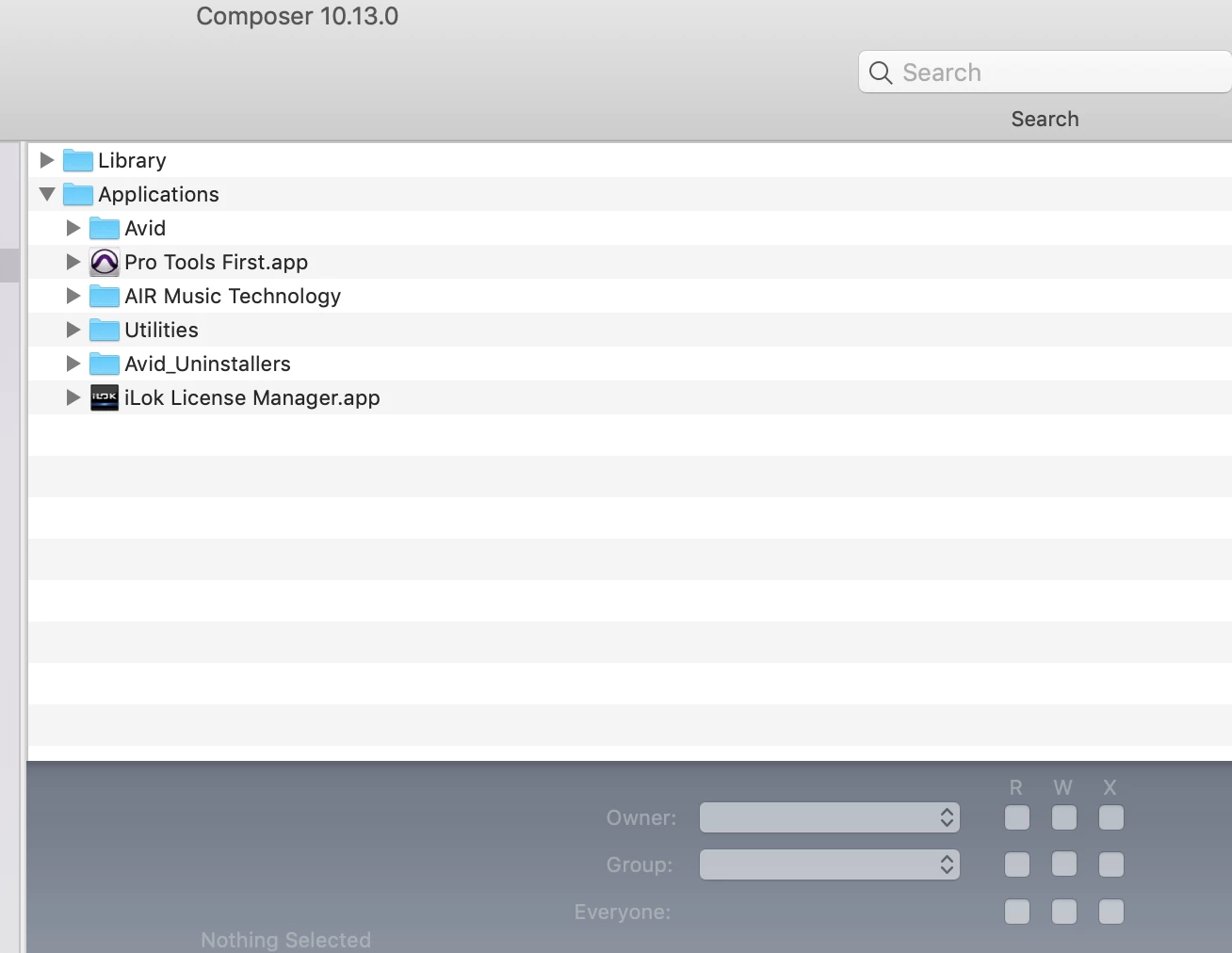
Anyone was able to successfully deploy the pro tools 2019 first free version in labs?

Thanks

2 replies

davidacland
Forum|alt.badge.img+18
  • Valued Contributor
  • 1811 replies
  • January 14, 2020

The plugins would normally install in the /Library/Application Support/Avid/Audio/Plugins folder. As long as they are there with the right permissions, they should be working.

It might be the packaging method that is the root cause. Although it's older, this thread is still valid: https://www.jamf.com/jamf-nation/discussions/14327/need-help-packaging-pro-tools-11#responseChild87009


Forum|alt.badge.img+8
  • Valued Contributor
  • 119 replies
  • August 11, 2020

@davidacland Hope all is well, do you know if this script is still working for Pro Tools 2020.5.0?

I wish that Pro Tools just did a standard install, for that matter there are several installers that go crazy on you. Not following standard lines. Thank you for any assistance, David!