
I am attempting to deploy the AWS VPN Client app to computers logged into Standard user accounts. After opening the application and then selecting the Connect button, MacOS 14.3.1 requires the user to authenticate using administrator credentials. Canceling the credentials prompt generates a dialog window, “AWS VPN Client Helper Tool is required to establish the connection”
When testing, I can connect the VPN to the host when entering the admin credentials. Once the admin credentials are entered, a new item named “AMZN Moble LLC” appears in System Settings > General > Allow in the Background.
I need the VPN to connect without the Standard user entering the admin credentials.
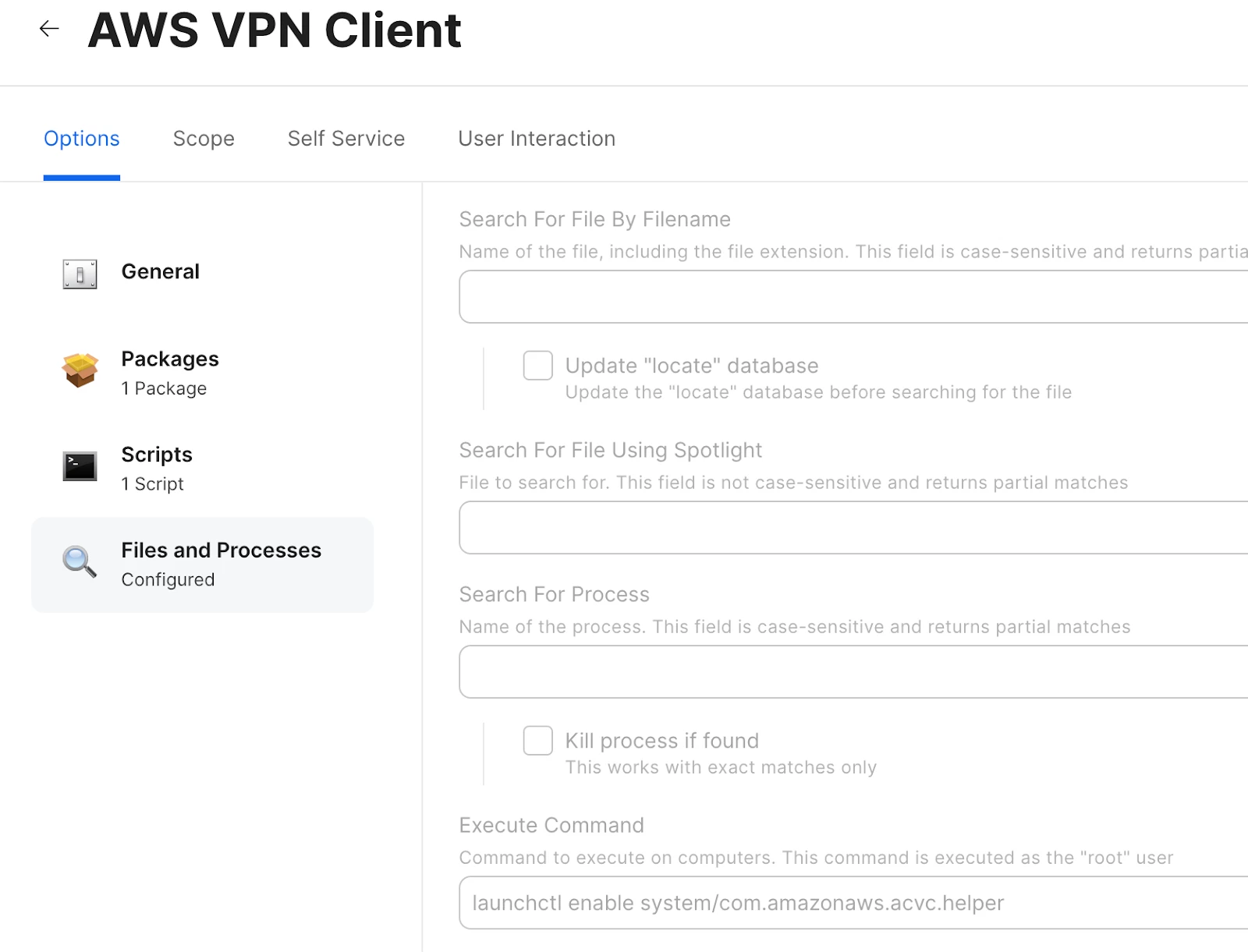
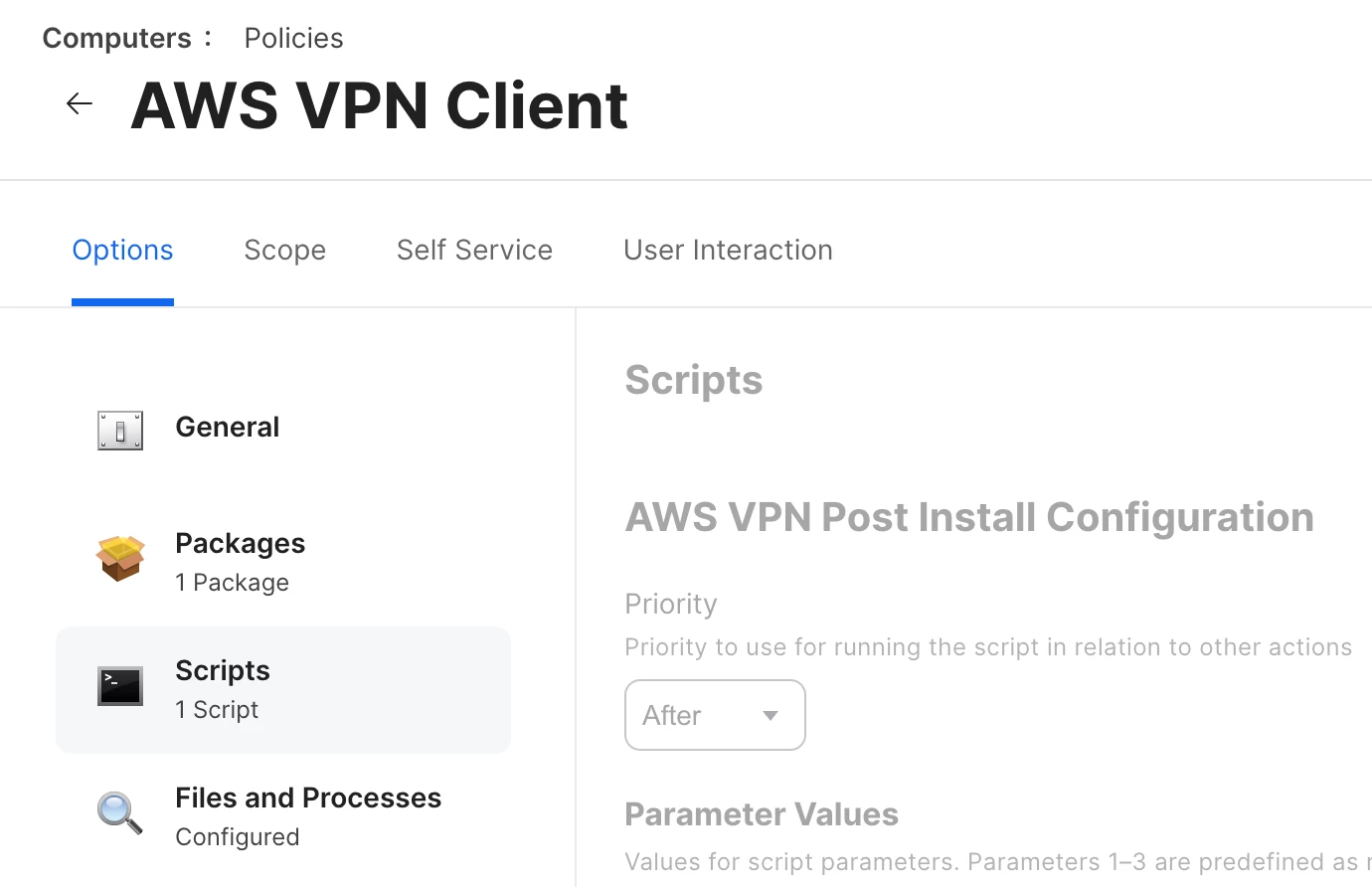
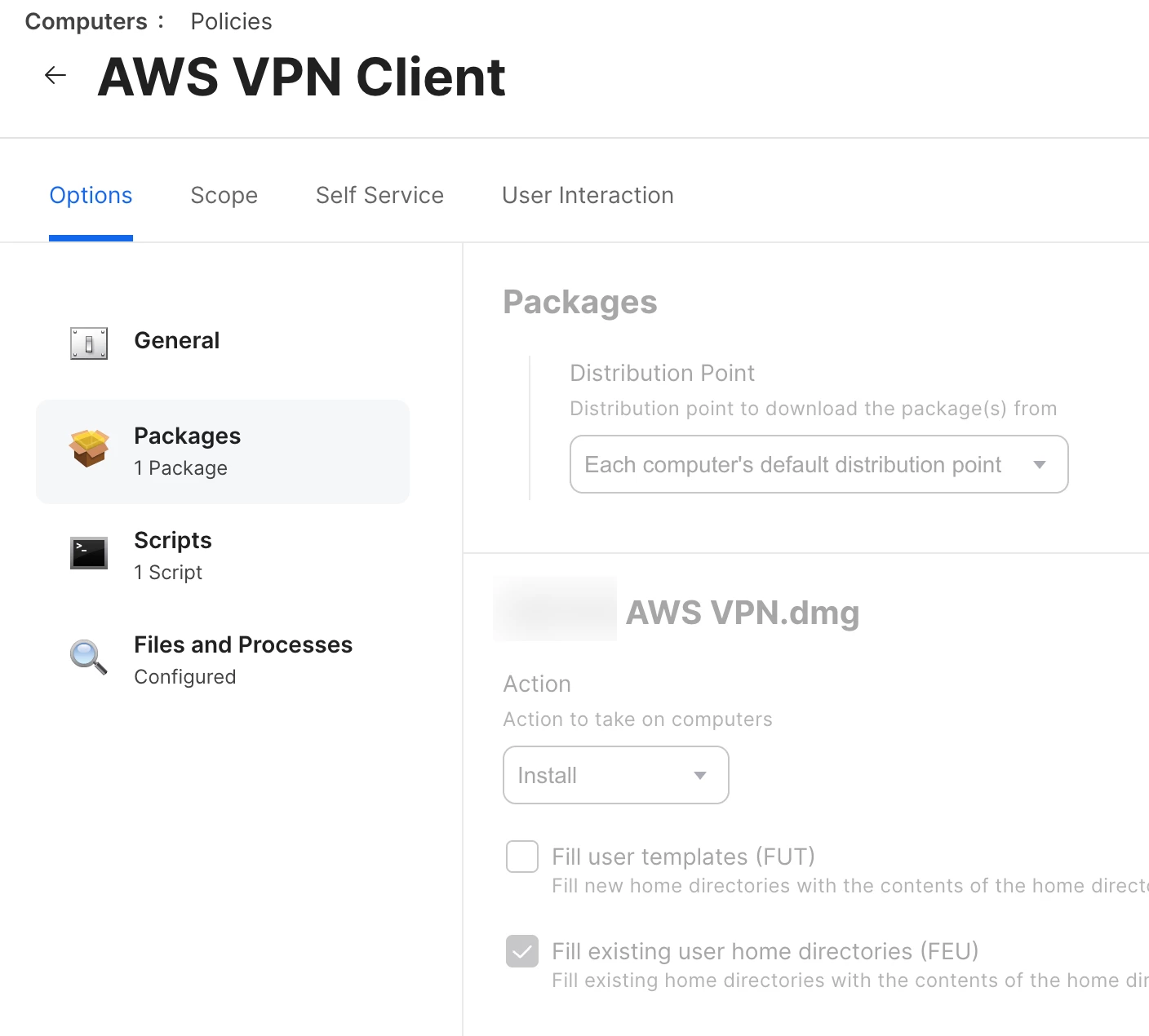
The policy configuration:
An installer script runs after the package is deployed:
#!/bin/sh
for i in `ls /Users |grep -v Shared`; do
perl -pi -e s/REPLACE_ME/$i/ /Users/$i/.config/AWSVPNClient/ConnectionProfiles
Done