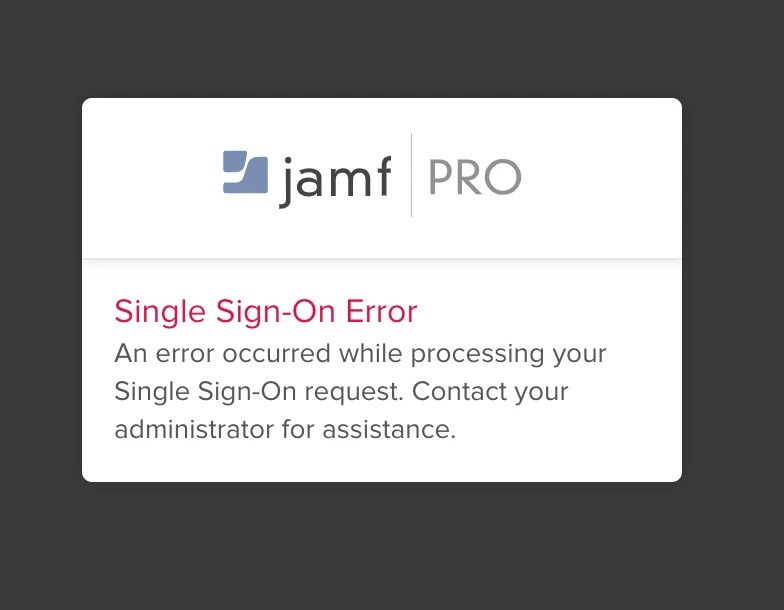
We have recently deployed Azure AD SSO (and Azure AD DS) to login to our Jamf Cloud instance.
It works great apart from SSO, every 24 hours we have to reset our web browser data to login to Jamf Admin.
Any ideas on how to make this more reliable? I's guessing its something to do with 'Token Expiration (Minutes)'. Should I just increase this to a few weeks?
Best answer by ThijsX
@jonohayes In the SSO settings in Jamf Pro disable the SAML token expiration Check the docs; https://docs.jamf.com/10.20.0/jamf-pro/administrator-guide/Single_Sign-On.html
I think this will solve your problems.
Edit; depends on your Jamf Pro version if this is available, else set the token expiration time to the maximum value of 86400
@jonohayes In the SSO settings in Jamf Pro disable the SAML token expiration Check the docs; https://docs.jamf.com/10.20.0/jamf-pro/administrator-guide/Single_Sign-On.html
I think this will solve your problems.
Edit; depends on your Jamf Pro version if this is available, else set the token expiration time to the maximum value of 86400
So 'disabling' the token is only possible with Azure. For other integrations, the only option appears to be to set a really high timeout value. Can anyone else confirm this works for them?