Solved

Best Practice to distribute Firefox Addons?

  • December 15, 2025
  • 7 replies
  • 92 views

JevermannNG
Forum|alt.badge.img+8

Hey,

I am looking for a way to distribute Firefox Addons via Self Service …?

The following Addon should be available in Self Service:

Passwork Self-Hosted Extension

https://addons.mozilla.org/en-US/firefox/addon/passwork-self-hosted/?utm_source=addons.mozilla.org&utm_medium=referral&utm_content=search

Do I have to change anything else after the distribution as an PKG?
How can I make sure that the installed Addon gets automatically updated?

Best answer by CSCC-JS

This is what I’ve used in the past.

Copy the XPI file to a place, then create a profile that triggers Firefox to install it.

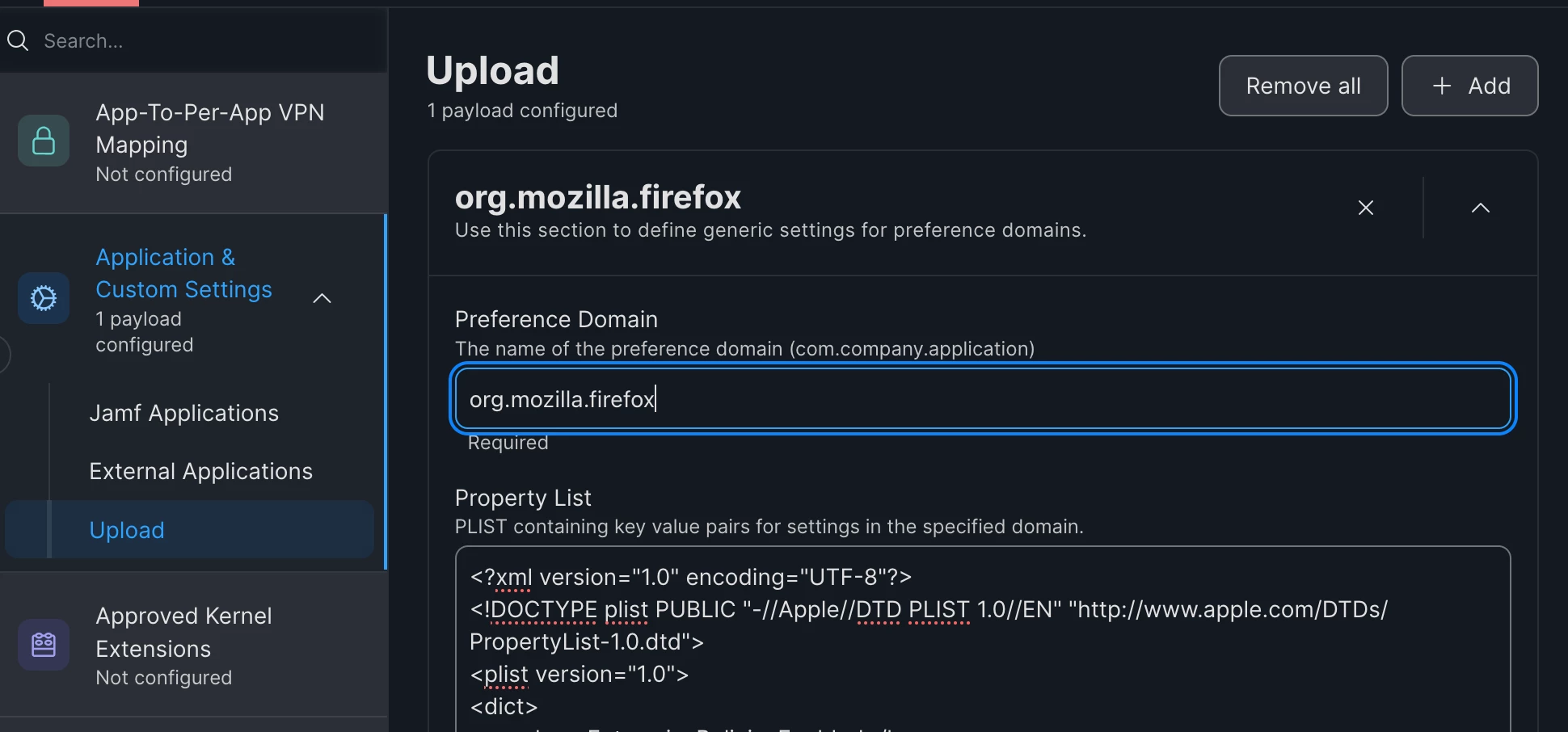
New Configuration Profile
Application & Custom Settings 

org.mozilla.firefox


<?xml version="1.0" encoding="UTF-8"?>
<!DOCTYPE plist PUBLIC "-//Apple//DTD PLIST 1.0//EN" "http://www.apple.com/DTDs/PropertyList-1.0.dtd">
<plist version="1.0">
<dict>
<key>EnterprisePoliciesEnabled</key>
<true/>
<key>Extensions</key>
<dict>
<key>Install</key>
<array>
<string>/Library/Application Support/company/FirefoxHighlighter.xpi</string>
</array>
</dict>
</dict>
</plist>


(Edit)

It looks like this should install it automatically and turn on extension updates

<?xml version="1.0" encoding="UTF-8"?>
<!DOCTYPE plist PUBLIC "-//Apple//DTD PLIST 1.0//EN" "http://www.apple.com/DTDs/PropertyList-1.0.dtd">
<plist version="1.0">
<dict>
<key>EnterprisePoliciesEnabled</key>
<true/>
<key>ExtensionUpdate</key>
<true/>
<key>Extensions</key>
<dict>
<key>Install</key>
<array>
<string>https://addons.mozilla.org/firefox/downloads/file/4644082/passwork_self_hosted-2.0.30.xpi</string>
</array>
</dict>
</dict>
</plist>

 

7 replies

CSCC-JS
Forum|alt.badge.img+8
  • Valued Contributor
  • Answer
  • December 16, 2025

This is what I’ve used in the past.

Copy the XPI file to a place, then create a profile that triggers Firefox to install it.

New Configuration Profile
Application & Custom Settings 

org.mozilla.firefox


<?xml version="1.0" encoding="UTF-8"?>
<!DOCTYPE plist PUBLIC "-//Apple//DTD PLIST 1.0//EN" "http://www.apple.com/DTDs/PropertyList-1.0.dtd">
<plist version="1.0">
<dict>
<key>EnterprisePoliciesEnabled</key>
<true/>
<key>Extensions</key>
<dict>
<key>Install</key>
<array>
<string>/Library/Application Support/company/FirefoxHighlighter.xpi</string>
</array>
</dict>
</dict>
</plist>


(Edit)

It looks like this should install it automatically and turn on extension updates

<?xml version="1.0" encoding="UTF-8"?>
<!DOCTYPE plist PUBLIC "-//Apple//DTD PLIST 1.0//EN" "http://www.apple.com/DTDs/PropertyList-1.0.dtd">
<plist version="1.0">
<dict>
<key>EnterprisePoliciesEnabled</key>
<true/>
<key>ExtensionUpdate</key>
<true/>
<key>Extensions</key>
<dict>
<key>Install</key>
<array>
<string>https://addons.mozilla.org/firefox/downloads/file/4644082/passwork_self_hosted-2.0.30.xpi</string>
</array>
</dict>
</dict>
</plist>



JevermannNG
Forum|alt.badge.img+8
  • Author
  • Valued Contributor
  • December 17, 2025

Hi ​@CSCC-JS 

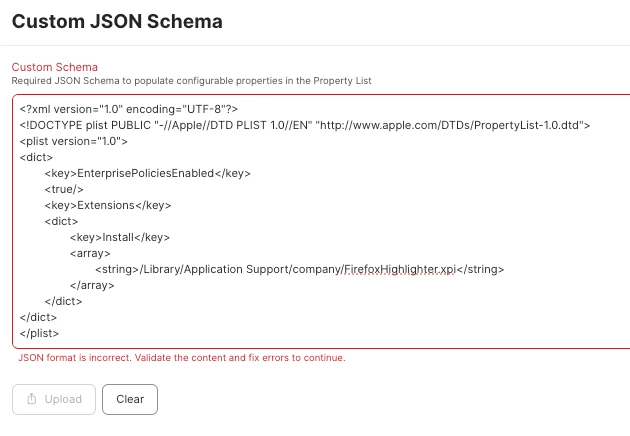
I tried to Upload the Schema but get the following error:


CSCC-JS
Forum|alt.badge.img+8
  • Valued Contributor
  • December 17, 2025

Try copying and pasting the code 


JevermannNG
Forum|alt.badge.img+8
  • Author
  • Valued Contributor
  • December 18, 2025

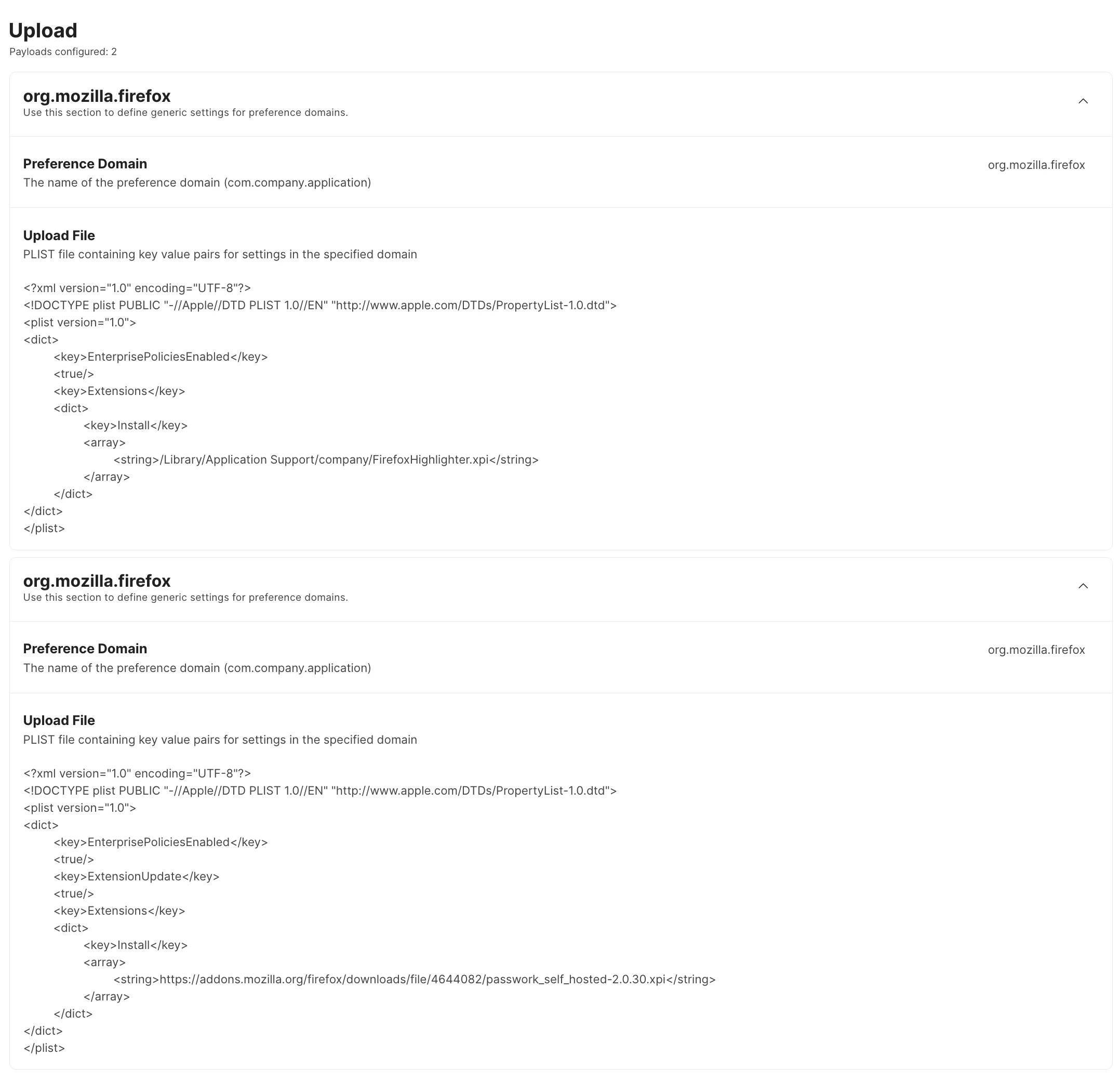
@CSCC-JS I did but it didnt work, I found a workaround: I copied the code to BBEdit, saved each file and uploaded the two files to the Jamf Profile.
It works, thank you :-)

Do you have a similar solution for the Google Chrome Browser?


CSCC-JS
Forum|alt.badge.img+8
  • Valued Contributor
  • December 18, 2025
com.google.Chrome
 
You will need to find out the string for the extension and replace it from the one bellow
<?xml version="1.0" encoding="UTF-8"?>
<!DOCTYPE plist PUBLIC "-//Apple//DTD PLIST 1.0//EN" "http://www.apple.com/DTDs/PropertyList-1.0.dtd">
<plist version="1.0">
<dict>
<key>ExtensionInstallForcelist</key>
<array>
<string>inoeonmfapjbbkmdafoankkfajkcphgd</string>
</array>
<key>ExtensionSettings</key>
<dict>
<key>{{value}}</key>
<dict>
<key>installation_mode</key>
<string>force_installed</string>
</dict>
</dict>
</dict>
</plist>

JevermannNG
Forum|alt.badge.img+8
  • Author
  • Valued Contributor
  • December 19, 2025

thank you ​@CSCC-JS !


CSCC-JS
Forum|alt.badge.img+8
  • Valued Contributor
  • December 19, 2025

Your welcome.

Check out the (free) iMazing Profile editor. 

https://imazing.com/guides/getting-started-with-imazing-profile-editor

One of it’s functions (in addition to creating full profiles) is also the ability to export as a plist you can upload in to the Application & Custom Settings upload section.