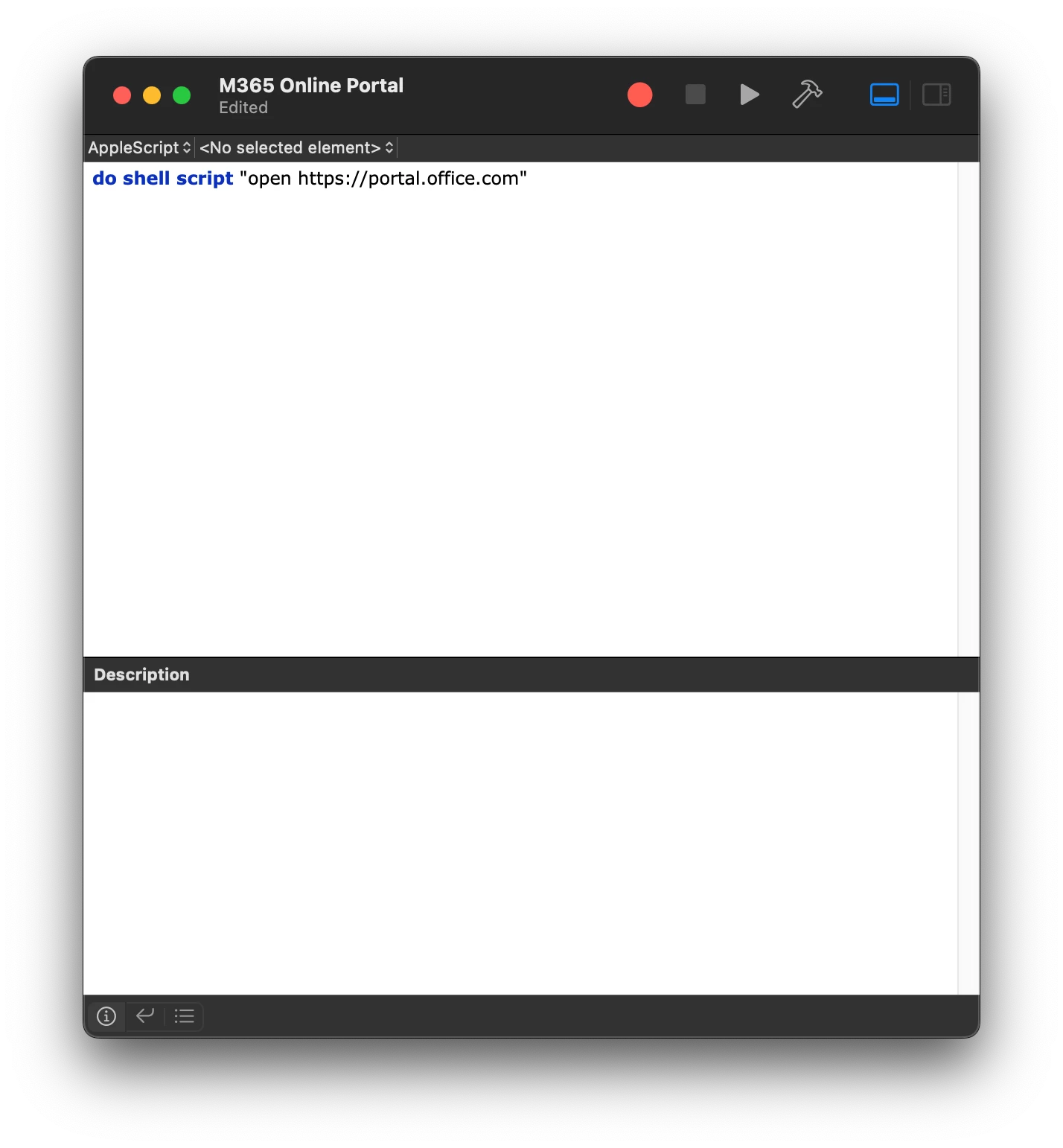
I'm going nuts with this. In 2020 I created desktop shortcuts for my Apple computer fleet just fine, and now I'm trying to create a new one and can't figure out how I did this. I've read, and re-read, this post from which I learned initially how to do this a couple years ago. Today, when I open Composer and drag the desktop webloc file in the sidebar, it creates the entry, but doesn't show the item under Desktop (it should show right under Desktop, like the picture in this post):
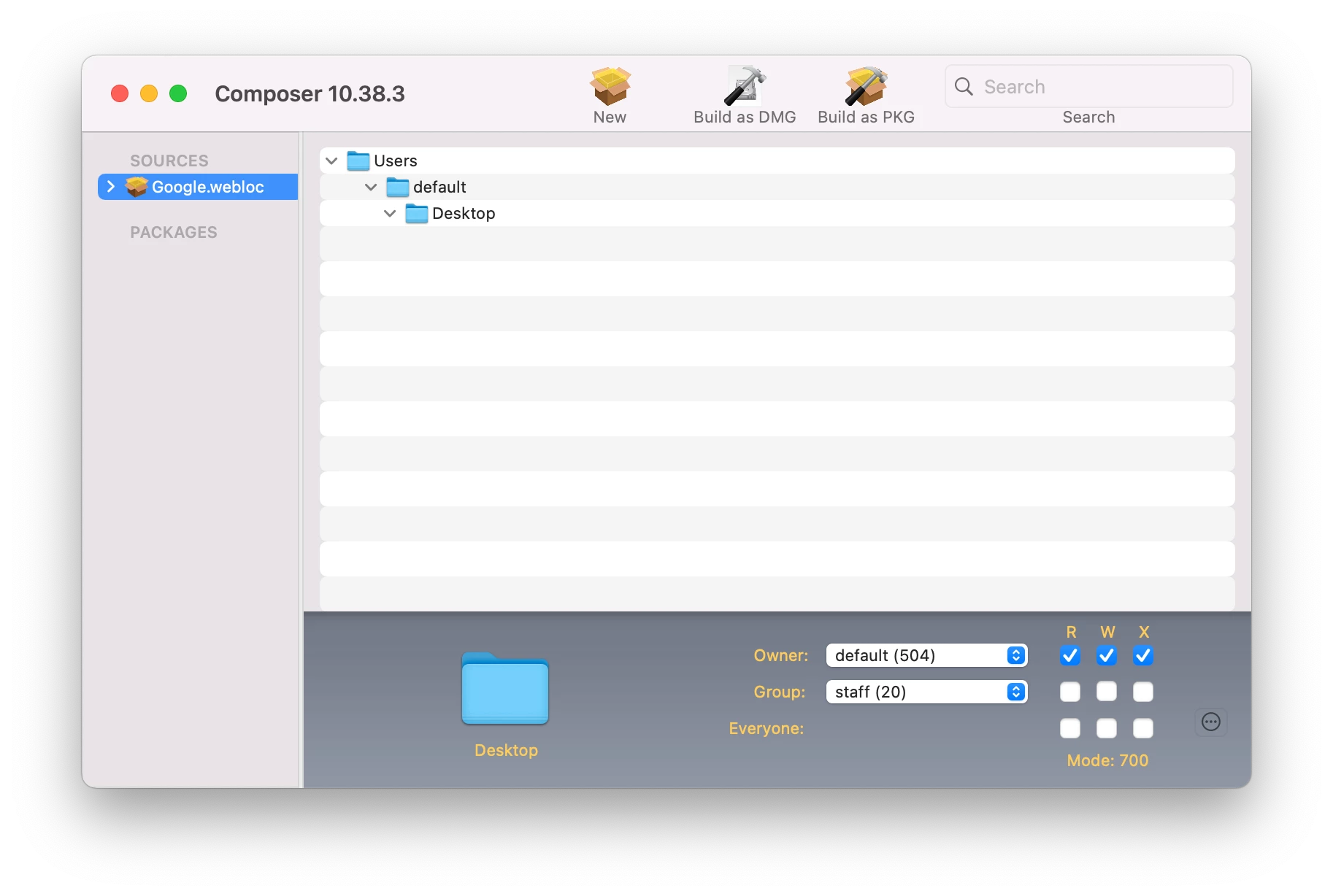
- I have confirmed that Composer has full disk access.
- I have tested on a Mac with macOS 12.1 and another with macOS 12.4.
- macOS account has admin rights.
- I have tried with chown/chmod/chgflags terminal commands from the original post, and without.
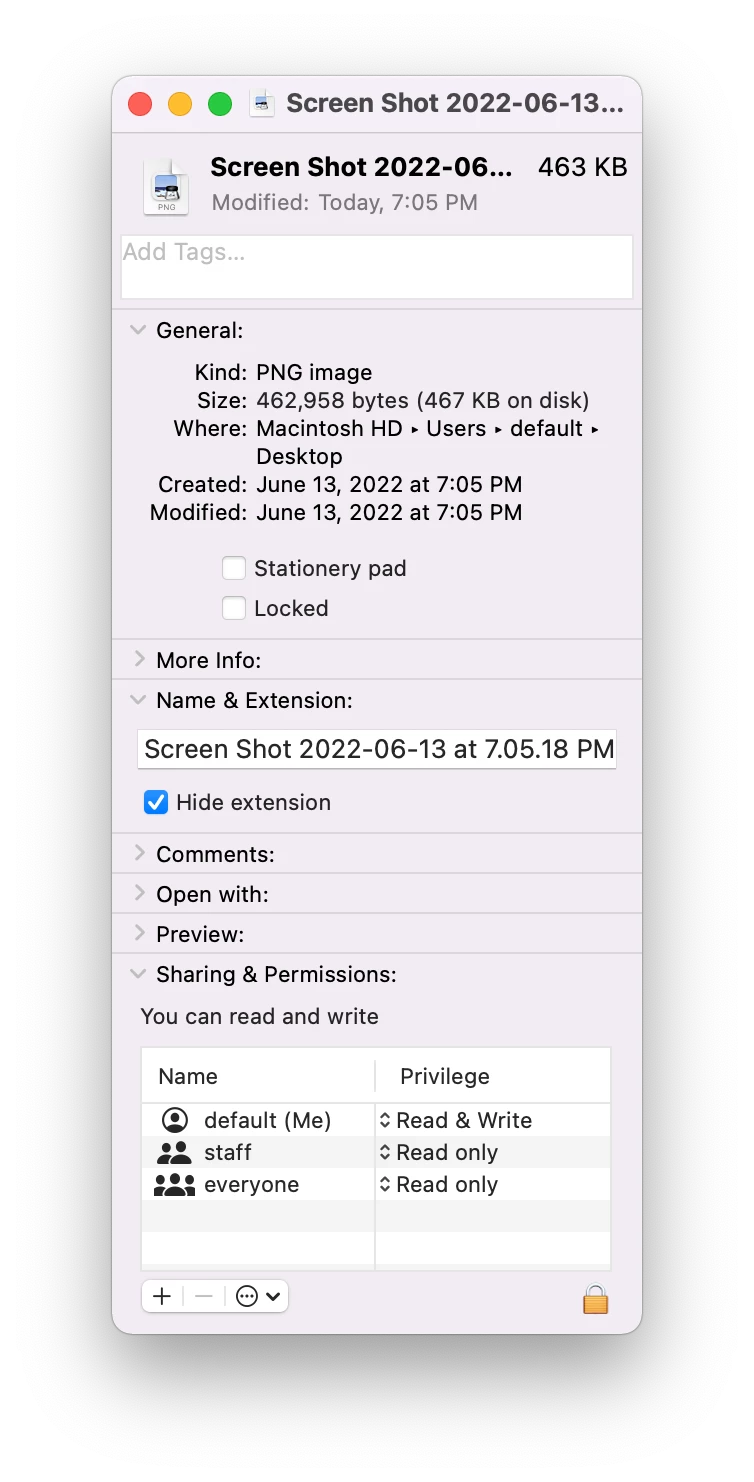
- Current file info:
I'm stumped. I even tried an older Jamf Tools version, didn't make a difference. Any ideas? I know that some of you use scripts for desktop shortcuts but I really wanted to use this method.