Question

CB Protection "Bit9"

  • May 29, 2018
  • 3 replies
  • 16 views

Forum|alt.badge.img+1

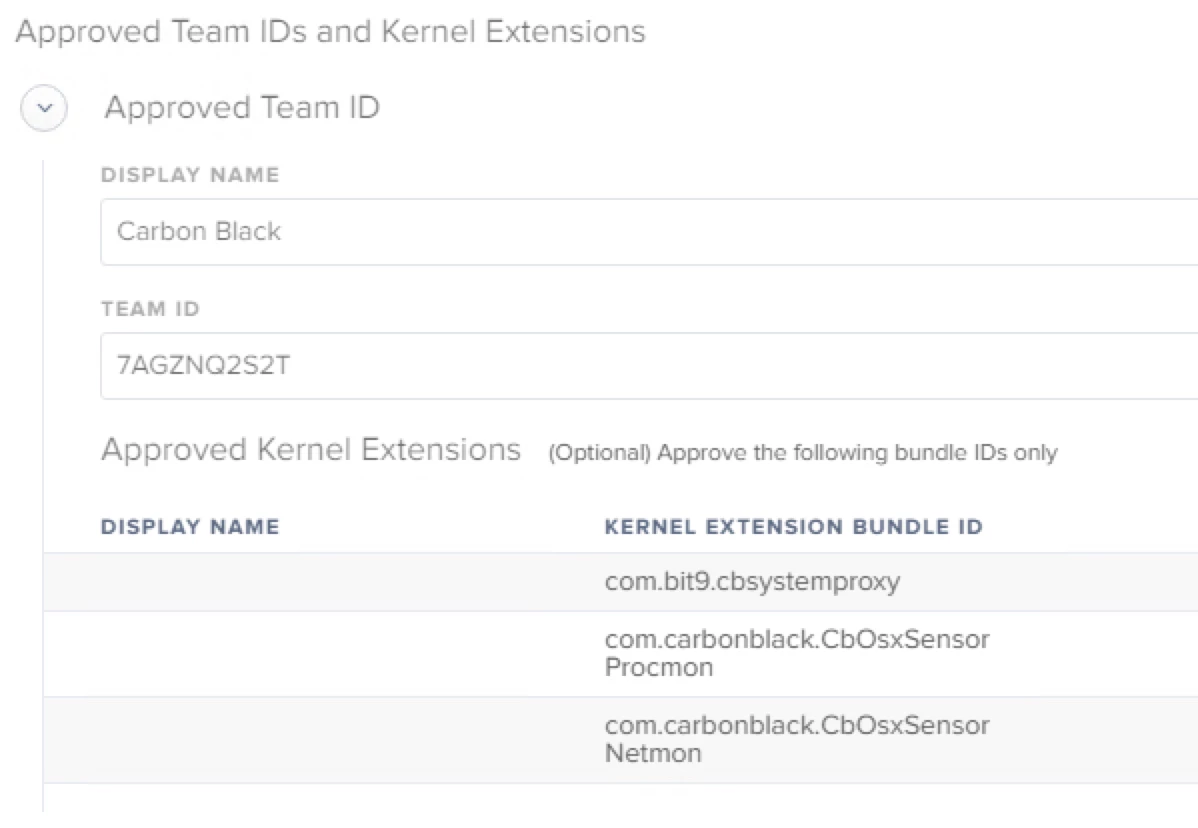
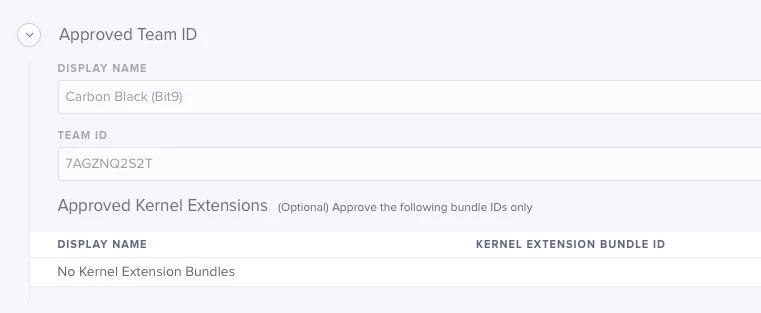
Anyone has some experience with packaging CB Protection(Bit9) recently. I have approved following team IDs and Kernel extensions via Jamf Pro configuration profile. Just wanted some help with packaging this correctly.
3 replies

Forum|alt.badge.img+15
  • Valued Contributor
  • May 29, 2018

You need to get the package/DMG from the server that is managing your organization. I just dump the PKG into /var/tmp/ and run a simple script to install. I believe the reason is that the PKG doesn't like being installed remotely.


Forum|alt.badge.img+9
  • Valued Contributor
  • May 29, 2018

For me, I kept getting odd-ball pop-ups and notices about KEXT's even if I had the ext whitelisted and it was on the machine. I removed the display name field and haven't had a message appear since.


jconte
Forum|alt.badge.img+12
  • Valued Contributor
  • May 29, 2018

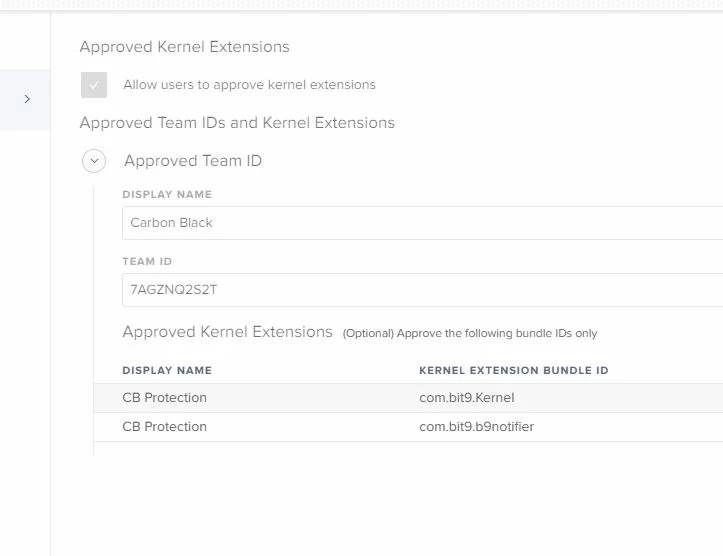
Here is what we are doing for KEXT :

As far as installation we are dropping to staging folder and using script to execute.

#!/bin/bash
# This script installs the Carbon Black 6.1.3 client and will uninstall the old client when applicable

# This will uninstall any previously installed McAfee agents, remove comment when ready

/Applications/CarbonBlack/sensoruninst.sh

# This will install the Carbon Black client for Mac's

/usr/sbin/installer -package /Library/Staging/Packages/CarbonBlack6.1.3.80124/CarbonBlackClientSetup.pkg -target /

sleep 15

chflags hidden /Applications/CarbonBlack

exit 0