
Question

company portal on managed iPads

  • August 17, 2018
  • 3 replies
  • 19 views

Forum|alt.badge.img+7

Our company has decided to start rolling out iPads to users but to get email access (Office365) they need to enroll with Company Portal (InTune).
BUT
You cant have 2 MDM profiles on the same device InTune enrollment just fails and says the device is already managed.

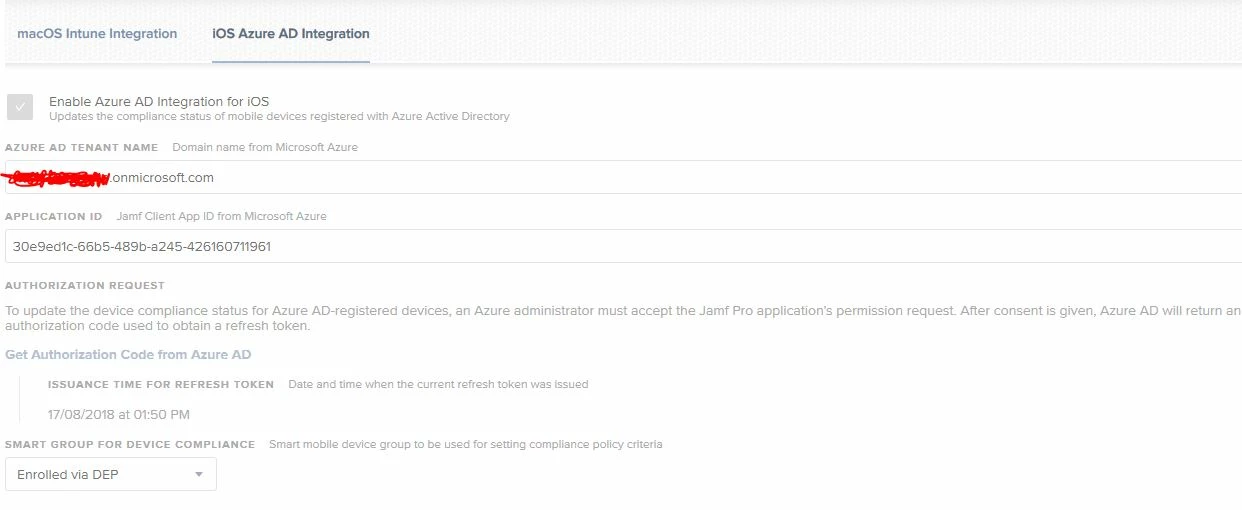
I have set the conditional access settings all set and its talking to Azure but there's no option anywhere to set any settings or add it into a config profile?!?!

Any one got this working or similar?
3 replies

Forum|alt.badge.img+6
  • Contributor
  • August 17, 2018

Do you have to set it up on the Azure AD side? I know intune allows for device management without actually using the portal.


Forum|alt.badge.img+7
  • Author
  • Contributor
  • August 20, 2018

Would you happen to know where that setting is?


Forum|alt.badge.img+6
  • Contributor
  • August 20, 2018

Its called MAM WE, or Mobile Application Management Without Enrollment. When you create the app policy in your portal you select for it to be available with or without enrollment.