Question

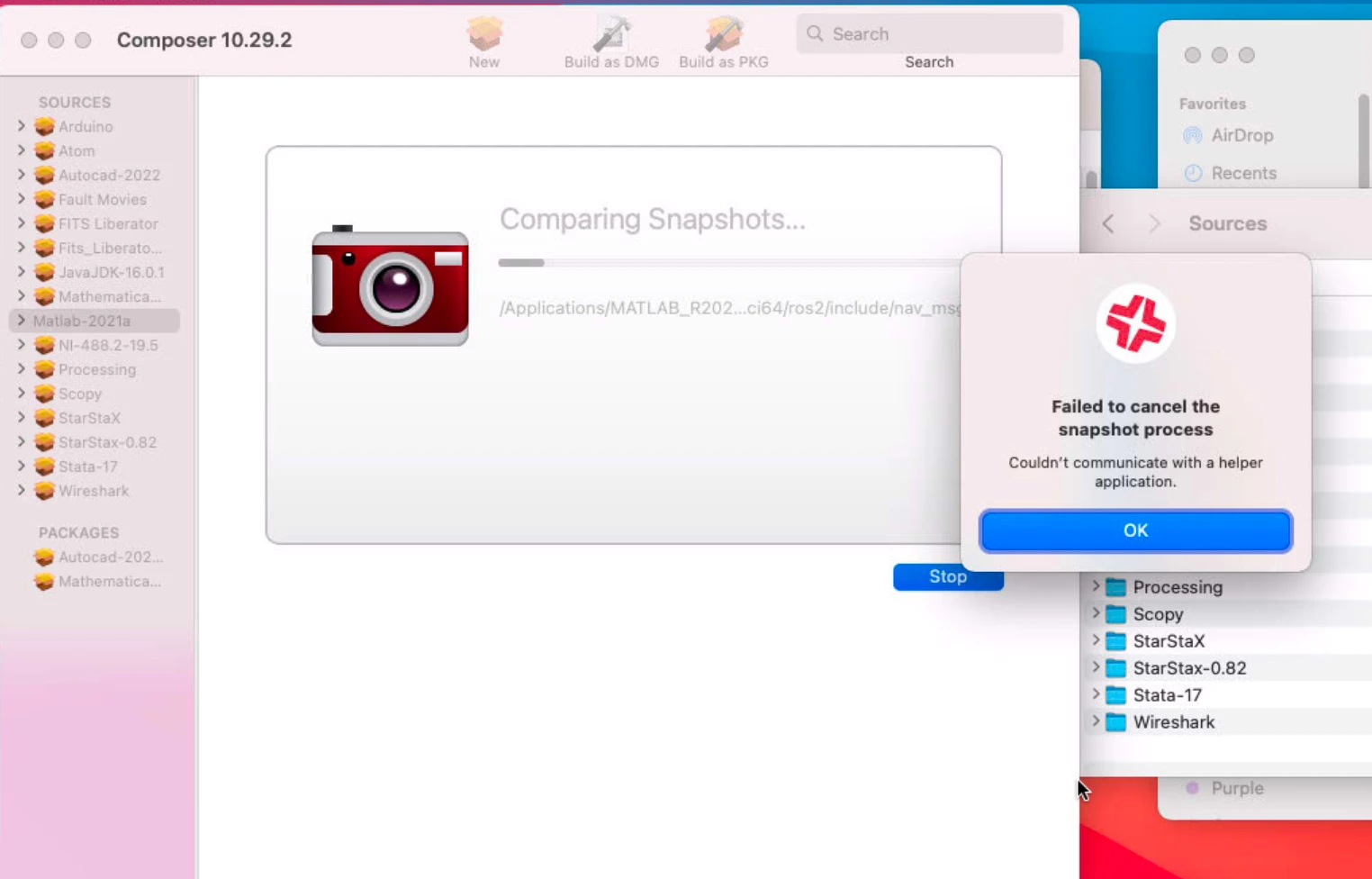
Composer Hanging on second snapshot

  • June 2, 2021
  • 2 replies
  • 37 views

Forum|alt.badge.img+1

I had been using Composer 10.28 successfully for the last month or so, but today it started hanging on the second snapshot. I started getting an error message that reads "Couldn't communicate with a helper application". I upgraded to 10.29.2, I changed the permissions of Composer to -R 777, I changed the Executable Types in PKGs: to One or more executables require Rosetta, all to no avail. Any thoughts out there?

2 replies

Forum|alt.badge.img+10
  • Valued Contributor
  • June 3, 2021

@Citino Did you recently upgrade the OS to Big Sur? Have been seeing this on a few other programs, not Composer though.
For building packages we no longer use Composer like snapshots. We have not had an issue with this method for over 1 year even on Big Sur devices.


Forum|alt.badge.img+10
  • Valued Contributor
  • June 3, 2021

Well, JAMF will not allow my mp4 to download to the Nation. Download and install the Application. Open Composer > "NEW" > "User Environment" > DOCK > Rename the pkg > Delete "Users" > Add the Application from /Application folder (drag-n-drop). Highlight the "/Applications" folder in composer > Down in the lower right corner is three dots (elipse) selet that and then Apply permissions to all under the "/Applications".
Save Package and use JAMF to push it out. Easy Peasy