Solved

Configuration Profile no Log information ??

  • March 27, 2015
  • 6 replies
  • 27 views

Forum|alt.badge.img+20

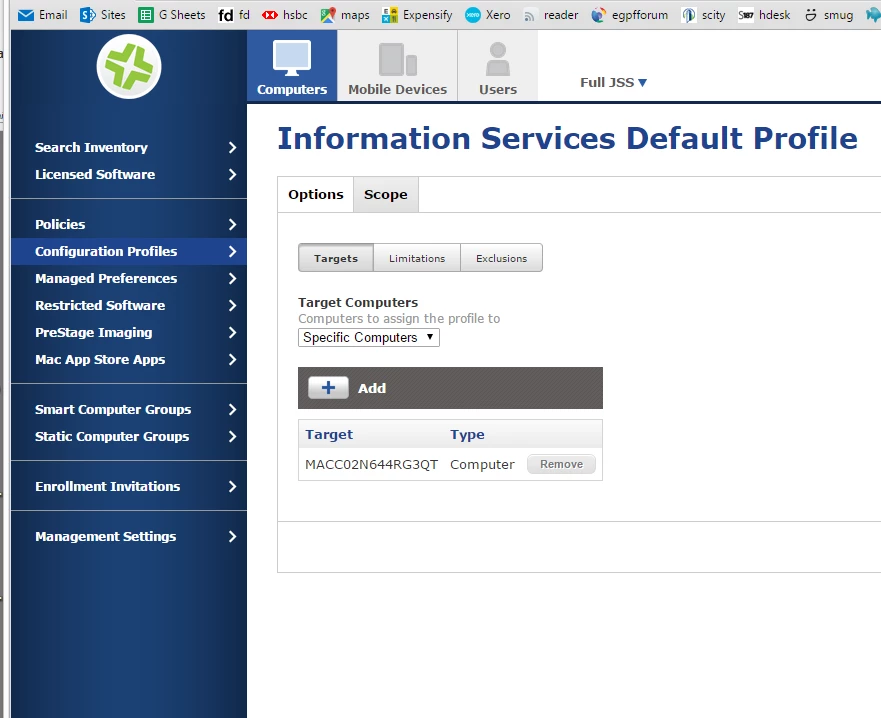
I created a configuration profile for the Energy Saver, setting desktop/laptops computer sleep and display sleep at certain time intervals, along with put hard disk to sleep etc...

now that the policy is set, I do not see a LOG tab to show me the computers that the profile has so far been applied to, why is this not visible like it is for Policies ?

I have it showing on the JSS dashboard, but can not see it based on individual computer status.

Best answer by acodega

This was only added in version 9.65, feature request info here.

6 replies

acodega
Forum|alt.badge.img+15
  • Valued Contributor
  • Answer
  • March 28, 2015

This was only added in version 9.65, feature request info here.


Forum|alt.badge.img+20
  • Author
  • Contributor
  • March 29, 2015

@adamcodega thanks for the answer.


jyergatian
Forum|alt.badge.img+9
  • Contributor
  • March 31, 2015

How about a reason as to why a profile failed to install? Does this log exist anywhere?


Forum|alt.badge.img
  • New Contributor
  • July 22, 2015

That would be great to have that feature as well... We just had casper installed last week, so still learning
, have created a Default Config Profile, scoped it to add only the computer or department, and it fails straight away on both options. Would be great to know why its failing - i have no idea! Any help please!


Forum|alt.badge.img+8
  • Valued Contributor
  • September 30, 2015

Hi @Jamfgcu - Any luck troubleshooting these issues? Application of a configuration policy through Self Service provides no logging.


Forum|alt.badge.img+3
  • New Contributor
  • October 1, 2015

Hi @jazzyj We did sort this - If i remember correctly, it was to do with the config mgr account had to be exactly the same account details as the machine admin details.