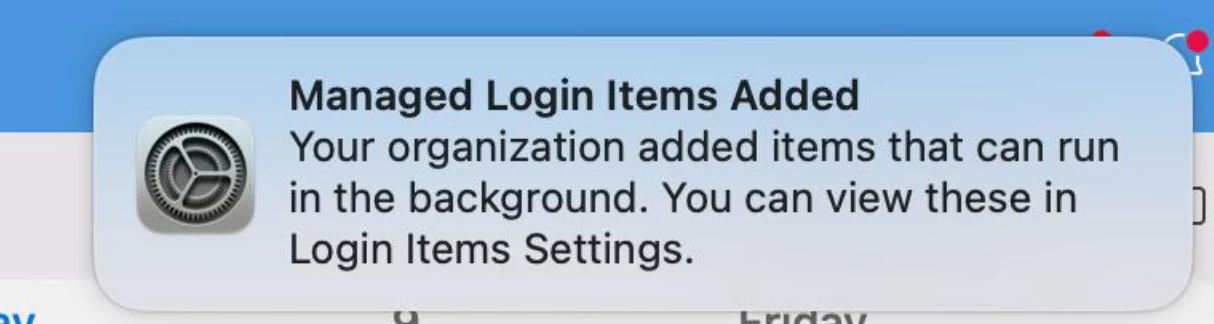
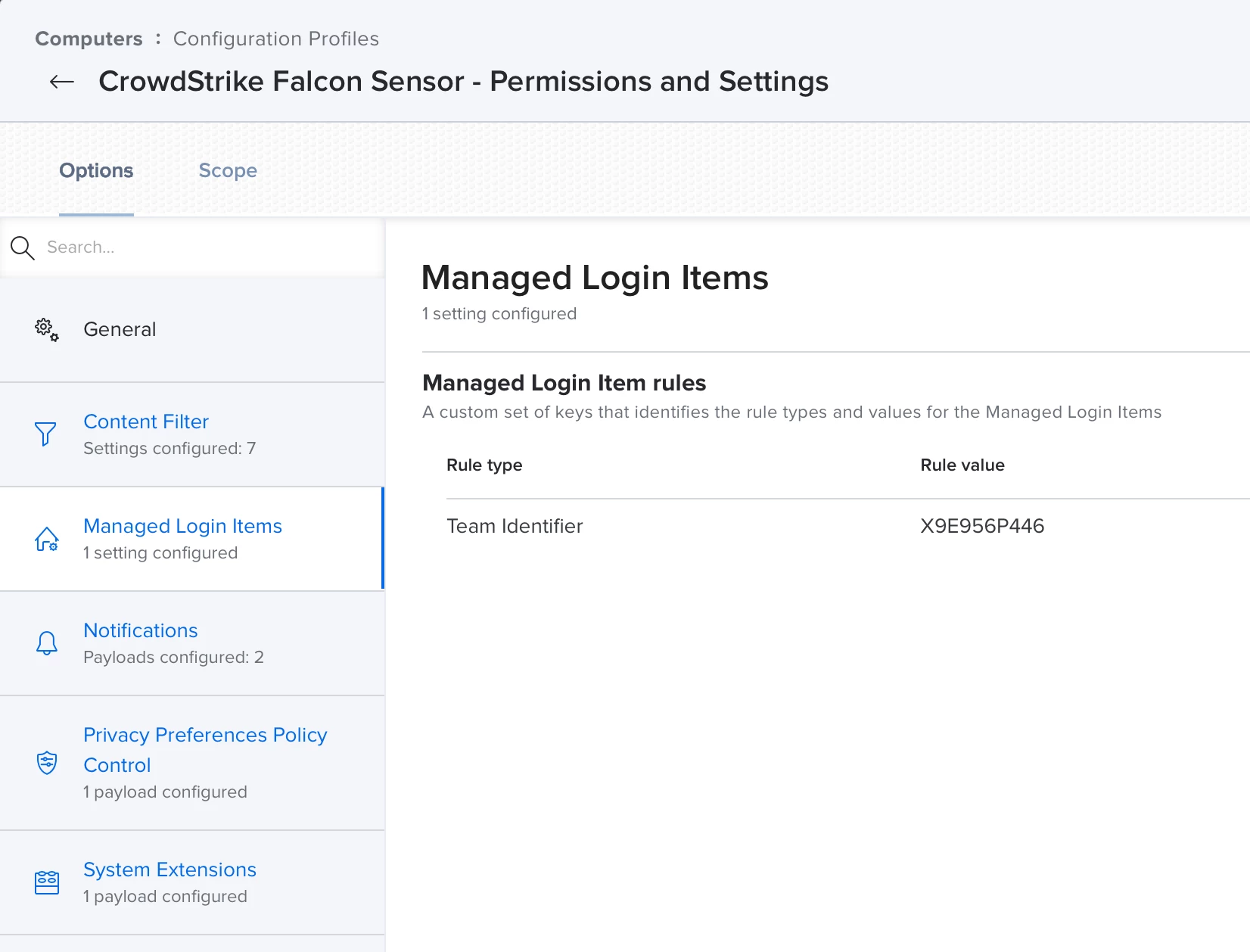
I am working on deploying CrowdStrike initially to a test group of Macs for later deployment companywide. The one thing we are having problems with is the "Managed Login Items Added" alerts that users are seeing when CrowdStrike gets deployed to their Mac. The profile I created for CrowdStrike configures the Content Filter settings, Notifications, PPPC, and System Extensions along with Managed Login Items. On my own test Mac, I have only seen this alert pop up once. I have uninstalled CrowdStrike and either allowed it to reinstall at check-in, and I have ran the command to run the policy in Terminal. Most of the time, I don't see the alert. I'm wondering what I may have done wrong. This security feature in macOS debuted with macOS Ventura. I did not have to deal with this until now since I was working in other areas of Jamf Pro for the last several months. Allowing login items is still new to me. I would appreciate some help on this. I checked the other apps we are deploying that include login items. The profiles we made for those apps match what I did for CrowdStrike. I'm confused. It's the only thing keeping me from being able to deploy CrowdStrike companywide. We want this deployment to be completely silent.