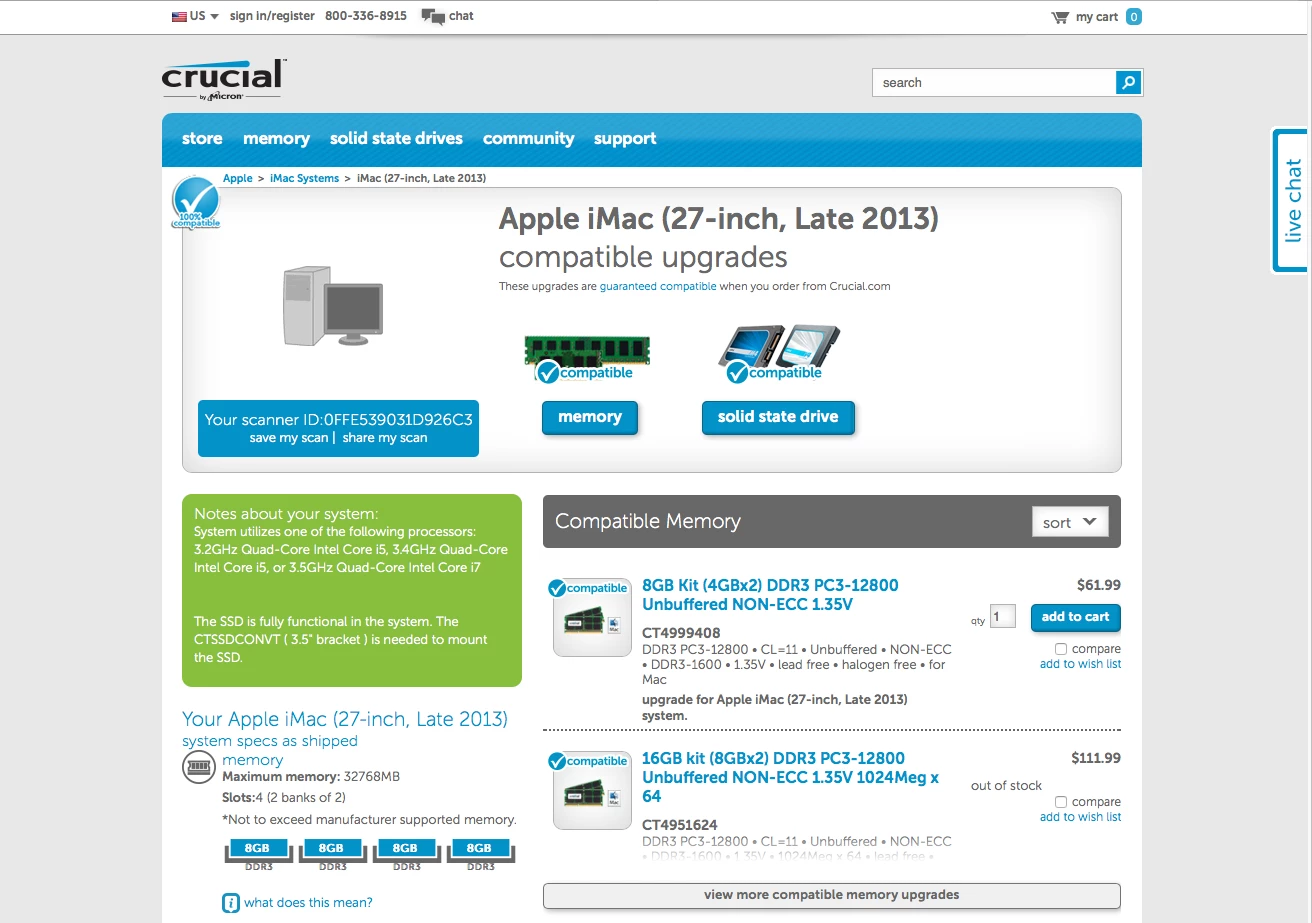
not sure if anyone is interested in using the Crucial RAM selector tool in Self Service
1) Go to [Crucial.com](www.crucial.com) & download Crucial System Scanner
2) Package the app to install in:
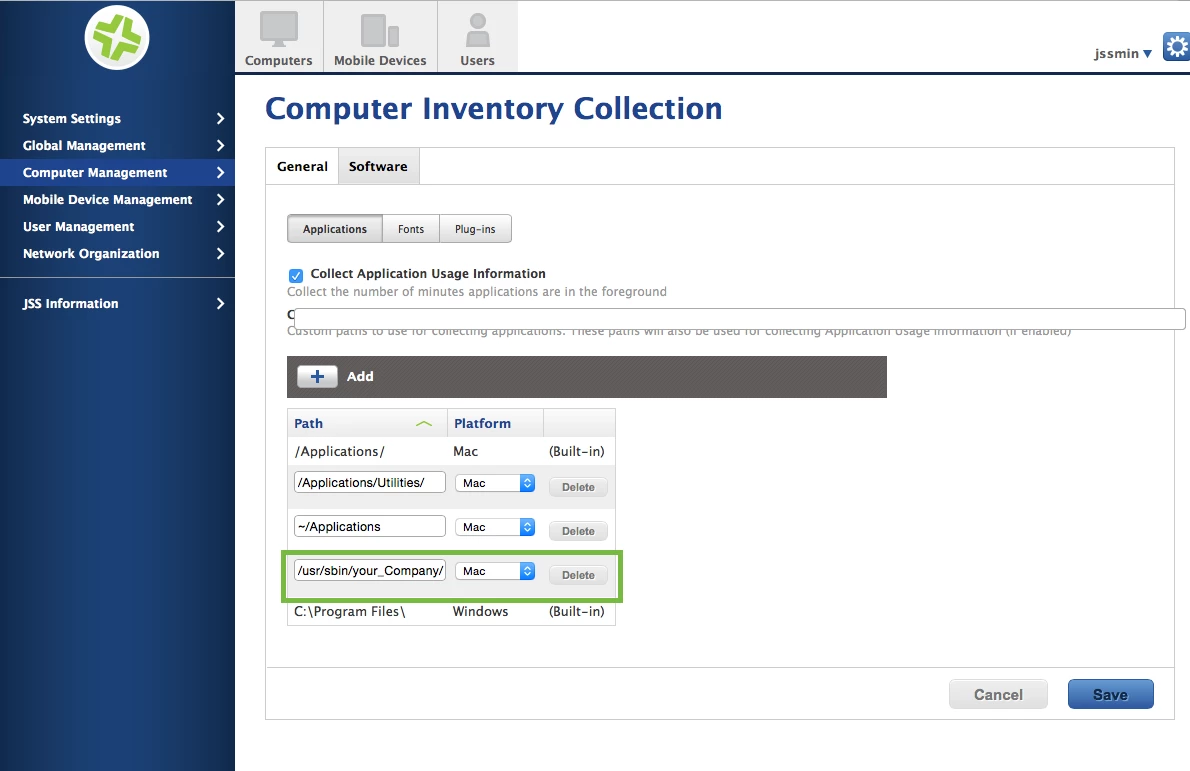
/usr/sbin/[your_company]/apps/crucial/3) Computer Management > Inventory Collection > Software [edit] add the location you packaged the app
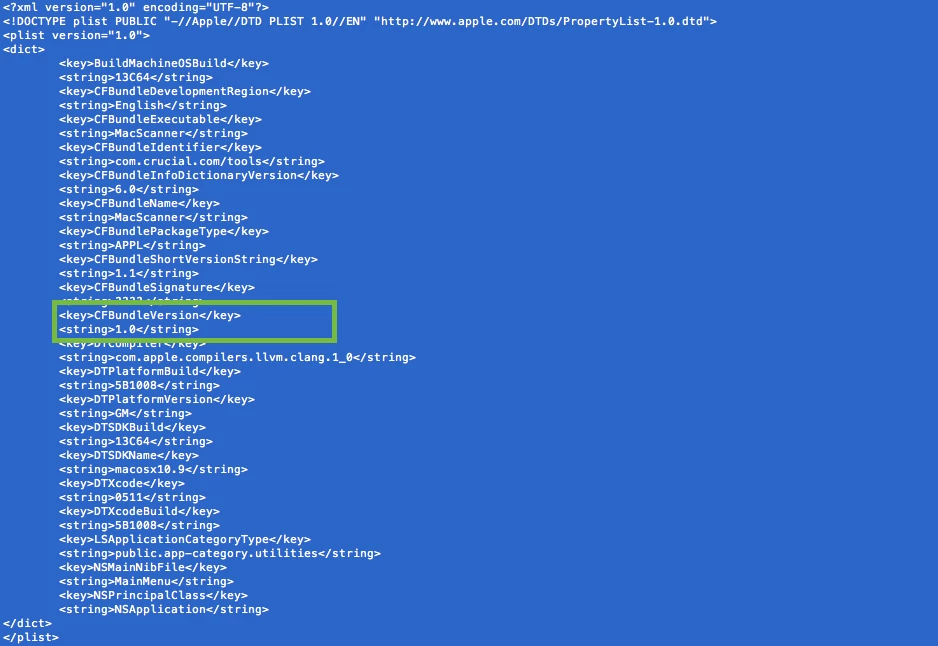
4) cat /usr/sbin/[your_company]/apps/crucial/CrucialMacScanner.app/Contents/Info.plist get the version number your going to need that later.
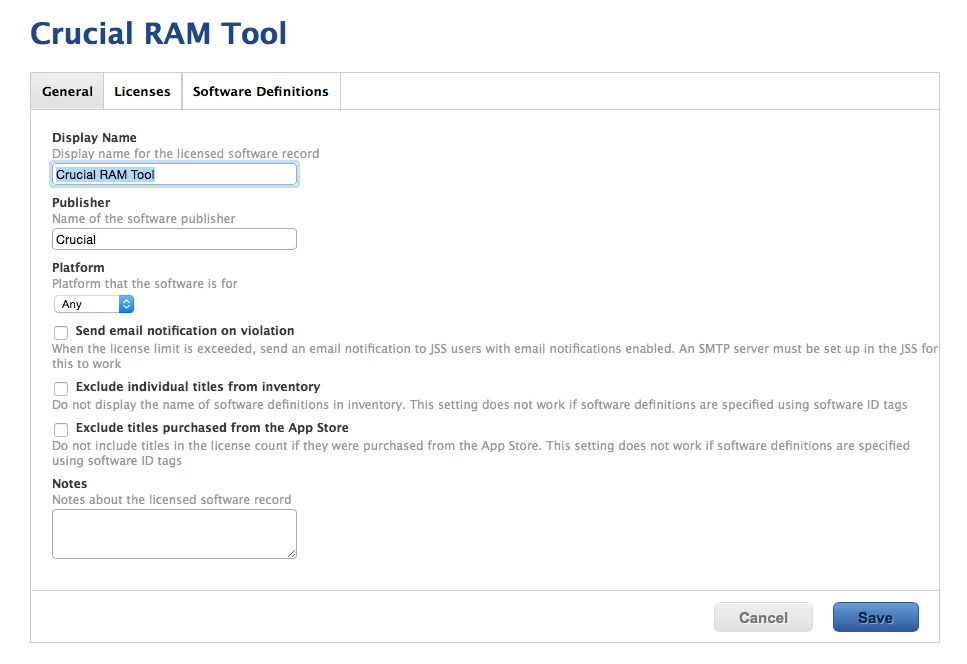
5) Licensed Software > + New >
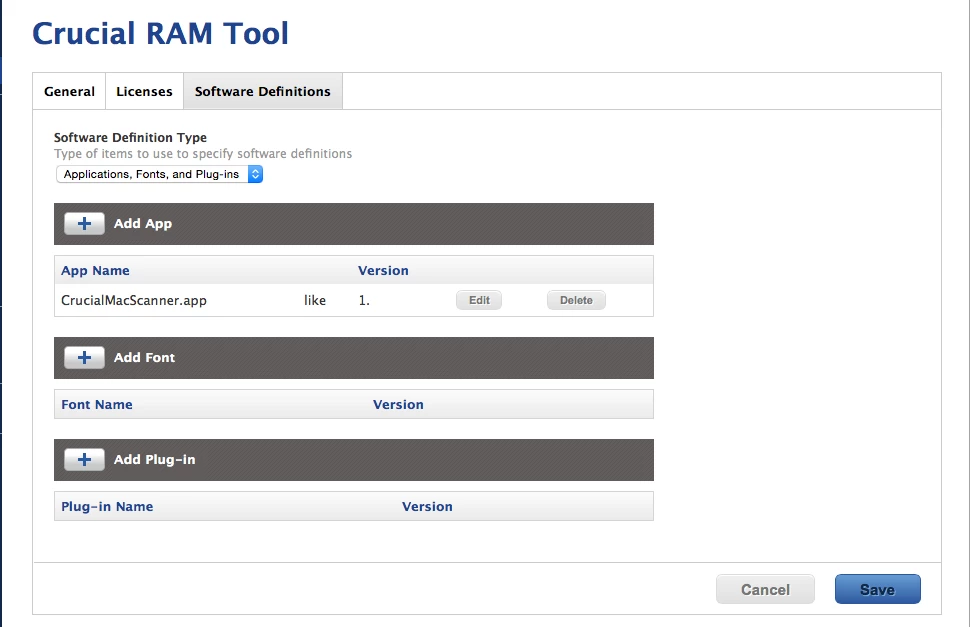
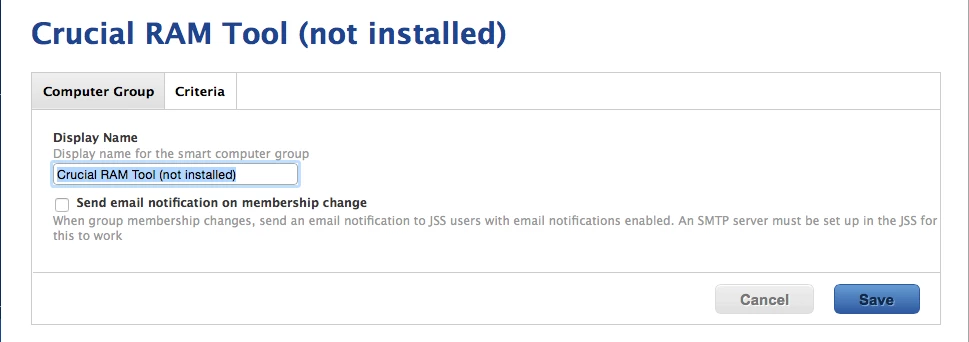
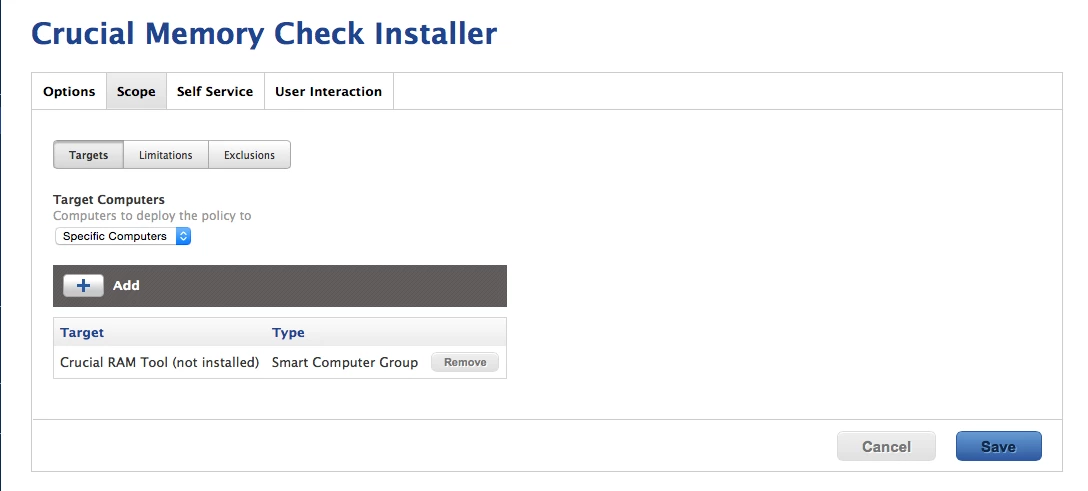
6) Now lets create a smart computer group so we can keep track of the users that need this installed. I named my Smart Group "Crucial RAM tool (not installed)
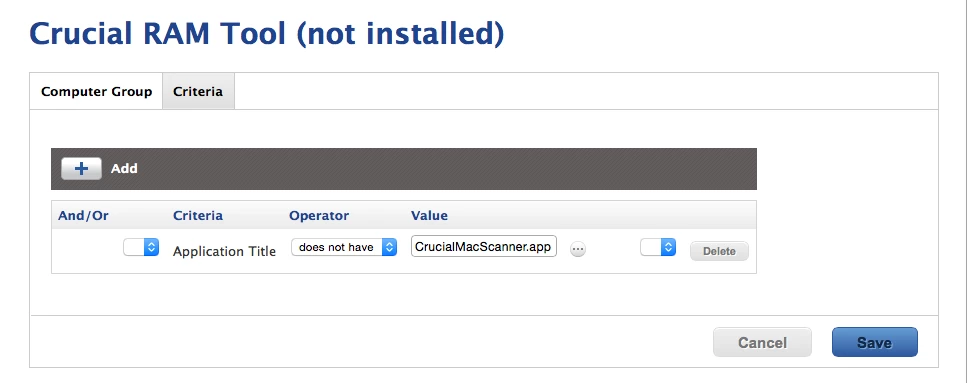
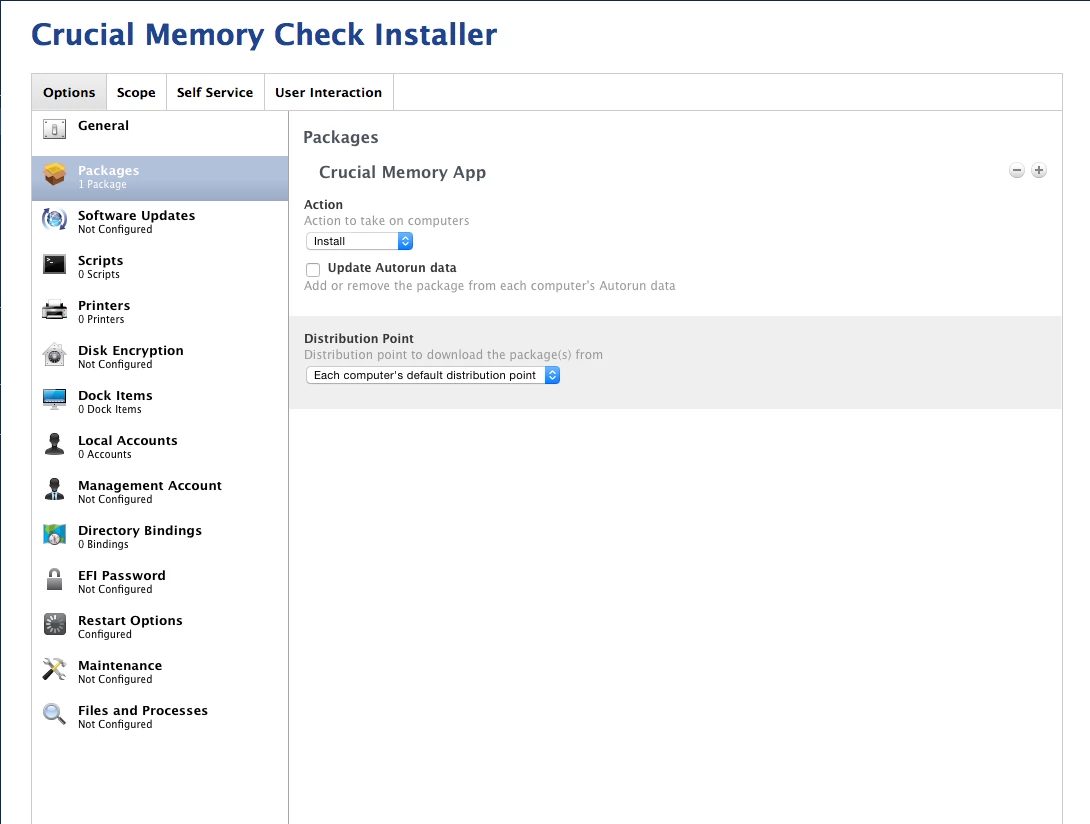
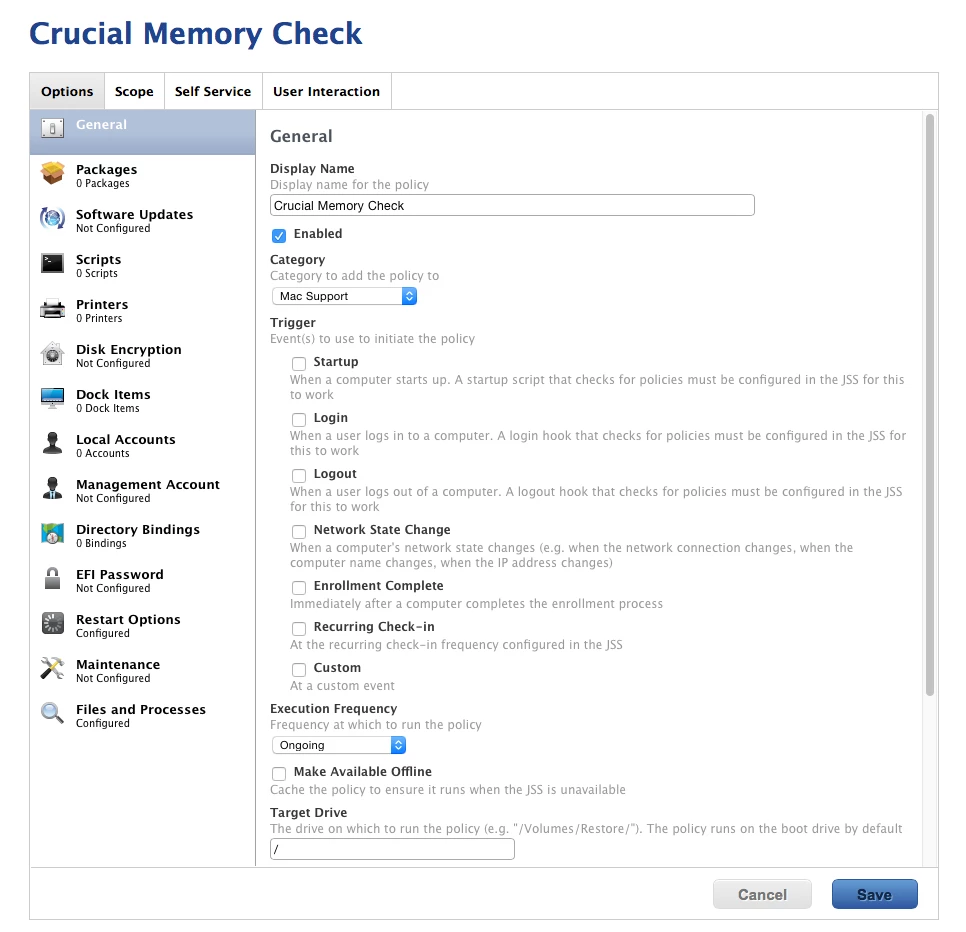
7) So next up is two polices #1 to install the app, and #2 is to make it work in Self Service.
Policy #1
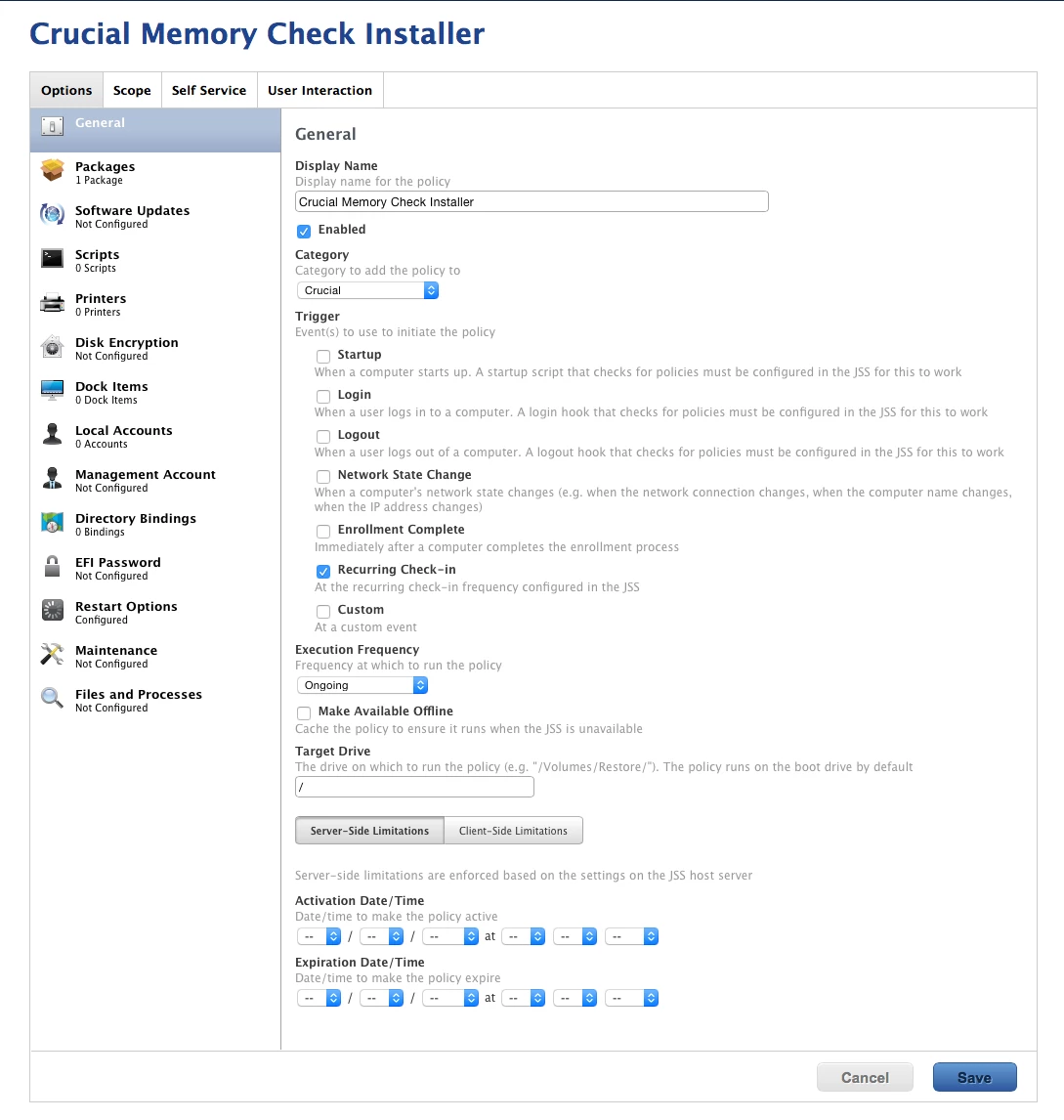
Policy #2
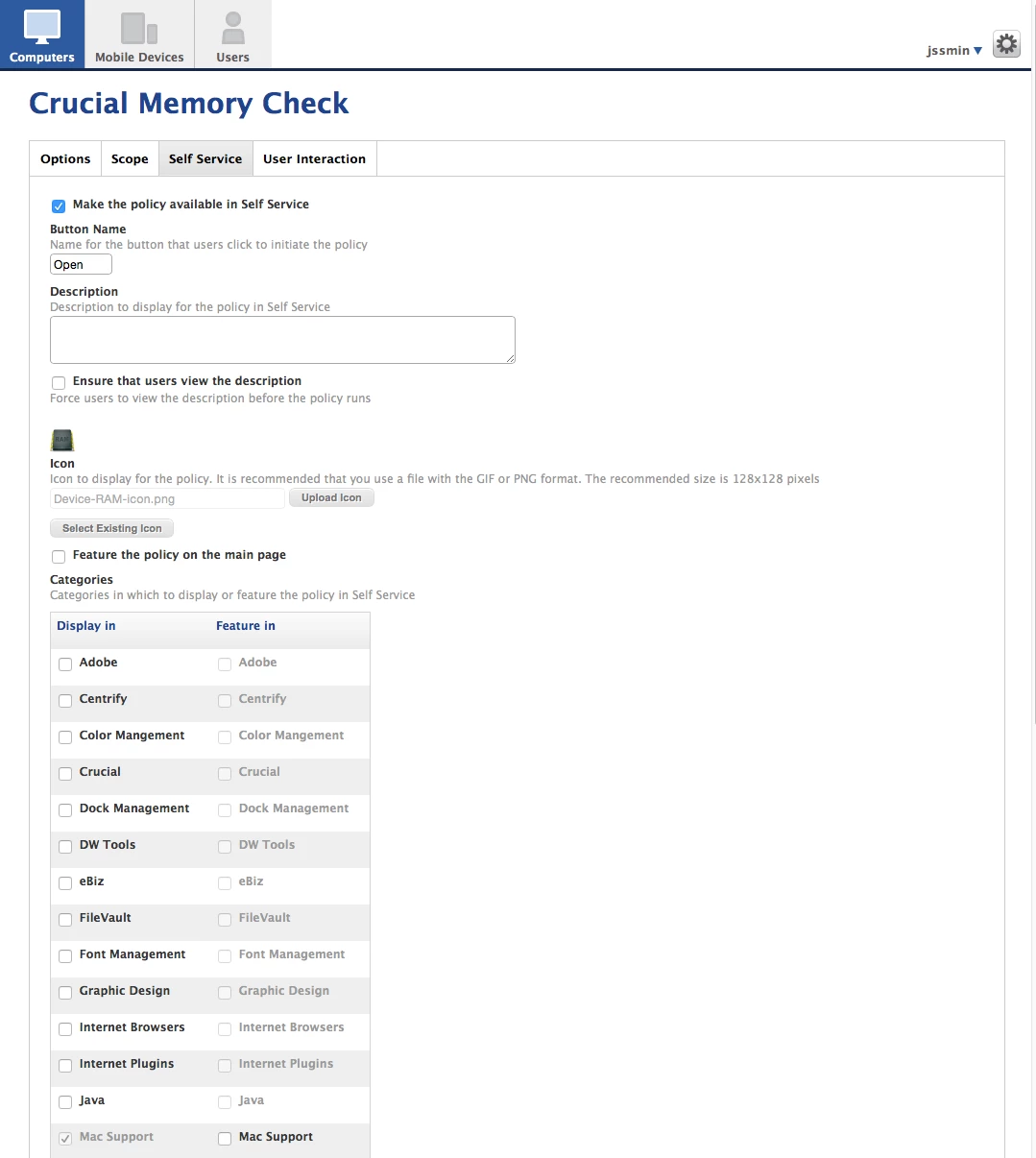
End result: Open a safari page w/the RAM options your users can send to their managers for approval.