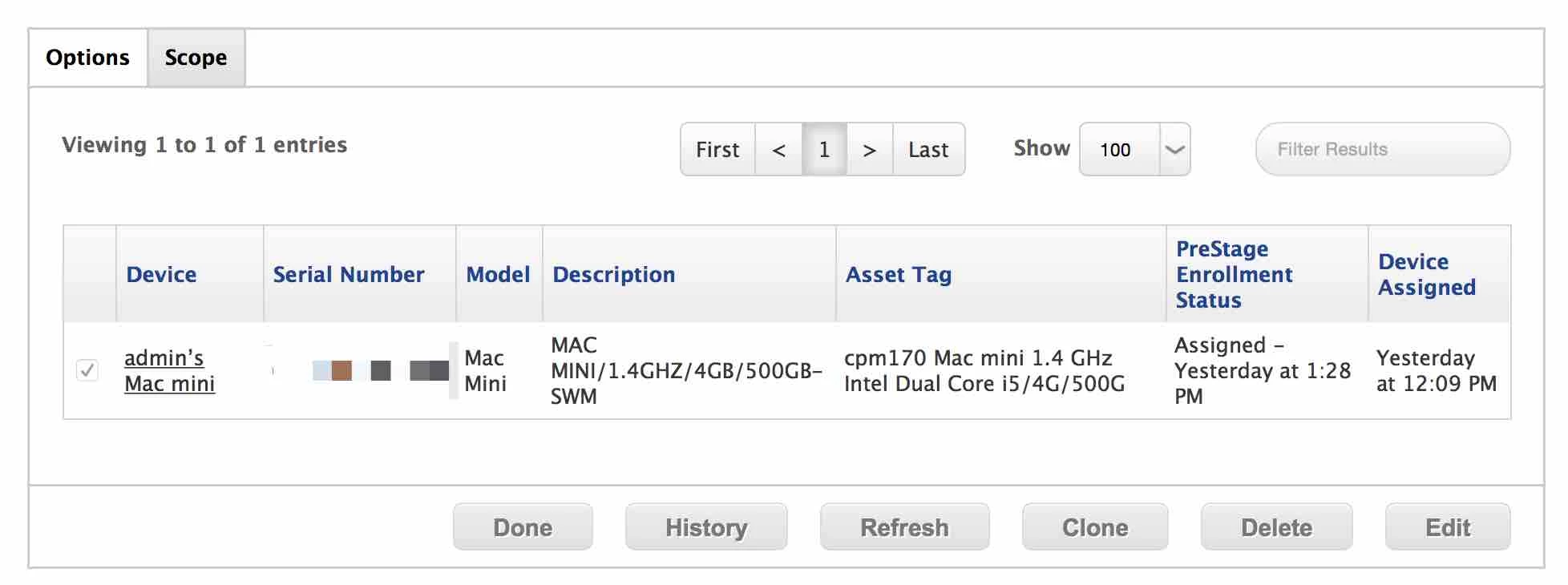
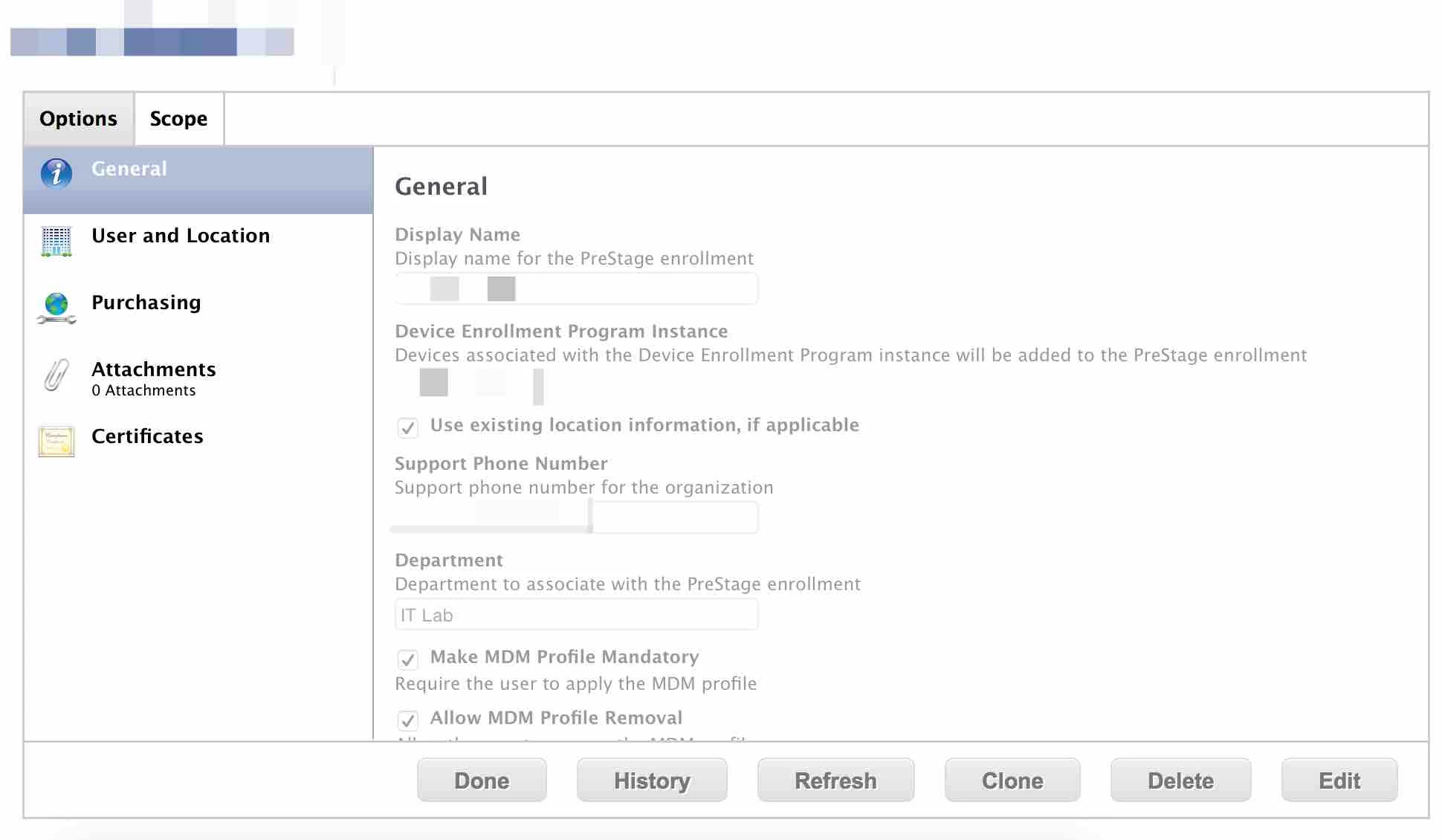
I've enrolled a Mac Mini using DEP. I get the profile and agent installed.
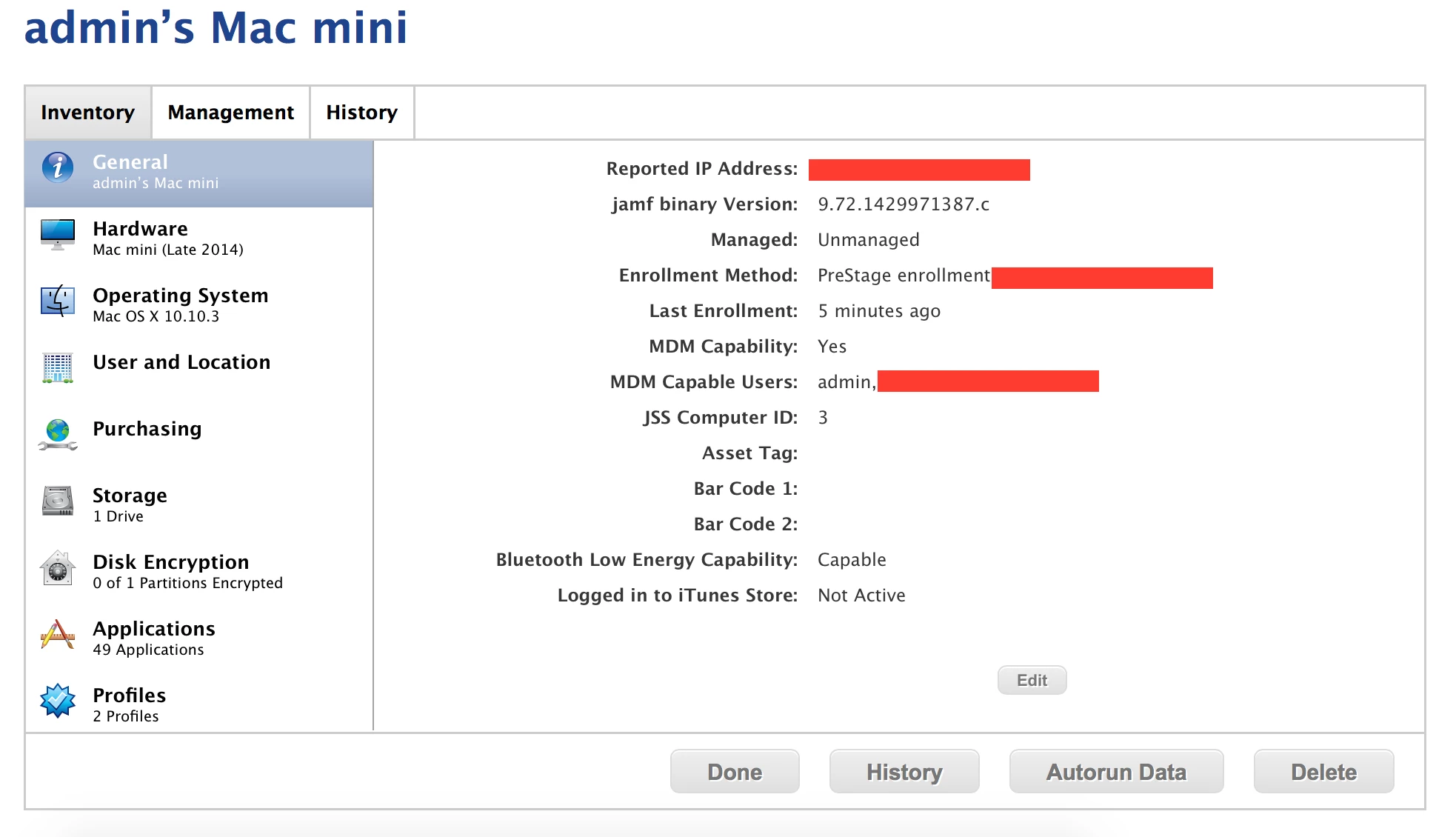
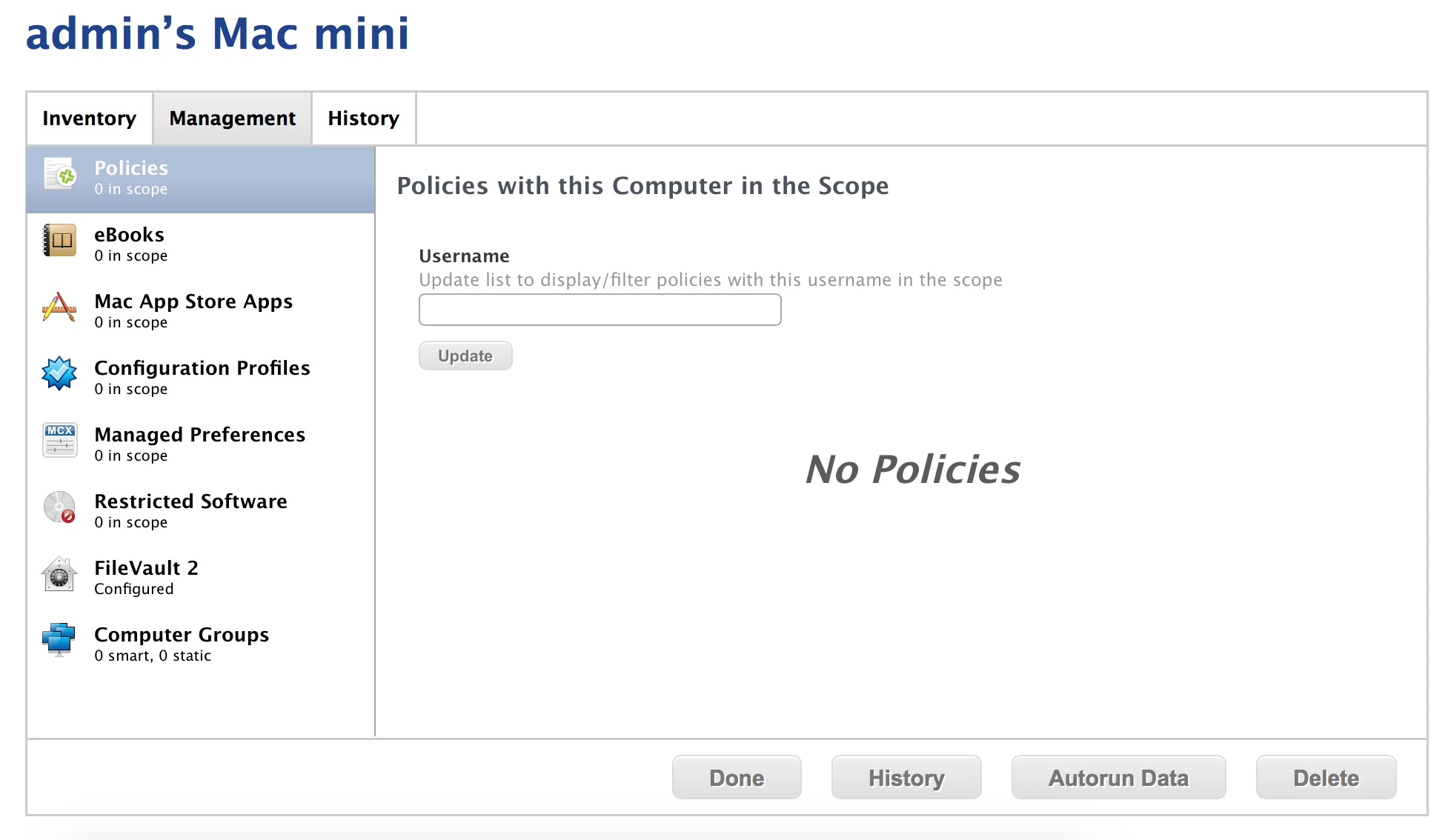
However, it looks like this computer doesn't belong to any group, even "All Computers". Thus, no policy will apply.
Do you have an idea why ? Did I misconfigure something ?

 +8
+8I've enrolled a Mac Mini using DEP. I get the profile and agent installed.
However, it looks like this computer doesn't belong to any group, even "All Computers". Thus, no policy will apply.
Do you have an idea why ? Did I misconfigure something ?
Best answer by rdwhitt
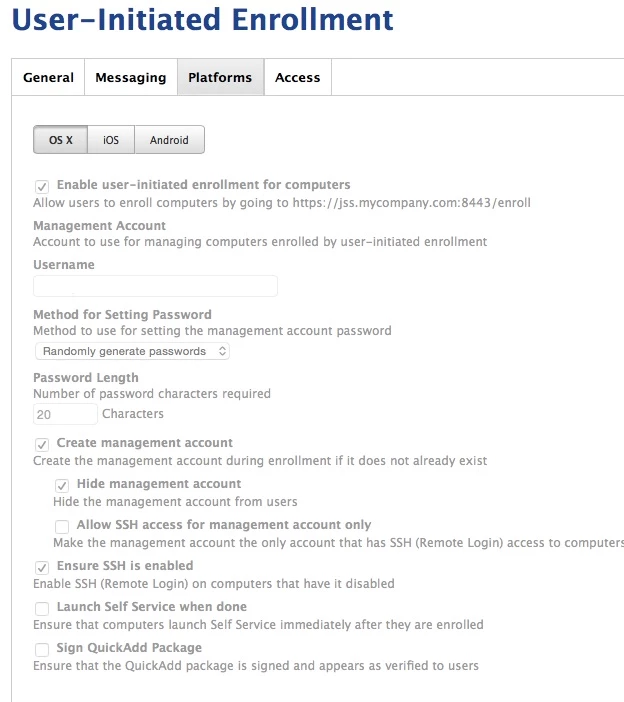
I ran into this recently when testing DEP and it turns out that it's using the management account in the User Initiated Enrollment settings. Once I set that my clients were managed when enrolled via DEP.
Enter your E-mail address. We'll send you an e-mail with instructions to reset your password.