We bought a batch of about 30 Macs a couple months ago and made sure they were all enrolled in DEP at the time of purchase (verified through ABM). I also verified that the PreStage Enrollment listed all the Macs we bought. I've deployed about 10 Macs from that big purchase so far and they have all enrolled and pulled down all the MDM profiles as expected... until recently. We got to a point in the stack where we're starting to see a few Macs (3 so far) that have no idea that they are supposed to be managed. We take the Macs out of the box, plug them in for power and ethernet, then we turn them on. We pick the language and country etc, tell them to use ethernet, then they completely skip over this Remote Management screen that they are supposed to see: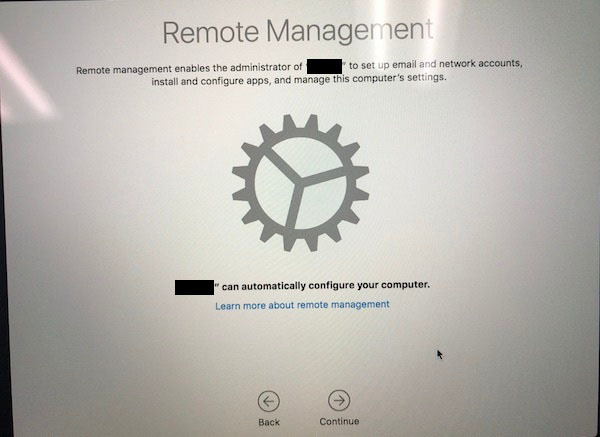
It goes straight into privacy and the rest of the non-DEP setup screens. I've had my techs stop the process as soon as they identify that the Remote Management screen doesn't come up. I still have a bunch more Macs that I need to setup, but so far only 3 have been identified as having this problem.
Is there anything I need to do on my end before calling Apple?