Solved

DEP Sync Failing

  • December 9, 2019
  • 71 replies
  • 353 views

Show first post

71 replies

Forum|alt.badge.img+12
  • Valued Contributor
  • December 16, 2019

Hey guys, just a bit of and update from me on this. I was running into the issue where none of my pre-stages were running. I contacted support and they are aware of this issue. Enabling the above SSL is what we did to get it working, support helped me get that issue sorted.


Person
Forum|alt.badge.img+11
  • Jamf Heroes
  • December 16, 2019

Hello, I updated following @bentoms link. I just like to leave a followup. The plist that @gshackney posted is pretty much all that I added to our server. I also renewed my token and all was clear. I wish I posted this sooner but have had other projects come up.


Forum|alt.badge.img+5

Another +1 here for the @gshackney fix being the one that helped us on a Mac server. Restarted Tomcat after editing the plist and DEP synced immediately.


Forum|alt.badge.img+7
  • Contributor
  • December 18, 2019

For those following this, the official PI for this appears to be PI-007522

Log into your account and check under My Assets > Product Issues


Forum|alt.badge.img+18
  • Contributor
  • December 20, 2019

Still having issues with this, after switching to Amazon Corretto 11.0.5 and forcing TLSv1.2. I ran some packet captures and it appears that Apple is rejecting the initial TLS handshake. Right after our JSS sends the Client Hello, Apple's mdmenrollment.apple.com server sends back a TCP reset packet. TLSv1.2 is being used, the ciphers offered look good, so I opened a case with Apple Enterprise Support.


Forum|alt.badge.img+4
  • Contributor
  • December 23, 2019

Had the same issue. Applied the fix detailed in PI-007522, I then had to download a new token from Apple School Manager and upload it to JAMF, but the issue is now resolved.


Forum|alt.badge.img+6
  • New Contributor
  • December 23, 2019

For those of you who also have SCCM managing your servers. My JSS is hosted on a windows server (which is running the coretto), and I manage it with sccm, after we applied the tls option to java, I still had issues with the web app starting. The solution was to disable or at least stop the SMS Agent Host service and restarting tomcat. It looks they are both trying to use the same port when starting up... port 8005. Once shut down service, the JSS web app started right up. I disabled the service and haven’t tried to restart it yet to see if they can both run but have a set startup order. Hope this helps some.


Forum|alt.badge.img+5
  • New Contributor
  • January 2, 2020

@alexjdale Did you ever get this resolved?


Forum|alt.badge.img+12
  • Contributor
  • January 3, 2020

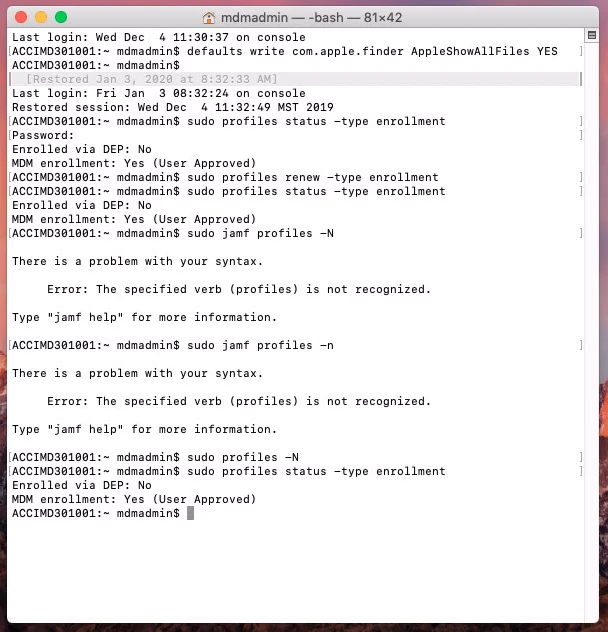
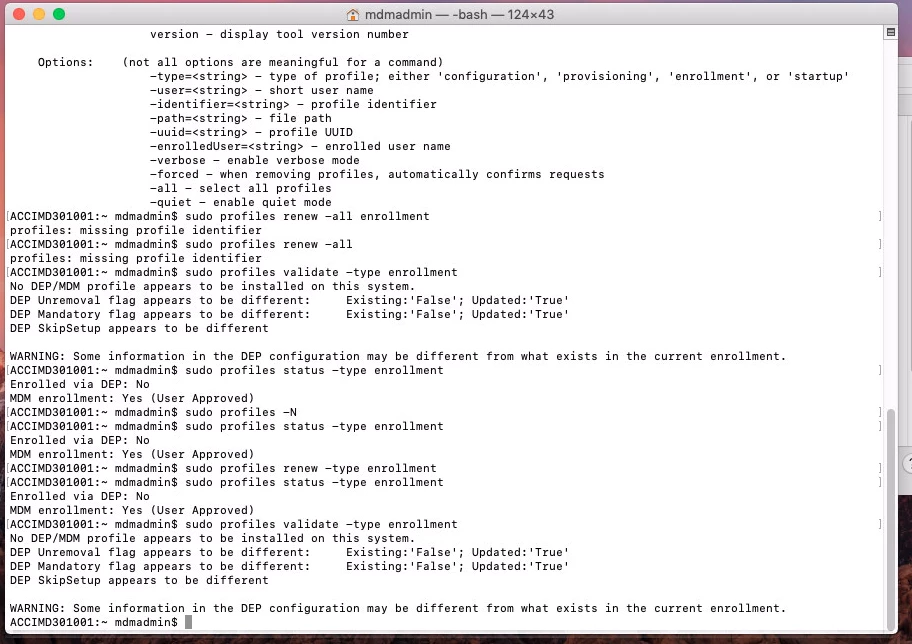
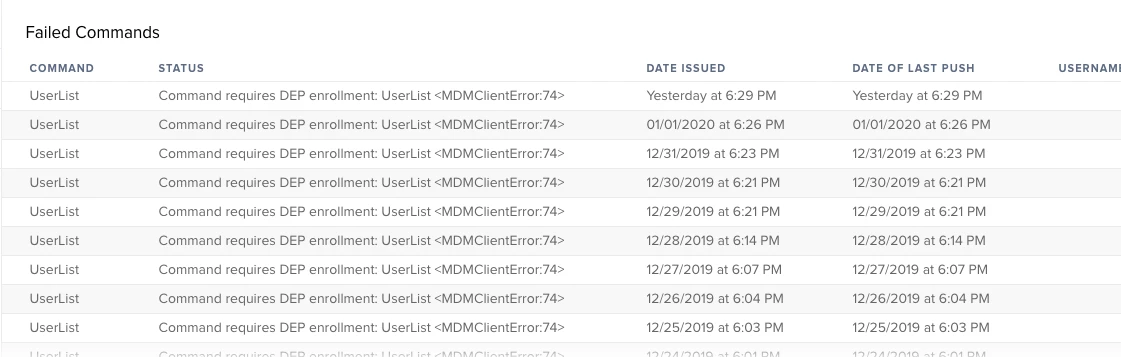
After resolving this issue, we are seeing some residual affects to macOS devices.


Forum|alt.badge.img+18
  • Contributor
  • January 3, 2020

@wkelly1 Yes we were, to a degree. I had to go back to our firewall team since it turned out the connections were being reset by our firewall appliance, but I don't know why this happened at the same time. It was either related or a coincidence, but they were able to whitelist the traffic (again) and it started working. We haven't seen any DEP setup/sync issues since.


Forum|alt.badge.img+5
  • Contributor
  • January 7, 2020

Adding TLS 1.2 and a reboot worked for me. Server 2016/Caretto.


Forum|alt.badge.img+5
  • New Contributor
  • January 13, 2020

@gshackney The fix you posted worked for us. @amityaccounts We also rebooted and refreshed the token.

We are running MacOS 10.14.5, Jamf Pro 10.18.0, MySQL 8.0.16, and Amazon Corretto (OpenJDK) 11.


Forum|alt.badge.img+7
  • Contributor
  • January 13, 2020

For folks running the JSS (we are on JSS 10.15.1) on macOS, they will need to update: /Library/LaunchDaemons/com.jamfsoftware.tomcat.plist

You will want to add this to the plist: <string>-Djdk.tls.client.protocols=TLSv1.1,TLSv1.2</string>

<?xml version="1.0" encoding="UTF-8"?>
<!DOCTYPE plist PUBLIC "-//Apple//DTD PLIST 1.0//EN" "http://www.apple.com/DTDs/PropertyList-1.0.dtd">
<plist version="1.0">
<dict>
    <key>Disabled</key>
    <false/>
    <key>Label</key>
    <string>com.jamfsoftware.tomcat</string>
    <key>OnDemand</key>
    <false/>
    <key>ProgramArguments</key>
    <array>
        <string>/Library/Java/JavaVirtualMachines/amazon-corretto-11.jdk/Contents/Home/bin/java</string>
        <string>-Xms256m</string>
        <string>-Xmx5000m</string>
        <string>-Djava.util.logging.manager=org.apache.juli.ClassLoaderLogManager</string>
        <string>-Djava.util.logging.config.file=/Library/JSS/Tomcat/conf/logging.properties</string>
        <string>-Djava.awt.headless=true</string>
        <string>-Djdk.tls.client.protocols=TLSv1.1,TLSv1.2</string>
        <string>-classpath</string>
        <string>/Library/JSS/Tomcat/bin/bootstrap.jar:/Library/JSS/Tomcat/bin/tomcat-juli.jar</string>
        <string>-Dcatalina.base=/Library/JSS/Tomcat</string>
        <string>-Dcatalina.home=/Library/JSS/Tomcat</string>
        <string>-Djava.io.tmpdir=/Library/JSS/Tomcat/temp</string>
        <string>org.apache.catalina.startup.Bootstrap</string>
        <string>start</string>
    </array>
    <key>ServiceIPC</key>
    <false/>
    <key>UserName</key>
    <string>_appserver</string>
</dict>
</plist>

Forum|alt.badge.img+3
  • New Contributor
  • January 15, 2020

A huge thanks to everyone for the help I found here, the /Library/LaunchDaemons/com.jamfsoftware.tomcat.plist edit solved the issue for our on premise, macOS JSS.
I wanted to add that applying the latest update (I went from 17.1 to 18) broke the fix as the plist was probably edited and garbled by the installer or server tools.


see
Forum|alt.badge.img+3
  • Employee
  • January 15, 2020

We high recommend not to include 1 (1.0).

Should look something like this:
Djdk.tls.client.protocols=TLSv1.1,TLSv1.2

Please do not include TLS 1 ( as this is 1.0) and it is deprecated and not secure.


Forum|alt.badge.img
  • New Contributor
  • January 23, 2020

Issue: Kept receiving an "Unable to contact Apple Services" while trying to upload the server token file in Jamf from Apple
Adding -Djdk.tls.client.protocols="TLSv1,TLSv1.1,TLSv1.2" to the Java Options in the Tomcat Properties resolved my issue


Forum|alt.badge.img+3
  • New Contributor
  • January 29, 2020

Just discovered my on-prem instance of 10.15.1 on Windows Server 2016 was having the same issue. Uploaded public key on Apple Business Manager and downloaded a new token. When I tried to load the new token on JSS I received an error that Apple Services could not be contacted.

Checked services.msc for Tomcat, but that did not have the java tab. Found that you need to launch tomcatw8.exe from <JSS Install Dir>Tomcatin. That allowed me to add -Djdk.tls.client.protocols="TLSv1,TLSv1.1,TLSv1.2" to Java Options. Restarted service, was able to upload token to JSS, and now we're sync'ing.

Many thanks to those on this thread!


Forum|alt.badge.img+1
  • New Contributor
  • February 5, 2020

@wsapplesupport We had the exact same setup as you except on our Windows Server the .exe to launch was tomcat8w.exe. Thanks to everyone here!


Forum|alt.badge.img+1
  • New Contributor
  • February 25, 2020

I've been seeing this the last couple of weeks. It doesn't seem to resolved and I am not seeing my new inventory. I've updated my token - what is the solution? - Patti


Forum|alt.badge.img+18
  • Esteemed Contributor
  • February 25, 2020

@gatesp If you edited the tomcat setting with the TLS lines listed above you should be good. But whenever you update your JSS you have to re edit those settings again.

If your still having issues call support and they should be able to step you through it.

Gabe Shackney
Princeton Public Schools


rstasel
Forum|alt.badge.img+13
  • Valued Contributor
  • December 25, 2021

Just ran into this... years later. I had removed these settings at the advice of Jamf support and that immediately broke DEP. Odd that Apple or Jamf haven't fixed this, and it's concerning since Jamf lists disabling this functionality in future versions. =(