Printing on macOS uses something called CUPS (Common Unix Printing System). However, the basic fundamentals of printing on macOS are the same as printing on Windows.
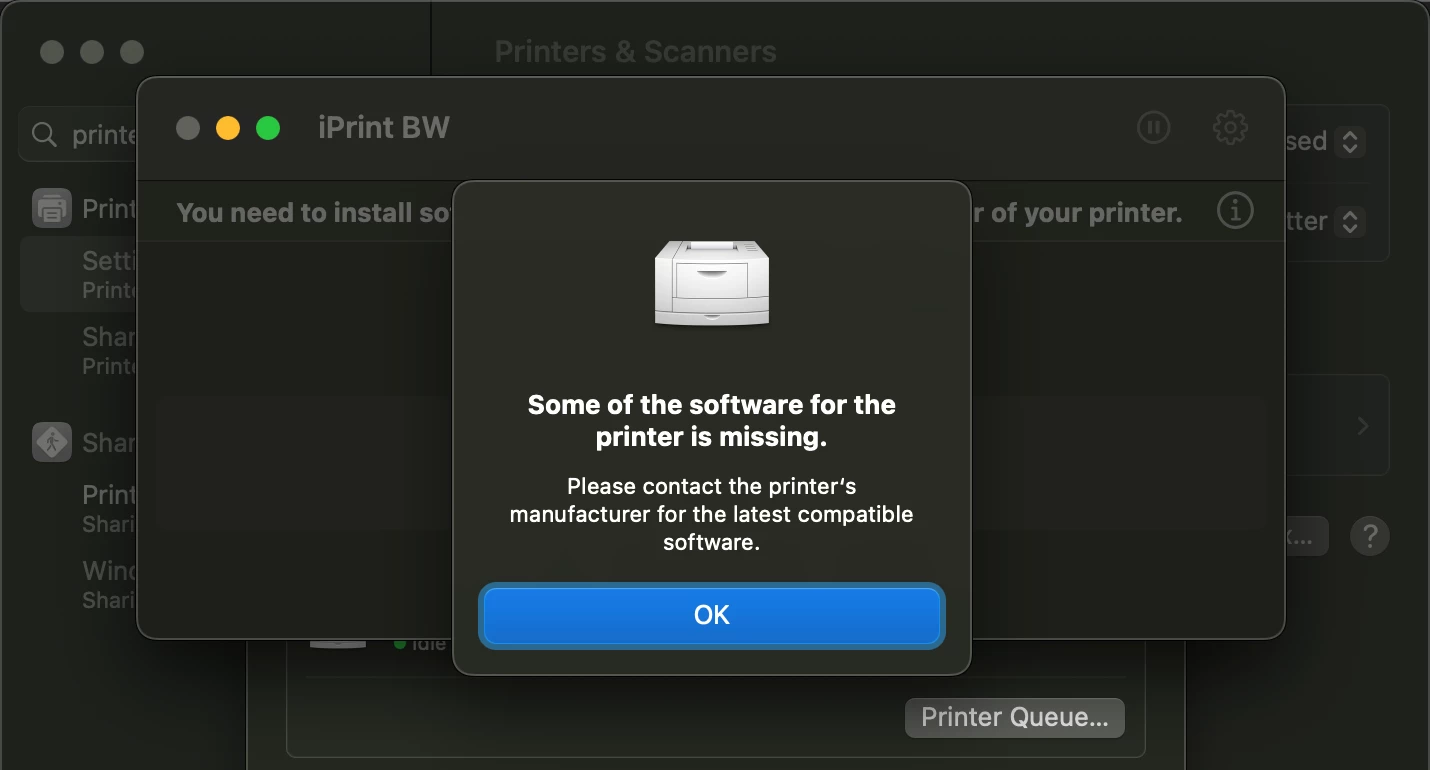
- You need to source the driver. Reach out to the printer manufacture for a MacOS compatible driver if you cannot find one on the internet.
- If the vendor does not make a macOS driver for the printer, that is really it. The printer is not supported on macOS. You can try the generic drivers which are built in to macOS, but milage may very.
- Map the printer directly on a single mac using macOS's GUI.
- Make sure you can print, and that everything works as you expect. This includes installing the driver.
- Map the Print Server manually on a MAC.
- Make sure you can print, and any authentication works. If authentication does not work, focus on the print server not macOS.
If you can get the printer to function locally on the Mac, adding it to JAMF is a simple matter. Managing Printers - Jamf Pro Administrator's Guide | Jamf
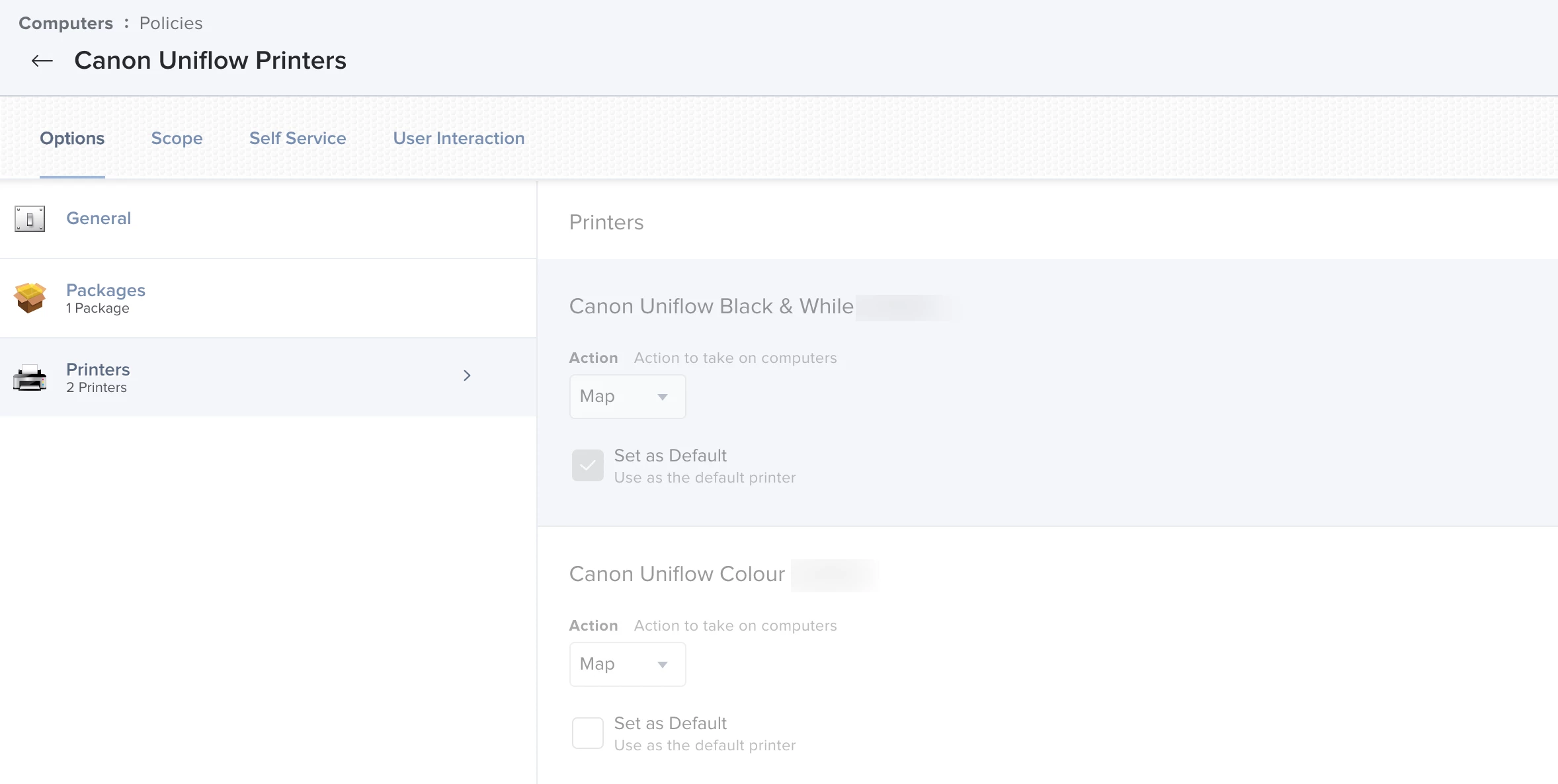
- On the device you did your testing on open JAMF Admin. There is an option to add a printer, select that and pick the correct printer (or print server mapping) to upload.
- Package any drivers you need and add them to JAMF.
- You need the exact same driver used in the printer (or print server) mapping that you uploaded. If the driver is not on the Mac you deploy the printer mapping to it wont work.
- Push the package and printer mapping however you prefer
- you can just blanket deploy the driver, or bundle it as a second payload in the policy that maps the printer. MacOS nor JAMF care how you do it, you just need to get the driver on the Mac.
You can get in to the weeds with protocols (LPD, SMB, ext), just use whatever the vendor recommends. Odds are with it being a Windows Print Server it will be SMB. MacOS prefers LPD but that may need extra configuration on the server, and macOS will usually work with SMB.
Keep printer nightmare in the back of your mind with this. A LOT has changed in printing encryption and authentication in the past year. Depending on the configuration of your Print Server and what version of macOS you are using it may flat out just not work. I can write a book just on this and its workarounds, I'll save that for if you ask for it.
TL;DR:
Start with the driver. Reach out to the vendor to see if they even support their printers or print servers on macOS. If they dont support macOS, you will be finished before you even start.