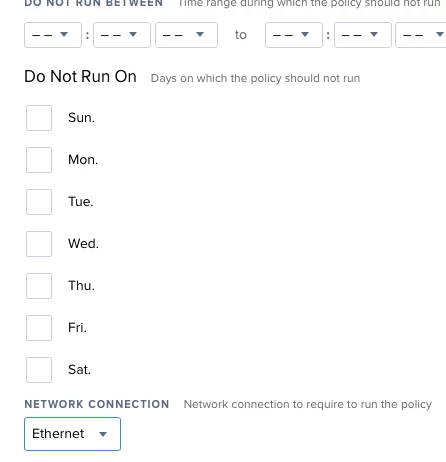
I would like to somehow automatically disable Airport when Ethernet is the active network connection. And potentially re-enable it when Ethernet is not in use.
I already have all my Macs configure with Ethernet at the top of the network service order.
In English the script would...
When a network change is detected, check to see if Ethernet is in use.
If Ethernet is in use turn the power off to Airport.
Else turn Airport on (or don’t do anything to Airport)
I know the command to turn the power off (/usr/sbin/networksetup -setairportpower off), but I am drawing a blank for how the detect the network change.
Do you think Casper can detect the network change, or is some LaunchD needed.
--
Eric Benfer
ITSD – Macintosh Services Manager
Johns Hopkins University Applied Physics Laboratory
11100 Johns Hopkins Rd
Laurel, MD 20723
eric.benfer at jhuapl.edu
443-778-4248 Balto.
240-228-4248 DC