

Question

Display Message via swiftDialog (0.0.6)

  • December 28, 2022
  • 4 replies
  • 31 views

dan-snelson
Forum|alt.badge.img+28
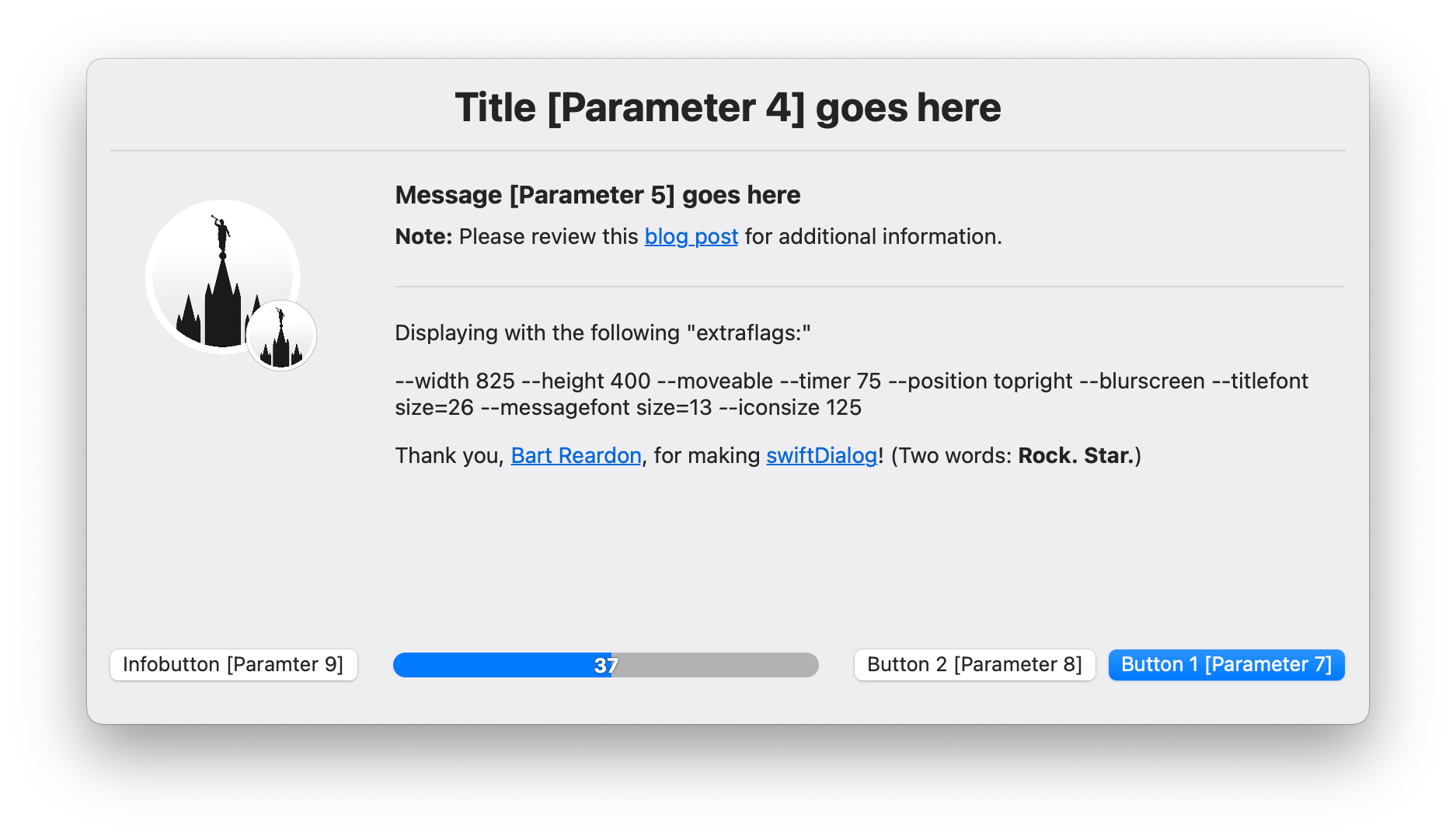
Leverage switftDialog and Jamf Pro Policy Script Parameters to easily display engaging end-user messages
Introduction

Using Bart Reardon’s swiftDialog and Jamf Pro Policy Script Parameters, creating engaging end-user messages is easy.

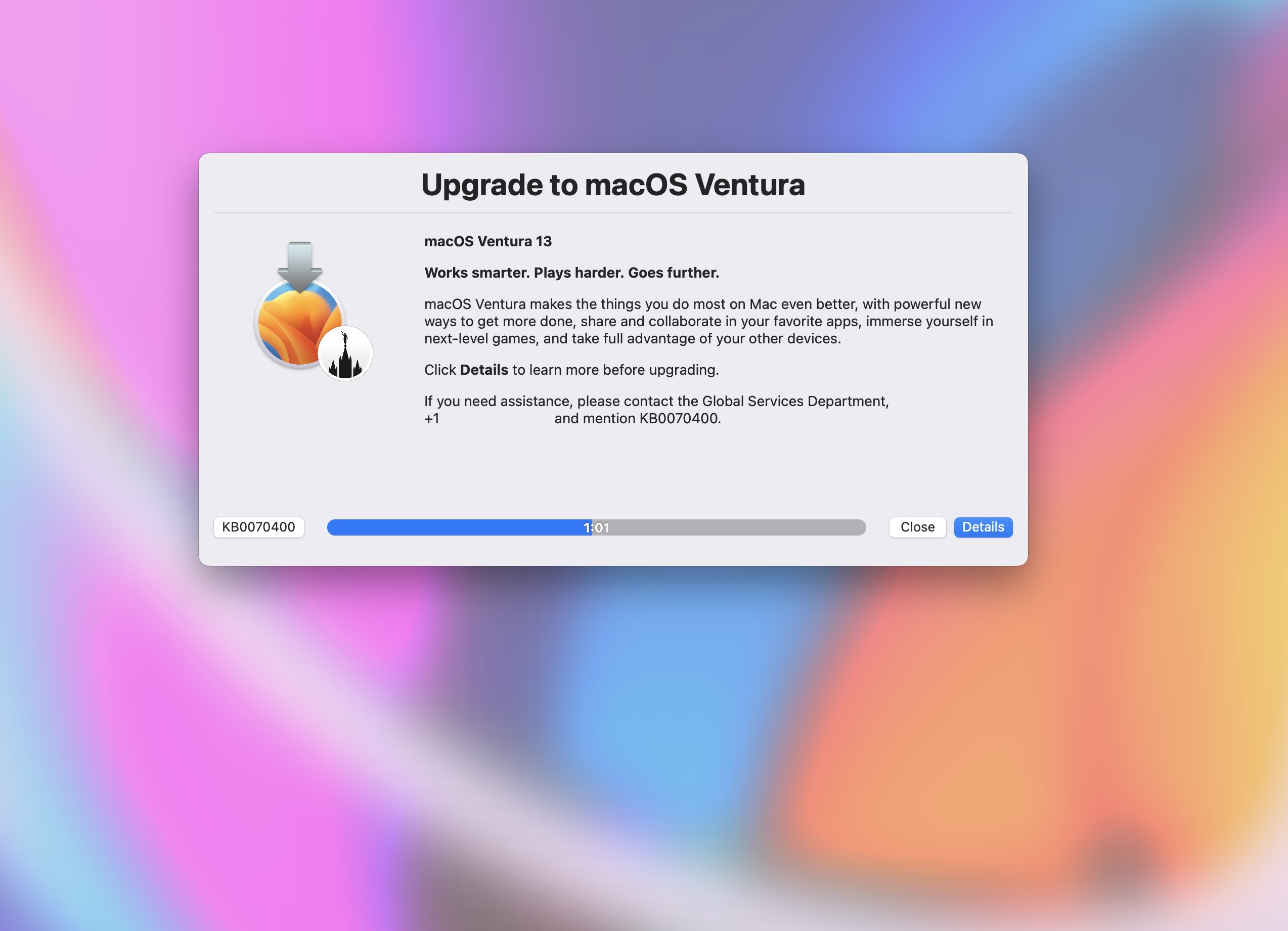
When you really want to get your user’s attention, one of favorite options is --blurscreen, which “will blur the background of the display while dialog is showing.”
Continue reading …

4 replies

Forum|alt.badge.img+21
  • Honored Contributor
  • February 7, 2024

Is there a key combination to force quit blur screen?


dan-snelson
Forum|alt.badge.img+28
  • Author
  • Honored Contributor
  • February 7, 2024

Is there a key combination to force quit blur screen?


Greetings, @tkimpton!

See: Modifying command q behaviour


Forum|alt.badge.img+4
  • New Contributor
  • February 23, 2024

Greetings, @tkimpton!

See: Modifying command q behaviour


that's a useful link, I been trying to figure out how the part in the script would look so if the user selects quit or close it spits back an exit 0 and self service doesn't error out. I know it's an if statement, my scripting is just at it's infant level.


dan-snelson
Forum|alt.badge.img+28
  • Author
  • Honored Contributor
  • February 23, 2024

that's a useful link, I been trying to figure out how the part in the script would look so if the user selects quit or close it spits back an exit 0 and self service doesn't error out. I know it's an if statement, my scripting is just at it's infant level.


https://github.com/dan-snelson/dialog-scripts/blob/main/Display%20Message/Display-Message-via-Dialog.bash#L303-L342