I'm new to JAMF Casper but I am prepping 70 iPads to deploy to our 7th and 8th grade classrooms in a couple of weeks.
I am a bit confused about app distribution and getting them to install automatically as opposed to having to have users install them separately from Self Service.
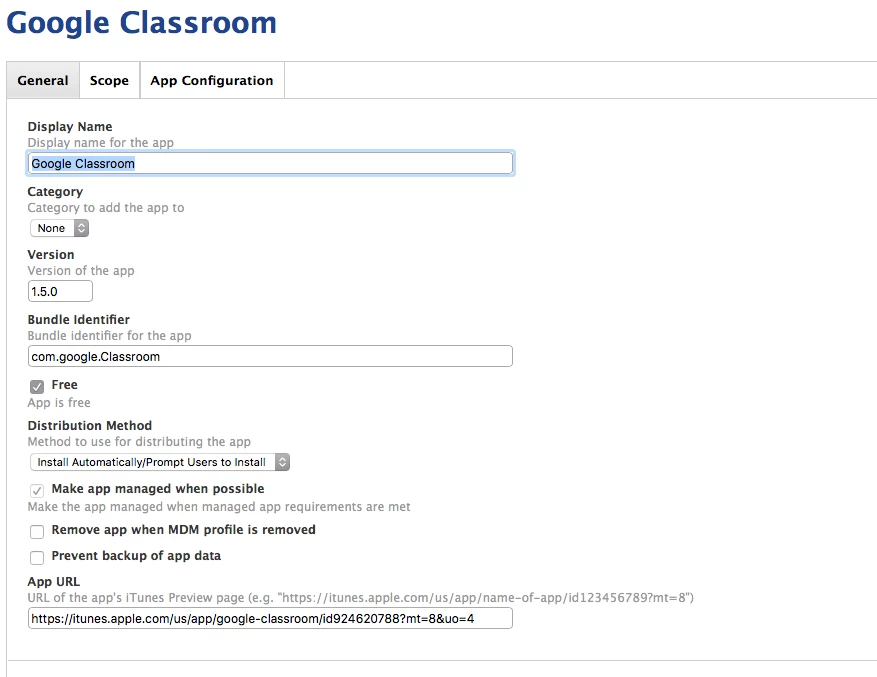
If I goto Mobile Devices / Apps, I have several free apps listed there that I can see in Self Service on an Managed / Supervised iPad.. they just don't seem to install automatically even though the "Install Automatically" is checked (See Screenshot Attached).
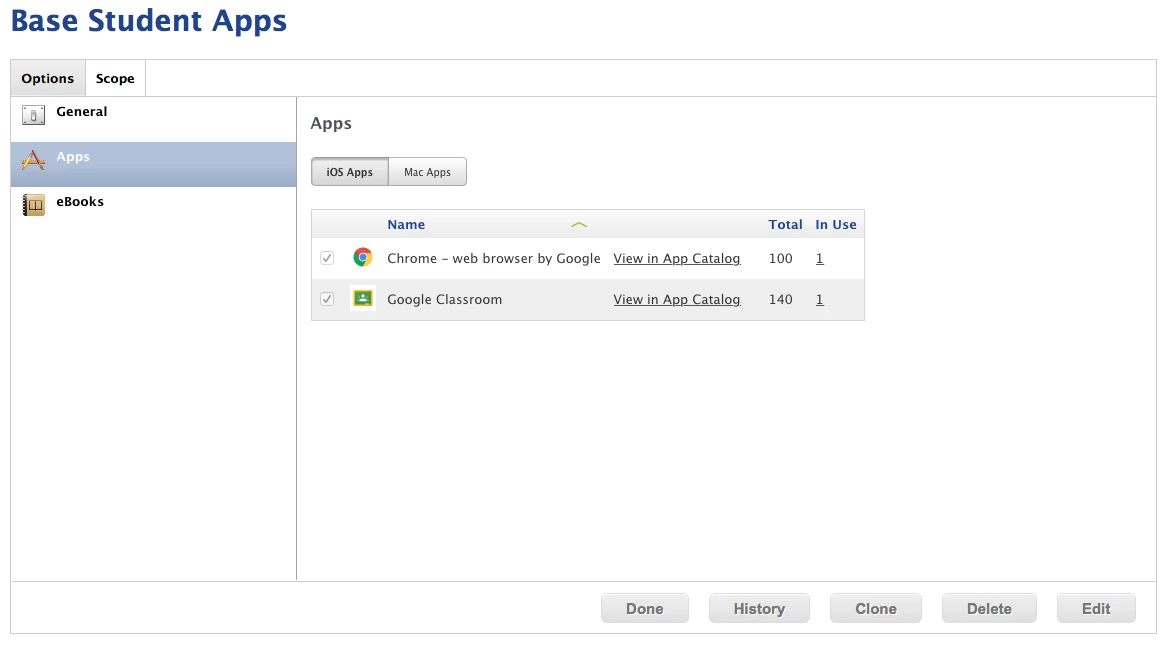
Now if I goto Users / VPP Assignments, I can see a couple of free apps I have added through VPP (although it seems to take a very long time for them to show up in Casper after I purchase them via VPP). .. and 1 installs automatically.. Chrome in this case, but Google Classroom does not.
I'm stumped.. I've read through all the documentation and read a bunch of discussions here but can't seem to find the right combination of things to figure out how to get these Apps to install automatically when bringing up a new iPad.
What am I missing?