Hi,
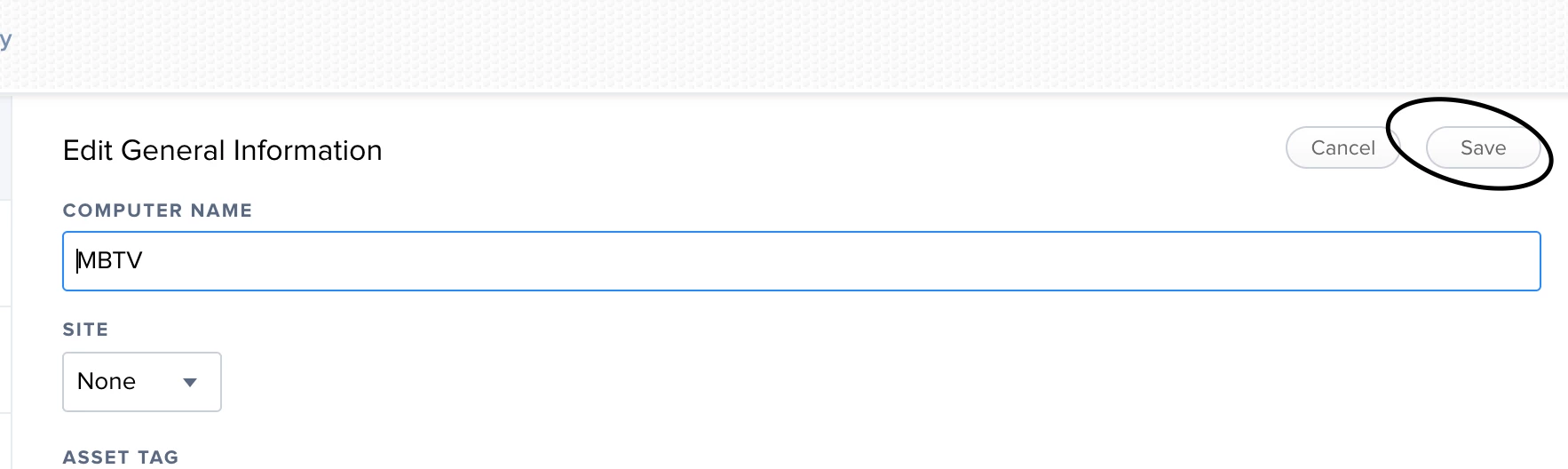
I'm trying to edit the site of an iPad on JSS on the web browser. After changing to the desired site and saving the settings, I refresh the page and it automatically returns back to "Site: NONE".
could anyone please assist.

 +2
+2Hi,
I'm trying to edit the site of an iPad on JSS on the web browser. After changing to the desired site and saving the settings, I refresh the page and it automatically returns back to "Site: NONE".
could anyone please assist.
Enter your E-mail address. We'll send you an e-mail with instructions to reset your password.