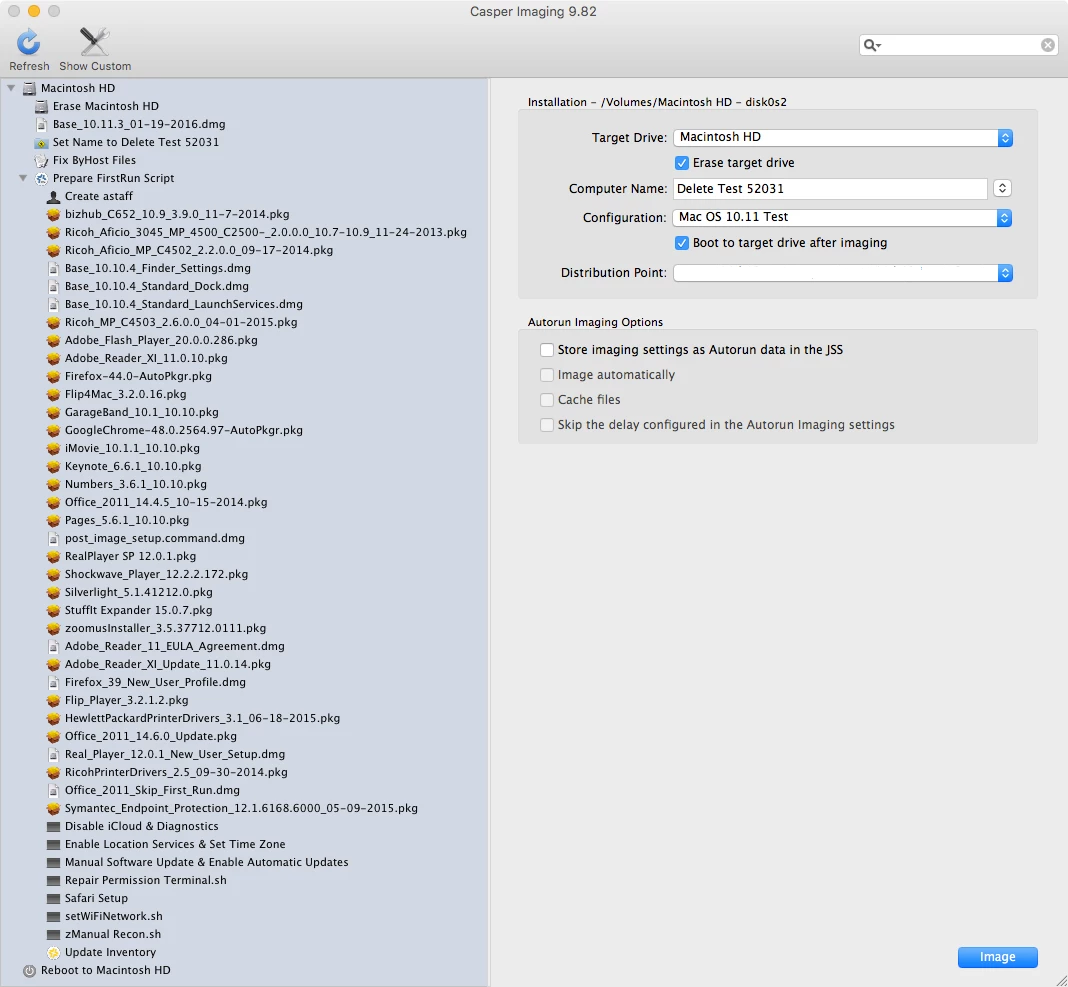
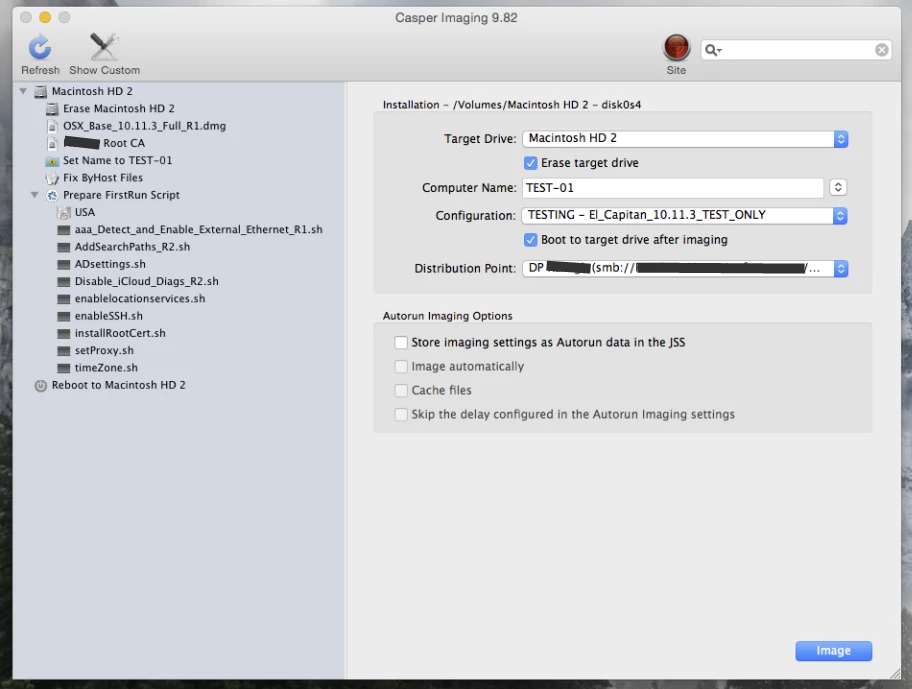
So....was able to finally figure it out with help from my JAMF TAM. Details below.
Saw the slowness when running sudo jamf recon -verbose. The log would hang at random locations but the step after the hung state was always the same: submitting info to JSS at address https://casper.mycompany.com:8443
Started mulling over why it seemed to stop at random places but the next step was always a submittal of info to the JSS. Seemed odd when a domain bind was no issue, but sending data to the JSS apparently was delayed.
After a bunch of rebuilding and testing I found the issue. It does not make much sense to me but I am able to enroll and run inventory in a normal, timely fashion.
Root cause seems to be the fact that the El Cap devices were coming out of the imaging process without a proxy config URL file specified.
- This is odd to me because as far as I know the proxy setting we put into place is only needed for external site access and should not matter internally, looking further into this.
My image test was using the 10.11.3 AutoDMG file being block copied, then a root certificate file placement.
After that I had a few scripts in place, some legacy, some new.
- Detect and enable all external Ethernet (new).
- Set AD search domains for all variations of our internal domain name (legacy).
- Set some basic AD settings specific to internal setup (legacy).
- Disable the iCloud setup/diag screens (new).
- Install the earlier placed root cert (legacy).
- Set the proxy file URL (legacy).
While all scripts seemed to be running as needed, I observed some odd behavior with the two scripts that were interfacing with the network adapter: search domains and proxy.
We image all laptop devices exclusively with USB to Ethernet adapters.
What I found was that in OSX Yosemite the external USB to Ethernet adapter is called 'USB Ethernet' in Network Settings.
However, this has apparently changed in OSX El Cap. In the new OS it is called 'Apple USB Ethernet Adapter' in Network Settings.
I am not sure if this was a change with 10.11.3 or not. I had imaged 10.11 device after the JSS was upgraded to v9.82 in mid-January and did not see these delays.
Our legacy script did not know of this new adapter name and was not applying the settings correctly to the adapter.
I revised the search domain script first, no change in enrollment or inventory.
I revised the proxy script, enrollment and inventory worked as expected, both running in under one minute.
I merely added the line for the new adapter name to the script and it seemed to work fine.