Hi guys,
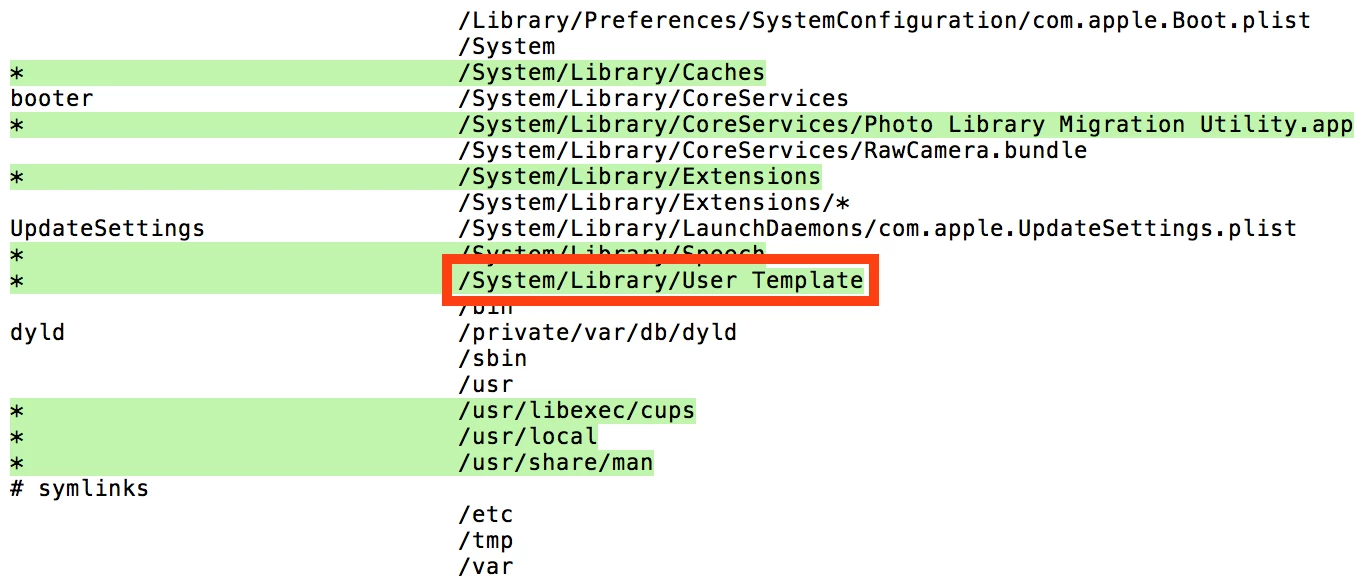
We usually chuck a customised com.apple.dock.plist into the user template (/System/Library/User Template) so that when users (students in this case) log in with their AD credentials they all get a standard Dock setup. With El Capitan we're seeing an issue with the Downloads folder in the Dock though, where the icon in the Dock is just a plain folder with a No Access symbol; the actual link works fine though (i.e. if you click it then it actually opens the user's downloads folder correctly and they have the correct access etc.), it's just the icon in the dock which is messed up.
Switching the view to 'display as stack' and then back to 'display as folder' will fix the icon in the dock so that it shows the correct Downloads folder icon, but that's not a solution (since it needs to be done by every user on every machine).
Looking at the com.apple.dock.plist in El Capitan I'm having a hard time figuring out how the dock data is actually stored and referenced these days: there's a _CFURLString key whose string points directly to the 'template' user's (the account I used to create the plist) home directory, but given that's the case, why on Earth would the dock icon still point to the right folder for other users? Why is only the icon display in the dock affected? Surely it should be entirely broken for everyone else. Furthermore, I can change that string to be file:///gibberish, restart the machine, and although the icon now becomes a '?', it still actually works correctly and points to ~/Downloads if you click it!
So how can I set up the com.apple.dock.plist file in the user template so that all new users get a proper Downloads folder link in their Dock, along with the other icons we want them to have?