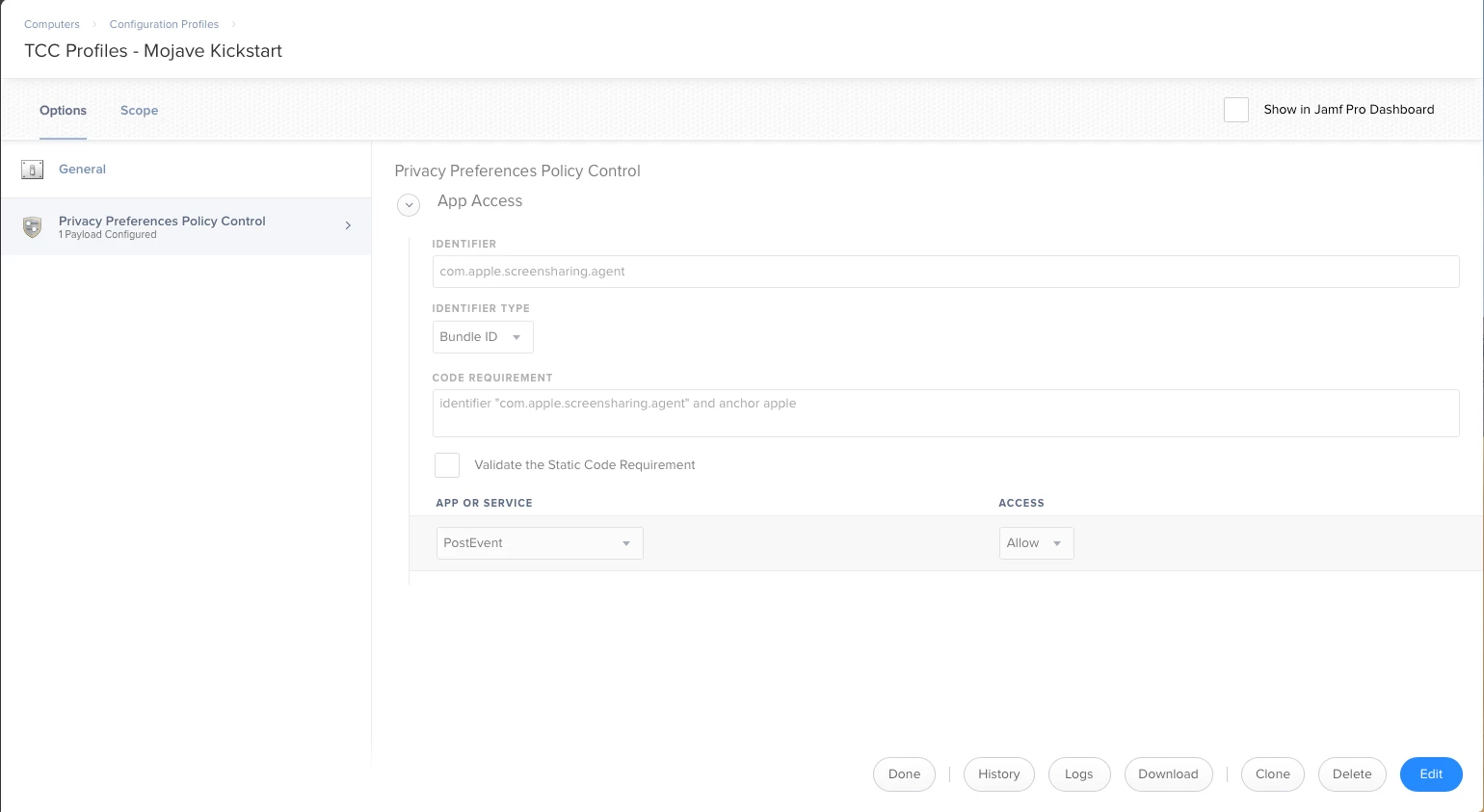
Anyone here know how to enable Remote Management (and only for one user) via a managed preference?

Solved
Enable Remote Management with Managed Preference
 +5
+5Best answer by Matt11
Why not just make a login script?
#!/bin/sh

# adminUser = Admin User Name for Remote Acces

adminUser="youruser"

##################################
# Do Not Modify Below This Line  #
##################################

if [ "$4" != "" ] && [ "$adminUser" == "" ];then
    adminUser=$4
fi

# DEFINE CONTROL SETTINGS

privs="-DeleteFiles -ControlObserve -TextMessages -OpenQuitApps -GenerateReports -RestartShutDown -SendFiles -ChangeSettings"

# Do Not Modify Below This Line

if [ "$adminUser" != "" ]; then
    /System/Library/CoreServices/RemoteManagement/ARDAgent.app/Contents/Resources/kickstart -activate -configure -allowAccessFor -specifiedUsers
    /System/Library/CoreServices/RemoteManagement/ARDAgent.app/Contents/Resources/kickstart -configure -access -on -privs $privs -users $adminUser
fi





Enter your E-mail address. We'll send you an e-mail with instructions to reset your password.