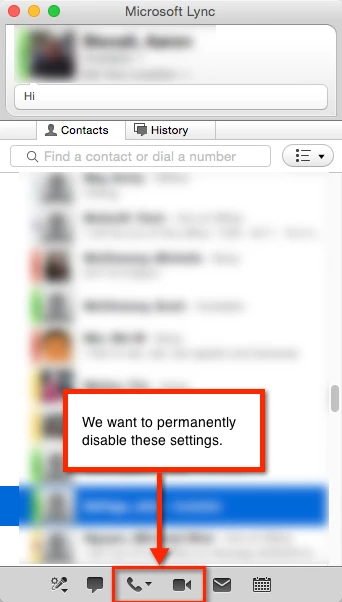
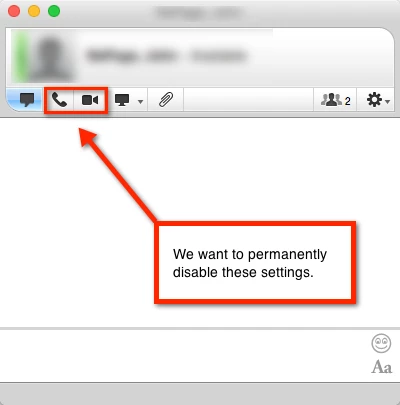
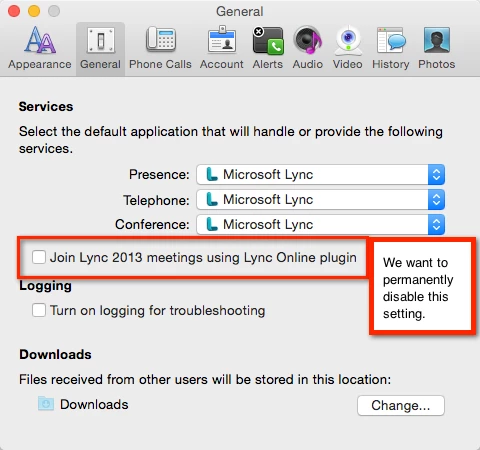
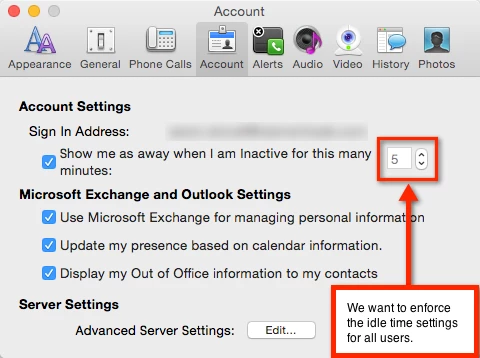
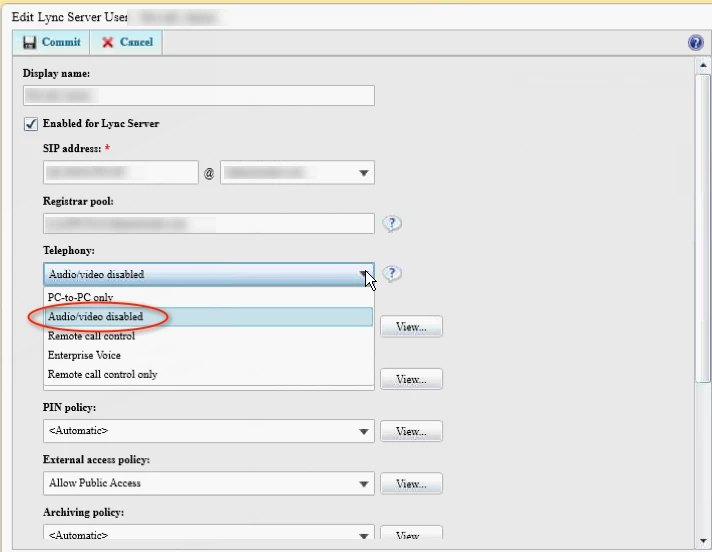
You're not going to be able to apply management to the audio/video part of Lync. Configuration Profiles are about managing plists and plists are about managing user preferences. Lync doesn't have preferences to enable/disable audio/video. You're going to need to manage that at the server level.
The other settings, though, should be manageable because they are actually user preferences. Now, you need to find the key for each preference. I do this by opening the ~/Library/Preferences/com.microsoft.Lync.plist file in BBEdit or TextWrangler, copying its contents to a new empty window, making my changes, reopening the plist file and then comparing the two windows using Search > Compare Two Front Windows.
The first preference appears to be:
    <key>UseJoinMeetingPlugin</key>
    <true/>
All I need to do to manage this is set "true" to "false". Some applications react differently to being managed and this is one of them. Although I can set it, nothing stops the user from changing it. However, it always reverts back to my setting between logins. That's probably the best you'll be able to do.
The second preference appears to be:
    <key>sip:bill(at)talkingmoose(dot)net</key>
    <dict>
        <key>IdleTime</key>
        <real>33</real>
        ...
        ...
        ...
    <dict>
That second preference is buried in a dictionary in a sub-key, but in my testing I'm able to manage it. Great! the problem, though, is the parent key will be different for each user. You can't manage this dynamically because you can't use something like a wildcard for a key name. Dammit, Microsoft!
To keep going, you want to craft a com.microsoft.Lync.plist file with just these settings. Duplicate the original plist and then edit it in your preferred text editor (which is either BBEdit or TextWrangler, right?). Remove all the other settings you aren't managing. The end result should look something like:
<?xml version="1.0" encoding="UTF-8"?>
<!DOCTYPE plist PUBLIC "-//Apple//DTD PLIST 1.0//EN" "http://www.apple.com/DTDs/PropertyList-1.0.dtd">
<plist version="1.0">
<dict>
    <key>UseJoinMeetingPlugin</key>
    <false/>
    <key>sip:bill(at)talkingmoose(dot)net</key>
    <dict>
        <key>IdleTime</key>
        <integer>33</integer>
    </dict>
</dict>
</plist>
Upload this into your custom profile in Casper and save. Download the .mobileconfig profile and test on a Mac with Lync and see if this gets you what you're needing.