I was using a quick add package and got "! The installation failed. The following installation step failed: run post flight script…"
I ran sudo jamf enroll -prompt and got this:
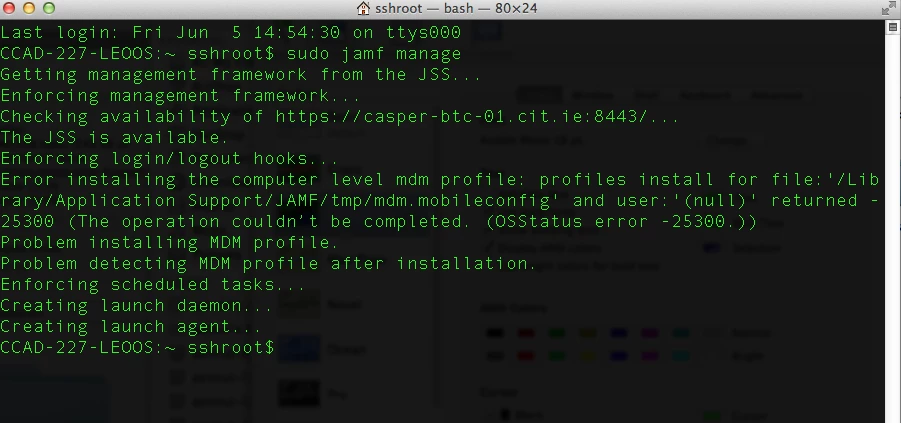
The JSS is available.
Enforcing login/logout hooks...
Error installing the computer level mdm profile: profiles install for file:'/Library/Application Support/JAMF/tmp/mdm.mobileconfig' and user:'(null)' returned -25300 (The operation couldn’t be completed. (OSStatus error -25300.))
Problem installing MDM profile.
Problem detecting MDM profile after installation.
Enforcing scheduled tasks...
Creating launch daemon...
Creating launch agent...
Checking for policies triggered by enrollmentComplete
It looks like there is a problem installing/detecting the computer level MDM profile. Any one ever experienced this issue?