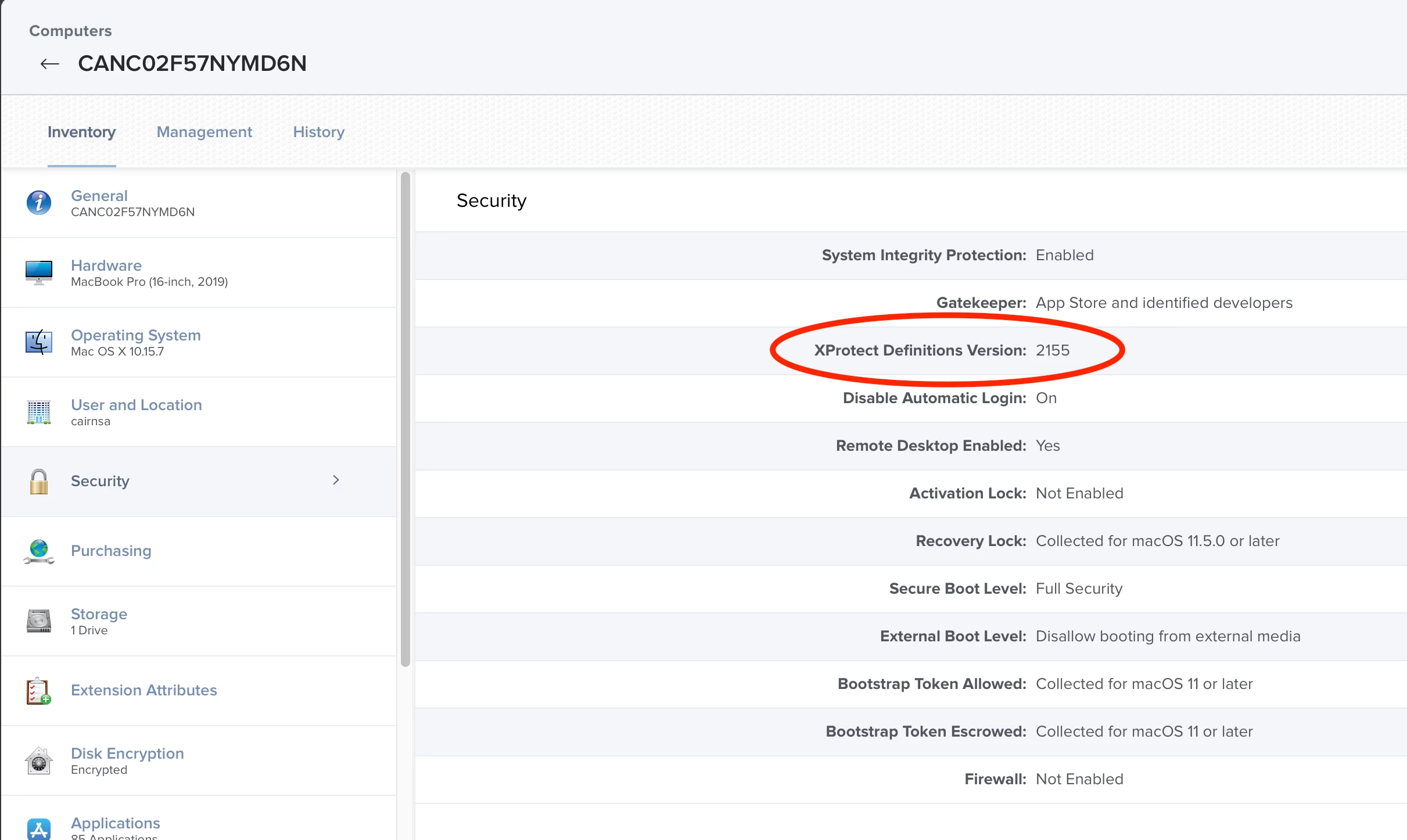
does anyone have a working EA for getting the XProtect version? Looks like the previous one i used only worked up to macOS Catalina
VERSION=$( defaults read "/System/Library/CoreServices/CoreTypes.bundle/Contents/Resources/XProtect.meta" Version )
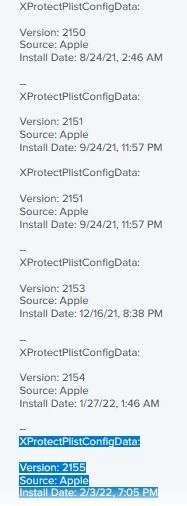
I'm testing this but it gives me a long list of install dates and versions. I just want the most recent information (see below under the XProtectPListConfigData). Currently it's populating with about 20 other dates and version information from previous xprotect installs.
VERSION=$(system_profiler SPInstallHistoryDataType | grep -A 5 "XProtectPlistConfigData")
echo "<result>$VERSION</result>"
XProtectPlistConfigData:
Version: 2155
Source: Apple
Install Date: 2/3/22, 7:05 PM
so the EA looks like this from the computers inventory information. I just want the last of the install version and date information