Solved

Extension Attribute for AD

  • June 16, 2020
  • 3 replies
  • 30 views

AJPinto
Forum|alt.badge.img+26

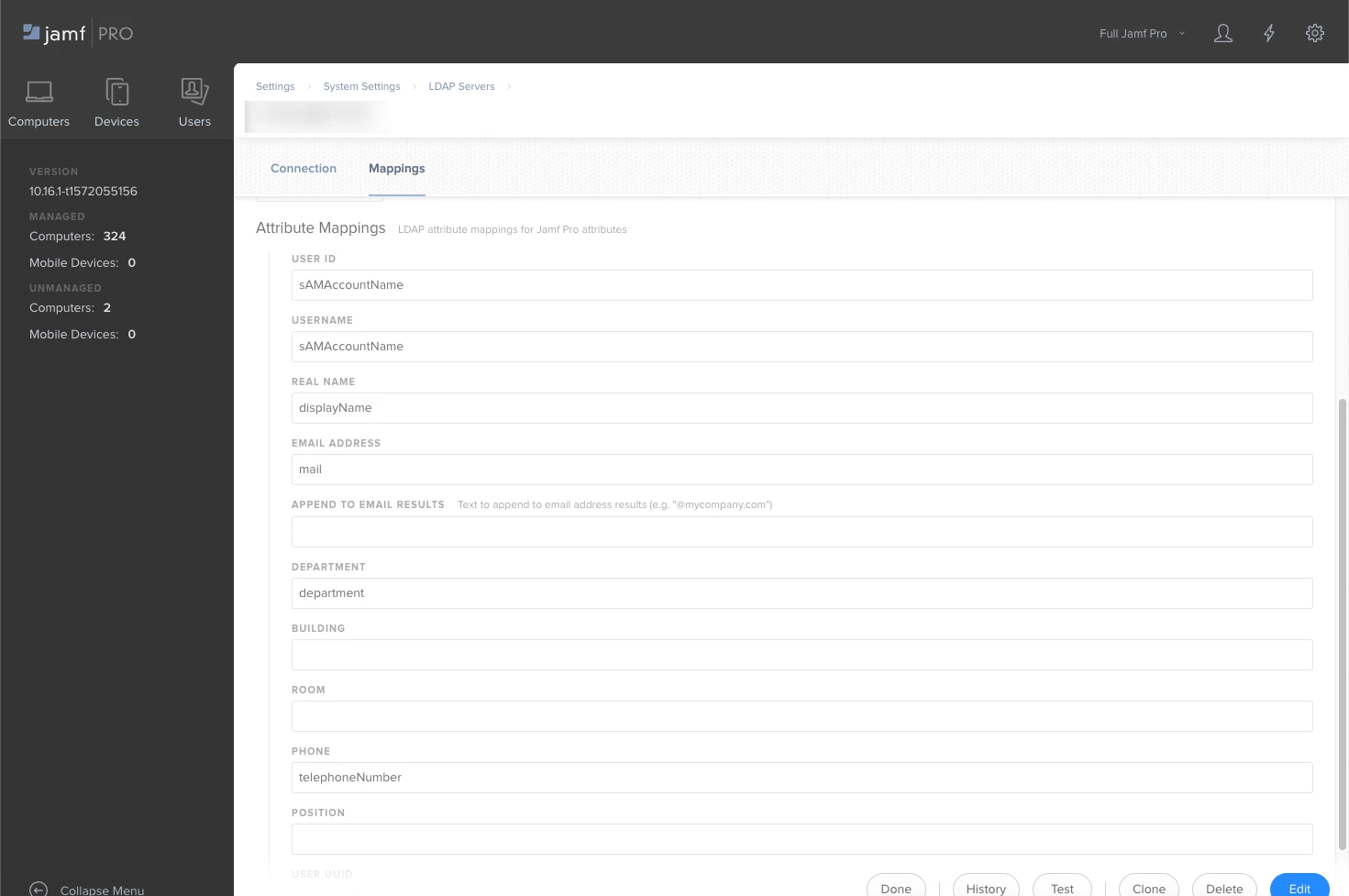
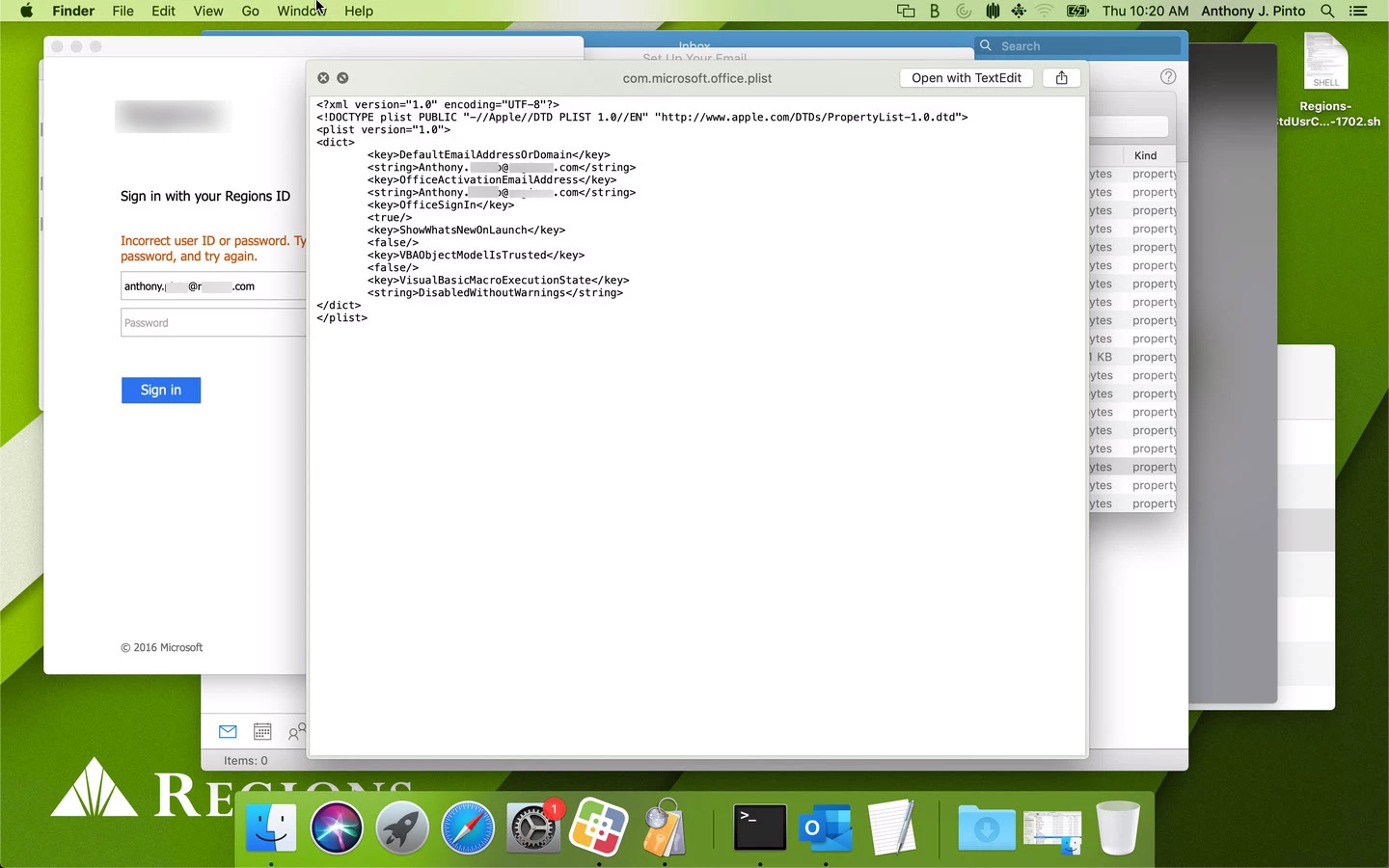
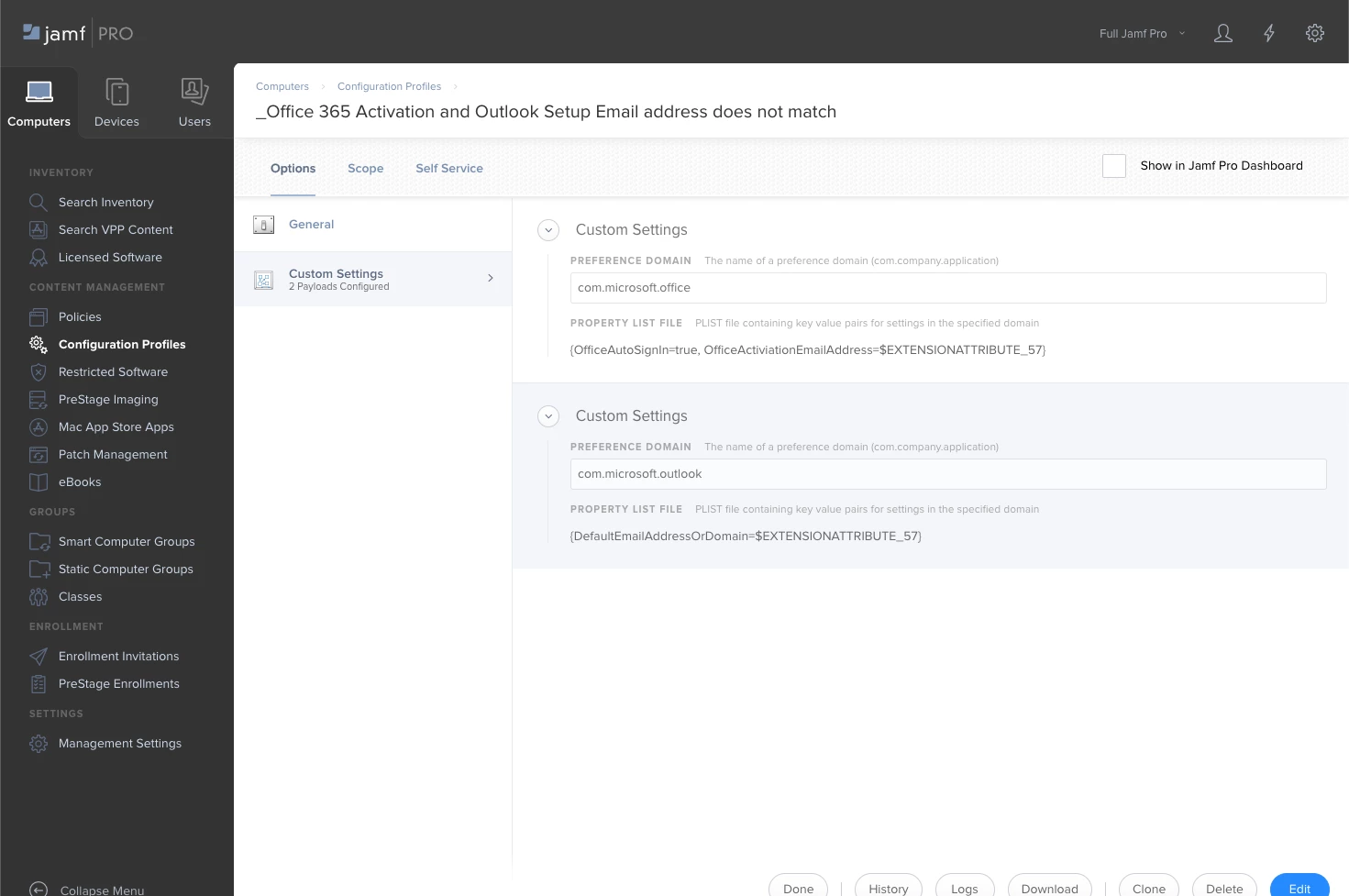
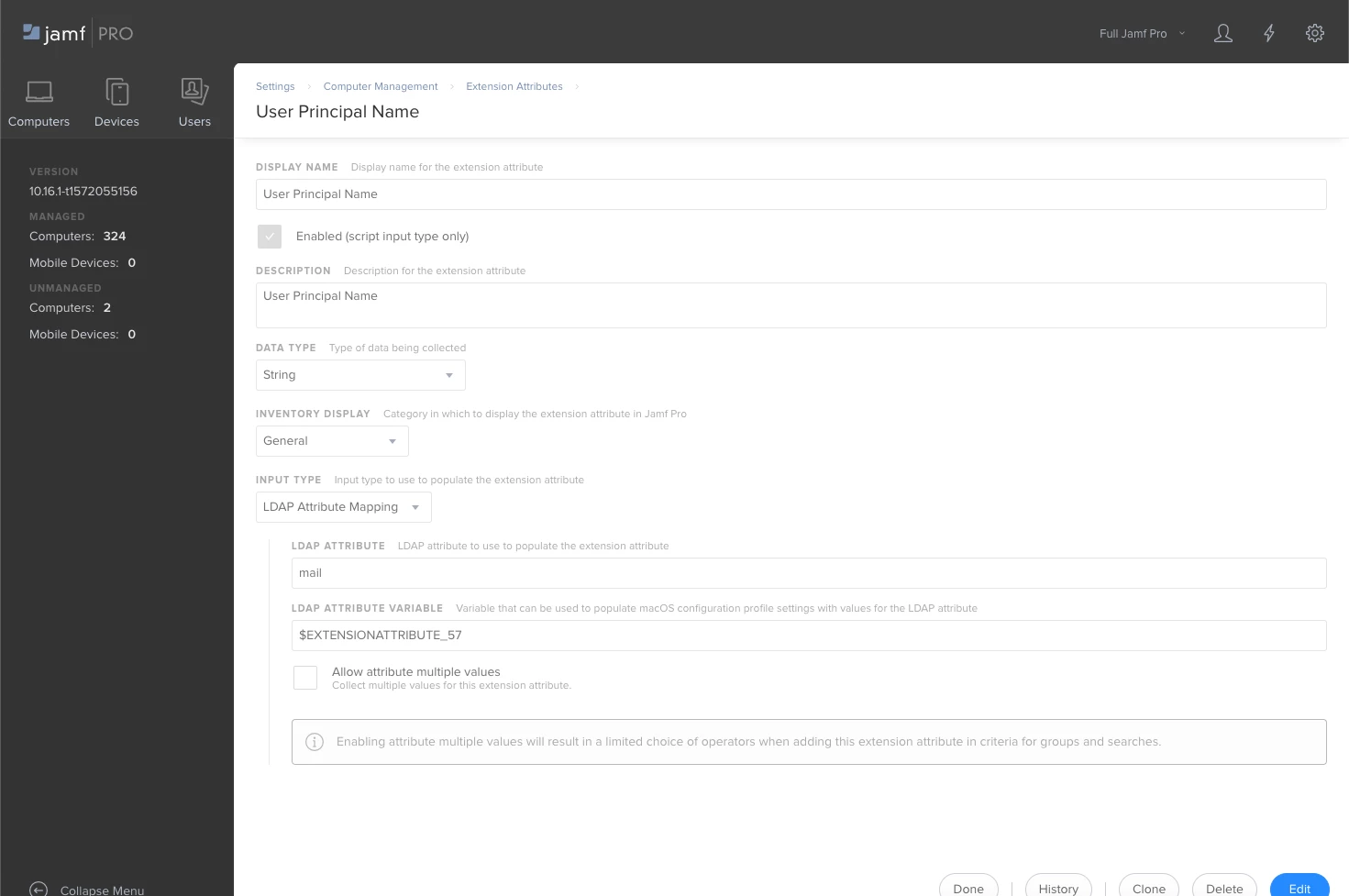
I am trying to create an extension attribute to gather the UPN for the current logged in user. I have followed the directions from the link below adjusting as needed, however I cannot figure out how to get the plist to populate anything inside of <string> </string>. I have to be missing something dumb, any ideas would be much appreciated.

https://www.jamf.com/blog/help-users-activate-microsoft-office-365-and-configure-outlook-in-one-click/
Best answer by AJPinto

I think I found where I was hanging up in my original workflow. The UPN is pulled for the user the mac is assigned to, the macs I was testing on were lab devices and not assigned to anyone. The only catch is this plist does not update, so you would have to remove it and reinstall it to update it. I am probably going to cache a policy to renew it on checkin to resolve that.

3 replies

Forum|alt.badge.img+11
  • Valued Contributor
  • June 17, 2020

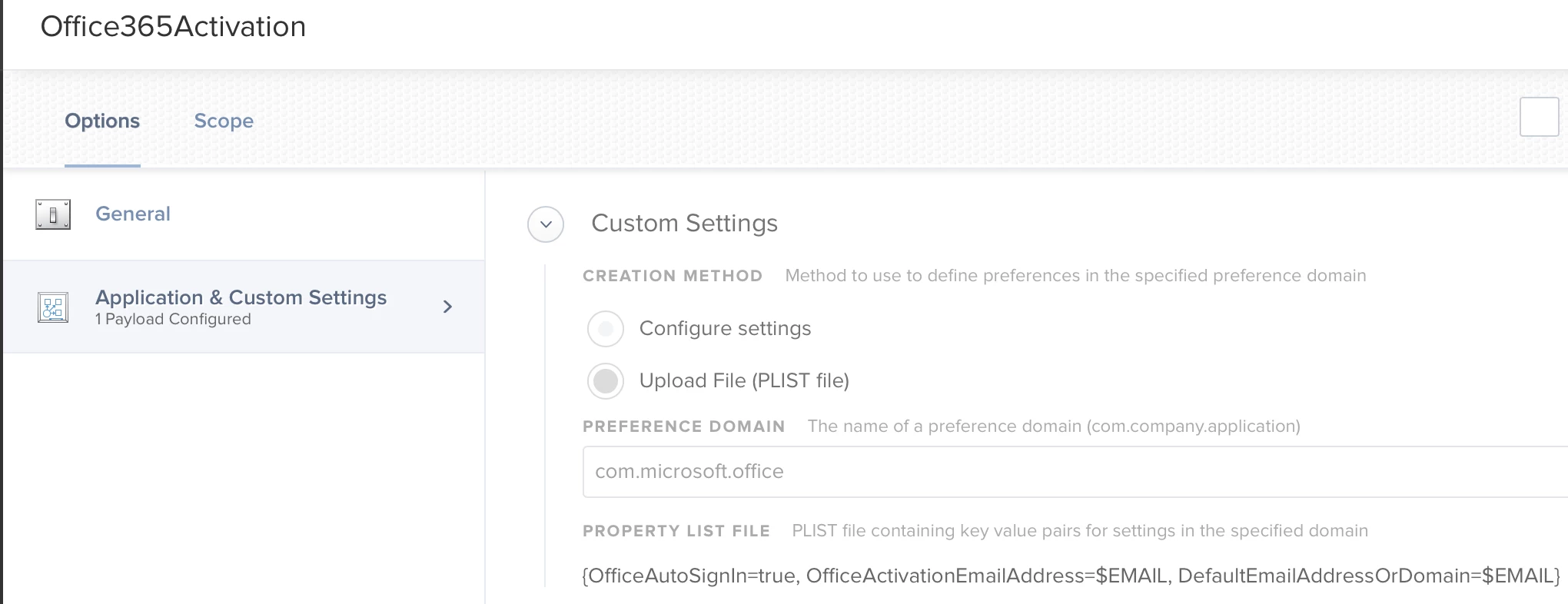
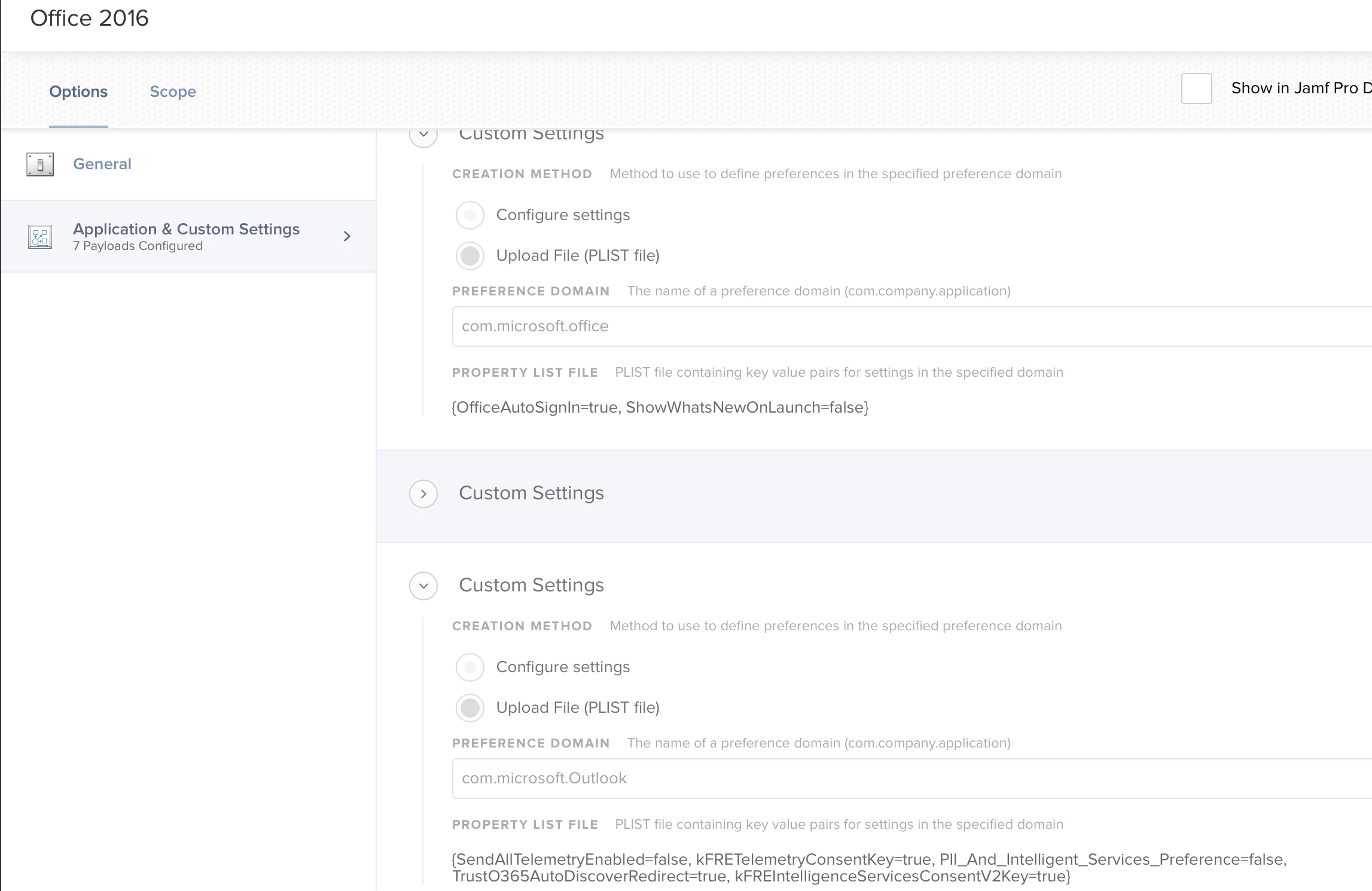
The key is really for Office, not Outlook. Also, if a Kerberos ticket is present, Office should get the UPN from there.


AJPinto
Forum|alt.badge.img+26
  • Author
  • Legendary Contributor
  • June 18, 2020

Thank you for your reply. We are generating Kerberos tickets. I duplicated the configuration in your screenshots, but unfortunately it is not populating the information needed for our office setup. About a year ago we moved from first.last@domain.com for email address to UPN which for us is userID@domain.com so our email and UPN are not the same unfortunately. If you manually log in to outlook with userID@domain.com and provide a password the rest is automatic, I am trying to get that userID@domain.com to popup automatically.

I am relatively new at this JAMF admin stuff and I am still learning as I go :).


AJPinto
Forum|alt.badge.img+26
  • Author
  • Legendary Contributor
  • Answer
  • June 18, 2020

I think I found where I was hanging up in my original workflow. The UPN is pulled for the user the mac is assigned to, the macs I was testing on were lab devices and not assigned to anyone. The only catch is this plist does not update, so you would have to remove it and reinstall it to update it. I am probably going to cache a policy to renew it on checkin to resolve that.