Hello all,
I tried posting a discussion yesterday but it didn't come through. Here's my second attempt :)
Long story short:
My enviornment:
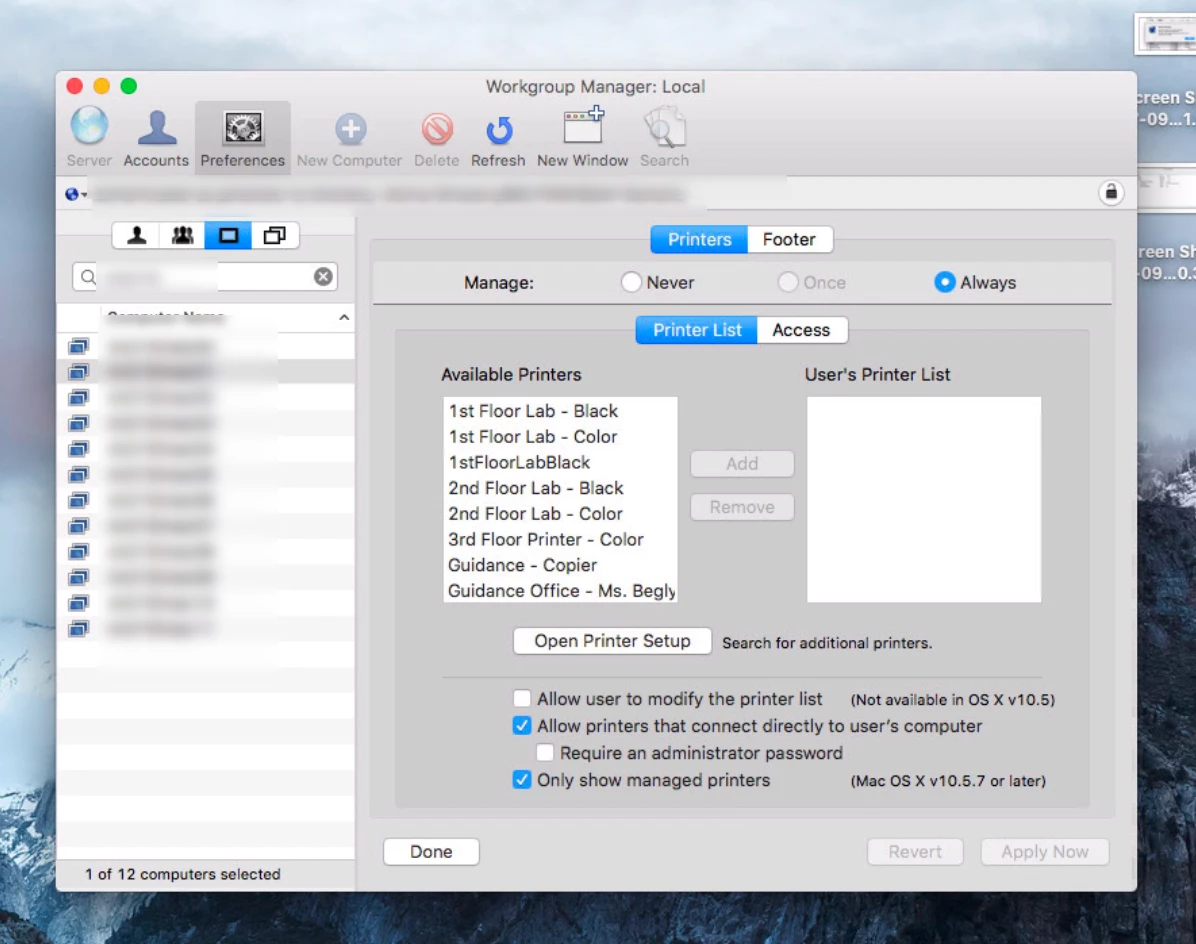
Managing printers using Workgroup Manager/MCX
Macs are running Sierra
Latest Google Chrome browser
Issue:
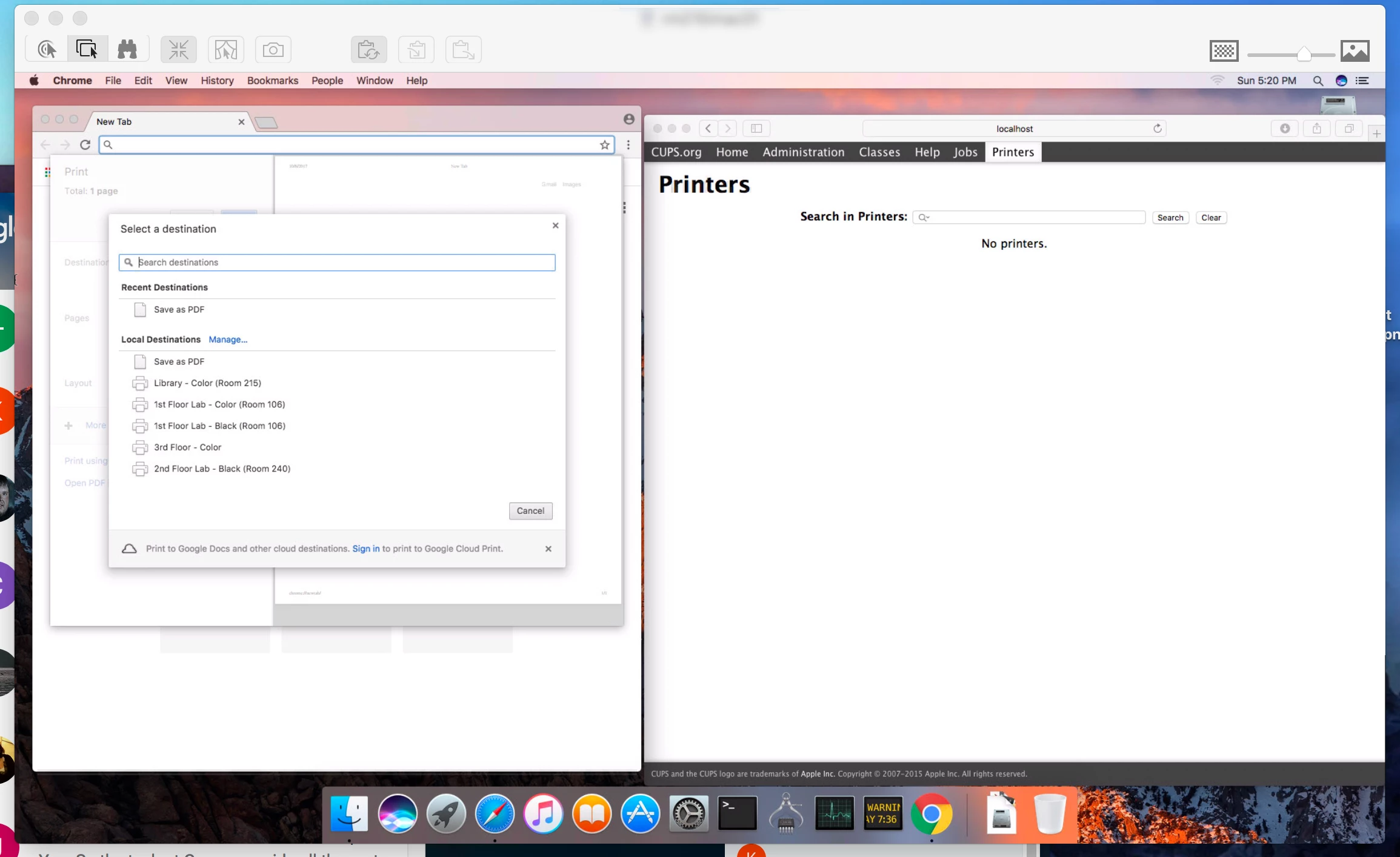
In the Chrome Browser system dialog under local destinations are several printers that are no longer installed.
They only appear in the Chrome browser print dialog, not in any other browser and not matter who logs into the computer (including local accounts) and whether or not anyone logs into the Chrome broswer itself.
What I've tried:
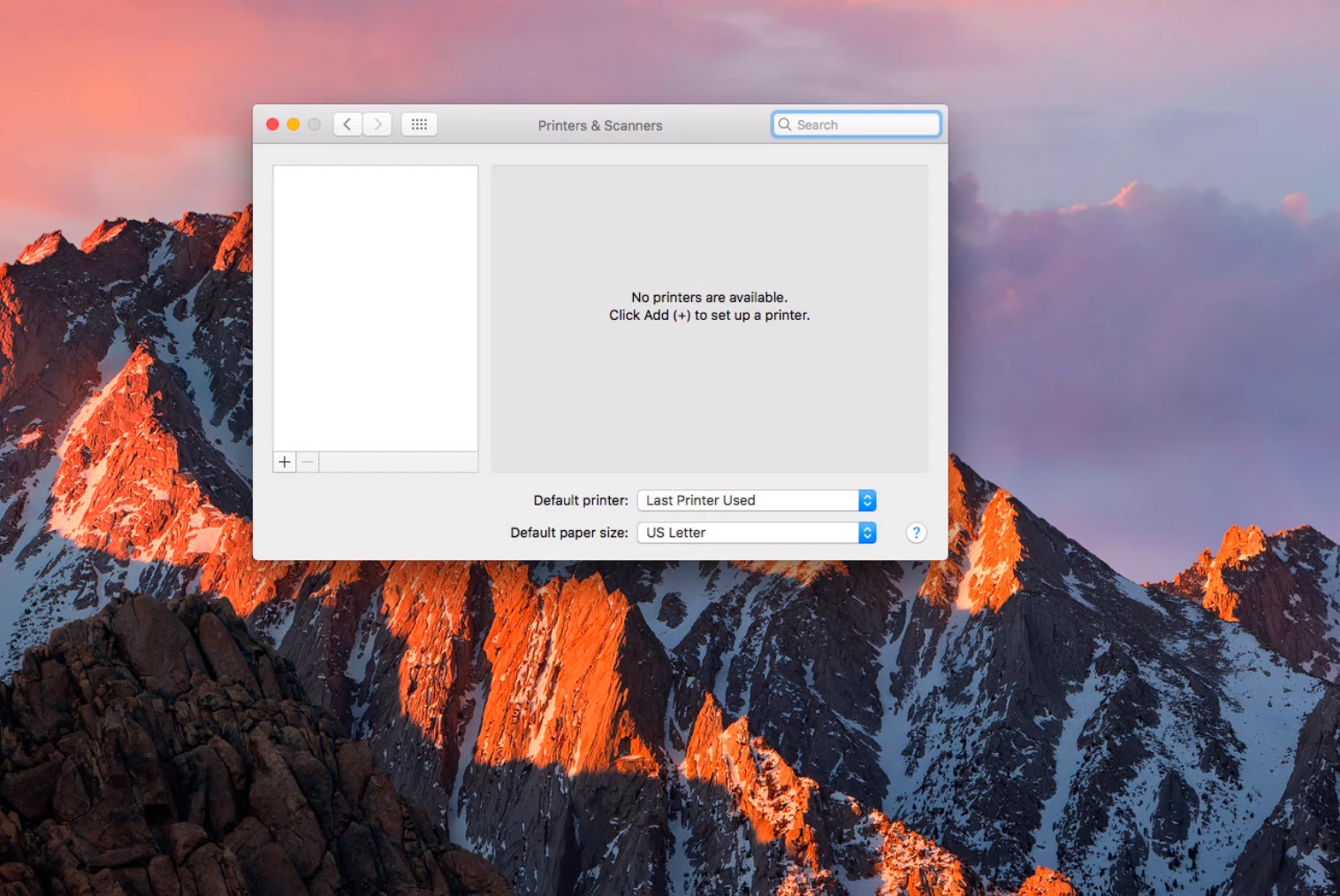
Removed all installed printers (in Apple Sys Prefs, in CUPs, and in WGM)
Un-installed and re-installed Chrome browser.
I've hit the proverbial wall and am now knocking my head against it :)
If anyone has any ideas, PLEASE HELLLLLP :)