
Question

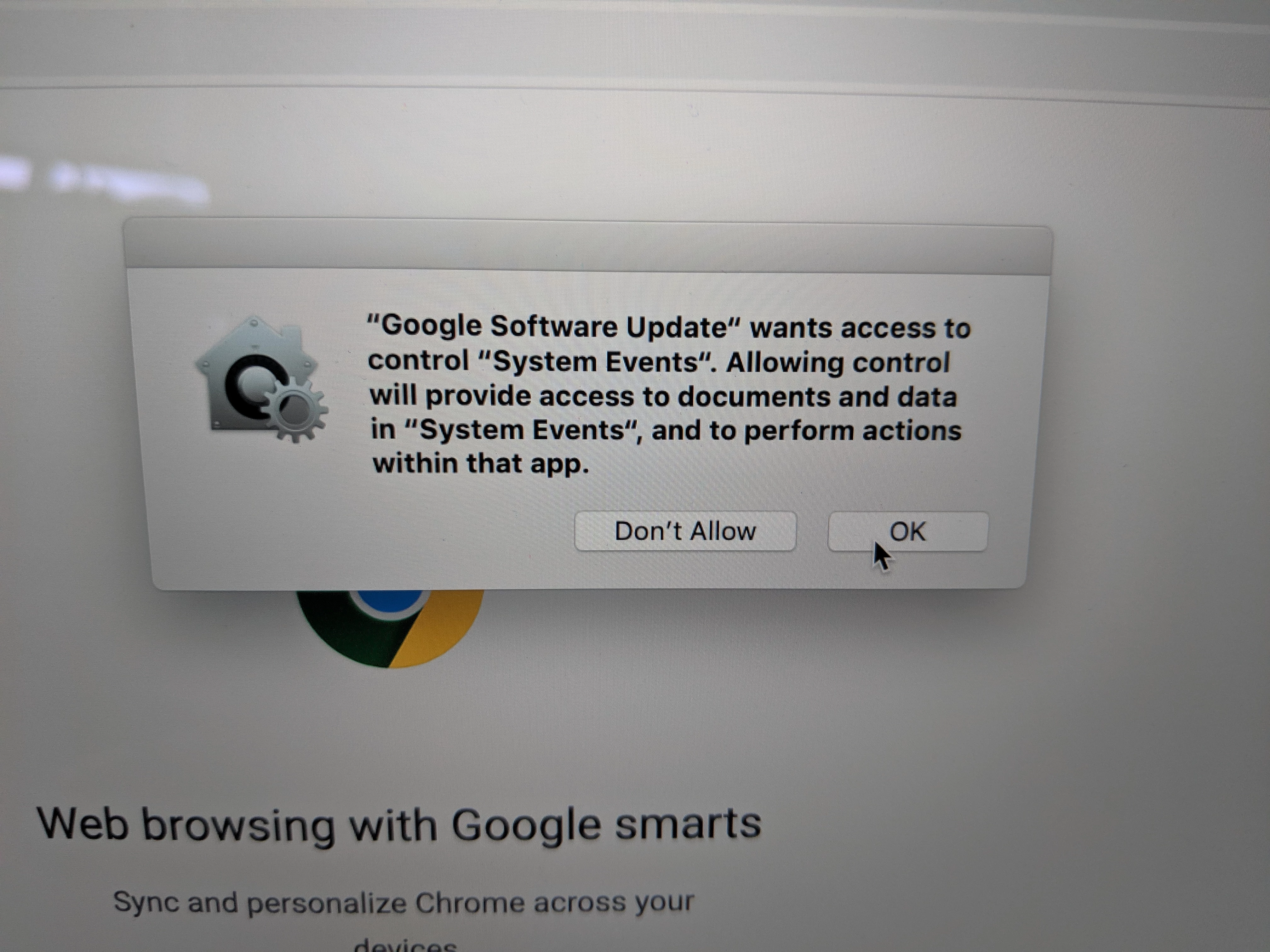
Google Software Update - System Events

  • May 13, 2019
  • 4 replies
  • 21 views

Forum|alt.badge.img+3

Trying to get this popup to be automatically accepted so our users do not have to click allow. I have tried using Privacy Preference Policy Control Utility. I added in the "GoogleSoftwareUpdate.bundle" from the Library/Google location into the left side of the window and I changed the system Events to allow and it's still popping up. I also tried adding in on the right to allow System Events, Finder and System ui server. The pop up still comes up.

Any thoughts? This is on OS 10.14

PS - Still learning jamf, so if my terminology is all wrong, I apologize
!

4 replies

Forum|alt.badge.img+4
  • Contributor
  • December 4, 2019

@emclean did you ever manage to resolve this? I'm trying to do the same.


mertala
Forum|alt.badge.img+3
  • New Contributor
  • December 5, 2019

Maybe you are looking for wrong bundle. You are doing this for "~/Library/Google/GoogleSoftwareUpdate/" path right?


atomczynski11
Forum|alt.badge.img+18
  • Jamf Heroes
  • February 6, 2020

Any update on this?


Forum|alt.badge.img+3
  • New Contributor
  • November 19, 2020

I solved this by giving the Google Software Update.bundle access to the following apple events:

com.apple.finder
com.apple.systemuiserver
com.apple.systemevents

The google software update bundle is located at: /Library/Google/GoogleSoftwareUpdate/GoogleSoftwareUpdate.bundle

To be honest, I'm not sure both com.apple.finder and com.apple.systemuiserver is needed, but after doing a lot of trial-and-error I got tired of this and gave it access to all three. This was all done using PPPC utility.
