Question

high sierra smb and spotlight

  • November 3, 2017
  • 7 replies
  • 10 views

Forum|alt.badge.img+6

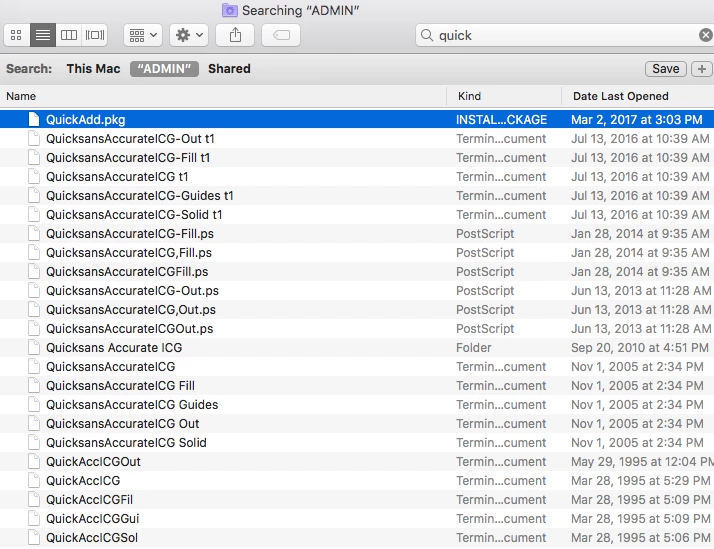
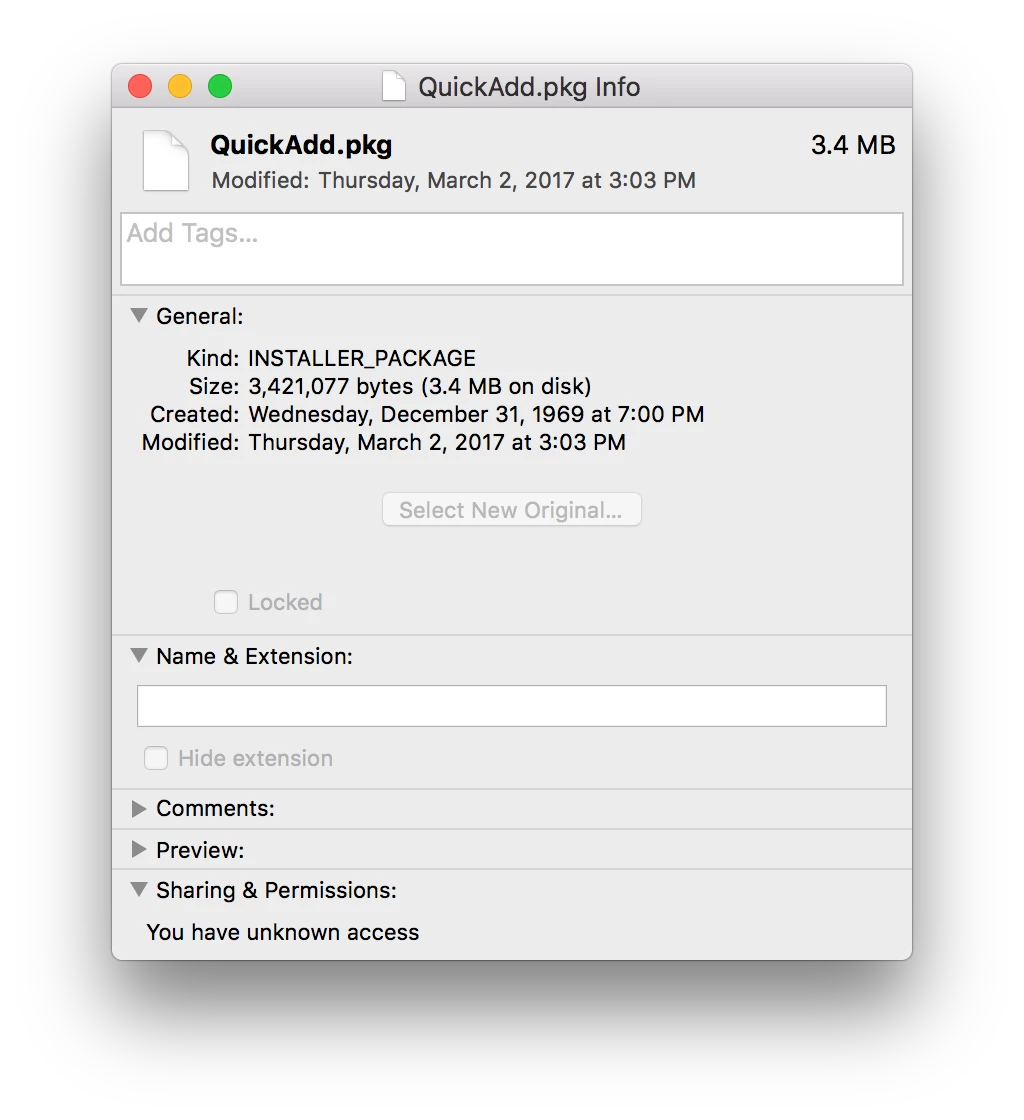
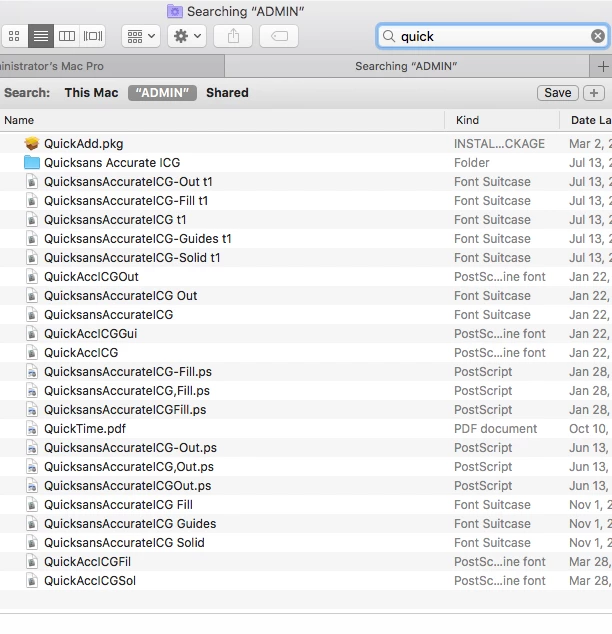
On our 10.13 macs, multiple machines, we're having a new SMB issue with search results. The files are listed as results, but the icons blank out to generic. For a second you see the real icon, but then they blank out. The results are also now inaccessible. You can't copy or open from the results window. and getting info shows the regular info but no file path.

see screenshots that compare afp results to smb results and the get info box.

Anyone know? I've been searching but haven't seen any mention of it.


7 replies

Forum|alt.badge.img+6
  • Author
  • Contributor
  • November 8, 2017

Is no one else seeing this? I can reproduce this on any mac with a fresh clean install of 10.13.


Forum|alt.badge.img+7
  • Valued Contributor
  • November 8, 2017

I'm on 10.13.1 I don't see any problems on displaying icons/image...
what setting do you have in Finder>View>Show View Options ?


Forum|alt.badge.img+6
  • Author
  • Contributor
  • November 8, 2017

Its only in search results on SMB volumes. Regular folders local or AFP are normal and fine. I found an apple support page with others having the same issue.

https://discussions.apple.com/message/32344438#32344438


Forum|alt.badge.img+7
  • Valued Contributor
  • November 8, 2017

interesting...I haven't run into that issue.


Forum|alt.badge.img+1
  • New Contributor
  • January 5, 2018

I'm seeing a similar problems searching Isilon shares mounted via SMB on 10.13.2. Did you ever find a work-around?


Forum|alt.badge.img+6
  • Author
  • Contributor
  • May 3, 2018

Hi @kkono sorry for the late response, I never got the email notification.

anyway, no we never found a solution. It's an issue with all of our High Sierra macs and our windows servers. Sierra doesnt have an issue. We've taken to using a third party app called EasyFind instead. Its not a great solution, but it works.


Forum|alt.badge.img+6
  • Author
  • Contributor
  • May 3, 2018

Actually, I just updated to 10.13.4 and it fixed the problem!