Firefox manages certificates separated from the system certificates that are used by Safari or Chrome. To circumvent the issue that users are presented with the "certificate not trusted, add exception" notification, it is possible to add the certificates automated to the users firefox installations by utilizing the following commands: Importing Certificates on Firefox & code snippet for looking for the profile name
I know that there is also the CCK utility, but that is also more or less a pain in the a**, especially when you want to maintain firefox installations that are already existing (and have a filled user profile).
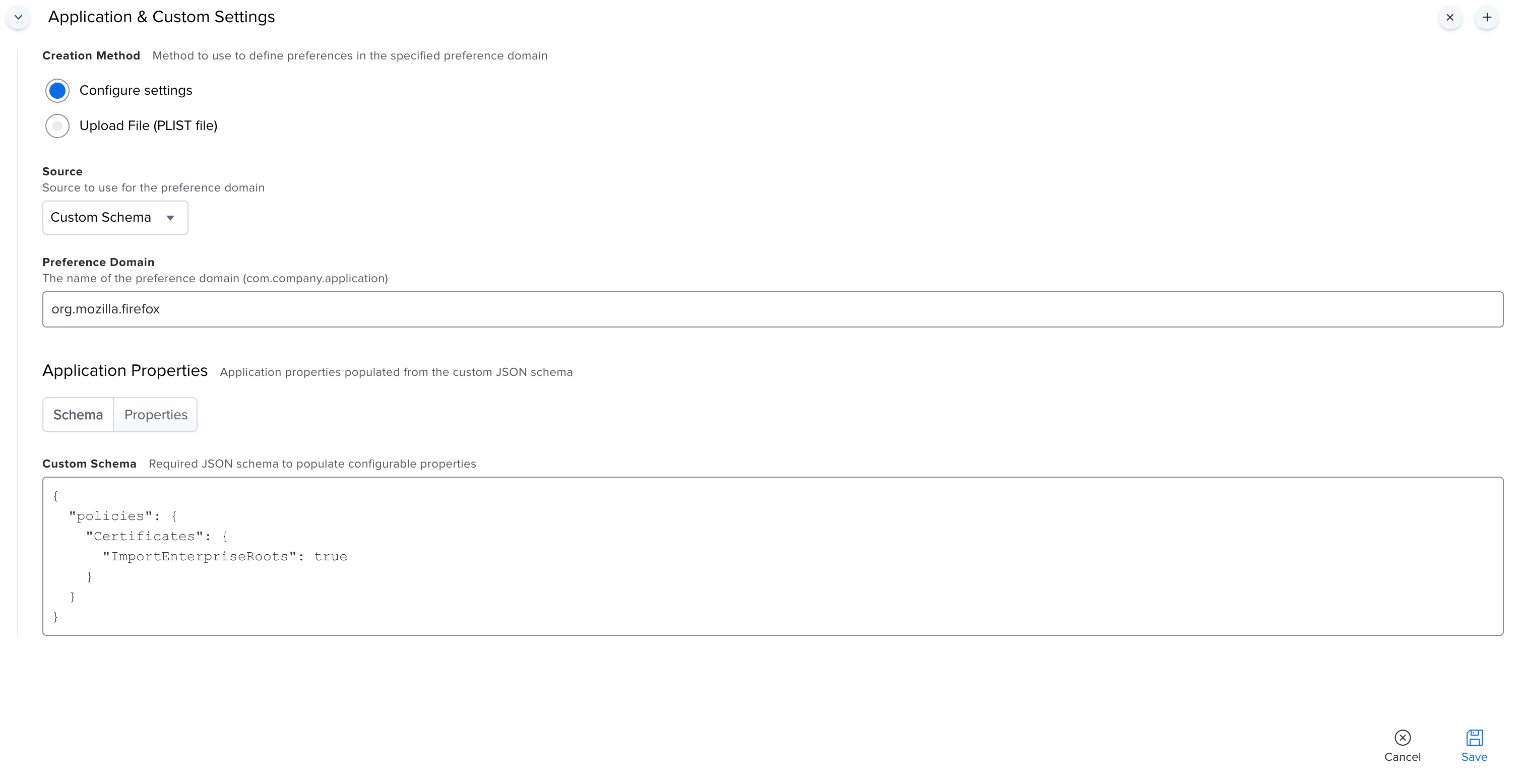
Firefox now provides the possibility to trust certificates that are stored in the system keychain by setting the key "about:config", "security.enterprise_roots.enabled" to TRUE. Mozilla Help
This setting should also be stored somewhere in prefs.js, but i have not figured out how to fiddle around with this file without ruining the user profile.
Now my question:
Does someone know a handy way to set this setting on all machines without destroying everything?