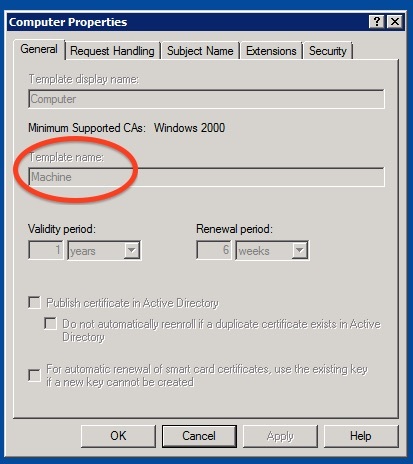
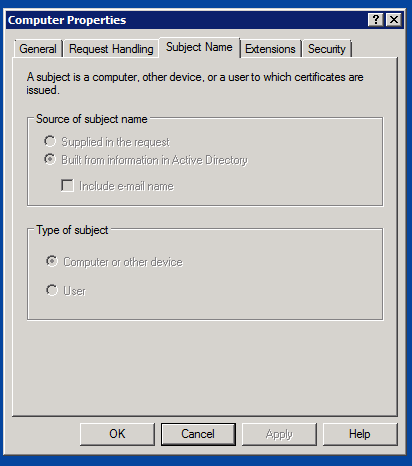
We'd like to set up our AD-bound MacBooks running Yosemite to connect to our company 802.1x Wi-Fi network automatically using machine-based authentication, in the same way that our managed Windows laptops do.
Can someone explain how I would go about doing this in Casper? From what I've been reading it should be a case of creating a (Computer Level) Configuration Profile and scoping this to all our laptops, with the Network, Certificate and AD Certificate payloads completed.
I'm wondering whether it'd be acceptable to use the same certificate that our Windows laptops use, and upload that in the Certificate payload. Would I be correct in saying that the AD Certificate part needs to be filled out in order for the machine to make a request to the authentication server and gain access? Our Windows systems do not use a particular username and password to connect as far as I know.
After we've done that, is there an easy way to configure clients to use wired ethernet by default, and only switch to use wi-fi when an ethernet cable is not connected?
I have zero experience in this area, so thanks in advance for any advice!